Bubuka
Welcome to the user manual for your Motorola Moto G Power smartphone. This guide is designed to help you navigate every feature, option, and capability of your device, whether you are a first-time smartphone user or an experienced enthusiast. The Moto G Power offers robust performance, a vibrant display, and a versatile camera system, all at an accessible price point. To fully utilize its potential, a clear understanding of its functions is essential. This manual provides detailed instructions, practical tips, and expert guidance to enhance your experience.
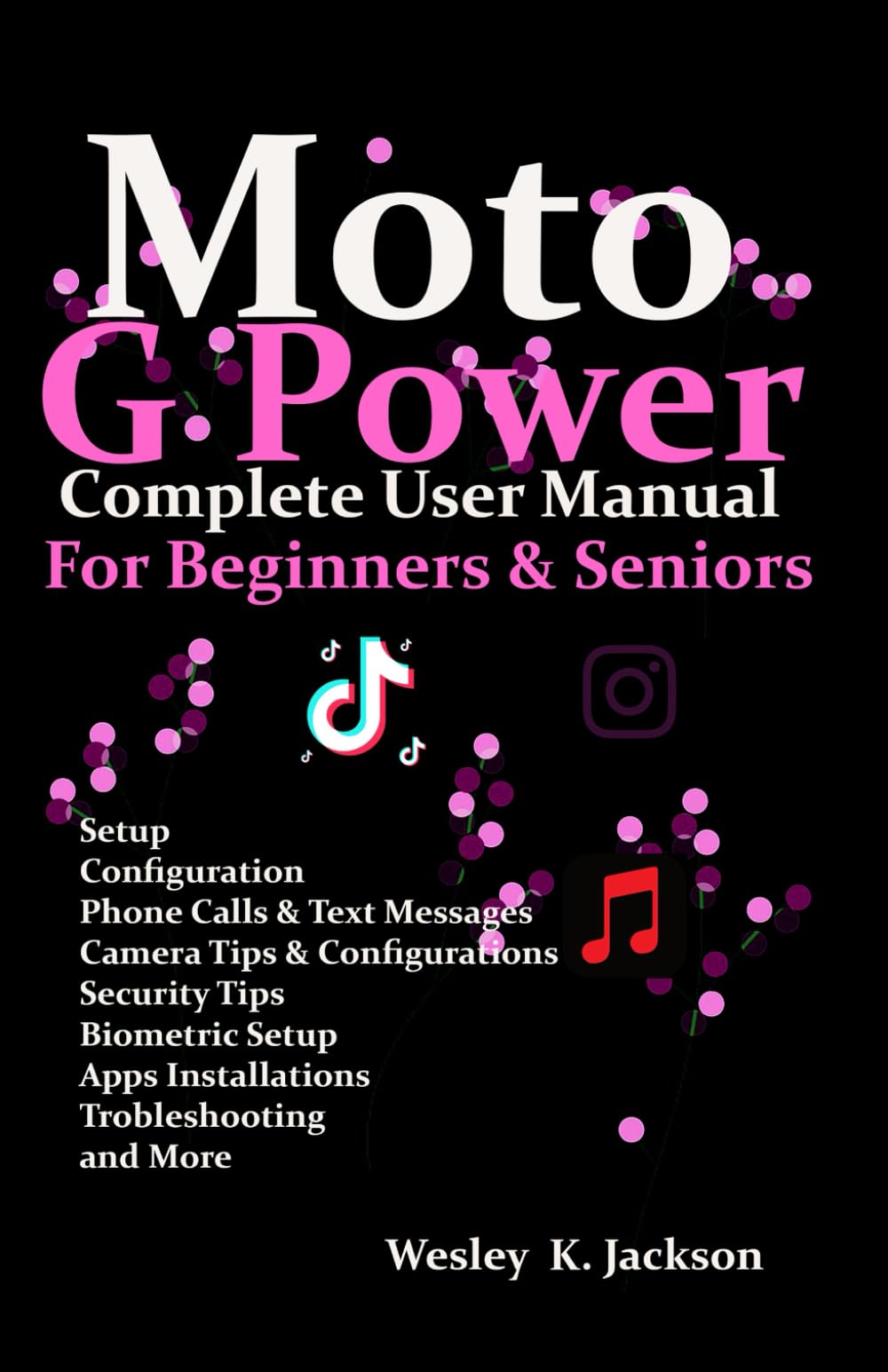
Image: Front cover of the Moto G Power User Manual. This image displays the title of the manual and its primary design.
Ngamimitian
This section covers the initial setup of your Moto G Power, from unboxing to customizing your home screen.
1. Unboxing sareng Biaya Awal
- Carefully remove your Moto G Power and its accessories from the packaging.
- Connect the charger to your phone and a power outlet. Allow the device to charge for at least 30 minutes before first use, or until the battery indicator shows sufficient charge.
2. Powering on / Pareum
- To power on, press and hold the Power button on the side of the device until the Motorola logo appears.
- To power off, press and hold the Power button, then tap 'Power off' on the screen.
3. Pamasangan Kartu SIM
- Panggihan tempat SIM di sisi telepon anjeun.
- Selapkeun alat ejector SIM kana liang leutik dina baki teras pencét lalaunan dugi baki éta kaluar.
- Teundeun kartu Nano-SIM anjeun kana baki kalayan kontak emas nyanghareup ka handap.
- Taliti selapkeun deui baki kana telepon.
4. Mimiti Setup Wizard
Turutan pitunjuk dina layar pikeun ngalengkepan setelan awal:
- Pilih basa sareng daérah anjeun.
- Nyambung ka jaringan Wi-Fi.
- Asup jeung akun Google Anjeun atawa jieun nu anyar.
- Review sareng nampi sarat sareng kaayaan.
- Nyetél konci layar (PIN, pola, kecap akses, sidik jari).
5. Mindahkeun Data
If you are upgrading from an old phone, the setup wizard will guide you through transferring data from your previous device using Google's backup services or a direct cable connection.
6. Kustomisasi Layar Utama
Personalize your home screen by:
- Adding widgets: Long-press on an empty area of the home screen, then tap 'Widgets'.
- Changing wallpaper: Long-press on an empty area, then tap 'Wallpaper & style'.
- Organizing apps: Drag and drop app icons to rearrange them or create folders.
Ngoperasikeun Alat Anjeun
Learn how to use the core functionalities of your Moto G Power.
1. Nelepon jeung Ngirim Talatah
- Telepon: Open the 'Phone' app, enter a number or select a contact, then tap the call icon.
- Pesen: Open the 'Messages' app, tap 'Start chat', enter a contact or number, and type your message.
2. Mastering the Camera
The Moto G Power features a multi-lens camera system designed for various photographic scenarios. This section provides expert advice on how to take great photographs and videos.
- Ngajalankeun kaméra: Tap the Camera app icon or use a Moto Action (e.g., twist your wrist twice).
- Basic Modes: Switch between Photo, Video, Portrait, and Night Vision modes by swiping across the viewanu mendakan
- Zum: Pinch in or out on the screen, or use the zoom slider.
- fokus: Ketok dina layar pikeun nyetel titik fokus.
- Tip Pro:
- Use HDR for balanced exposure in high-contrast scenes.
- Experiment with Portrait mode for professional-looking photos with blurred backgrounds.
- Utilize Night Vision in low-light conditions for brighter, clearer images.
3. Manajemén batré
Maximize the life of your cellular device's battery with these best practices for fast-charging and energy-saving.
- Ngeusi batre optimal: Use the charger provided with your device for fast and efficient charging. Avoid extreme temperatures while charging.
- Modeu Hemat Batré: Enable 'Battery Saver' in Settings > Battery to extend battery life by restricting background activity and visual effects.
- Pamakéan monitor: Check 'Battery usage' in Settings > Battery to identify apps consuming the most power and manage them accordingly.
- Kacaangan layar: Reduce screen brightness or enable 'Adaptive brightness' to save power.
4. Kaamanan sareng Privasi
Achieve security and privacy by establishing fingerprint and face recognition, securing your data, and managing permissions for applications.
- Sensor sidik: Go to Settings > Security > Fingerprint. Follow the instructions to register your fingerprints for quick and secure unlocking.
- Muka konci: In Settings > Security > Face Unlock, set up facial recognition for convenient unlocking.
- Konci layar: Ensure you have a strong PIN, pattern, or password set up as a backup to biometric security.
- Idin Aplikasi: Biasa deuiview and manage app permissions in Settings > Apps > See all apps > [App Name] > Permissions to control what data apps can access.
- Énkripsi Data: Your device's data is encrypted by default, providing an additional layer of security.
5. Hidden Features and Shortcuts (Moto Actions)
Unlock secret tricks that can enhance your user experience and increase your productivity.
- Candak gancang: Pulas pigeulang anjeun dua kali gancang pikeun muka kaméra.
- Fast Flashlight: Make two chopping motions with your phone to turn the flashlight on or off.
- Potret layar tilu ramo: Toél jeung tahan layar ku tilu ramo pikeun nyokot gambar layar.
- Lift to Unlock: Lift your phone to unlock it and see notifications.
- Flip for Do Not Disturb: Place your phone face down to silence notifications and calls.
Pangropéa
To ensure that your phone continues to function without any interruptions, it is essential to undertake regular maintenance tasks.
1. Apdet parangkat lunak
- Pariksa sareng pasang apdet parangkat lunak sacara rutin pikeun mastikeun alat anjeun ngagaduhan fitur, patch kaamanan, sareng paningkatan kinerja pangénggalna. Buka Setélan > Sistem > Apdet sistem.
2. Ngabersihan Alat Anjeun
- Use a soft, lint-free cloth to gently wipe the screen and body of your phone.
- Hindarkeun ngagunakeun bahan kimia anu kasar atanapi bahan abrasive.
3. Manajemén gudang
- Périodik ulangview your storage usage in Settings > Storage.
- Pupus teu perlu files, uninstall aplikasi nu teu kapake, atawa pindah badag files to cloud storage or an SD card (if supported).
4. Nyadangkeun tur Mulangkeun
- Ensure your data is regularly backed up to your Google account. Go to Settings > System > Backup.
- This allows you to restore your data if you get a new device or need to perform a factory reset.
Pamérésan masalah
This section addresses common issues and provides solutions to help you resolve problems with your Moto G Power.
1. Device Not Responding/Freezing
- Pencét jeung tahan tombol Daya salila kira 10-15 detik pikeun maksa balikan deui.
2. App Crashing or Not Working
- Clear the app's cache and data: Settings > Apps > See all apps > [App Name] > Storage & cache > Clear cache / Clear storage.
- Uninstall sareng pasang deui aplikasi.
- Check for app updates in the Google Play Store.
3. Connectivity Issues (Wi-Fi/Bluetooth/Cellular)
- Toggle Wi-Fi, Bluetooth, or Cellular Data off and on.
- Balikan deui telepon anjeun.
- Reset network settings: Settings > System > Reset options > Reset Wi-Fi, mobile & Bluetooth.
4. Batré Draining Gancang
- Review 'Battery usage' in Settings to identify problematic apps.
- Enable Battery Saver mode.
- Reduce screen brightness and disable unnecessary features like GPS or always-on display when not in use.
5. Factory Reset (Last Resort)
If other troubleshooting steps fail, a factory reset can resolve persistent issues. Warning: This will erase all data on your phone. Ensure you have backed up all important information before proceeding.
- Buka Setélan > Sistem > Pilihan reset > Hapus sadaya data (reset pabrik).
- Turutan parentah dina-layar.
spésifikasi
Detailed technical specifications for the Motorola Moto G Power smartphone are not provided within this manual. Please refer to the official Motorola website or your device's packaging for comprehensive specifications.
Garansi sareng Rojongan
Specific warranty information and detailed support contacts are not included in this manual. For warranty details, technical support, or service inquiries, please visit the official Motorola support websitus atanapi ngahubungan pangecér Anjeun.
Inpormasi salajengna

Image: Back cover of the Moto G Power User Manual. This image includes the ISBN barcode: 979-8316428694.
This manual is intended to provide general guidance. Features and functionality may vary based on software version and region.


