Bubuka
This manual provides essential information for setting up, operating, and maintaining your Turtle Beach Rematch Wireless Controller for Nintendo Switch. Please read these instructions carefully to ensure optimal performance and longevity of your device.
Eusi pakét
- Turtle Beach Rematch Wireless Controller
- USB-C Charging Cable (3.3ft / 1M)
- Gancang Mimitian Guide

Angka 1: Item anu kalebet dina bungkusan.
Setup: Connecting Your Controller
- Pastikeun konsol Nintendo Switch anjeun diaktipkeun sareng diropéa kana parangkat lunak sistem panganyarna.
- Tina Menu RUMAH, pilih Controllers, tuluy Robah Pakem / Orde.
- Pencét jeung tahan tombol Tombol singkronisasi on the top of your Rematch Wireless Controller for a few seconds until the player indicator lights begin to flash.
- Once the player indicator lights stop flashing and remain lit, the controller is successfully paired.
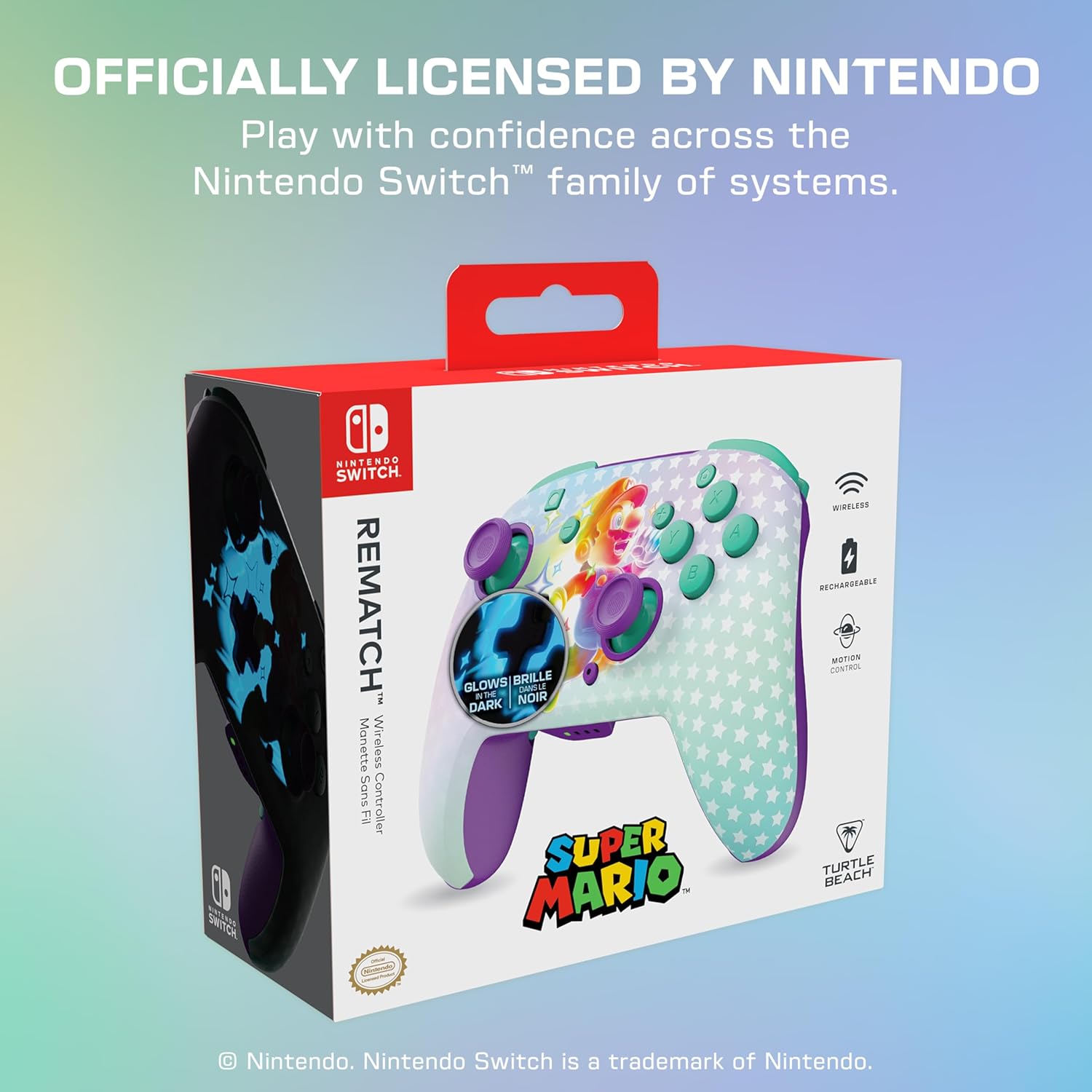
- The controller is compatible with Nintendo Switch, Switch Lite, and Switch OLED models, and is designed to work with Nintendo Switch 2.
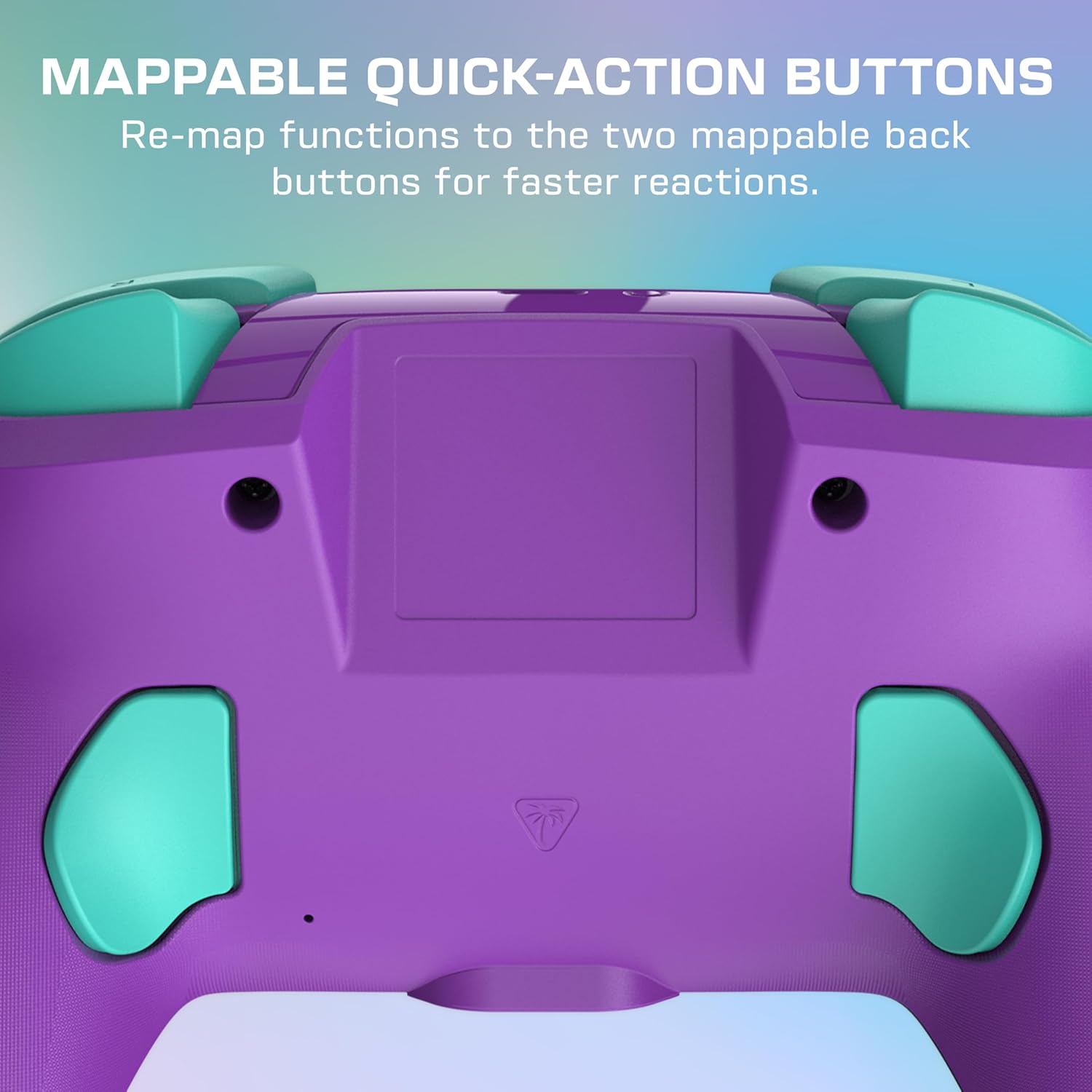
Figure 2: Controller in use, highlighting its comfortable grip.
Ngoperasikeun Controller Anjeun
Kadali dasar
The Rematch Wireless Controller features standard Nintendo Switch button layouts, including A, B, X, Y buttons, directional pad, left and right analog sticks, and shoulder buttons (L, R, ZL, ZR).

Figure 3: Controller in active gameplay.
Programmable Quick-Action Buttons
The controller includes two programmable quick-action back buttons. These buttons can be re-mapped to perform any other controller function, allowing for faster reactions and customized gameplay. Refer to the Quick Start Guide for detailed instructions on how to program these buttons.
Gambar 4: Tukangeun view of the controller with programmable buttons.
Built-in Motion Controls
Experience immersive gameplay with the controller's built-in motion controls, providing enhanced control and responsiveness for compatible games.

Figure 5: Controller in use, showcasing motion controls.
Fitur Glow-in-the-Dark
The controller features a unique Mario design that glows in the dark, adding a visual element to your gaming experience in low-light conditions.

Figure 6: Controller's glow-in-the-dark design.
Ngeusi batre jeung Batré
The Rematch Wireless Controller is equipped with a rechargeable battery, offering up to 40 hours of play time per charge. To charge the controller, connect the included USB-C cable to the controller's charging port and the other end to a powered USB port (e.g., on your Nintendo Switch dock or a USB wall adapter).

Figure 7: Controller connected for charging.
Pangropéa
To maintain your controller's performance and appearance:
- Bersihkeun controller sacara rutin nganggo lawon anu lemes sareng garing.
- Hindarkeun ngagunakeun bahan kimia anu kasar atanapi bahan abrasive.
- Nyimpen controller dina tiis, tempat garing jauh ti sinar panonpoé langsung jeung hawa ekstrim.
- Ulah nyobian ngabongkar controller, sabab ieu bakal ngabatalkeun garansi.
Pamérésan masalah
Controller Teu Nyambung
- Pastikeun controller geus dicas pinuh.
- Verify that your Nintendo Switch console is updated to the latest system software.
- Repeat the pairing process as described in the 'Setup' section.
- If issues persist, try restarting your Nintendo Switch console.
Batré Teu Ngecas
- Check that the USB-C cable is securely connected to both the controller and the power source.
- Coba maké port USB atawa adaptor kakuatan béda.
- Pastikeun kabel ngecas teu ruksak.
spésifikasi
| Nomer modél | TBC-8101-95 |
| Kasaluyuan | Nintendo Switch, Switch Lite, Switch OLED, Nintendo Switch 2 |
| Konektipitas | Wireless (low latency, up to 30-foot range) |
| Batré | 1 Lithium Polymer battery (included), up to 40 hours playtime |
| Diménsi | 2 x 6.5 x 5 inci |
| Beurat | 12 ons |
| Fitur husus | Glow-in-the-Dark Mario Design, Two Programmable Quick-Action Back Buttons, Built-in Motion Controls, Ergonomic Design |
Garansi sareng Rojongan
Your Turtle Beach Rematch Wireless Controller is covered by a manufacturer's warranty. For specific warranty details, registration, and technical support, please visit the official Turtle Beach websitus atanapi ngahubungan layanan palanggan maranéhna. Simpen bukti pameseran anjeun pikeun klaim garansi.
Dukungan Online: www.turtlebeach.com/support