1. Bubuka
This manual provides comprehensive instructions for the YANMONGI protective case, designed specifically for Headwolf FPad7, FPad6, and Alphawolf APad2 8.4-inch tablets. This case offers robust protection, a convenient stand function, and maintains a slim, lightweight profile for enhanced portability.
fitur konci ngawengku:
- Ultra-lightweight and slim design
- Integrated stand for hands-free viewing
- Comprehensive protection against drops, scratches, and dust with shock-absorbing corners
- Precise cutouts for ports, speakers, and camera
- Dust-resistant button covers
- Durable PU leather and TPU construction
2. Setup: Installing Your Tablet
Follow these steps to correctly install your Headwolf FPad7/FPad6/Alphawolf APad2 8.4-inch tablet into the YANMONGI case:
- Nyiapkeun Kasus: Ensure the case is clean and free of debris.
- Sejajarkeun Tablet: Gently align your tablet with the case, ensuring the camera, ports, and buttons match the case's cutouts.
- Lebetkeun Tablet: Start by inserting one side of the tablet into the flexible TPU frame of the case.
- Secure the Tablet: Carefully press the remaining edges of the tablet into the case until it is fully seated and secure. The flexible material allows for easy installation without damaging your device.
- Pariksa Fit: Check that all ports, buttons, and the camera are accessible and properly aligned with the case's openings.

Image 1: The YANMONGI tablet case with a tablet installed, demonstrating its slim profile and protective design. The image also shows the case's ability to fold into a stand.

Gambar 2: A lengkep view of the case's precise cutouts, ensuring full access to the tablet's camera, speakers, and charging port without obstruction.

Image 3: The case's shock-absorbing air-guard corners, designed to protect the tablet from impacts during accidental drops.
3. Parentah Operasi
3.1. Using the Integrated Stand Function
The YANMONGI tablet case features a built-in stand for hands-free viewngetik sareng ngetik. Pikeun ngaktipkeun dudukan:
- Buka panutup: Fold back the front cover of the case.
- Position the Tablet: Place the tablet in an upright position, using the grooves on the inside of the cover to secure it at your desired viewing angle. The non-slip design ensures stability.
- Saluyukeun Sudut: The stand supports multiple angles for comfortable viewing of videos, reading, or typing.

Image 4: The tablet case configured into a stand, illustrating various adjustable angles for optimal viewinteraksi jeung interaksi.
3.2. Smart Sleep Mode
This case supports the tablet's smart sleep/wake function. Closing the cover will automatically put your tablet to sleep, and opening it will wake it up, conserving battery life.
4. Pangropéa sarta perawatan
To ensure the longevity and appearance of your YANMONGI tablet case, follow these maintenance guidelines:
- beberesih: Lap wadahna ku kaén nu lemes,amp lawon. Pikeun noda anu bandel, larutan sabun anu hampang tiasa dianggo. Hindarkeun bahan kimia anu keras atanapi pembersih anu abrasif.
- Pangeringan: Allow the case to air dry completely before re-installing your tablet.
- Panyimpenan: Simpen wadahna di tempat anu tiis sareng garing, jauh tina sinar panonpoé langsung sareng suhu anu ekstrim nalika henteu dianggo.
- Hindarkeun Objék Seukeut: Prevent contact with sharp objects to avoid scratches or damage to the case material.
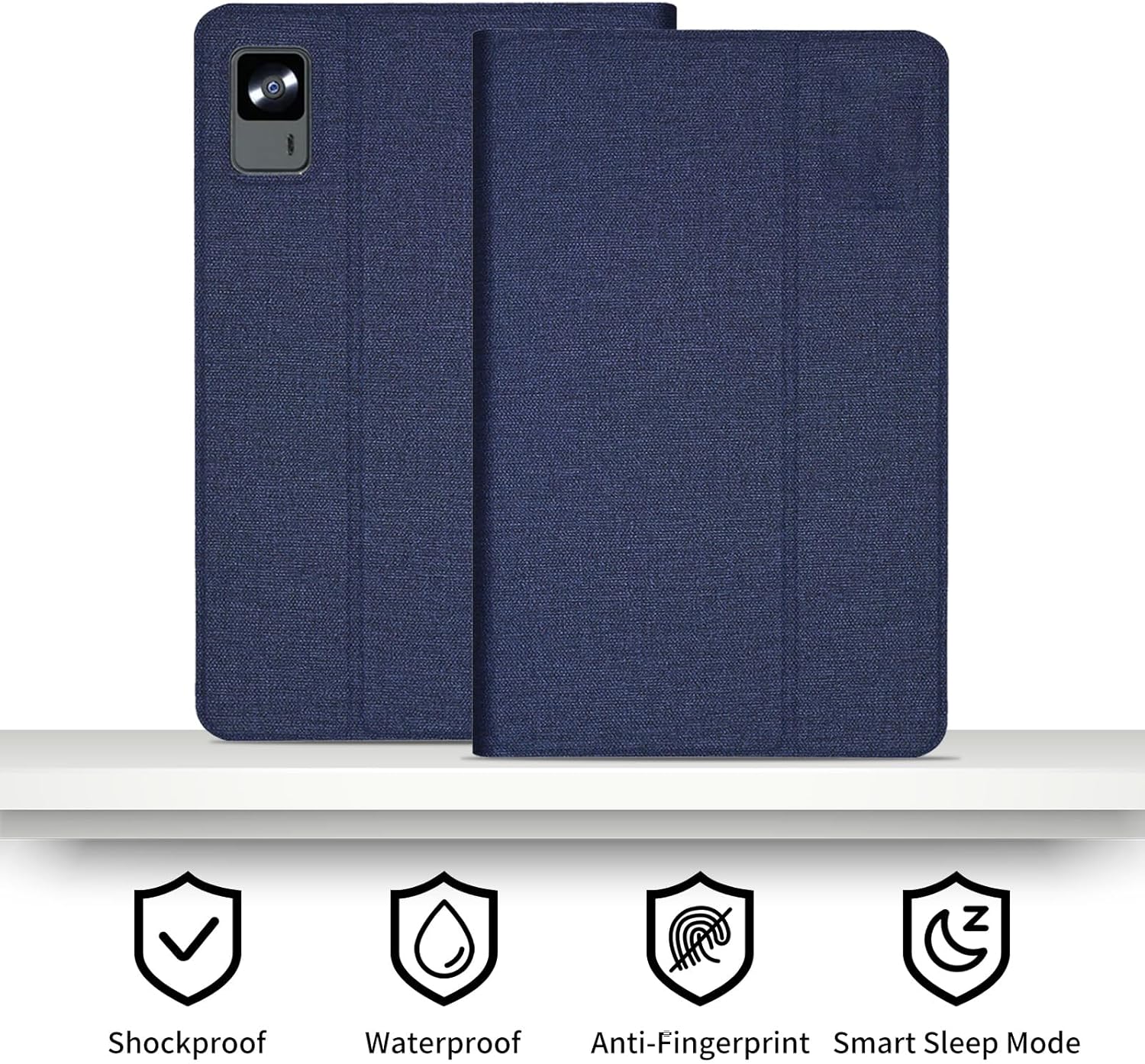
Image 5: Visual representation of the case's protective qualities, including shock absorption, water resistance (splash-proof), anti-fingerprint surface, and smart sleep mode compatibility.
5. Cara ngungkulan
If you encounter any issues with your YANMONGI tablet case, consider the following:
- Casingna Henteu Pas: Ensure your tablet model is one of the compatible devices: Headwolf FPad7, FPad6, or Alphawolf APad2 (8.4-inch). This case is specifically designed for these models.
- Tombol-tombolna Henteu Responsif: Verify that the tablet is correctly seated within the case and that the case's button covers are aligned with the tablet's buttons.
- Kateustabilan Nangtung: Ensure the tablet is placed firmly into the non-slip grooves of the stand. Adjust the angle if necessary.
6. Spésifikasi
| Fitur | Rincian |
|---|---|
| merek | YANMONGI |
| Alat nu cocog | Headwolf FPad7, Headwolf FPad6, Alphawolf APad2 (8.4-inch) |
| Bahan | Durable Soft PU Leather and TPU |
| Warna | Biru |
| Jenis cangkang | Lemes |
| Item Beurat | 0.352 ons (kira-kira 10 gram) |
| Fitur husus | Built-in Stand, Shockproof, Scratch Resistant, Dust Resistant, Smart Sleep/Wake Function |
7. Garansi jeung Rojongan
For any questions, concerns, or support regarding your YANMONGI tablet case, please contact the manufacturer or seller directly through your purchase platform. Please refer to your purchase documentation for specific warranty information.


