
DOGNESS F09
DOGNESS 9L Automatic Pet Feeder User Manual
Modél: F09
1. Bubuka
Thank you for choosing the DOGNESS 9L Automatic Pet Feeder. This device is designed to provide your pet with scheduled and portion-controlled meals, ensuring a consistent feeding routine even when you are away. Please read this manual thoroughly before operating the feeder to ensure proper use and maintenance.
2. Émbaran Kasalametan penting
- Perkakas ieu kanggo panggunaan jero rohangan wungkul.
- Use only dry pet food with kibble sizes between 0.2 and 0.6 inches (0.5 to 1.5 cm) to prevent clogging.
- Ulah neuleumkeun unit utama dina cai atawa cairan séjén.
- Keep the feeder out of reach of children and pets when not in use or during cleaning.
- Salawasna cabut colokan feeder sateuacan beberesih atanapi ngalaksanakeun pangropéa.
- Ensure the power adapter cable is not damaged or chewed by pets.
- Do not attempt to repair or modify the feeder yourself. Contact customer support for assistance.
3. Eusi Paket
Mangga parios eusi pakét pikeun mastikeun yén sadaya barang aya:
- DOGNESS 9L Automatic Pet Feeder Main Unit
- Food Hopper Lid
- Food Bowl (Base)
- Adaptor kakuatan
- Manual pangguna (dokumén ieu)
4. Produk Langkungview
Familiarize yourself with the components of your DOGNESS Automatic Pet Feeder.

Gambar 4.1: Hareupeun view of the DOGNESS 9L Automatic Pet Feeder.
- Hopper dahareun: Large capacity container for dry pet food.
- tutup: Secures the food hopper.
- Control Panel & LCD Display: For programming and operating the feeder.
- Gerai Kadaharan: Where food is dispensed.
- Mangkok Kadaharan: Detachable tray for pet to eat from.
- Palabuhan Daya: Pikeun nyambungkeun adaptor AC.
- Kompartemen batré: For backup batteries (located at the bottom).
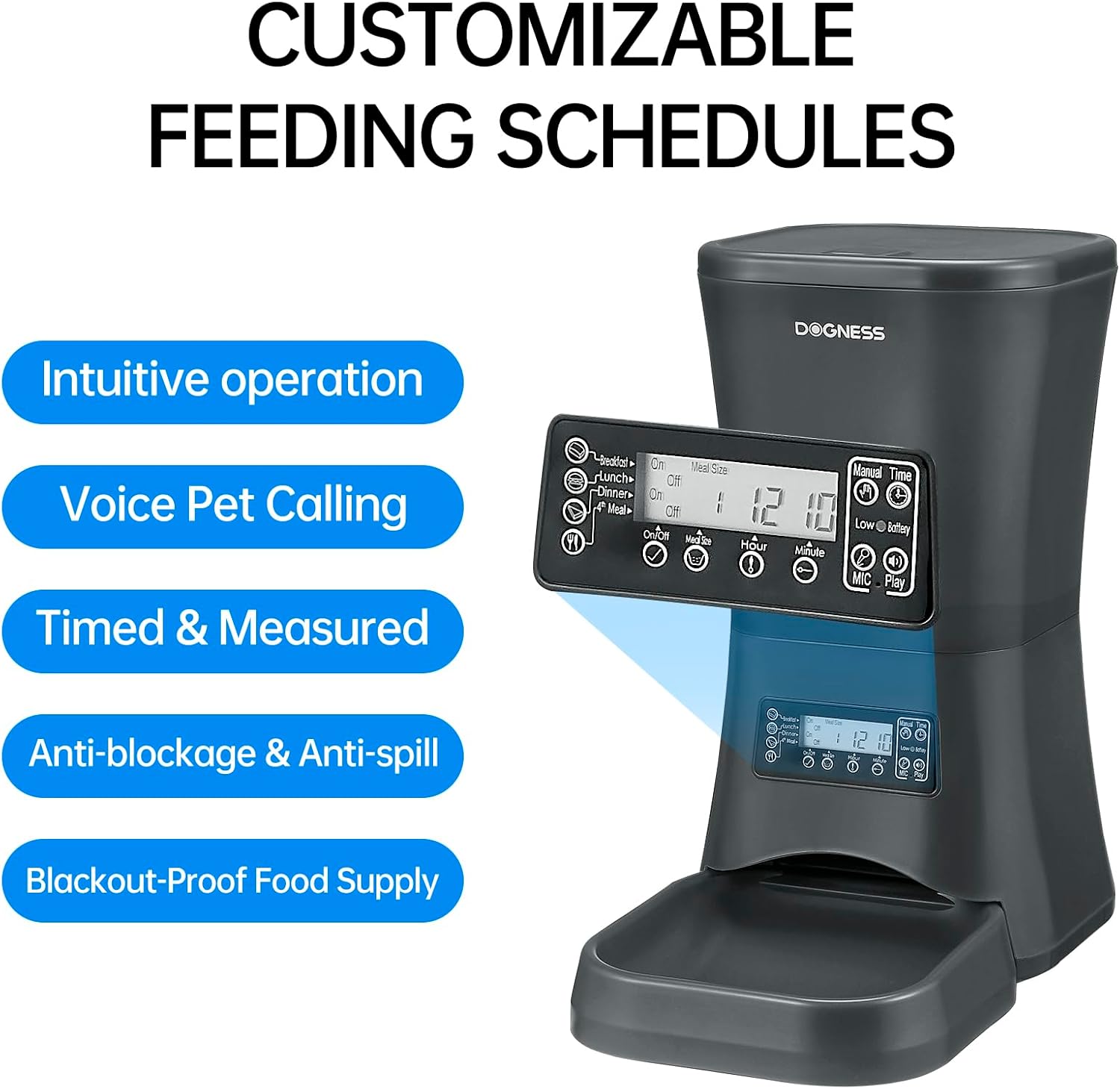
Gambar 4.2: Diwincik view tina panel kontrol sareng tampilan LCD.
5. Setup Guide
5.1 Ngabongkar jeung Majelis
- Sacara saksama miceun sadaya komponén tina bungkusan.
- Teundeun unit utama dina datar, permukaan stabil.
- Attach the food bowl to the main unit by sliding it into place until it clicks securely.
5.2 Ngahurungkeun Feeder
The feeder can be powered by an AC adapter or backup batteries.
- Daya AC: Connect the power adapter to the feeder's power port and then plug it into a standard wall outlet.
- Cadangan batré: Pikeun kakuatan anjeuntages, the feeder supports D-cell batteries (not included). Open the battery compartment at the bottom of the unit and insert the required number of D-cell batteries, ensuring correct polarity. The internal Lithium-ion battery included is for maintaining settings.
5.3 Ngeusian Hopper Kadaharan
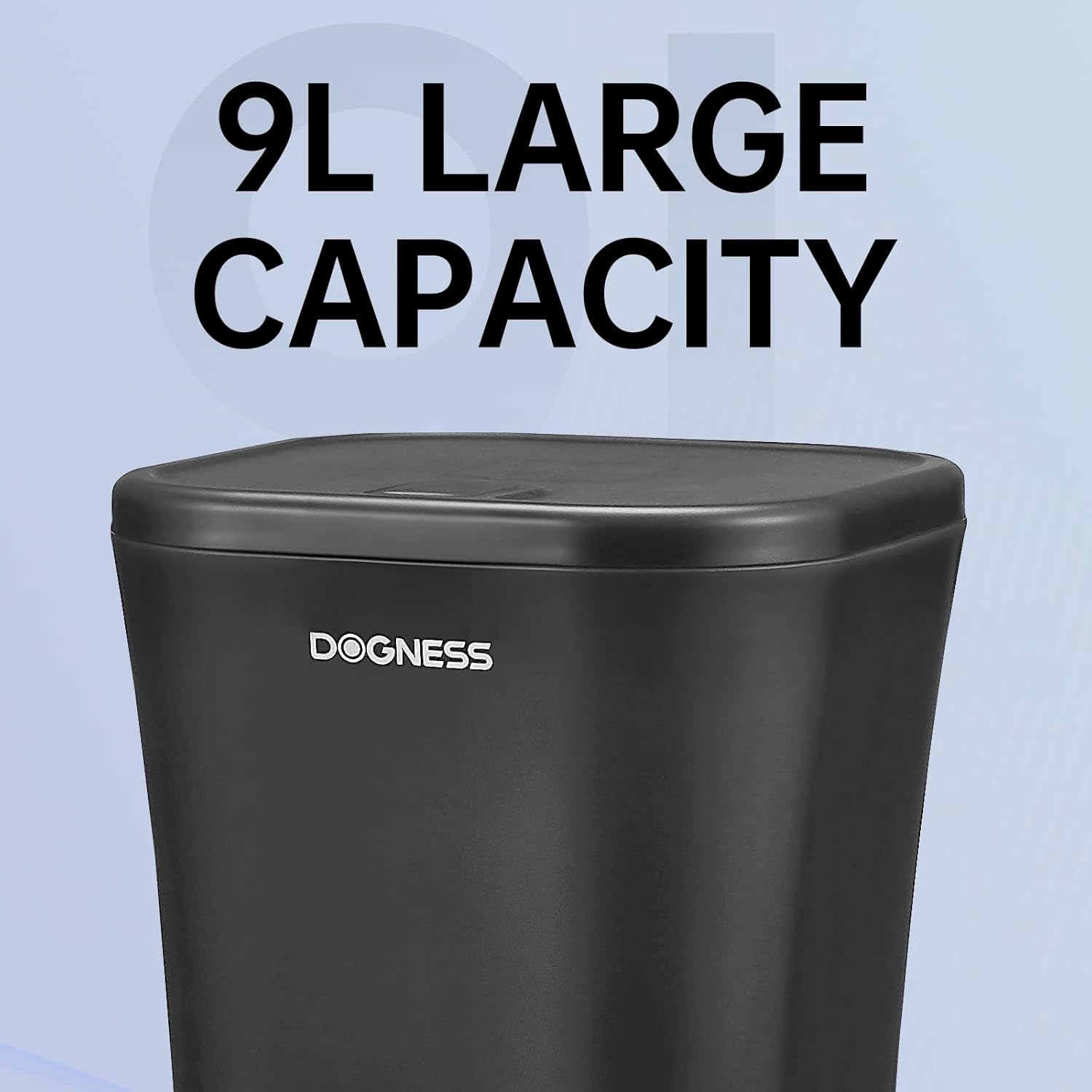
Gambar 5.1: The large 9-liter capacity food hopper.
- Buka tutup hopper dahareun.
- Pour dry pet food into the hopper. Ensure the kibble size is appropriate (0.2 to 0.6 inches).
- Close the lid securely to maintain food freshness and prevent spills.
6. Parentah Operasi
6.1 Nyetél Waktos Ayeuna
Before programming meal times, set the current time on the feeder's LCD display.
- Pencét éta "SET" tombol pikeun asup kana mode setelan waktos.
- Ngagunakeun éta "HOUR" jeung "MINUTE" tombol pikeun nyaluyukeun jam sareng menit ayeuna.
- Pencét "SET" deui pikeun ngonfirmasi sareng kaluar.
6.2 Ngatur Jadwal Dahar jeung Porsi
The feeder allows you to schedule up to 4 meals per day with customizable portion sizes.
- Pencét éta "TUANG" button to cycle through Meal 1, Meal 2, Meal 3, and Meal 4 settings.
- For each meal, use the "HOUR" jeung "MINUTE" buttons to set the desired feeding time.
- Ngagunakeun éta "PORTION" button to adjust the number of servings for that meal. Each serving dispenses a specific amount of kibble. Refer to the specifications for approximate serving size.
- After setting each meal, press "SET" to save the settings and move to the next meal or exit programming mode.
- Ensure the meal schedule is activated (usually indicated by an "ON" or active icon on the display for each meal).

Gambar 6.1: The feeder providing automatic, scheduled meals.
6.3 Rékam sora
You can record a personalized voice message (up to 10 seconds) that will play before each meal to call your pet.
- Pencét jeung tahan tombol "REK" button until the display indicates recording mode.
- Speak clearly into the microphone (usually located near the control panel).
- Ngaleupaskeun "REK" button to save the recording.
- Pencét éta "MAÉN" tombol pikeun ngadangukeun pesen anu direkam.
6.4 Dahar Manual
To dispense food instantly outside of scheduled meal times:
- Pencét éta "MANUAL" button once to dispense one serving.
- Press multiple times for additional servings.

Gambar 6.2: Food being dispensed, demonstrating the anti-clogging design.
7. Pangropéa jeung beberesih
7.1 Ngabersihkeun Feeder
- Cabut colokan feeder tina stop kontak sareng cabut batré cadangan naon waé.
- Remove any remaining food from the hopper and food bowl.
- The food bowl is detachable and can be washed with mild soap and water. Rinse thoroughly and dry completely before reattaching.
- Wipe the interior of the food hopper and the exterior of the main unit with a damp lawon. Ulah make cleaners abrasive.
- Pastikeun sadaya bagian garing pisan sateuacan dipasang deui sareng dieusi deui ku tuangeun.
7.2 Ngeusian deui Kadaharan
Regularly check the food level in the hopper. Refill as needed to ensure continuous feeding for your pet.
7.3 Ngagantian batré
If using D-cell batteries for backup, replace them when the low battery indicator appears on the LCD display or approximately every 6-12 months, depending on usage.
8. Cara ngungkulan
| Masalah | Mungkin Cukang lantaranana | Solusi |
|---|---|---|
| Panyeuseup teu ngaluarkeun dahareun. |
|
|
| Incorrect portion size dispensed. |
|
|
| LCD display is blank or not responding. |
|
|
9. Spésifikasi

Gambar 9.1: Dimensions of the DOGNESS 9L Automatic Pet Feeder.
| Nomer modél | F09 |
| Kapasitas | 9 liter |
| Ukuran (L x W x H) | 23.6 cm x 40.6 cm x 38.2 cm |
| Beurat | 2.52 kg |
| Bahan | palastik |
| Sasayogian tanaga | AC Adapter (included), D-cell Batteries (not included) for backup |
| Dianjurkeun Kibble Ukuran | 0.2 - 0.6 inci (0.5 - 1.5 cm) |
| Warna | Black-9L |
| Lingkungan Pamakéan | Pamakéan jero rohangan wungkul |
10. Garansi jeung Rojongan
DOGNESS products are manufactured to high-quality standards. For warranty information, please refer to the warranty card included with your purchase or visit the official DOGNESS website. If you encounter any issues or have questions regarding your pet feeder, please contact DOGNESS customer support for assistance.
Rojongan Palanggan: Mangga tingal dokuméntasi pameseran anjeun atanapi ti produsén websitus pikeun detil kontak.
Ask a question about this manual
Ask about setup, troubleshooting, compatibility, parts, safety, or missing instructions. Manuals+ will review the question and use this page’s manual context to help answer it.