
Cameron Sino Jetfon X500 / LB-X500
User Manual for Cameron Sino Replacement Battery
Model: Jetfon X500 / LB-X500
Produk Leuwihview
This manual provides essential information for the safe and effective use of your Cameron Sino replacement battery, designed for Jetfon X500 devices.
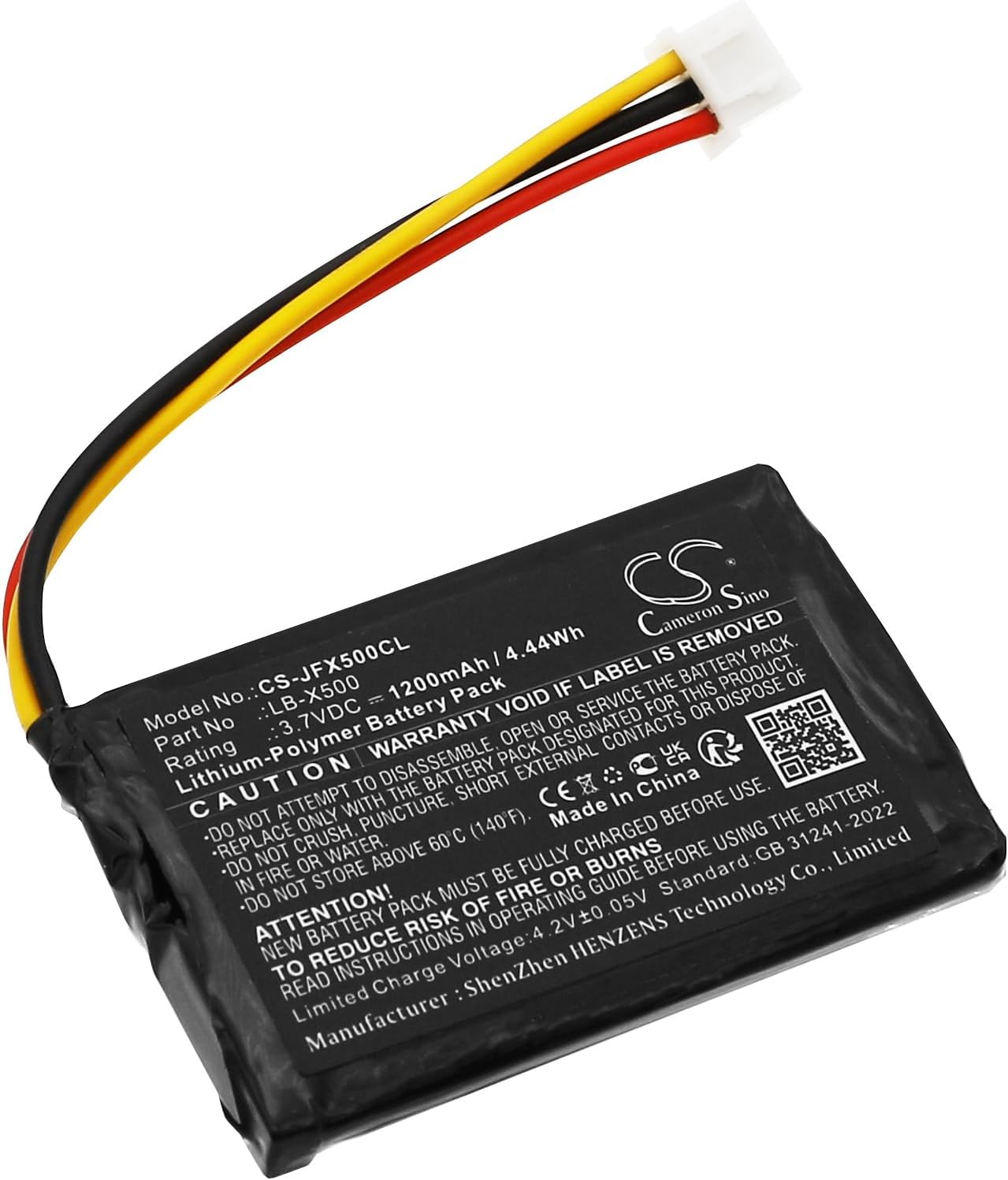
Image: Cameron Sino replacement battery for Jetfon X500. This image displays the battery's front side, clearly showing its model number, part number, voltage, and capacity, along with important safety warnings and certifications. The attached wires (red, black, yellow) lead to a white connector.

Gambar: Deukeut view of the battery's connector. This image highlights the three-pin white connector and the color-coded wires (red, black, yellow) that facilitate connection to the compatible device.
Émbaran Kasalametan penting
Please read and understand all safety warnings before using this product. Failure to follow these instructions may result in fire, electric shock, injury, or damage to the product or property.
- Ulah nyobian ngabongkar, muka, atanapi ngalereskeun pak batréna.
- Ganti ngan ku batré anu ditunjuk pikeun produk ieu.
- Ulah naksir, tusukan, kontak éksternal pondok, atawa dispose dina seuneu atawa cai.
- Do not store above 60°C (140°F).
- New battery pack must be fully charged before use.
- Read instructions in operating guide before using the battery.
- Muatan kawates Voltage: 4.2V ± 0.05V.
- Do not use low quality third-party adapter chargers, as this may shorten the battery's life.
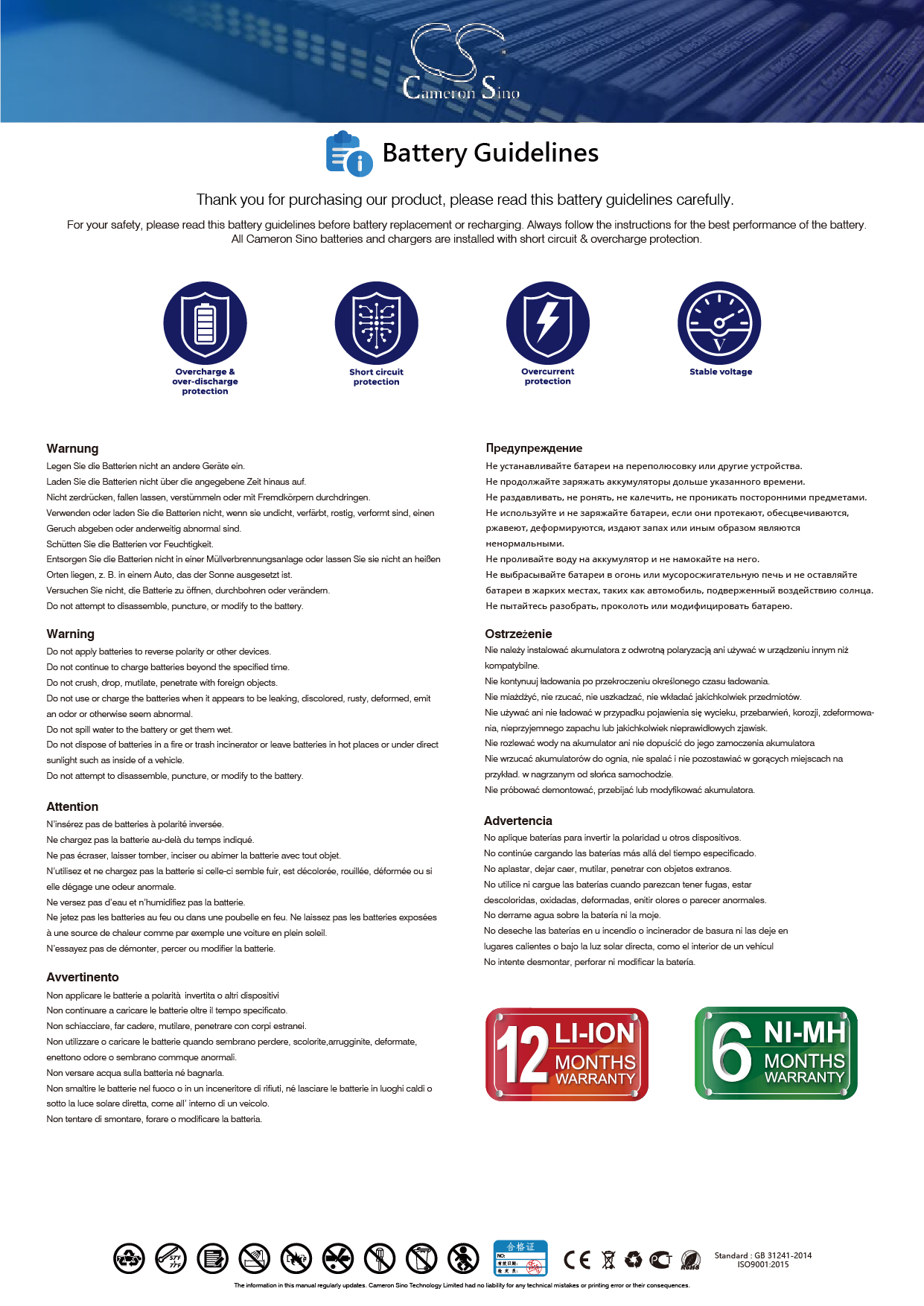
Image: Official Battery Guidelines. This image, sourced from Cameron Sino, provides general guidelines for battery safety and proper handling.
Setup sareng Instalasi
Before installation, ensure your device is powered off and disconnected from any power source.
- Identify the Battery Compartment: Locate the battery compartment on your Jetfon X500 device. Refer to your device's original manual if needed.
- Cabut Batré Heubeul (upami aya): Carefully remove the existing battery. Note its orientation and connector type.
- Selapkeun Batré Anyar: Align the Cameron Sino replacement battery with the compartment. Ensure the connector is properly oriented.
- Sambungkeun Batré: Gently push the battery's connector into the corresponding port on your device until it clicks securely into place. Ensure the connection is firm.
- Amankeun kompartemen: Tutup panutup kompartemen batré.
- Muatan Awal: A new battery will achieve its best performance after 2 or 3 complete cycles of charge and discharge. Fully charge the battery before first use.
Many installation videos are available online for general battery replacement procedures, which may assist with the physical installation.
Parentah Operasi
Once installed, the battery operates as the primary power source for your Jetfon X500 device.
- Ngecas: Use the original or a high-quality, compatible charger for your Jetfon X500 device. The battery supports a limited charge voltage tina 4.2V ± 0.05V.
- Ngaluarkeun: Allow the battery to discharge naturally through device usage. For optimal performance, especially during initial cycles, allow the battery to fully discharge before recharging.
- Kinerja: The battery is designed to work just like the original, with a new fully decoded chip ensuring compatibility and proper function.
Pangropéa
Proper maintenance extends the life and performance of your battery.
- Panyimpenan: If storing the battery for an extended period, store it in a cool, dry place, ideally at a partial charge (around 50%). Do not store above 60°C (140°F).
- beberesih: Jaga kontak batré tetep bersih sareng bébas tina lebu atanapi kokotor. Anggo lawon anu garing sareng lemes upami diperyogikeun pikeun dibersihkeun.
- Hindarkeun Suhu Ekstrim: Do not expose the battery to extreme heat or cold, as this can degrade performance and shorten lifespan.
- pembuangan: Dispose of old or damaged batteries responsibly according to local regulations. Do not dispose of in household waste or fire.
Pamérésan masalah
Upami anjeun ngalaman masalah sareng batré anjeun, pertimbangkeun solusi umum ieu:
| Masalah | Mungkin Cukang lantaranana | Solusi |
|---|---|---|
| Batré teu ngecas | Loose connection, faulty charger, or battery not properly seated. | Ensure the battery connector is firmly connected. Try a different charger. Re-seat the battery in the compartment. |
| hirup batré pondok | New battery not fully cycled, high power consumption by device, or use of low-quality charger. | Complete 2-3 full charge/discharge cycles. Reduce device usage of power-intensive features. Use a high-quality, compatible charger. |
| Alat teu hurung | Battery not charged, battery not installed correctly, or device issue. | Charge the battery fully. Verify the battery is correctly installed and connected. Test the device with another known-good battery if possible. |
spésifikasi
Detailed technical specifications for the Cameron Sino replacement battery:
- Jumlah modél: CS-JFX500CL
- Nomer Bagian: LB-X500
- Cocog sareng: Jetfon X500
- Kapasitas: 1200mAh / 4.44Wh
- Voltage: 3.7VDC
- ukuran: 55.90 x 35.70 x 5.70 mm
- beurat: 27.0g
- Komposisi sél batré: Litium Polimér
- Pabrikan: CS (Cameron Sino)
- Negara asal: Cina
Garansi sareng Rojongan
Cameron Sino stands behind the quality of its products.
- Garansi: Produk ieu nganggo garansi 12 bulan ti tanggal pameseran.
- Rojongan: For any inquiries or support needs, please contact Cameron Sino customer service. Email replies are typically provided within 24 hours.
- Sumberdaya Online: For additional information and guidelines, visit the official Cameron Sino websitus: www.cameronsino.com