1. Bubuka
This user manual provides comprehensive instructions for the setup, operation, maintenance, and troubleshooting of your Acer Nitro 34-inch Curved Gaming Monitor. Please read this manual thoroughly before using your monitor to ensure proper functionality and to maximize your viewpangalaman.
2. Produk Langkungview
The Acer Nitro 34-inch Curved Gaming Monitor is designed to deliver an immersive visual experience with its Ultra-Wide QHD resolution and 1000R curvature. Key features include:
- tampilan: 34-inch UWQHD (3440 x 1440) 1000R Curved Widescreen Display
- Laju Refresh: Up to 120Hz for smooth motion
- Waktu ngaréspon: 1ms Visual Response Boost (VRB) to minimize ghosting
- Singkronisasi adaptif: AMD FreeSync Premium technology for tear-free gameplay
- warna: sRGB 99% color saturation for vibrant and accurate colors
- Desain: Zero-Frame design for an expansive view
- Audio: Integrated 2 x 3 Watt speakers
- Konektipitas: Two DisplayPort 1.2 and two HDMI 2.0 ports
- Ergonomis: Tilt adjustment from -5° to 15°
- Pamasangan: VESA ningkatna patuh (100 x 100mm)
Visual Clarity and Immersion

Image: This graphic illustrates the enhanced detail and wider viewing area provided by UWQHD (3440x1440) resolution compared to a standard resolution.

Image: The 1000R curvature of the monitor is shown, emphasizing its immersive design for gaming and viewing.
Video: A user demonstrates the visual quality and immersive curve of the Acer Nitro 34-inch monitor, highlighting its suitability for various content.
3. Eusi Paket
Pastikeun yén sadaya item anu didaptarkeun di handap kalebet kana pakét anjeun:
- Monitor Kaulinan Lengkung Acer Nitro 34 inci
- Stand Monitor (Dasar sareng Beuheung)
- Kabel listrik
- Kabel DisplayPort
- Manual pangguna (dokumén ieu)
4. Setélan
4.1 Ngagantelkeun Stand
- Taliti teundeun monitor ka handap dina permukaan anu lemes sareng bersih pikeun nyegah goresan.
- Sejajarkeun beuheung nangtung sareng slot pamasangan dina tonggong monitor.
- Ngamankeun beuheung nangtung ka monitor ngagunakeun screws disadiakeun.
- Attach the stand base to the bottom of the stand neck and tighten the screw.

Image: The back of the monitor with the stand attached, illustrating the assembly points.
4.2 Nyambungkeun Kabel
- Connect the DisplayPort cable from your computer's graphics card to one of the DisplayPort 1.2 inputs on the monitor. Alternatively, use an HDMI 2.0 cable for HDMI connections.
- Sambungkeun kabel listrik ka input daya monitor teras ka stopkontak.
- Pencét tombol daya dina monitor pikeun ngahurungkeun.

Gambar: A lengkep view of the monitor's input ports, including DisplayPort and HDMI connections.
Video: A user demonstrates the physical setup of the Acer Nitro monitor, including connecting cables and showing the curved display.
5. Nyaluyukeun Monitor
5.1 Adjustment Dengdekkeun
The monitor can be tilted from -5° to 15° to achieve an optimal viewing angle. Gently hold both sides of the monitor and adjust it to your desired position.
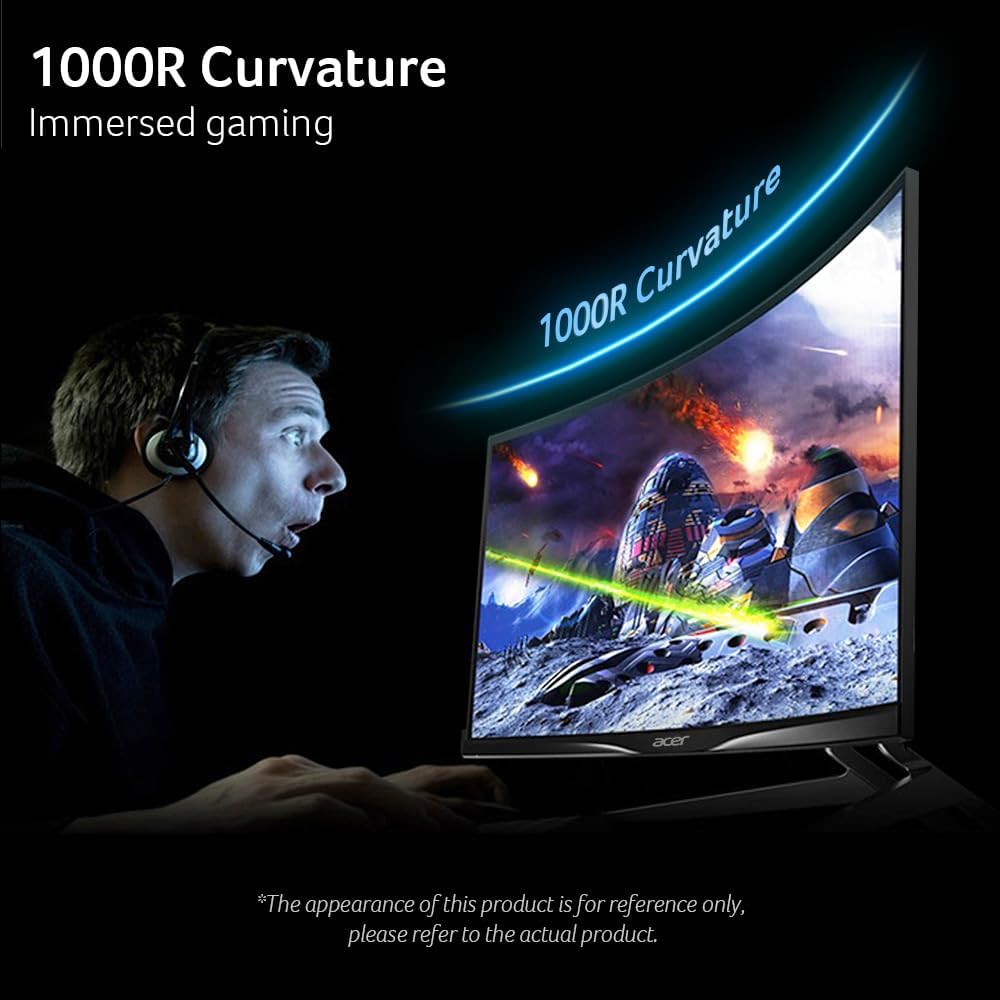
Image: The monitor is shown being tilted on its stand, demonstrating the range of ergonomic adjustment.
5.2 VESA Pamasangan
This monitor is VESA mounting compliant (100 x 100mm). To mount the monitor on a wall or an adjustable arm, remove the stand and attach the VESA-compatible mount using appropriate screws (not included).
6. Ngoperasikeun Monitor
6.1 Menu dina layar (OSD).
The OSD menu allows you to adjust various monitor settings. Use the buttons located on the bottom right side of the monitor to navigate and select options.
6.2 Setélan Gambar
- Caang: Adjust the overall luminance of the display.
- Kontras: Robah bédana antara daérah anu caang sareng poék.
- Cahaya Biru Rendah: Reduce blue light emission for eye comfort.
- Naekeun Hideung: Enhance visibility in dark scenes.
- HDR: Enable High Dynamic Range for improved contrast and color.
- Seukeutna Super: Saluyukeun seukeutna gambar.
6.3 Setélan Warna
- Ruang Warna: Select color profiles, including HDR.
- Modeu Grayscale: Display content in black and white.
- G-axis Hue/Saturate: Fine-tune specific color components.
6.4 Fitur kaulinan
- Ngalangkungan Drive: Accelerate pixel response time.
- FreeSync: Enable AMD FreeSync Premium for adaptive refresh rates.
- Nomer Laju Refresh: Display the current refresh rate.
- VRB (Visual Response Boost): Ngurangan blur gerak.
- Latency ultra-rendah: Minimize input lag.
- Titik Tujuan: Display an on-screen crosshair for improved aiming.

Image: This graphic demonstrates the effect of AMD FreeSync Premium, showing smooth visuals on the Acer monitor compared to a tearing image without it.

Image: An illustration of the 120Hz refresh rate, showing clear motion compared to a lower refresh rate.

Image: A visual comparison highlighting the 1ms VRB (Visual Response Boost) feature, showing reduced blur on the Acer monitor.
Video: This video showcases the immersive experience of the 34-inch curved monitor, ideal for gaming setups.
7. Pangropéa
7.1 Perawatan sareng Ngabersihan
- Salawasna pareumkeun monitor sareng cabut kabel listrik sateuacan beberesih.
- Anggo kaén anu lemes sareng teu aya serat anu hampang dampDieusian ku cai atanapi pembersih layar anu hampang sareng henteu abrasive.
- Ulah nganggo alkohol, amonia, atanapi pembersih anu abrasif, sabab tiasa ngaruksak permukaan layar.
- Wipe the screen gently in one direction from top to bottom.
- Pikeun monitor casing, make kaen anu lemes sareng garing.
8. Cara ngungkulan
Upami anjeun mendakan masalah sareng monitor anjeun, tingal masalah sareng solusi umum ieu:
8.1 Teu Aya Tampilan / Teu Aya Sinyal
- Ensure the power cord is securely connected to the monitor and a working power outlet.
- Verify that the video cable (DisplayPort or HDMI) is firmly connected to both the monitor and your computer.
- Pariksa lamun sumber input bener dipilih dina menu OSD monitor.
- Confirm your computer is powered on and not in sleep mode.
8.2 Image Quality Issues (Blurry, Distorted, Incorrect Colors)
- Saluyukeun setélan résolusi sareng laju refresh dina komputer anjeun supados cocog sareng résolusi asli monitor (3440 x 1440) sareng laju refresh anu dirojong (dugi ka 120Hz).
- Reset the monitor's OSD settings to factory defaults.
- Check your graphics card drivers for updates.
- Pastikeun kabel vidéo teu ruksak.
8.3 Power Indicator Not On
- Pastikeun kabel listrik disambungkeun leres.
- Check the power outlet by plugging in another device.
- Press the monitor's power button firmly.
9. Spésifikasi Téknis
| Fitur | Spésifikasi |
|---|---|
| Ukuran layar | 34 inci |
| Resolusi layar | 3440 x 1440 (UWQHD) |
| Rasio Aspék | 21:9 |
| Curvature | 1000R |
| Refresh Laju | Nepi ka 120Hz |
| Waktu Tanggapan | 1 ms (VRB) |
| Téhnologi Sync adaptif | AMD FreeSync Premium |
| Saturasi Warna | sRGB 99% |
| Input Video | 2 x DisplayPort 1.2, 2 x HDMI 2.0 |
| Panyatur | 2 x 3 Watt |
| Pangaluyuan Ergonomic | Tilt (-5° to 15°) |
| VESA Gunung kasaluyuan | 100 x 100 mm |
| Ukuran (L x W x H) | 9.13 x 31.77 x 18.74 inci |
| Item Beurat | 21.5 pon |
| Nomer modél | EDA343CUR J0bmiippx |
10. Émbaran jaminan na Rojongan
Your Acer Nitro monitor comes with a limited warranty. For detailed warranty terms, technical support, or service inquiries, please visit the official Acer support website or contact Acer customer service. Keep your purchase receipt for warranty validation.
Dukungan Online: www.acer.com/us-en/support


