
1. Produk Langkungview
The Philips S1108 is a compact and portable Bluetooth speaker designed for versatile audio playback. It features 3W RMS mono sound, TWS stereo pairing capability, vibrant LED light effects, and convenient USB-C charging. This manual provides essential information for setting up, operating, and maintaining your speaker.
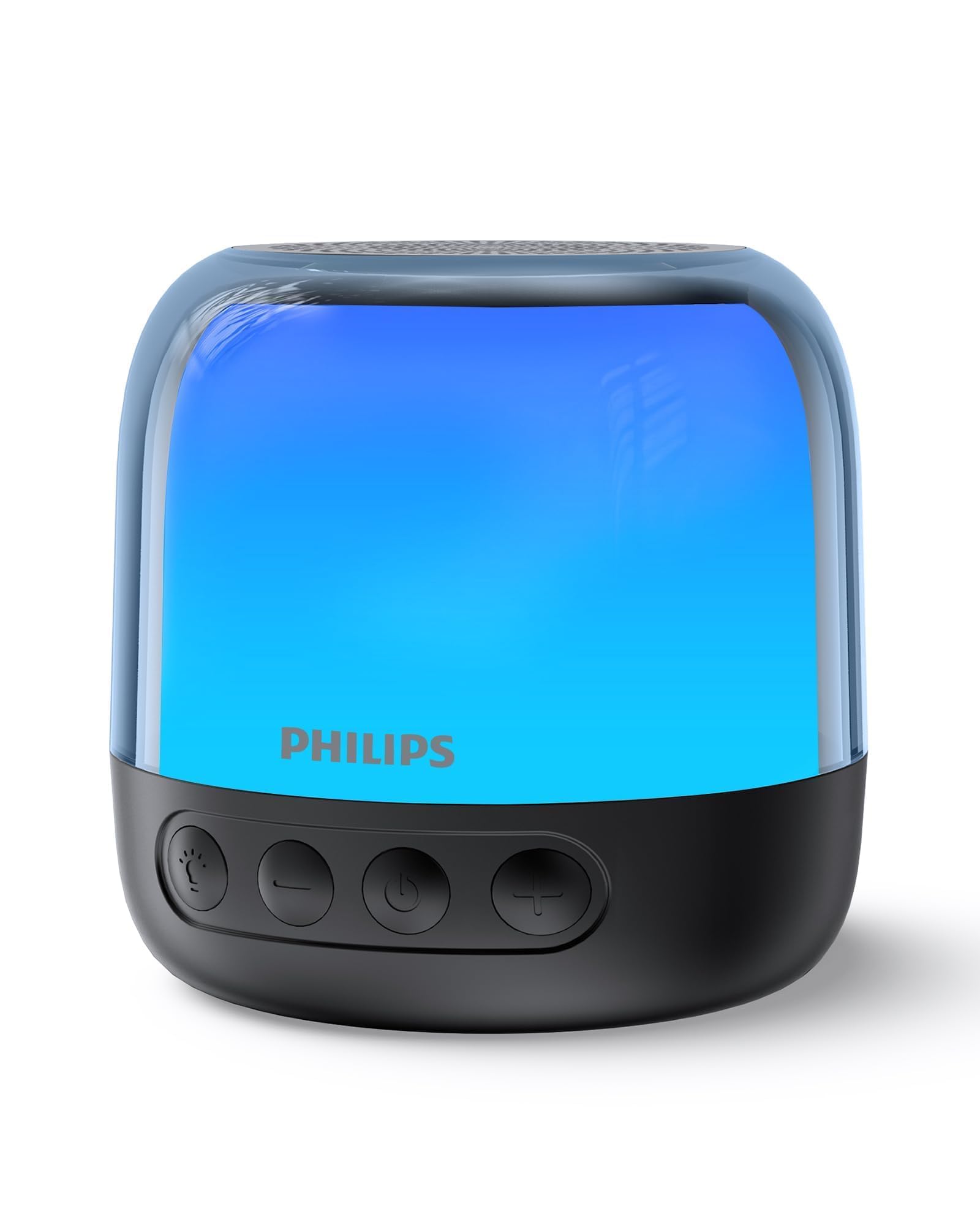
Figure 1: Philips S1108 Portable Bluetooth Speaker
2. Naon dina Box
Carefully unpack the contents of the box. Ensure all items are present and in good condition.
- Philips S1108 Portable Bluetooth Speaker
- Gancang Install Guide
- Safety Warranty Sheet
- Mawa Tali
- USB Charging Cable (USB-C)
3. Fitur Produk
- Immersive 3W RMS Mono Sound: Experience clear and rich audio with a 52mm full-range driver.
- Papasangan Stéreo TWS: Connect two identical S1108 speakers for a true stereo sound experience.
- Vibrant LED Light Effects: Choose from multiple lighting modes, including multi-colored lights and a soft white night light.
- Long-lasting 9-Hour Playtime: Ngarasakeun sesi ngadangukeun anu langkung lami kalayan sakali ngecas.
- Convenient USB-C Charging: Quickly recharge the speaker with the included USB-C cable.
- Bluetooth & TF Card Playback: Stream music wirelessly or play directly from a TF card.
4. Setélan
4.1 Muatan Awal
Before first use, fully charge the speaker. Connect the provided USB-C cable to the speaker's charging port and the other end to a USB power adapter (not included).
4.2 Daya Hurung/Pareuman
Pencét jeung tahan tombol daya (⏻) located on the front of the speaker to turn it on or off.
4.3 Nyapasangkeun Bluetooth
- Pastikeun spéker dihurungkeun sareng dina mode papasangan (indikator LED bakal hurung).
- Dina alat sélulér anjeun, aktipkeun Bluetooth sareng milarian alat anu sayogi.
- Select "Philips S1108" from the list to connect.
- Once connected, the speaker will emit an audible confirmation, and the LED indicator will show a steady light.

Figure 2: Connecting to the speaker via Bluetooth.
4.4 TWS (Leres Wireless Stereo) papasangan
To achieve a true stereo sound experience, you can pair two identical Philips S1108 speakers.
- Pastikeun duanana speaker S1108 dihurungkeun tur teu disambungkeun ka alat Bluetooth mana wae.
- On one speaker (this will be the primary speaker), press and hold the TWS button (often indicated by a chain link icon or similar) until you hear a pairing tone.
- Spéker primér bakal otomatis milarian spéker sékundér.
- Once successfully paired, both speakers will emit a confirmation tone, and their LED indicators will synchronize.
- Sambungkeun alat sélulér anjeun ka spiker primér liwat Bluetooth sakumaha anu dijelaskeun dina bagian 4.3.
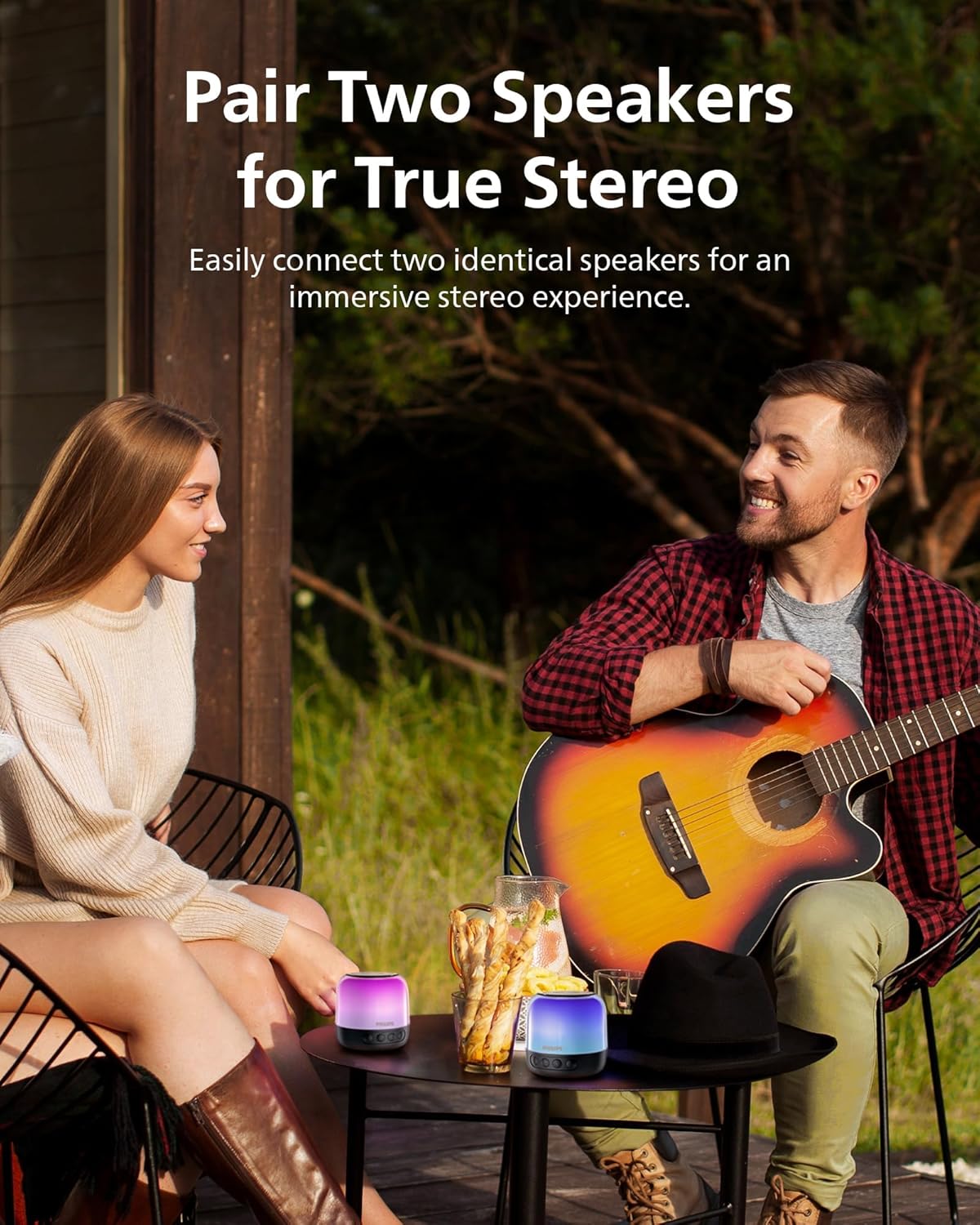
Gambar 3: Dua spiker dipasangkeun pikeun sora stéréo TWS.
5. Parentah Operasi
5.1 Kadali Dasar
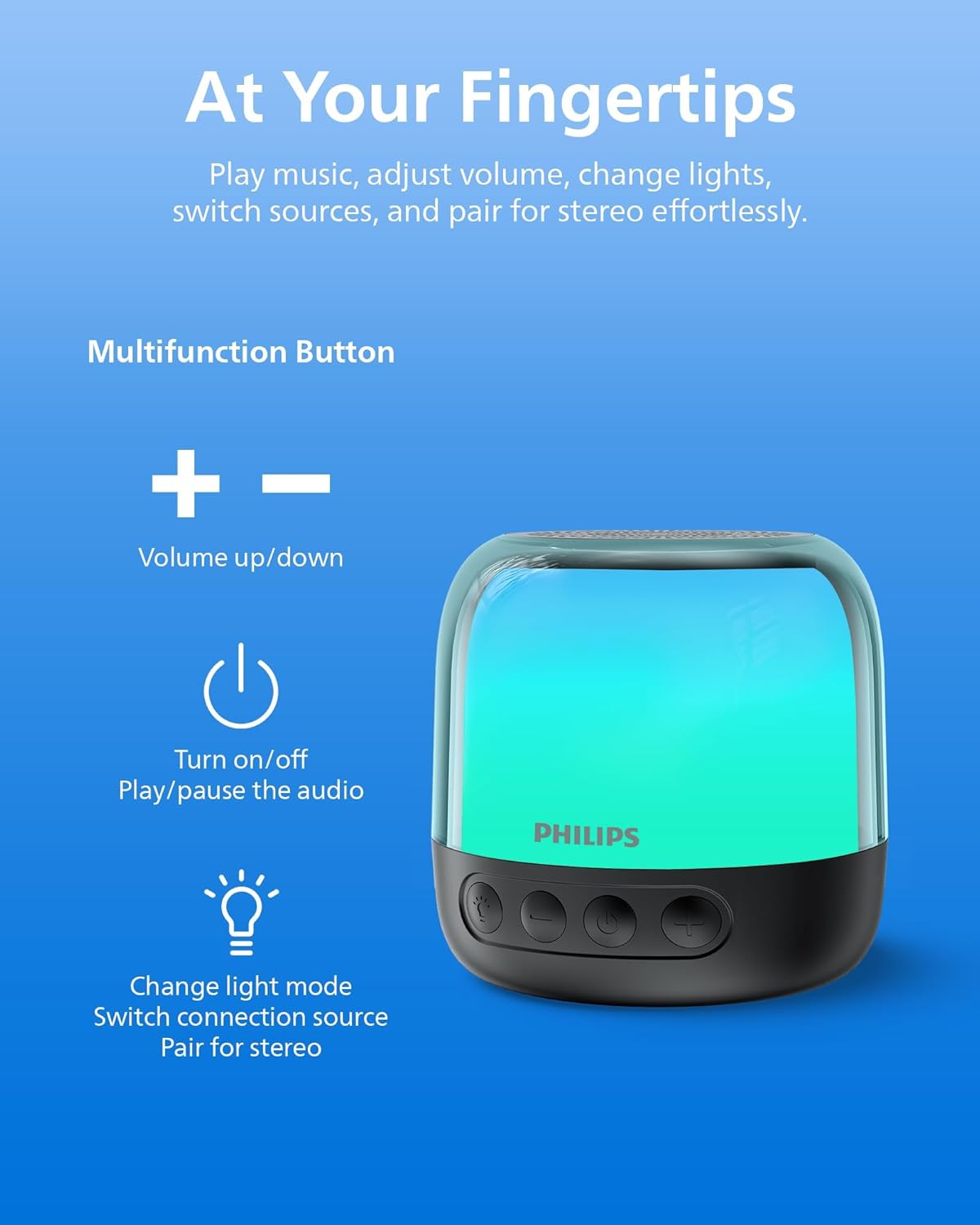
Figure 4: Speaker control buttons.
| Tombol | Fungsi |
|---|---|
| ⏻ (Kakuatan) | Press and hold to Power On/Off. Short press to Play/Pause audio. |
| + (Volume up) | Pencét pondok pikeun ningkatkeun volume. Pencét lila pikeun lagu salajengna. |
| - (Volume Turun) | Pencét pondok pikeun ngirangan volume. Pencét lila pikeun lagu saméméhna. |
| Tombol Lampu / Modeu | Short press to cycle through LED light modes. Long press to switch between Bluetooth and TF Card modes. |
| Tombol TWS | Press and hold to initiate TWS pairing (for two identical speakers). |
5.2 Modeu Lampu LED
The speaker offers various LED light modes to enhance your listening experience. Short press the Light/Mode button to cycle through the available options, including multi-colored effects and a soft white night light.
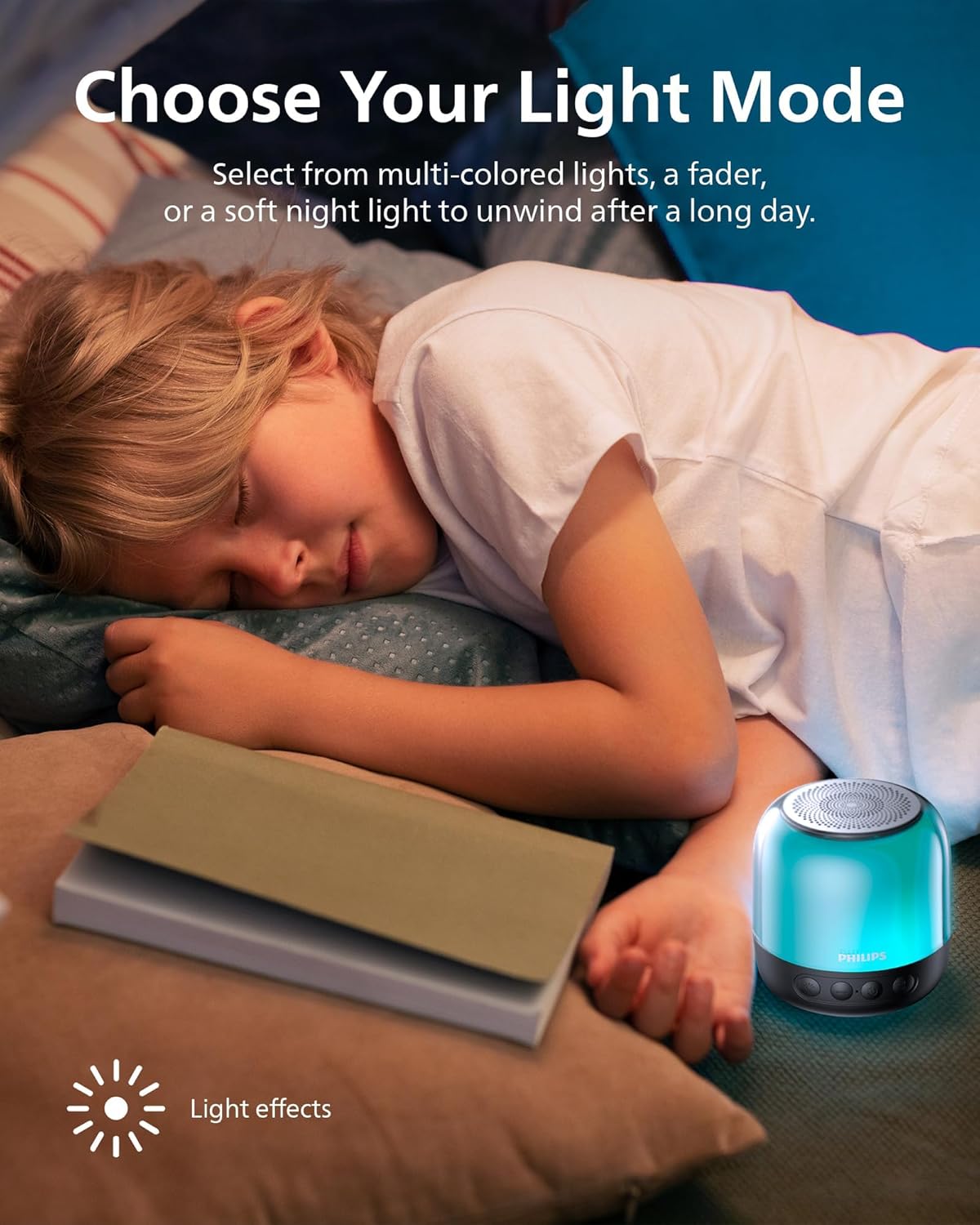
Gambar 5: Pintonan panyaturasing different LED light modes.
5.3 Putereun Kartu TF
Insert a TF (MicroSD) card with your desired audio files into the designated slot on the speaker. The speaker will automatically switch to TF Card mode. If it does not, long press the Light/Mode button to switch input sources.

Figure 6: TF card slot and USB-C charging port.
6. Ngecas Speaker
The Philips S1108 speaker is equipped with a built-in rechargeable battery providing up to 9 hours of playtime. When the battery is low, the LED indicator may change or flash, and an audible alert might sound.
- Connect the provided USB-C cable to the speaker's USB-C charging port.
- Sambungkeun tungtung kabel USB-C anu sanés ka sumber daya USB anu cocog (contona, adaptor témbok, port USB komputer).
- The LED indicator will show charging status (e.g., solid red while charging, off or green when fully charged).

Figure 7: Speaker indicating 9 hours of playtime on a full charge.
7. Spésifikasi
| Fitur | Rincian |
|---|---|
| merek | Philips |
| Nomer modél | TAS1108BK/37 |
| Tipe Speaker | Speaker Bluetooth portabel |
| Téhnologi konektipitas | Bluetooth 5.3 |
| Mode Kaluaran Audio | Stereo (kalayan pasangan TWS) |
| Speaker Maksimum Kaluaran Power | 6 Watt |
| Diaméterna Woofer | 52 milimeter |
| Réspon Frékuénsi | 16 KHz |
| Batré Rata Kahirupan | 9 Jam |
| Sumber Daya | Batré Powered (1 batré Litium Ion diperlukeun) |
| Métode kontrol | Toél Tombol |
| Fitur tambahan | LED Light, Stereo Pairing, USB Port (for charging) |
| Ukuran barang (D x W x H) | 3.07 "D x 3.19" W x 3.19" H |
| Nyaéta Waterproof | Palsu |
8. Pangropéa
- beberesih: Anggo kaén anu garing sareng lemes pikeun ngabersihan bagian luar spéker. Ulah make cleaners abrasive atawa pangleyur.
- Panyimpenan: Simpen spéker dina tempat anu tiis sareng garing jauh tina sinar panonpoé langsung sareng suhu anu ekstrim.
- Perawatan batré: Pikeun manjangkeun umur batre, ulah miceun batre pinuh. Ngeusi batre spéker rutin, sanajan teu dipaké pikeun période nambahan.
- Paparan cai: Spiker ieu henteu tahan cai. Ulah kakeunaan cai atanapi kalembaban anu kaleuleuwihi.
9. Cara ngungkulan
| Masalah | Mungkin Cukang lantaranana | Solusi |
|---|---|---|
| Speaker teu hurung. | Batré béak. | Ngecas spéker nganggo kabel USB-C anu disayogikeun. |
| Teu bisa masangkeun via Bluetooth. | Speaker teu aya dina mode papasangan atawa geus disambungkeun ka alat sejen. | Ensure the speaker is powered on and the LED indicator is flashing. Disconnect from other devices if necessary. Restart Bluetooth on your mobile device. |
| Taya sora atawa volume low. | Volume teuing leutik dina spiker atanapi alat anu nyambung. | Ningkatkeun polumeu dina speaker sareng alat Anjeun nu disambungkeun. |
| Papasangan TWS gagal. | Speakers are not identical or too far apart. | Ensure both speakers are Philips S1108 models. Place them within close proximity (within 1 meter) during pairing. |
| TF Card not recognized. | Card is not inserted correctly or is corrupted. | Reinsert the TF card. Ensure the card is formatted correctly and contains compatible audio files. Long press the Light/Mode button to switch to TF Card mode. |
10. Garansi jeung Rojongan
This Philips S1108 Portable Bluetooth Speaker comes with a 1 Taun Produsén Garansi. Please refer to the included Safety Warranty Sheet for detailed terms and conditions.
For technical support or warranty claims, please contact Philips customer service or visit their official support websitus. Simpen bukti pameseran anjeun pikeun validasi jaminan.
11. Video produk
11.1 Portable Bluetooth Speaker Overview
Video 1: Hiji leuwihview of the Philips S1108 Portable Bluetooth Speaker, highlighting its portability, LED light features, and ease of use for various environments.
11.2 Speaker Features and Connectivity
Video 2: Demonstrates the compact size, durability, Bluetooth pairing process, LED light mode changes, and the ability to answer calls through the speaker.