
1. Bubuka
This manual provides detailed instructions for the installation, operation, and maintenance of your Techage CG6DB 2K Wireless Outdoor Surveillance Camera. Please read this manual carefully before using the product to ensure proper functionality and safety. This camera offers 2K resolution, AI motion detection, color night vision, two-way audio, and IP66 weather resistance.
2. Setup & Instalasi
The Techage CG6DB camera is designed for wireless operation, offering flexible placement options without the need for complex wiring. Installation is straightforward and can be completed in minutes using the Vicohome app.
2.1 Pamasangan nirkabel
The camera is 100% wireless, powered by a long-lasting battery. This allows for easy mounting in various outdoor locations.

Image: The Techage CG6DB camera mounted on a wall, highlighting its wireless nature and ease of installation. Icons indicate wireless connectivity, simple setup, and a durable battery.
2.2 Sambungan Aplikasi
To connect the camera to your network, download the Vicohome app. Follow the in-app instructions to pair the camera with your 2.4GHz WiFi network. Catetan: This camera only supports 2.4GHz WiFi.
3. Operasi
The Techage CG6DB camera offers a range of features to enhance your surveillance capabilities.
3.1 2K Ultra-HD Resolution
Experience crystal-clear video with 2K resolution, providing 1.5 times more clarity than standard 1080P cameras. This ensures sharper images both day and night.

Image: A visual comparison illustrating the enhanced detail provided by the 2K Ultra-HD resolution of the Techage camera compared to a standard 1080P image.
3.2 Visi Peuting Warna
The camera features an improved dual LED headlight combined with full-color night vision, allowing you to see clear and detailed images even in complete darkness. You can switch between infrared night vision (black and white) and color night vision with the spotlight activated.

Image: A demonstration of the camera's color night vision capability, showing a clear, illuminated scene at night compared to standard infrared night vision.
3.3 Intelligent Motion Detection & Alerts
Equipped with advanced motion detection, the camera identifies human movements and sends real-time alerts to your Vicohome app. The built-in headlight and siren can be configured to activate automatically upon detection, deterring intruders.

Image: This graphic illustrates the camera's multi-alarm features, including motion detection, siren, spotlight, and instant app notifications when activity is detected.
3.4 Komunikasi Dua Arah
The integrated microphone and speaker enable two-way audio communication. You can speak with visitors or warn unwanted guests directly through your smartphone via the Vicohome app.

Image: A visual representation of the real-time two-way communication feature, allowing users to interact with individuals at their doorstep through the camera.
3.5 Pilihan Panyimpenan
The camera supports two storage methods to keep your footage secure:
- Panyimpenan Kartu SD: Supports Micro SD cards up to 128 GB (not included).
- Panyimpenan awan: Provides secure cloud storage with a free 3-day recording of events on a rotating basis, without hidden fees.

Image: This graphic illustrates the camera's support for both SD card storage (up to 128GB) and cloud storage, with a smartphone interface showing recorded events.
3.6 AI Detection Analysis
The camera offers advanced AI detection capabilities (subscription required after trial) that reliably recognize people, pets, vehicles, and packages, providing more precise alerts.

Image: A visual explanation of the AI detection analysis feature, highlighting its ability to identify specific objects like people, pets, vehicles, and packages within the camera's view.
4. Pangropéa
4.1 Kahirupan batré
The camera is equipped with a powerful battery that can last up to 5 months on a single charge under optimal conditions. With regular activity, the battery typically lasts at least one month per charge. Recharge the battery using the provided USB cable when indicated by the app.
4.2 Résistansi Cuaca
The Techage CG6DB camera is IP66 certified, making it highly resistant to dust and water. It is designed to operate reliably in various extreme weather conditions, including rain, snow, and heat.
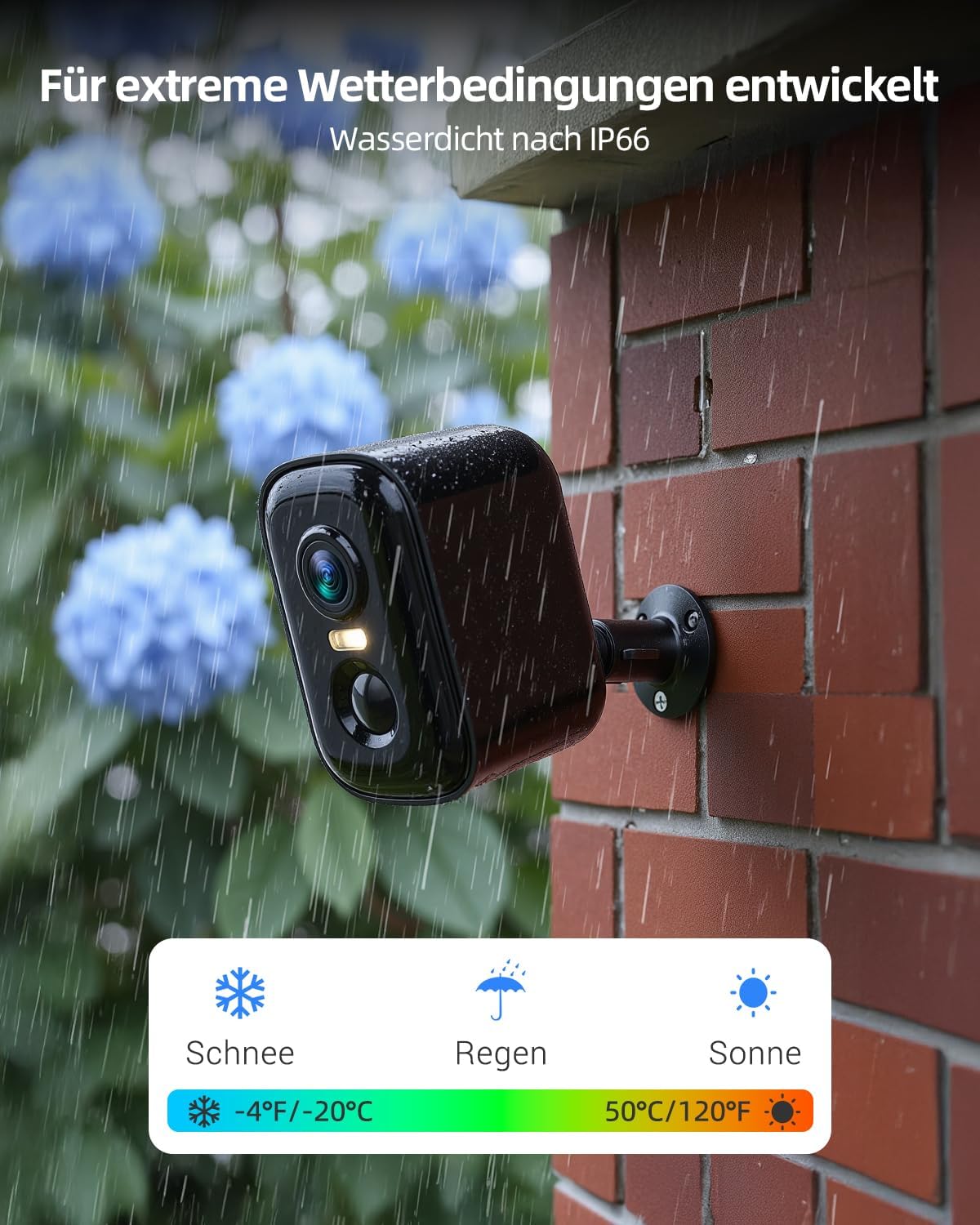
Image: This image demonstrates the camera's robust design for extreme weather conditions, highlighting its IP66 waterproof rating and ability to withstand snow, rain, and sun.
4.3 beberesih
To maintain optimal performance, periodically clean the camera lens and housing with a soft, damp lawon. Ulah make bahan kimia kasar atawa bahan abrasive.
5. Cara ngungkulan
- Kaméra teu nyambung ka Wi-Fi: Ensure your Wi-Fi network is 2.4GHz. Check that the camera is within range of your router. Restart both the camera and your router.
- Kualitas video goréng: Ensure the camera lens is clean. Check your Wi-Fi signal strength.
- Deteksi gerak henteu jalan: Verify that motion detection is enabled in the Vicohome app. Adjust sensitivity settings if necessary.
- Batré gancang boros: Reduce the frequency of motion detection alerts or live view sessions. Ensure the camera is not in an area with constant activity.
- Masalah audio dua arah: Check microphone and speaker settings in the app. Ensure your phone's volume is up.
For further assistance, refer to the Vicohome app's help section or contact customer support.
6. Spésifikasi
| Fitur | Spésifikasi |
|---|---|
| Ngaran modél | CG6DB |
| Resolusi Capture Video | 2304P (2K) |
| Téhnologi konektipitas | Nirkabel (Wi-Fi) |
| Frékuénsi Wi-Fi | 2.4GHz wungkul |
| Fitur husus | Night Vision (Color), AI Motion Detection, 2-Way Talk |
| Jero rohangan / pamakéan outdoor | Luar |
| Résistansi Cuaca | IP66 Waterproof |
| Tipe Controller | Aplikasi Vicohome |
| Tipe Pamasangan | Tembok Gunung |
| Pilihan Panyimpenan | Micro SD Card (nepi ka 128GB), Cloud Storage |
| Item Dimensi | 9.2 x 5.9 x 5.6 séntiméter |
| Item Beurat | 0.62 kg |
7. Jaminan & Dukungan
For warranty information and customer support, please refer to the documentation included with your product or visit the official Techage website. You can also find assistance through the Vicohome app's support section.