Bubuka
This manual provides essential instructions for setting up, operating, maintaining, and troubleshooting your GOBOULT Dire Smartwatch. Please read this guide thoroughly to ensure optimal performance and longevity of your device.
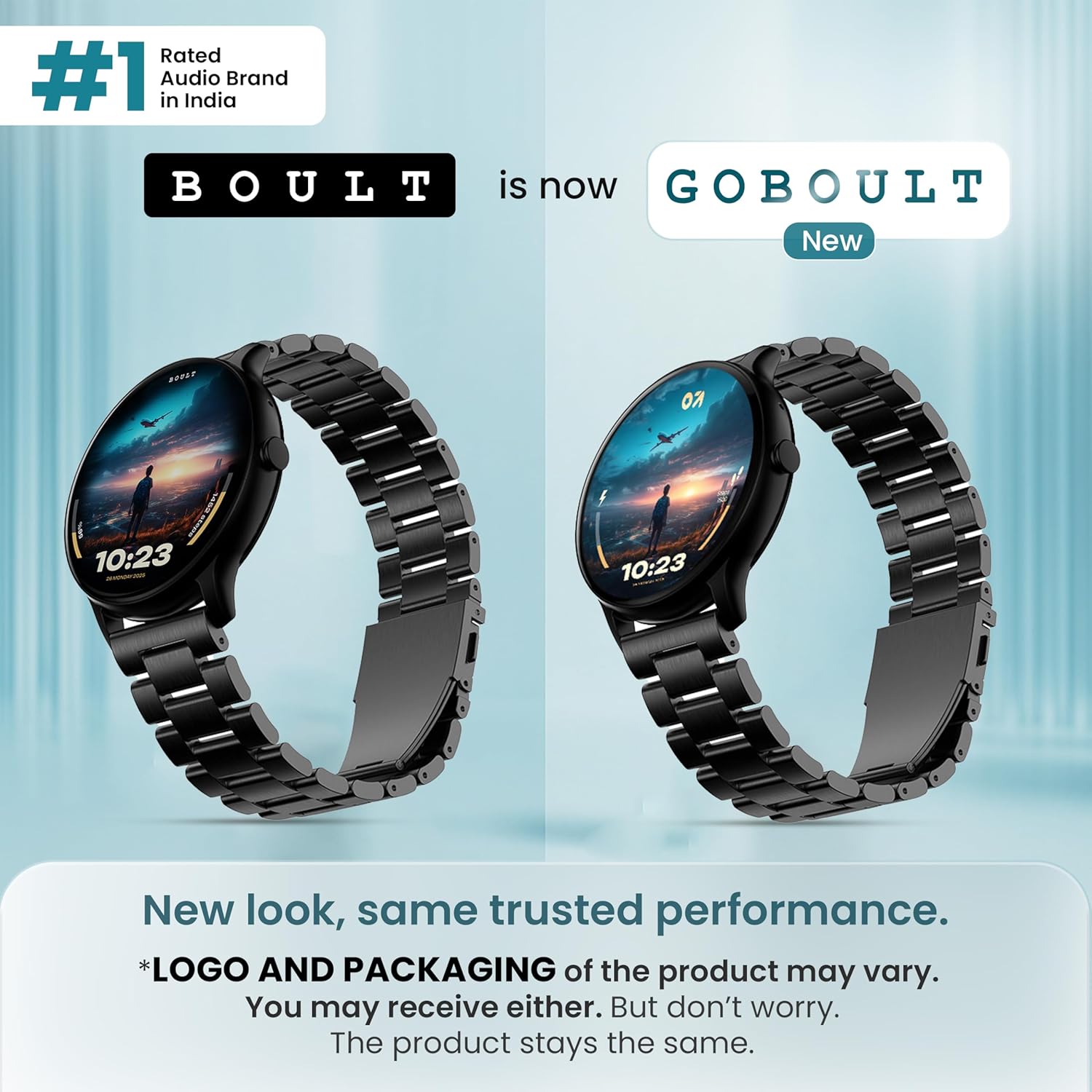
Gambar: Hareupeun view of the GOBOULT Dire Smartwatch, showcasing tampilan sareng tali na.
Naon dina Box
Pastikeun yén sadaya item di handap ieu kalebet dina bungkusan produk anjeun:
- GOBOULT Dire Smartwatch (Jet Black)
- Kabel Ngecas
- Manual pangguna (dokumén ieu)
- Kartu Garansi
Disetél
1. Ngecas Awal
Before first use, fully charge your smartwatch. Connect the provided charging cable to the magnetic charging points on the back of the watch and to a standard USB power adapter (not included). A full charge typically takes approximately 150 minutes.
2. Powering on / Pareum
- Pikeun Ngahurungkeun: Press and hold the side button until the GOBOULT logo appears on the screen.
- Pikeun mareuman: Pencét jeung tahan tombol samping, teras pilih 'Power Pareum' dina layar.
3. Instalasi App sarta Papasangan
- Download the companion application (e.g., 'Boult Fit' or similar as indicated in the packaging) from your smartphone's app store (compatible with iOS and Android).
- Pastikeun Bluetooth diaktipkeun dina smartphone Anjeun.
- Buka aplikasi tur turutan parentah dina layar pikeun nyieun hiji akun atawa asup.
- Select 'Add Device' or 'Pair Device' within the app and choose 'Boult Dire' from the list of available devices.
- Konfirmasi pamundut papasangan dina smartphone sareng jam tangan pinter anjeun.
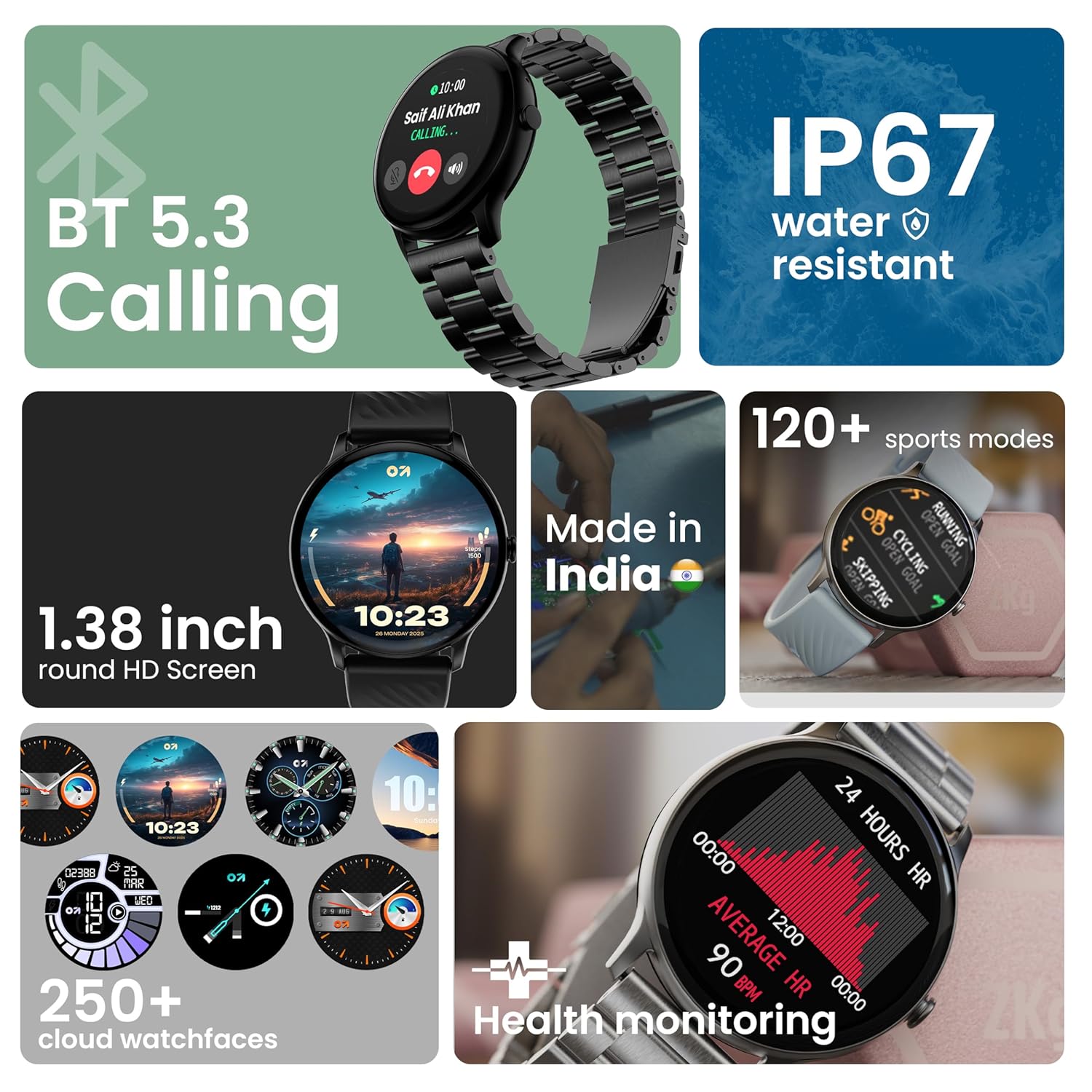
Gambar: Leuwihview of key smartwatch features including Bluetooth 5.3 Calling, IP67 water resistance, 1.38-inch HD screen, 250+ watchfaces, 120+ sports modes, and health monitoring.
Parentah Operasi
1. Pintonan Napigasi
The 1.38-inch 2.5D curved HD display is fully touch-sensitive. Swipe left, right, up, or down to navigate through menus, notifications, and widgets. Tap to select items.
2. Ngaropea Watch Faces
Your smartwatch supports over 250 cloud watch faces. To change the watch face, long-press on the current watch face on the home screen, then swipe left or right to browse and tap to select. More options are available through the companion app.
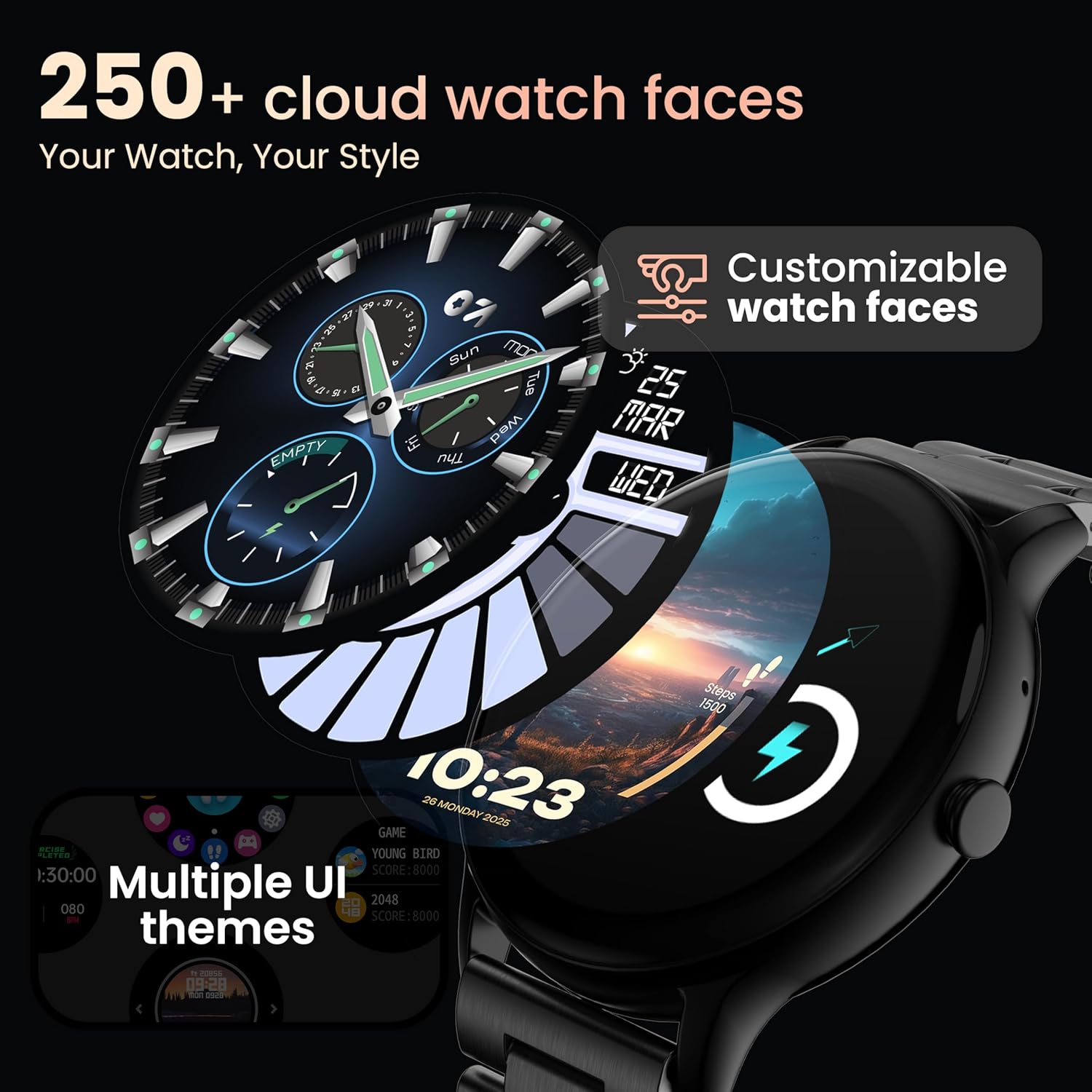
Image: A visual representation of various customizable watch faces and UI themes available on the smartwatch.
3. Telepon Bluetooth
With Bluetooth 5.2 technology, you can make and receive calls directly from your wrist. The smartwatch features a dedicated speaker and microphone. Access the call function from the main menu to dial, answer, or reject calls. Contact synchronization is available via the companion app.
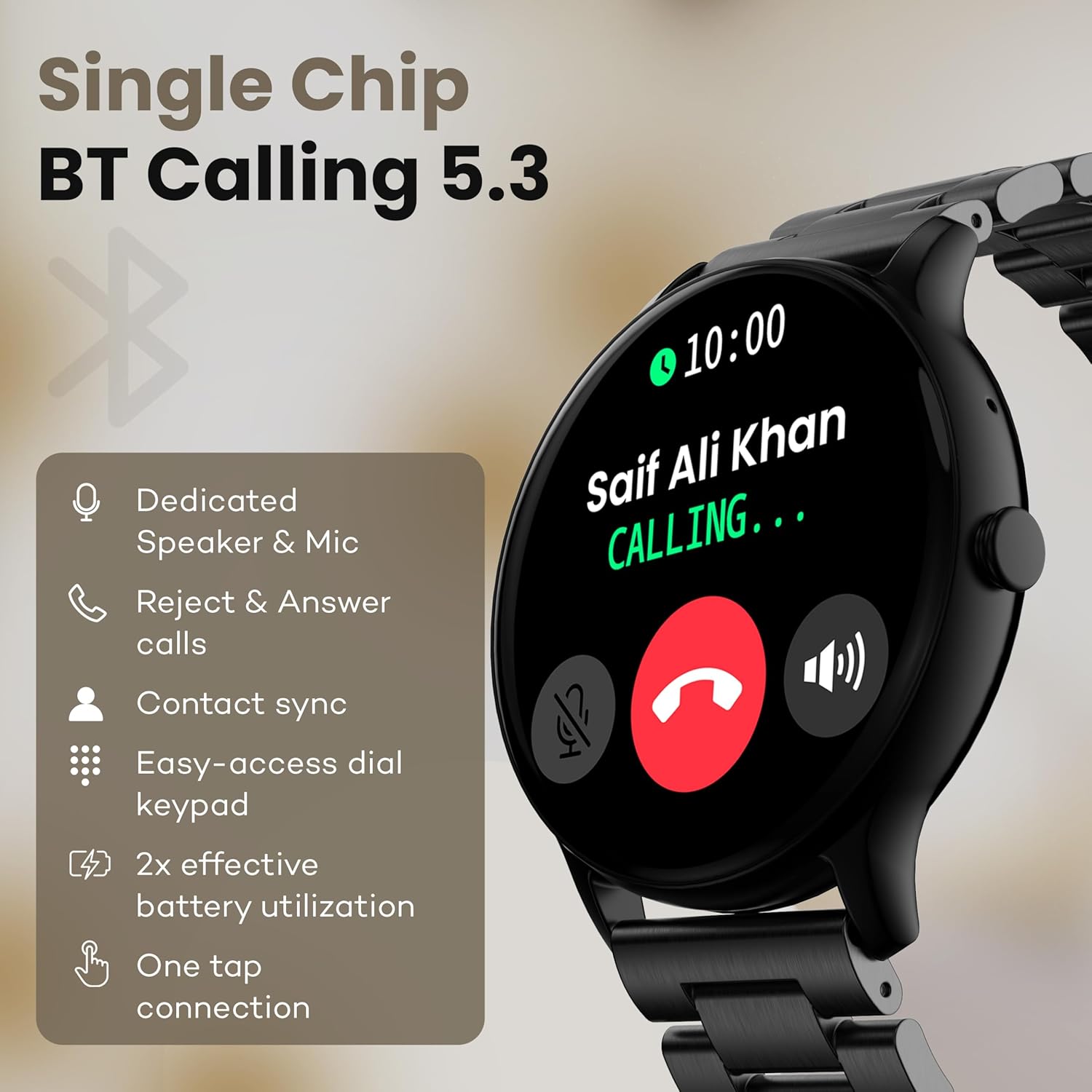
Image: The smartwatch screen showing an incoming call, highlighting features like dedicated speaker & mic, call rejection/answering, contact sync, and easy-access dial keypad.
4. Olahraga Mode
The device supports over 120 sports modes. Navigate to the 'Sports' menu to select your activity. The watch will track metrics such as calories burned, distance, and heart rate during your workout.
5. Asisten Sora AI
Activate the AI Voice Assistant feature (if enabled via the app) to control your watch or smartphone using voice commands.
6. Kadali kaméra
Use your smartwatch as a remote shutter for your smartphone camera. Open the camera control feature on your watch and tap to take a picture.
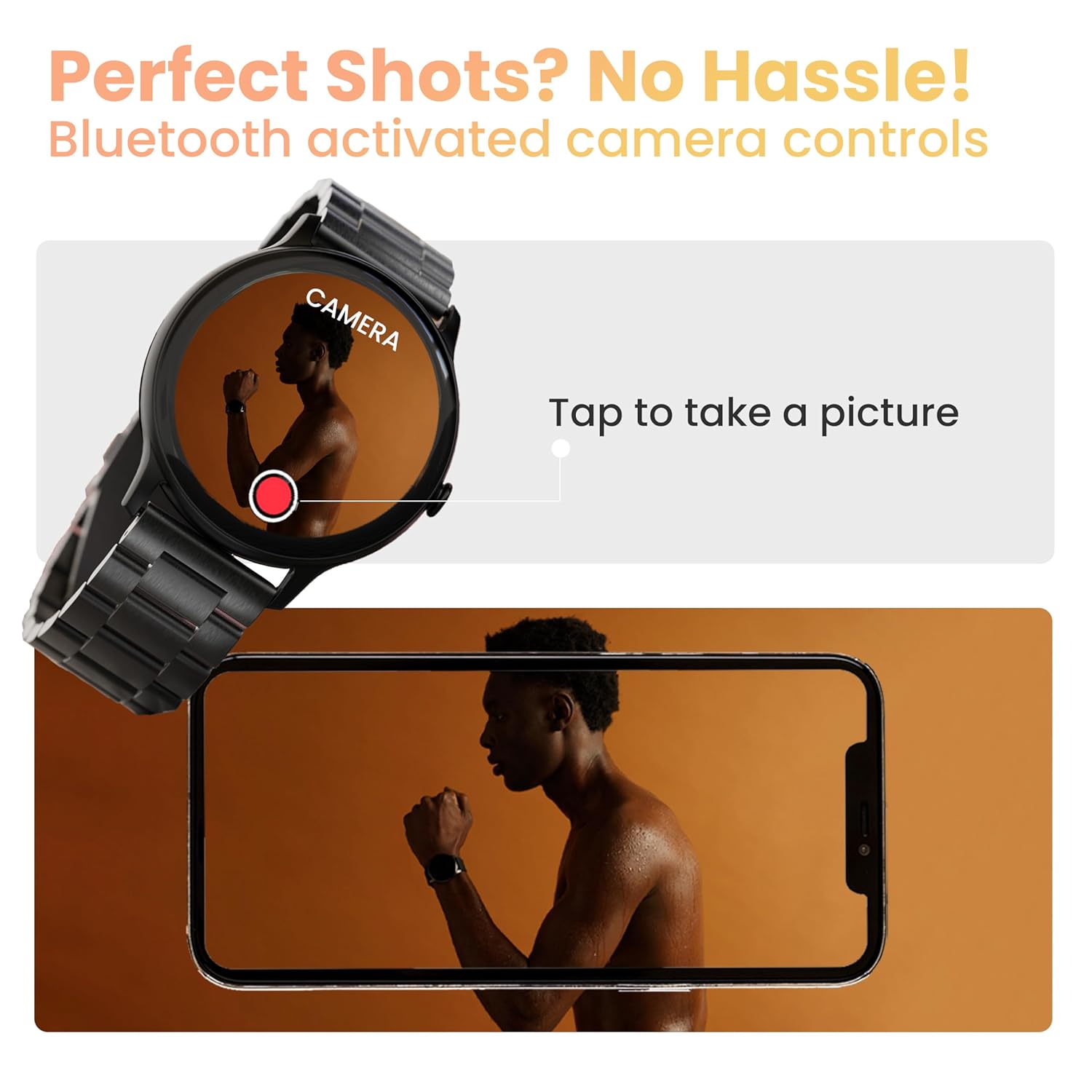
Image: The smartwatch displaying a camera interface, indicating its ability to control a smartphone camera via Bluetooth.
7. Bewara
Receive notifications from your paired smartphone directly on your wrist. Ensure notification permissions are granted in the companion app.

Image: The smartwatch displaying various updates and reminders, such as message notifications and 'Time to Drink Water'.
8. Mini Games
The smartwatch includes pre-installed mini-games for entertainment. Access them through the main menu.
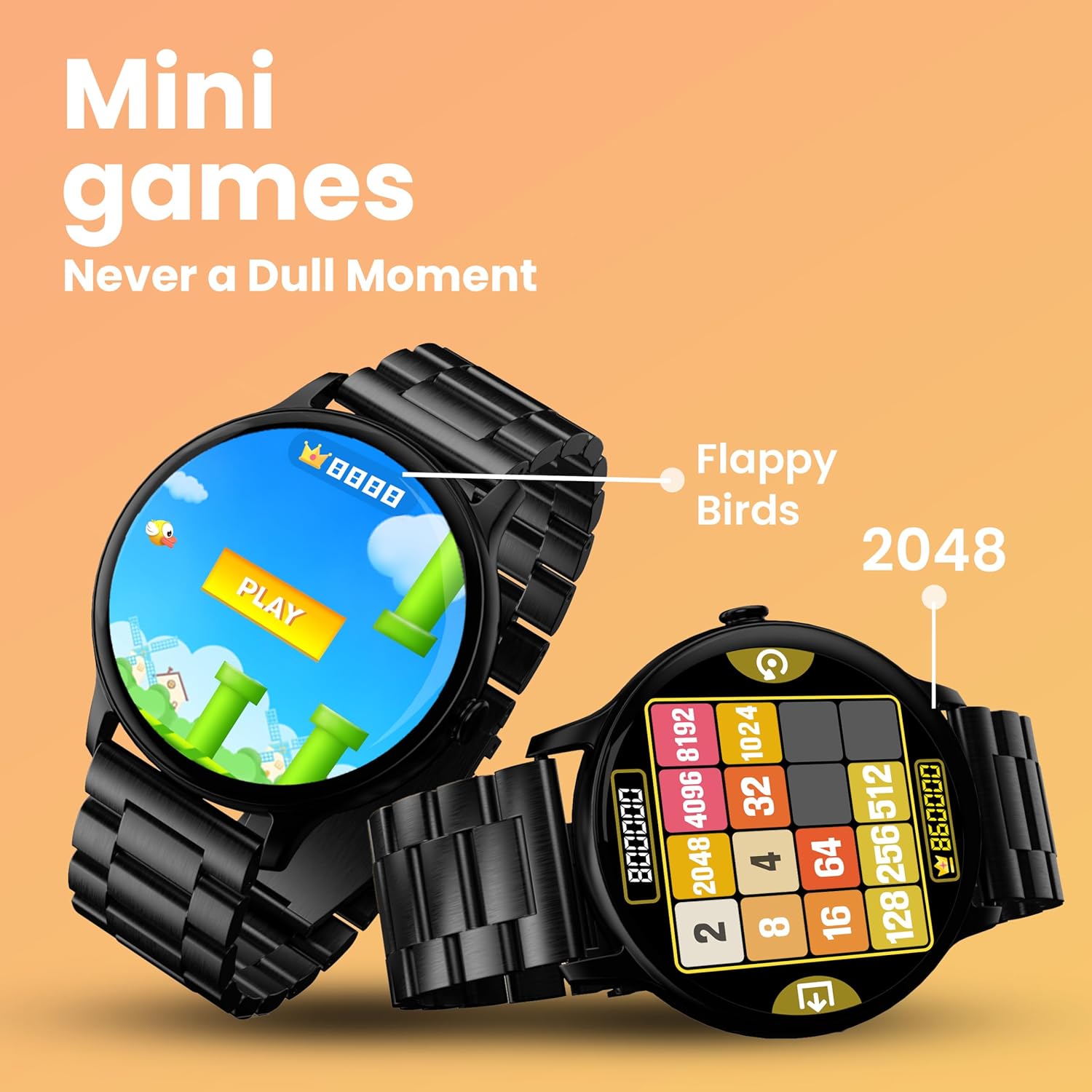
Image: The smartwatch screen showing two mini-games, 'Flappy Birds' and '2048', available for play.
Fitur Pangimeutan Kaséhatan
Your GOBOULT Dire Smartwatch is equipped with several health monitoring functions:
- Monitor Detak Jantung 24x7: Terus ngalacak denyut jantung anjeun sapopoe.
- Monitor Saturasi Oksigén Getih SpO2: Ukur tingkat oksigén getih anjeun.
- Nyukcruk Siklus Menstruasi Awéwé: Ngabantosan ngalacak sareng ngaduga siklus menstruasi.
- Panginget inuman cai: Ngajurung anjeun nginum cai sacara rutin.
- Panginget Sedentary: Ngageterkeun anjeun nalika anjeun parantos lami teuing.
- Pangimeutan Saré: Nganalisis pola sareng kualitas sare anjeun.
- Calories Count & Meditation: Tracks calorie expenditure and offers guided meditation features.
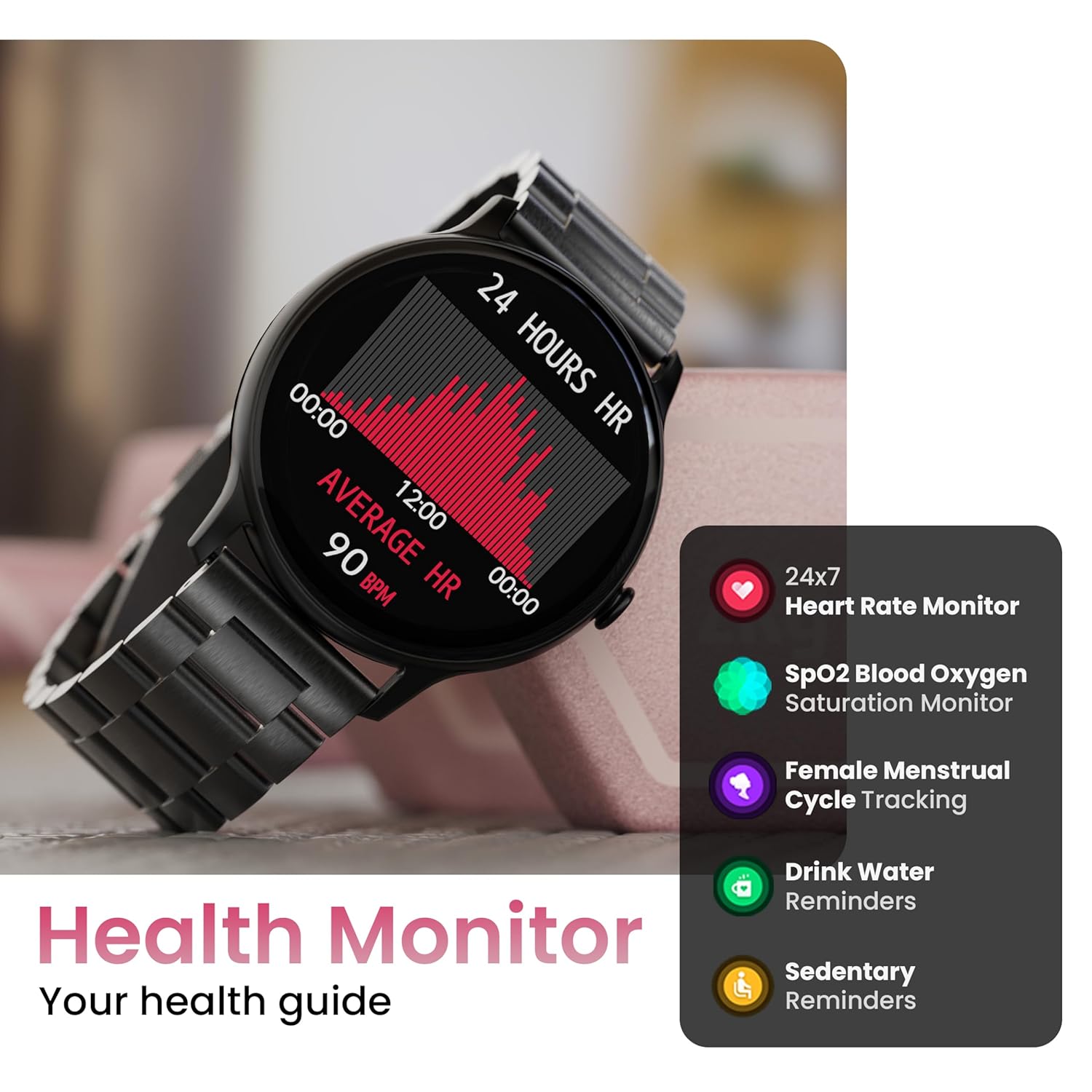
Image: The smartwatch displaying a heart rate graph, alongside icons for Heart Rate Monitor, SpO2, Female Menstrual Cycle Tracking, Drink Water Reminders, and Sedentary Reminders.
Fitur pinter
Panggihan Telepon Abdi
If your paired smartphone is misplaced, use the 'Find Device' feature on your smartwatch. Navigate to the watch menu, select 'Find Device', and tap the search button. Your connected phone will ring or vibrate, helping you locate it.
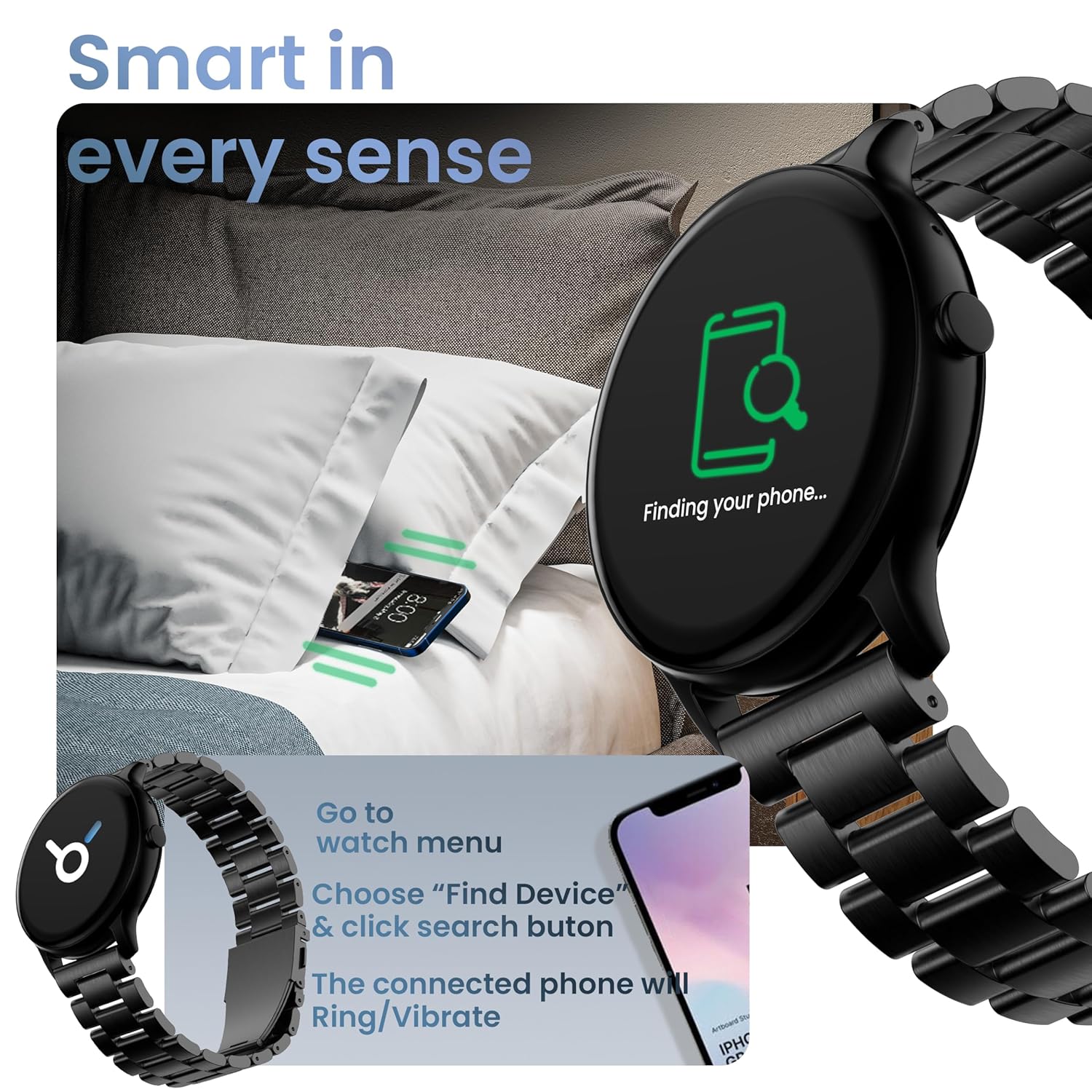
Image: The smartwatch displaying 'Finding your phone...' with an illustration of a phone vibrating under a pillow, demonstrating the 'Find Device' function.
Pangropéa
Ngabersihan Alat
Wipe the smartwatch regularly with a soft, dry, lint-free cloth. For stubborn dirt, slightly dampen lawon jeung cai. Ulah make bahan kimia kasar atawa bahan abrasive.
Tahan Cai sareng Lebu (IP67)
The GOBOULT Dire Smartwatch is IP67 rated, meaning it is resistant to dust and can withstand immersion in water up to 1 meter for 30 minutes. It is suitable for daily use, including splashes and sweat. However, it is not recommended for swimming, showering with hot water, or diving.
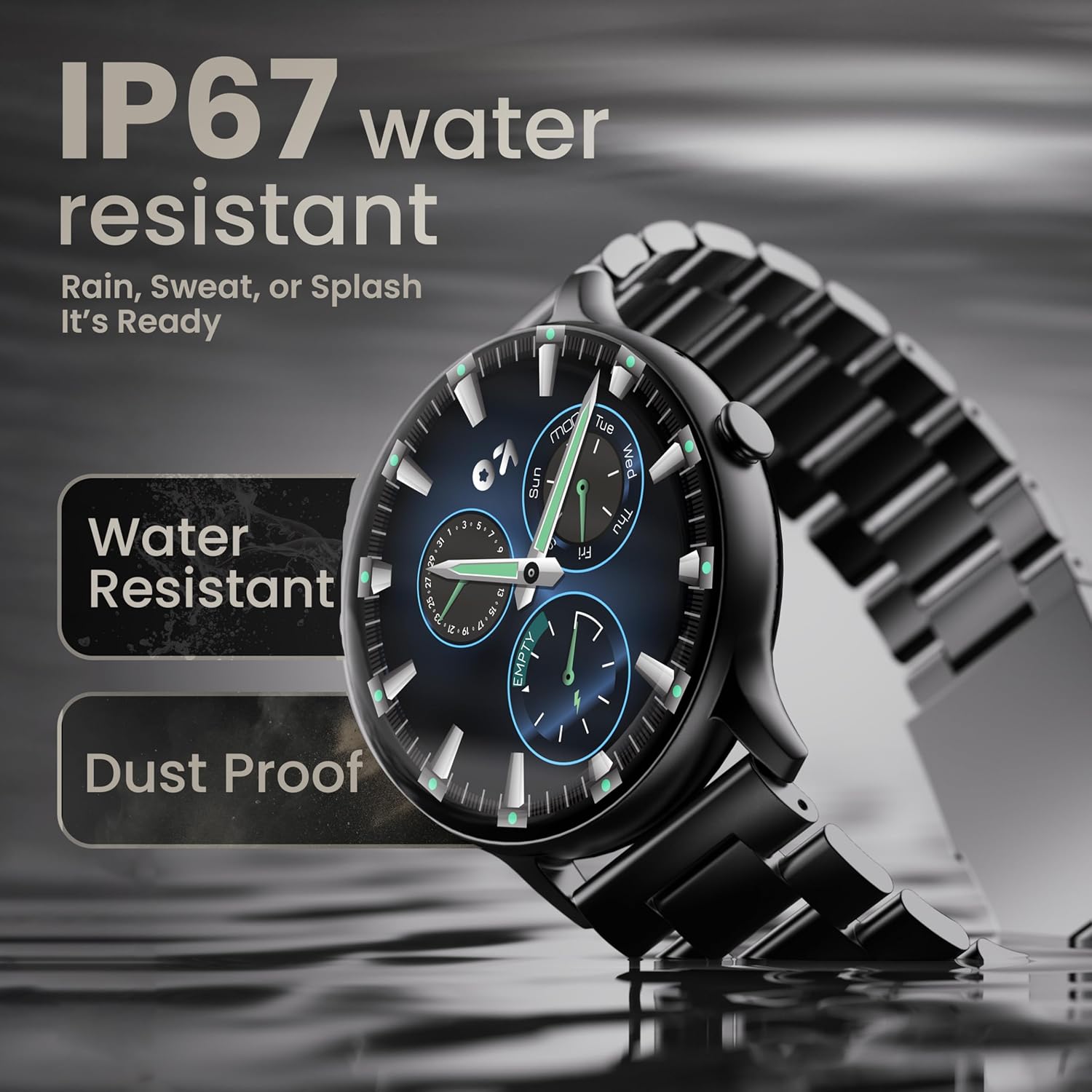
Image: The smartwatch submerged partially in water, with text indicating 'IP67 water resistant' and 'Rain, Sweat, or Splash It's Ready'.
Perawatan batré
To maximize battery life (up to 7 days on average), avoid extreme temperatures and fully discharge the battery occasionally before recharging. Use only the provided charging cable.
Pamérésan masalah
| Masalah | Solusi |
|---|---|
| Lalajo teu hurung | Pastikeun arloji dicas pinuh. Sambungkeun ka carjer sahenteuna 30 menit. |
| Teu tiasa dipasangkeun sareng smartphone | Make sure Bluetooth is enabled on your phone. Restart both the watch and phone. Ensure the companion app is installed and open. Check if the watch is already paired with another device. |
| Bewara teu némbongan | Verify that notification permissions are granted for the companion app in your phone's settings. Ensure the watch is connected via Bluetooth. |
| Data kaséhatan teu akurat | Pastikeun arloji dipaké pas dina pigeulang anjeun, teu ketang teuing atawa longgar teuing. Ngabersihan sénsor dina tonggong arloji. |
| hirup batré pondok | Reduce screen brightness, disable unnecessary features like continuous heart rate monitoring if not needed, and limit frequent notifications. Ensure background app usage is optimized. |
spésifikasi
| Fitur | Rincian |
|---|---|
| merek | GOBOULT |
| Ngaran modél | Boult Dire |
| Ukuran tampilan | 1.38 inci |
| Tipe tampilan | HD, 2.5D Melengkung |
| Caang | 500 niis |
| Vérsi Bluetooth | 5.2 |
| Tahan cai | IP67 (Tahan Debu sareng Cai) |
| Kahirupan Batré (Rata-rata) | 7 poé |
| Waktu Ngeusi batre | 150 Menit |
| Kasaluyuan System Operasi | ios, Android |
| Item Beurat | 40 g |
| Bahan Pigura | Séng Alloy |
| Komponén Kaasup | Charging Cable, Smartwatch, User Manual, Warranty Card |
Garansi sareng Rojongan
Your GOBOULT Dire Smartwatch comes with a manufacturer's warranty. Please refer to the included Warranty Card for detailed terms, conditions, and duration of the warranty period.
For technical assistance, product inquiries, or warranty claims, please contact GOBOULT customer support through the contact information provided on your Warranty Card or the official GOBOULT websitus.


