Bubuka
This manual provides comprehensive instructions for the operation and maintenance of your PRUNUS J-155 Pocket Radio. Please read this manual thoroughly before use to ensure optimal performance and longevity of your device.

Figure 1: PRUNUS J-155 Pocket Radio.
Fitur produk
- Resepsi Unggulan: DSP chip and 17.7-inch telescopic antenna for strong FM (87-108MHz), AM (520-1710KHz), and SW (3.2-21.85MHz) reception.
- Auto/Manual Tuning & Presets: Auto-scan for quick station finding, manual tuning for precise adjustments, and customizable presets.
- Bluetooth 5.4 & TF Card Playback: Stream audio wirelessly or play up to 128GB of music from a TF card.
- Hi-Fi Sound & Private Listening: Powerful 3W speaker for clear audio and a 3.5mm earphone jack for personal use.
- Dual Alarm Modes & 12/24H Time Format: Wake up to your favorite station or soothing white noise, with snooze function and adjustable time format.
- Long-Lasting Power & Ultra-Light Design: 850mAh rechargeable battery (1.5-hour charge time) and lightweight 5oz design for portability.
Naon dina Box
- PRUNUS J-155 Pocket Radio
- Kabel Ngecas USB-C
- Manual pamaké
- anteneu
spésifikasi
| Fitur | Rincian |
|---|---|
| Dimensi produk | 4.63 x 2.76 x 1 inci |
| Item Beurat | 7.8 ons |
| Nomer modél | cd1d1fc5-99d7-49d5-8711-46a8cfc83568 |
| Warna | Hideung |
| Téhnologi konektipitas | Bluetooth |
| Téhnologi Tuner | AM/FM/SW |
| Sumber Daya | Batré Powered |
| Pita Radio Dirojong | AM/FM/SW |
| Téknologi tampilan | LCD |
Disetél
Ngecas Batré
The PRUNUS J-155 radio is equipped with an 850mAh rechargeable battery. To charge the device:
- Locate the USB-C charging port on the side of the radio.
- Connect the provided USB-C cable to the radio and a compatible USB power adapter (not included).
- The battery indicator on the screen will show charging status. A full charge takes approximately 1.5 hours.

Figure 2: USB-C Charging Port and Device Dimensions.
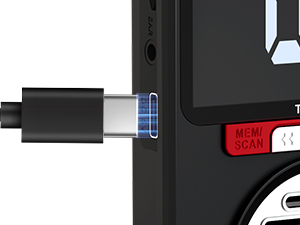
Gambar 3: Port Ngecas USB-C.
Parentah Operasi
Daya Hurung / Pareum sareng Pamilihan Mode
To power on the device, press and hold the power button. To switch between modes (FM/AM/SW Radio, Bluetooth, TF Card), short press the "MODE" button.
Video 1: Demonstrates auto station search, manual station search, recalling stored stations, manual station preset, working mode switch, TF card mode, Bluetooth mode, time setting, and alarm clock setting for the PRUNUS J-155 radio.
Radio Operation (FM/AM/SW)
The radio supports FM (87-108MHz), AM (520-1710KHz), and SW (3.2-21.85MHz) bands. Extend the 17.7-inch telescopic antenna for optimal reception.
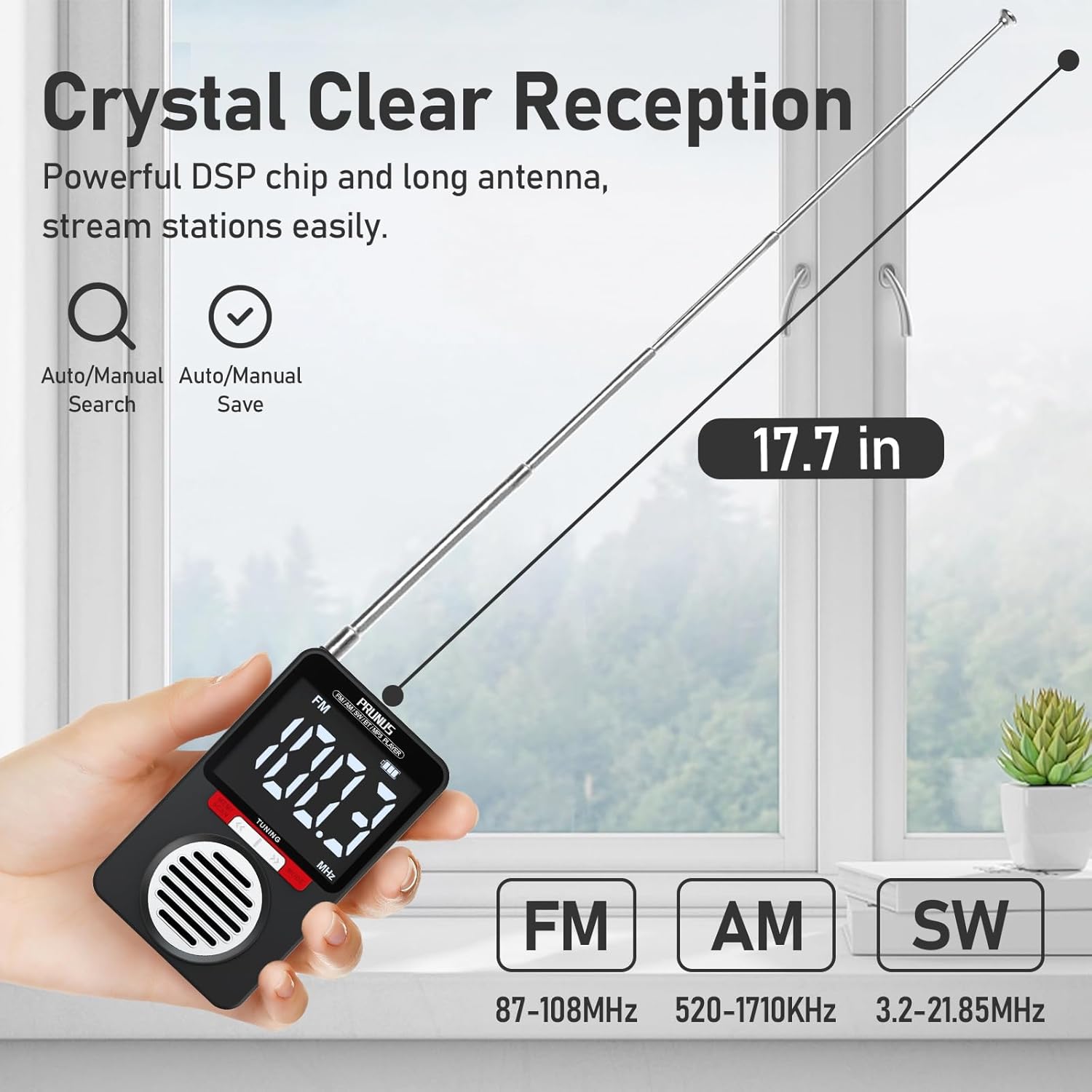
Figure 4: Extended Antenna for Enhanced Reception across FM, AM, and SW bands.
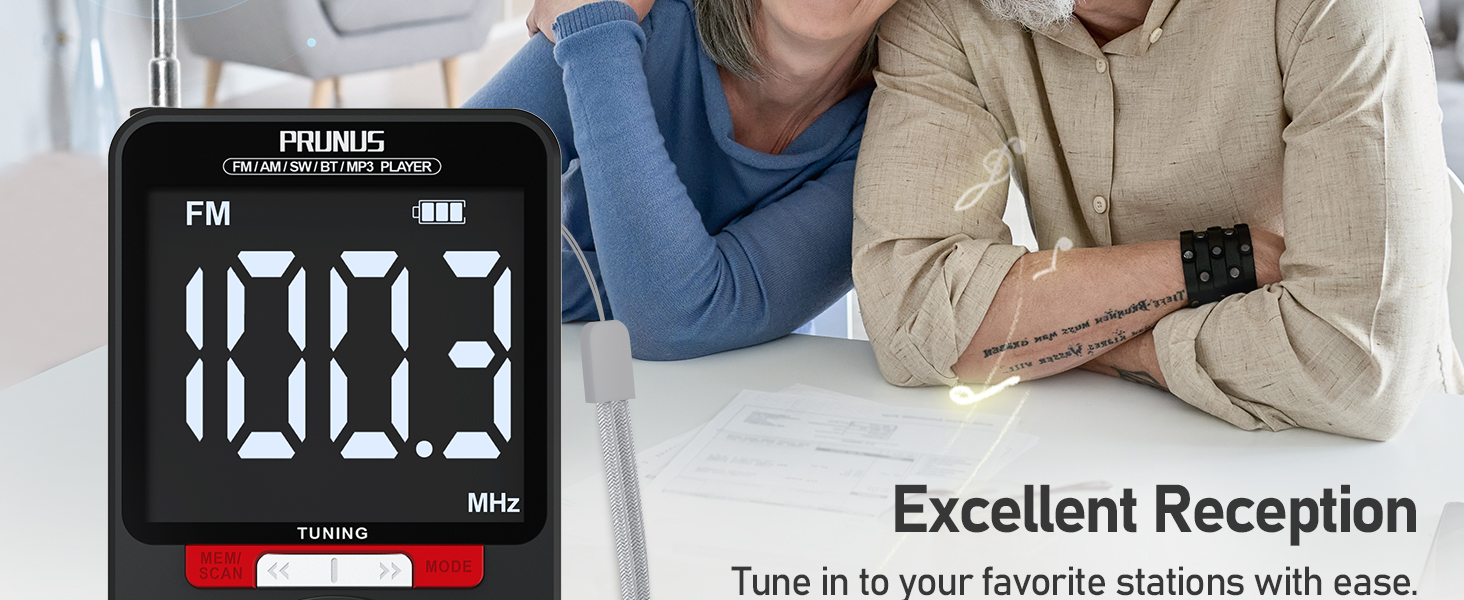
Figure 5: Excellent Reception and Tuning Options.
Auto Station Search:
Long press the "MEM/SCAN" button to automatically scan and store available stations.
Pilarian Stasion Manual:
Long press the "<<" or ">>" buttons to skip to the previous or next available station.
Ngarékam Stasion anu Disimpen:
Short press the "M-" or "M+" buttons (located on the side of the device) to recall previous or next stored stations.
Manual Station Preset:
- Tune to the desired station using manual search.
- Short press the "MEM/SCAN" button to initiate the preset process.
- Use "M-" or "M+" to select a preset number (P01, P02, etc.).
- Press "MEM/SCAN" again to store the station to the selected preset number.
Konektipitas Bluetooth 5.4
The PRUNUS J-155 can function as a Bluetooth speaker. To connect your device:
- Switch the radio to Bluetooth mode using the "MODE" button. The display will show "bt".
- Aktipkeun Bluetooth dina telepon pinter anjeun atanapi alat audio anu sanés.
- Select "J-155" from the list of available devices to pair.
- Once connected, you can control playback (skip tracks) using the "<<" and ">>" buttons on the radio.

Figure 6: Bluetooth Pairing and Playback.
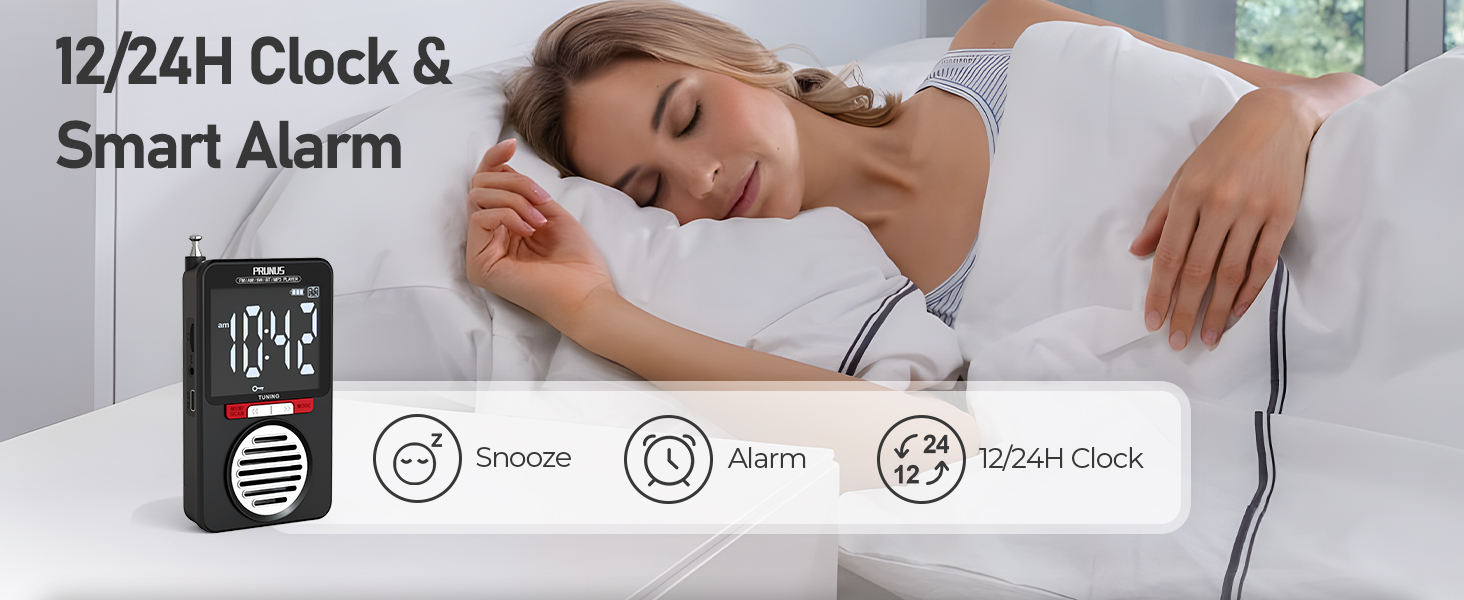
Figure 7: Dual Music Options: Bluetooth and TF Card.
Playback Kartu TF
The radio supports TF (microSD) cards up to 128GB for MP3 playback.
- Selapkeun kartu TF kalayan musik files into the TF card slot on the side of the radio. The device will automatically switch to TF Card mode.
- Use the "<<" and ">>" buttons to navigate between tracks.
Kaluaran Audio
The radio features a powerful 3W inner magnetic speaker for clear audio. For private listening, plug headphones into the 3.5mm earphone jack.

Figure 8: Hi-Fi Sound and Private Listening Options.

Figure 9: Rich Stereo Sound from the Internal Speaker.

Figure 10: 3.5mm Earphone Jack for Private Listening.
Time and Alarm Clock Settings
The radio features a large display that shows time and alarm settings.

Figure 11: Wake Up Your Way with Dual Alarm Modes.
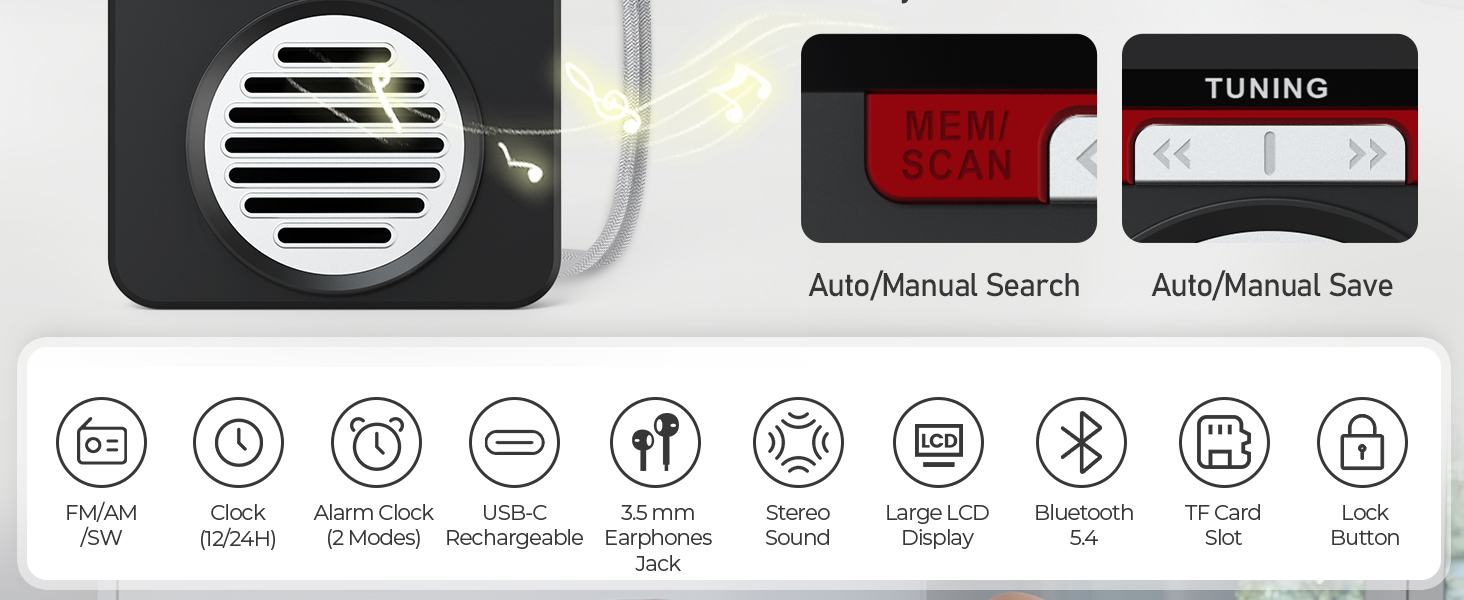
Figure 12: 12/24H Clock & Smart Alarm Features.
Nyetél waktos:
- Short press the "Power Button" to switch to Clock Mode.
- Long press the "TIME / AL" button to enter time settings.
- Use "<<" and ">>" to set hours, then press "TIME / AL" to confirm.
- Repeat for minutes and to switch between 12-hour and 24-hour formats.
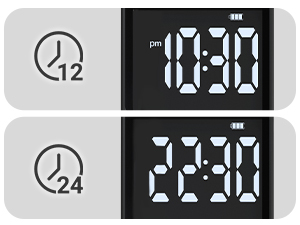
Figure 13: 12-hour and 24-hour Time Formats.
Nyetél Jam Alarm:
The radio offers two alarm modes: Auto-Play Mode (radio) and White Noise Mode.
- Short press "TIME / AL" to turn the alarm on/off.
- Long press "MODE" to enter alarm settings.
- Use "<<" and ">>" to set the alarm hour, then press "MODE" to confirm.
- Ngulang keur menit.
- Choose alarm tone (N1 or N2 for regular alarm) or select PON mode for scheduled power-on.
- For PON mode, set the duration (FUL for continuous, or 10-90 minutes).
- Press "MODE" to confirm all settings.
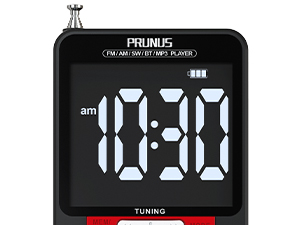
Figure 14: Alarm Time Setting.
Tombol Konci
The lock button prevents accidental button presses. To activate/deactivate, locate the "LOCK IST" button on the side and press it.
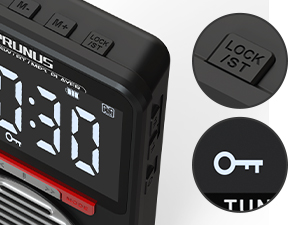
Figure 15: Lock Button.
Pangropéa
- Jaga alat tetep garing sareng jauh tina beueus.
- Clean the exterior with a soft, dry cloth. Avoid abrasive cleaners.
- Do not disassemble the radio. Repairs should only be performed by qualified personnel.
- Nyimpen dina tiis, tempat garing lamun teu dipaké pikeun période nambahan.
Pamérésan masalah
| Masalah | Mungkin Cukang lantaranana | Solusi |
|---|---|---|
| panarimaan radio goréng | Anteneu teu manjang, daérah sinyal lemah, gangguan. | Extend the telescopic antenna fully. Move to an area with better signal. Avoid strong electromagnetic interference. |
| Bluetooth teu nyambung | Radio teu dina modeu Bluetooth, alat teu tiasa kapanggih, jauh teuing ti radio. | Ensure radio is in Bluetooth mode ("bt" displayed). Make sure Bluetooth is enabled on your external device and it's within range (approx. 10 meters). Try restarting both devices. |
| kartu TF teu maén | Lepat file format, card not inserted correctly, corrupted card. | Pastikeun musik files are in MP3 format. Reinsert the TF card. Try a different TF card. |
| Batré gancang boros | High volume usage, continuous use, old battery. | Reduce volume. Charge fully before use. If battery life significantly degrades, contact support. |
| Pintonan teu katingali | Low battery, device off. | Charge the battery. Power on the device. |
Garansi sareng Rojongan
PRUNUS products are designed for reliability and performance. For warranty information, technical support, or service inquiries, please refer to the contact information provided with your purchase or visit the official PRUNUS websitus.
Punten tahan bukti pameseran anjeun pikeun klaim garansi.


