1. Bubuka
Thank you for choosing the TELE System 40-inch Full HD LED Frameless Smart TV. This manual provides essential information for setting up, operating, and maintaining your new television. Please read these instructions carefully before using the product to ensure safe and optimal performance. Keep this manual for future reference.
Émbaran Kasalametan
- Ulah ngalaan TV ka hujan atawa beueus pikeun nyegah seuneu atawa shock listrik.
- Ulah muka TV casing. Rujuk sadayana jasa ka tanaga anu mumpuni.
- Pastikeun ventilasi ditangtoskeun sabudeureun TV. Ulah meungpeuk bukaan ventilasi.
- Teundeun TV dina permukaan datar nu stabil pikeun nyegah ragrag.
- Cabut kabel listrik nalika badai kilat atanapi nalika henteu dianggo kanggo waktos anu lami.
2. Naon dina Box
Carefully unpack your TELE System Smart TV and check that all the following items are included:
- TELE System 40-inch Full HD LED Frameless Smart TV
- Standar Jauh Control
- Easy Remote Control (with large buttons)
- Kabel Daya
- Pituduh Pamaké (manual ieu)
- Émbaran jaminan
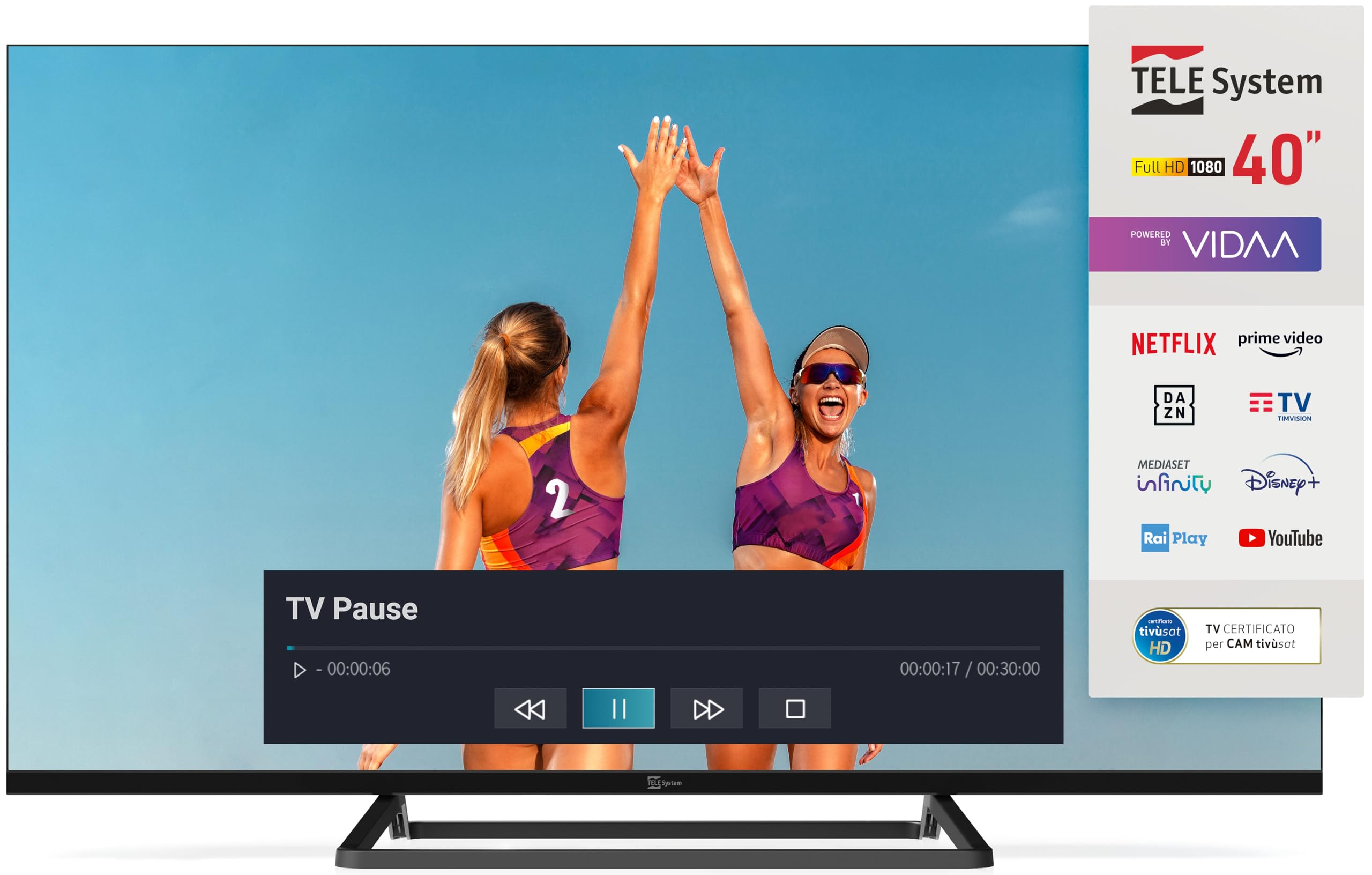
Image: The TELE System 40-inch Smart TV, showcasing its frameless design and the VIDAA smart interface. Both the standard and 'Easy' remote controls are visible at the bottom.
3. Setélan
3.1 Instalasi fisik
Place the TV on a flat, stable surface or mount it on a wall using a compatible VESA wall mount (sold separately). Ensure adequate space for ventilation around the TV.
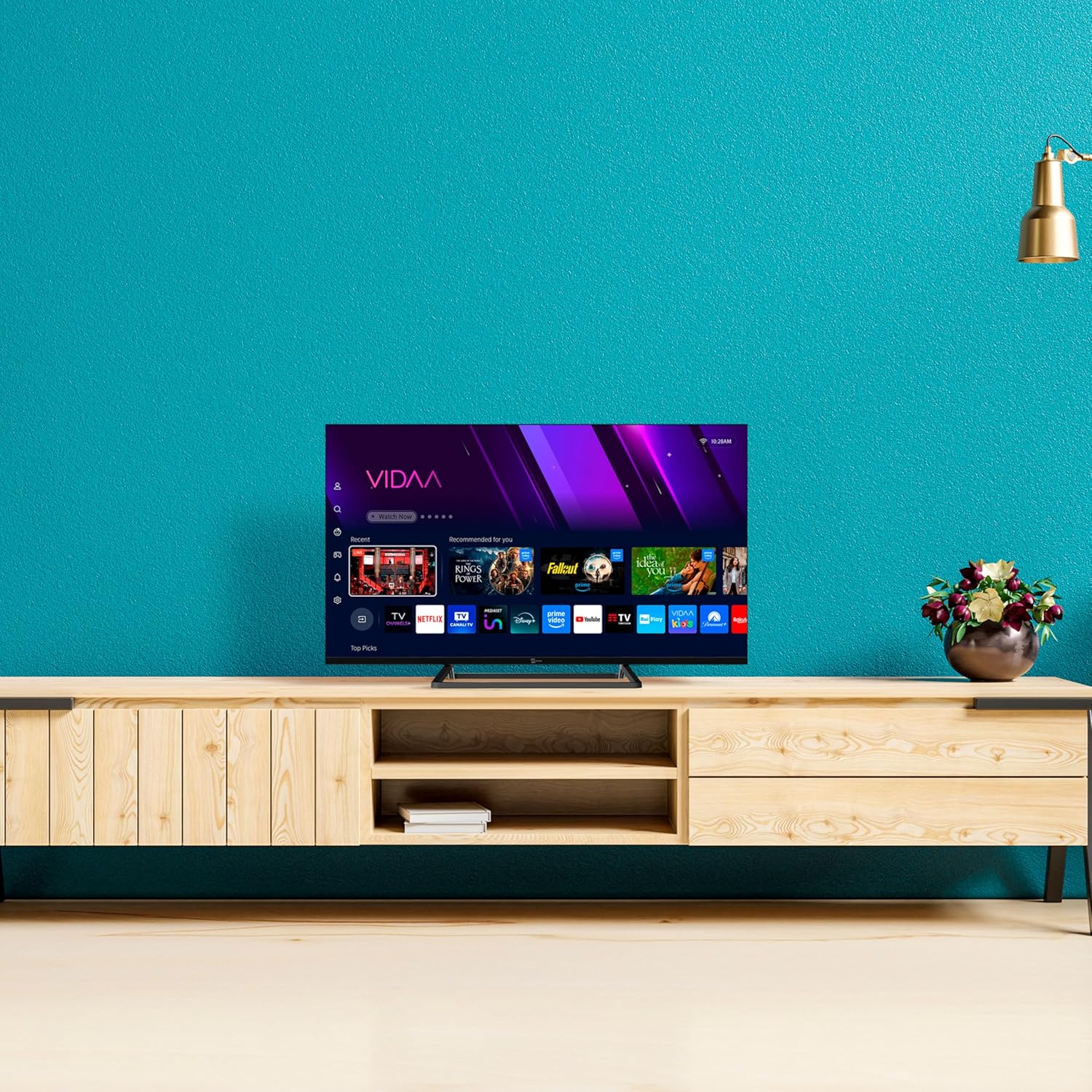
Image: The TELE System 40-inch Smart TV positioned on a media console, illustrating a typical home setup.
3.2 Nyambungkeun Kabel
- kakuatan: Connect the supplied power cable to the TV's power input and then to a wall outlet.
- Antena/satelit: Connect your terrestrial antenna or satellite dish cable to the appropriate input on the TV (DVB-T2/S2).
- Alat éksternal: Use HDMI ports for connecting devices like Blu-ray players, game consoles, or set-top boxes.
- Jaringan: Pikeun internét kabel, sambungkeun kabel Ethernet ka port LAN. Pikeun nirkabel, pastikeun jaringan Wi-Fi anjeun sadia dina mangsa setelan awal.
3.3 Mimitian Time Setup
Saatos diaktipkeun heula, TV bakal ngabimbing anjeun dina prosés pangaturan awal:
- Pilihan Basa: Pilih basa anu anjeun pikaresep.
- Sambungan jaringan: Connect to your Wi-Fi network or confirm the wired connection.
- Scan Channel: The TV will automatically scan for available DVB-T2 (terrestrial) and DVB-S2 (satellite, tivùsat compatible) channels.
- Akun VIDAA: Follow on-screen prompts to set up or log in to your VIDAA account to access smart features.
4. Ngoperasikeun TV
4.1 Kadali jauh
Your TV comes with two remote controls: a standard remote for full functionality and an 'Easy' remote with larger buttons for simplified use.

Image: The two included remote controls: a standard feature-rich remote on the left and a simplified 'Easy' remote with larger buttons on the right.
4.2 Fungsi TV Dasar
- kakuatan: Pencét éta Kakuatan button on either remote to turn the TV on or off.
- Volume: Ngagunakeun éta VOL +/- tombol pikeun nyaluyukeun polumeu.
- Saluran: Ngagunakeun éta CH +/- buttons or number pad to change channels.
- Sumber: Pencét éta Sumber button to select input sources (HDMI, AV, TV).
4.3 Smart TV Features (VIDAA Platform)
The TELE System Smart TV is powered by the VIDAA platform, offering a wide range of streaming services and interactive features.
- Aplikasi streaming: Access popular apps like Netflix, Prime Video, YouTube, Disney+, DAZN, Rai Play, TIMvision, and Mediaset Infinity directly from the home screen.
- HbbTV: Utilize HbbTV 2.0.2 for interactive content, catch-up TV, and the 'restart' function for live programs.
- Pamuter Média: Connect a USB external hard drive to the USB 2.0 port to play your favorite photos, videos, and music.
- TV PAUSE Function: Connect a USB memory device to enable the 'TV PAUSE' function, allowing you to pause live TV and resume viewing at your convenience.

Image: A visual representation of various streaming applications available on the TELE System Smart TV, such as Netflix, Prime Video, and Disney+.
4.4 Hotél Mode
This TV features a Hotel Mode with Web Privacy, ideal for multi-user installations. This function automatically deletes user private data every time the TV is switched off, ensuring privacy for guests.
5. Pangropéa
Ngabersihkeun TV
- Salawasna cabut TV tina stop kontak sateuacan beberesih.
- Anggo lawon anu garing sareng lemes pikeun ngusap layar sareng kabinet.
- Pikeun tanda pengkuh, enteng dampen lawon jeung cai atawa hampang, non-abrasive cleaner layar. Ulah menyemprot cleaner langsung kana layar.
- Avoid using harsh chemicals, abrasive pads, or solvents as they can damage the TV's surface.
6. Cara ngungkulan
Upami anjeun ngalaman masalah sareng TV anjeun, tingal masalah sareng solusi umum ieu:
| Masalah | Solusi anu mungkin |
|---|---|
| Taya kakuatan | Ensure the power cable is securely connected to the TV and the wall outlet. Check if the outlet is working. |
| Teu aya gambar/Teu aya sinyal | Verify the correct input source is selected. Check antenna/satellite/HDMI cable connections. Perform a channel scan. |
| Taya sora | Check volume level and mute status. Ensure external audio devices are correctly connected and selected. |
| Teu bisa nyambung ka Wi-Fi | Ensure your router is on and within range. Re-enter the Wi-Fi password. Restart the TV and router. |
| Kadali jauh teu jalan | Pariksa sareng gentos batréna. Pastikeun teu aya halangan antara remot sareng sénsor IR TV. |
7. Spésifikasi
Key technical specifications for the TELE System TS40 FLFHD SMV14 Smart TV:
- Ukuran layar: 40 inci
- Téknologi tampilan: LED
- Resolusi: 1080p (HD lengkep)
- Laju Refresh: 60 Hz
- Rasio Aspék: 16:9
- Téknologi konektipitas: Ethernet, Wi-Fi
- Fitur husus: HbbTV, HDR10 HLG, VIDAA platform, TV PAUSE function, Dual Remote Controls, tivùsat compatibility, Hotel Mode
- Ukuran produk: 12P x 99L x 57H cm (approx. 12 x 99 x 57 cm)
- beurat: 7.5 kg
- Rating Éfékténsi Énergi: E
8. Garansi jeung Rojongan
Émbaran jaminan
Your TELE System Smart TV is covered by a manufacturer's warranty. Please refer to the separate warranty document included in the box for detailed terms and conditions, including the warranty period and coverage.
Rojongan Palanggan
For technical assistance, troubleshooting beyond this manual, or warranty claims, please contact TELE System customer support. Contact details can typically be found on the TELE System official websitus atawa dina dokuméntasi jaminan Anjeun.
When contacting support, please have your TV model number (TS40 FLFHD SMV14) and serial number ready.


