
Bubuka
Hatur nuhun pikeun meuliasing the Andoer Digital Camera H12. This manual provides detailed instructions for the proper use and maintenance of your camera. Please read this manual thoroughly before using the camera to ensure optimal performance and longevity.
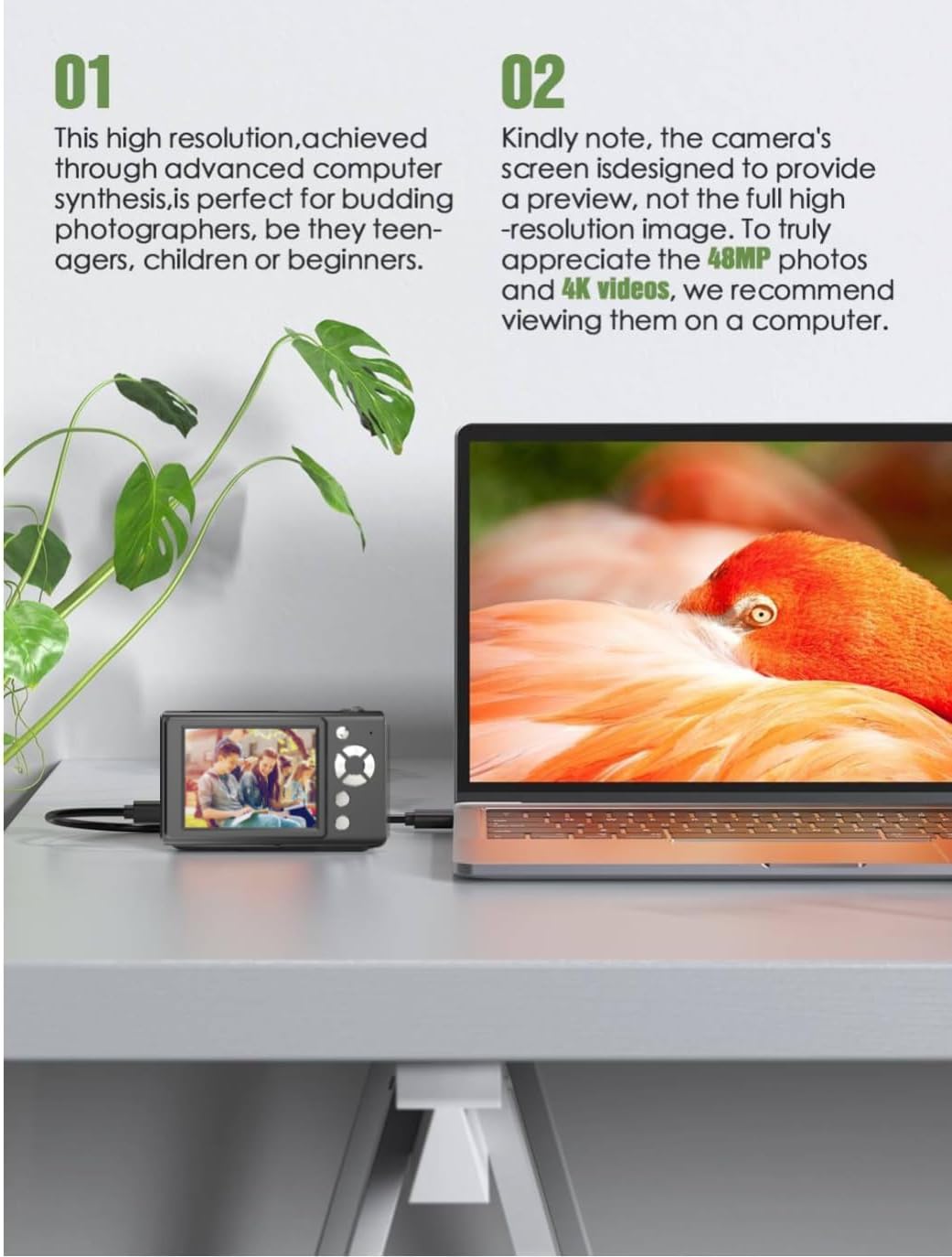
The Andoer H12 is a compact digital point-and-shoot camera featuring 1080P video recording, 48MP photo resolution, 16x digital zoom, autofocus, and an anti-shake function. It is designed for ease of use, making it suitable for various users.
Eusi pakét
Punten parios eusi bungkusan nalika unboxing pikeun mastikeun yén sadaya barang aya:
- 1 x Andoer Digital Camera H12
- 1 x Kabel USB (Tipe-C)
- 1 x Tali pigeulang
- 1 x 32GB Card Memori
- 1 x Card Reader
- 1 x Manual Pamaké
Disetél
1. Ngecas Batré
The camera is equipped with a built-in 3.7V 700mAh lithium battery. Before first use, fully charge the battery.
- Connect the included Type-C USB cable to the camera's USB port.
- Sambungkeun tungtung kabel USB anu sanés ka adaptor kakuatan USB (teu kalebet) atanapi port USB komputer.
- The charging indicator light will illuminate. Once charging is complete, the indicator light will change or turn off.
Catetan: A full charge typically takes approximately 2-3 hours. Do not use the camera while it is charging.
2. Nyelapkeun Kartu Mémori
The camera supports TF (MicroSD) cards up to 128GB. A 32GB memory card is included in the package.
- Teang slot kartu memori di sisi kaméra.
- Gently insert the TF card into the slot with the metal contacts facing the front of the camera until it clicks into place.
- Pikeun nyabut kartuna, pencét deui lalaunan ka jero nepi ka kartuna kaluar.

3. Ngalampirkeun tali pigeulang
Attach the included wrist strap to the camera for added security and to prevent accidental drops.
- Thread the thin loop of the wrist strap through the strap eyelet on the camera body.
- Pass the larger end of the strap through the thin loop and pull tight to secure it.
Parentah Operasi
1. Daya Hurung / Pareum
- Pikeun ngahurungkeun, pencét jeung tahan tombol daya nepi ka layar hurung.
- Pikeun mareuman, pencét jeung tahan deui tombol daya nepi ka layar pareum.
- The camera features an auto power-off function (off/3 mins/5 mins) which can be configured in the settings.
2. Nyokot Poto
- Turn on the camera. The camera will typically start in photo mode.
- Frame your shot using the 2.8-inch IPS display.
- Press the shutter button halfway down to activate autofocus. The camera will recognize and track subjects.
- Once focus is achieved (indicated by a green frame), press the shutter button fully to take the picture.

3. Ngarékam Pidéo
- Switch to video mode (refer to the camera's on-screen interface for the mode switch button).
- Pencét tombol jepret pikeun ngamimitian ngarékam. Indikator beureum atawa timer bakal nembongan dina layar.
- Pencét deui tombol jepret pikeun ngeureunkeun ngarékam.
The camera supports 1080P and 720P video resolutions in AVI format. Loop recording can be set for 3, 5, or 10 minutes.
4. Fungsi zum
Use the zoom buttons (usually marked 'W' for Wide and 'T' for Telephoto) to adjust the 16x digital zoom. This allows you to magnify distant subjects.

5. Lampu LED Eusian
The camera features a built-in ring LED fill light with three lighting modes to assist in low-light conditions.
- Cahaya bodas: Bright, even, and soft illumination.
- Cahaya Bodas haneut: Pure natural light, soft and comfortable.
- Lampu konéng: Warm color adjustment for a warm atmosphere.
Access and cycle through these modes via the camera's menu or a dedicated button (refer to the on-screen interface).

6. Fungsi séjén
- Timer Selfie: Options for off, 2s, 5s, or 10s delay before taking a photo.
- Shooting kontinyu: Capture a series of photos rapidly.
- Anti goyang: Helps reduce blur caused by camera movement.
- Pangaruh Filter: Various built-in filters to enhance your photos.
- Kaulinan: Includes 4 simple games for entertainment.
- Puteran MP3: Download MP3 music to the memory card and play it through the camera.

Pangropéa
- Ngabersihan awak kaméra: Anggo kaén anu lembut sareng garing pikeun ngusap awak kaméra. Keur kokotor bandel, rada dampBilas lawon ku cai teras usap dugi ka garing. Hindarkeun nganggo pembersih kimia.
- Ngabersihan Lensa sareng Layar: Use a specialized lens cleaning cloth or brush to gently remove dust and smudges. Do not use abrasive materials or excessive force.
- Panyimpenan: When not in use for extended periods, store the camera in a cool, dry place away from direct sunlight and extreme temperatures. Remove the memory card if not in use.
- Perawatan batré: Avoid fully discharging the battery frequently. Charge the battery regularly, even if the camera is not in use, to maintain battery health.
- Tahan cai: Kaméra ieu henteu tahan cai. Avoid exposure to water, rain, or high humidity.
Pamérésan masalah
| Masalah | Mungkin Cukang lantaranana | Solusi |
|---|---|---|
| Kaméra teu hurung. | Batré béak atawa teu dieusian. | Charge the camera battery fully using the provided USB cable. |
| Teu tiasa nyandak poto/ngarékam pidéo. | Kartu memori pinuh, teu dipasangkeun kalawan bener, atanapi rusak. | Check if the memory card is inserted correctly. Delete unnecessary files or replace the memory card. Format the card if necessary (this will erase all data). |
| Gambar blur. | Fokus otomatis gagal, kaméra oyag, atanapi lénsa kotor. | Ensure autofocus is engaged. Hold the camera steady or use the anti-shake function. Clean the lens with a soft cloth. |
| Layar kosong atawa beku. | Kasalahan sistem atanapi gangguan fungsi samentawis. | Press and hold the power button for 10 seconds to force a shutdown, then restart the camera. If the issue persists, contact customer support. |
| Teu bisa mindahkeun files kana komputer. | Incorrect cable connection or driver issue. | Ensure the USB cable is securely connected. Try a different USB port or computer. Use the included card reader to transfer files langsung tina kartu mémori. |
spésifikasi
| Fitur | Rincian |
|---|---|
| Ngaran modél | H12 |
| tampilan | 2.8 inci IPS LCD |
| Resolusi Poto | Up to 48MP (48M, 40M, 24M, 20M, 18M, 16M, 12M, 10M, 8M, 5M, 3M, 2M, 1M) |
| Format Poto | JPG |
| Resolusi Video | 1080P, 720P |
| Format pidéo | AVI |
| Zum Digital | 16X |
| Pokus otomatis | Yes (Contrast Detection, 9 points) |
| Stabilisasi Gambar | Optik |
| Tipe sénsor | CMOS (1/4 inci) |
| Panyimpenan | TF card, max. 128GB (32GB included) |
| Batré | Batré Litium internal (3.7V 700mAh) |
| Pangecas Interface | USB Tipe-C |
| Timer Selfie | Off/ 2s/ 5s/ 10s |
| Otomatis Pareum | Off/ 3 mins/ 5 mins |
| Ngarekam Loop | 3 mins/ 5 mins/ 10 mins |
| Diwangun-di Fitur | LED Fill Light (3 modes), Filter Effects, 4 Games, MP3 Playback |
| Ukuran produk | 103 x 31 x 65 mm |
| Beurat produk | 149g (camera body) / 260g (item weight including packaging/accessories) |
| Tingkat Résistansi Cai | Henteu Tahan Cai |
Émbaran jaminan
The Andoer Digital Camera H12 comes with a garansi 1 taun ti tanggal pameseran. Garansi ieu ngawengku cacad manufaktur sareng gangguan fungsi dina panggunaan normal. Éta henteu ngawengku karusakan anu disababkeun ku salah guna, kacilakaan, perbaikan anu teu sah, atanapi bencana alam.
Punten tahan bukti pameseran anjeun pikeun klaim garansi.
Rojongan Palanggan
If you encounter any issues or have questions not covered in this manual, please contact Andoer customer support. You can typically find support contact information on the official Andoer websitus atawa ngaliwatan pangecér Anjeun.
Pikeun pitulung salajengna, mangga buka di Andoer Store on Amazon.