1. Produk Langkungview
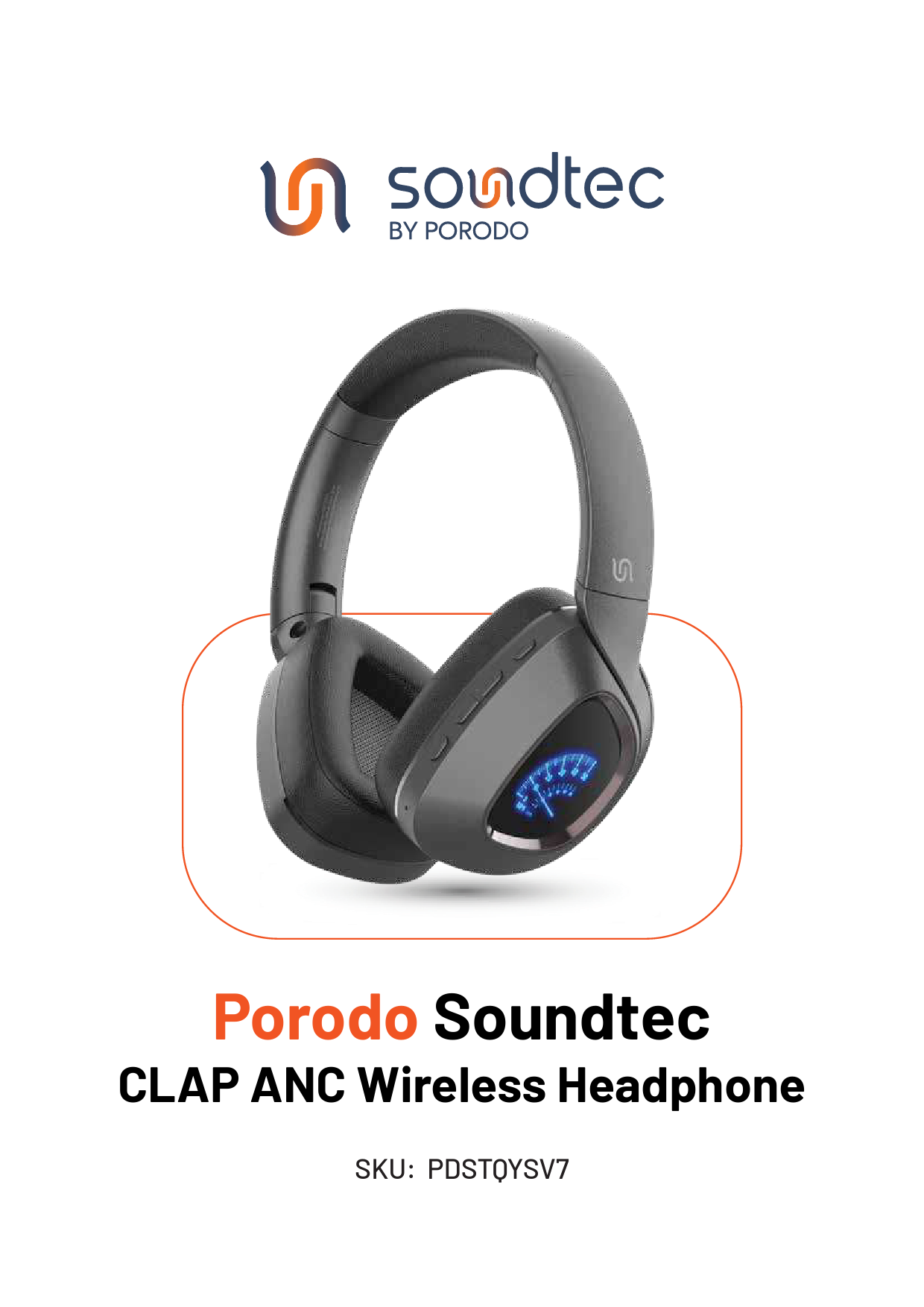
The Porodo Soundtec Vintage Wireless ENC Headphone (Model: PD-STWLEP037) combines classic design with modern audio technology. These headphones feature Bluetooth 5.3 EDR for stable wireless connectivity, Environmental Noise Cancellation (ENC) for clear audio, and a 350mAh battery providing up to 13 hours of playtime. Designed for comfort and versatility, they include a Micro SD slot for direct music playback.

Figure 1: Porodo Soundtec Vintage Wireless ENC Headphone in use with a laptop and smartphone.
2. Setup Guide
2.1 Eusi pakét
Sateuacan neraskeun, pastikeun sadaya barang aya dina bungkusan:
- Porodo Soundtec Vintage Wireless ENC Headphone
- Kabel Ngecas (USB-C)
- Kabel Audio 3.5mm
- Manual pangguna (dokumén ieu)

Figure 2: Product packaging showing the headphones and included accessories.
2.2 Ngecas Headphone
- Sambungkeun kabel ngecas USB-C anu disayogikeun ka port ngecas dina headphone.
- Sambungkeun tungtung kabel anu sanés ka adaptor kakuatan USB (teu kalebet) atanapi port USB komputer.
- Indikator LED bakal nyaangan nalika ngecas sareng robih warna atanapi pareum nalika dicas pinuh.
- Ngeusi batre pinuh butuh kurang leuwih 2-3 jam.
Catetan: For optimal battery life, fully charge the headphones before first use.
2.3 Powering on / Pareum
- Pikeun Ngahurungkeun: Pencét terus tahan tombol Daya salila kurang leuwih 3 detik nepi ka indikator LED kedip-kedip.
- Pikeun mareuman: Pencét terus tahan tombol Daya salila kurang leuwih 3-5 detik nepi ka indikator LED pareum.
3. Parentah Operasi
3.1 Nyapasangkeun Bluetooth
- Pastikeun headphone dipareuman.
- Pencét terus tahan tombol Daya salila kira-kira 5-7 detik nepi ka indikator LED kedip-kedip beureum jeung biru silih genti, nunjukkeun modeu pairing.
- Dina alat anjeun (smartphone, laptop, tablet), aktipkeun Bluetooth teras milarian alat anu sayogi.
- Select "Porodo Soundtec Vintage" from the list of devices.
- Sakali dipasangkeun, indikator LED bakal kedip-kedip biru laun.
Tip: Headphone bakal otomatis nyobian nyambung deui ka alat anu dipasangkeun terakhir nalika diaktipkeun.
3.2 Kadali Dasar

Figure 3: Control buttons located on the earcup of the headphone.
| Tombol/Aksi | Fungsi |
|---|---|
| Tombol Daya (Pencét Panjang) | Hurungkeun/Pareuman, Lebetkeun Modeu Papasangan |
| Tombol Daya (Pencét Sakeudeung) | Puter / Reureuh Musik, Jawab / Tungtung Telepon |
| Tombol Volume + (Pencét Sakeudeung) | Ningkatkeun Jilid |
| Tombol Volume + (Pencét Panjang) | Lagu salajengna |
| Tombol Volume - (Pencét Sakeudeung) | Ngurangan Volume |
| Tombol Volume - (Pencét Panjang) | Lagu saméméhna |
| M Button (Mode/ENC) | Toggle Environmental Noise Cancellation (ENC) On/Off, Switch Playback Mode (Bluetooth/Micro SD) |
3.3 Using the Micro SD Card Slot
- Insert a Micro SD card (up to 32GB, FAT32 format) with MP3 audio files into the Micro SD slot on the headphones.
- The headphones will automatically switch to Micro SD playback mode. If not, press the 'M' button to cycle through modes.
- Use the Volume +/- buttons for track navigation and the Power button for play/pause.
Catetan: Ensure the Micro SD card is inserted correctly to avoid damage.
Sambungan Kabel 3.4 (Jack Audio 3.5mm)
Pikeun nganggo headphone dina modeu kabel:
- Sambungkeun hiji tungtung kabel audio 3.5mm anu disayogikeun kana jack audio dina headphone.
- Sambungkeun tungtung nu sejen ka kaluaran audio 3.5mm alat Anjeun.
- The headphones will function as passive wired headphones. Bluetooth and ENC features will be disabled in wired mode.
4. Perawatan sareng Pangropéa
- Bersihkeun headphone ku kaén anu lembut sareng garing. Ulah make cleaners abrasive atawa pangleyur.
- Hindarkeun headphone ka suhu ekstrim, kalembaban, atanapi sinar panonpoé langsung.
- Do not immerse the headphones in water or expose them to heavy rain.
- Simpen headphone dina tempat anu tiis sareng garing upami henteu dianggo.
- Hindarkeun leupaskeun atanapi nahan headphone kana dampak anu kuat.
- Keep the charging port and 3.5mm jack free from dust and debris.
5. Cara ngungkulan
| Masalah | Mungkin Cukang lantaranana | Solusi |
|---|---|---|
| Headphone teu hurung. | batré lemah. | Ngecas headphone pinuh. |
| Teu bisa masangkeun via Bluetooth. | Headphone henteu dina mode papasangan; Bluetooth ditumpurkeun dina alat; alat jauh teuing. | Ensure headphones are in pairing mode (flashing red/blue). Enable Bluetooth on your device. Move device closer to headphones (within 10 meters). Forget previous pairings on your device and try again. |
| Taya sora atawa volume low. | Volume low teuing; sumber audio salah; headphone teu nyambung. | Increase volume on both headphones and connected device. Ensure headphones are properly paired or connected via 3.5mm cable. Check if the correct audio output is selected on your device. |
| kartu Micro SD teu dipikawanoh. | Incorrect format; card not inserted properly; unsupported file ngetik. | Ensure Micro SD card is FAT32 format and contains MP3 files. Reinsert the card. Try a different Micro SD card. |
| ENC not working. | ENC feature is off; headphones in wired mode. | Press the 'M' button to toggle ENC. ENC is only active in wireless (Bluetooth) mode. |
6. Spésifikasi produk
| Fitur | Rincian |
|---|---|
| Ngaran modél | Porodo Soundtec Vintage Wireless ENC Headphone |
| Nomer modél | PD-STWLEP037 |
| Vérsi Bluetooth | V5.3 EDR |
| Kapasitas batré | 350 mah |
| Waktu maén | Nepi ka 13 jam |
| Waktu sayaga | Nepi ka 200 jam |
| Waktu Ngecas | Kira-kira. 2-3 jam |
| Kontrol bising | Pembatalan Noise Lingkungan (ENC) |
| Slot SD Mikro | Yes (up to 32GB, FAT32) |
| Jack headphone | 3.5 mm |
| Impedansi | 32 ohm |
| Beurat | 185 gram |
| Diménsi | 19 x 16.5 x 7.5 cm |
| Alat nu cocog | Telepon sélulér, Laptop, Tablet |
| Tipe Kontrol | Tombol Control |
7. Garansi jeung Rojongan
Porodo products are designed and manufactured to the highest quality standards. This product is covered by a limited warranty from the date of purchase. Please refer to the warranty card included in your package for specific terms and conditions.
For technical support, warranty claims, or general inquiries, please contact Porodo customer service through their official websitus atawa informasi kontak disadiakeun dina kartu jaminan Anjeun.
Dukungan Online: www.porodo.com/support
Pabrikan: Porodo
Jumlah modél: PD-STWLEP037