
1. Bubuka jeung Leuwihview
The DJI Power Dongle is an essential accessory designed to enhance the functionality of your DJI Power 1000 power station. By integrating the dongle, you gain the ability to remotely monitor and control your power station using the DJI Home app via Bluetooth or Wi-Fi. This provides a convenient and intuitive user experience for managing your power needs.
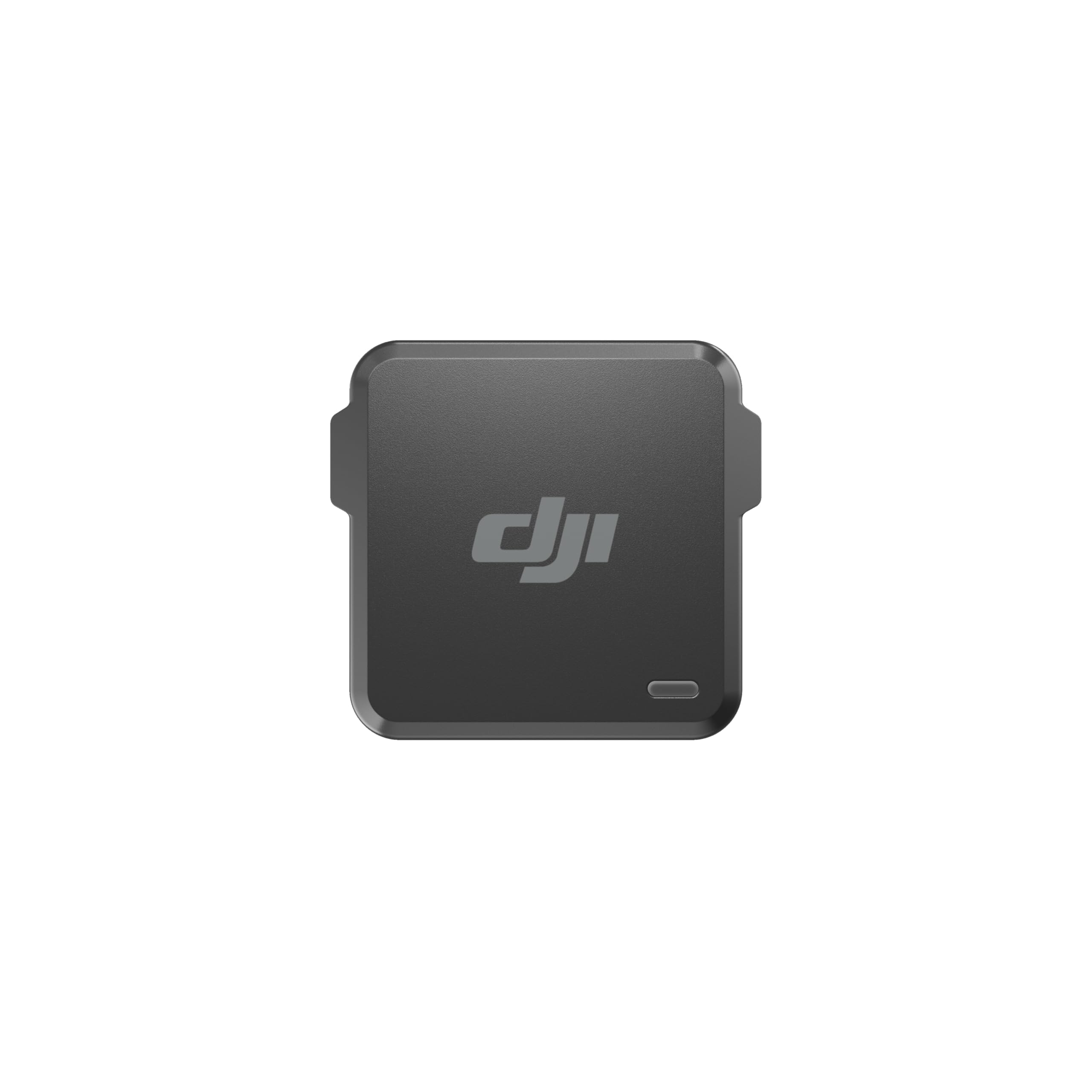
Gambar 1: Hareupeun view of the DJI Power Dongle, a compact black device with the DJI logo.
2. Komponén produk
The DJI Power Dongle package includes the following:
- DJI Power Dongle × 1
3. Setélan
Before using the DJI Power Dongle, ensure your DJI Power 1000 power station's firmware is updated to the latest version. This initial update must be performed via a wired connection using the DJI Assistant 2 app on a computer.
3.1 Initial Firmware Update for DJI Power 1000
- Download and install the DJI Assistant 2 (Power Series) app on your computer (compatible with Mac and Windows).
- Turn off your DJI Power 1000.
- Press and hold the power button and the AC button simultaneously until "LOAD" appears on the power station's screen.
- Connect your computer to the left USB-C port of the DJI Power 1000 using a data-compatible USB-C cable.
- Launch the DJI Assistant 2 app. It should detect your DJI Power 1000.
- Before starting the firmware update, connect the DJI Power 1000 to an AC input power source. This is required for the update procedure to prevent failure.
- Follow the on-screen instructions in the DJI Assistant 2 app to complete the firmware update.
3.2 Connecting the DJI Power Dongle
- Locate an available SDC port on your DJI Power 1000.
- Insert the DJI Power Dongle firmly into the SDC port. A green indicator light on the dongle will illuminate upon successful connection.

Figure 2: The DJI Power Dongle inserted into an SDC port on the DJI Power 1000.
4. Parentah Operasi
Once the DJI Power Dongle is connected and your DJI Power 1000 firmware is up to date, you can begin using the DJI Home app for remote control and monitoring.
4.1 Pairing with DJI Home App
- Download and install the DJI Home app on your smartphone or tablet.
- Pastikeun Bluetooth diaktipkeun dina alat sélulér Anjeun.
- Open the DJI Home app and follow the on-screen prompts to add your DJI Power 1000. The app should automatically detect the power station via the dongle.
- Once paired, you can connect the DJI Power 1000 to your home Wi-Fi network through the app for extended remote control capabilities.
4.2 Pangimeutan sareng Kontrol Jauh
The DJI Home app provides a comprehensive interface for managing your DJI Power 1000:
- Status waktos nyata: View current input/output power, battery status, and remaining runtime.
- Kontrol kaluaran: Remotely turn AC outlets and USB ports on or off.
- Manajemén Énergi: Adjust discharge and recharge limits for the battery to optimize battery health and lifespan.
- Setélan alat: Configure device screen timeout and AC idle timeout settings to conserve power when not in use.
5. Recharging Options
The DJI Power 1000, with the assistance of the dongle for monitoring, supports various recharging methods:
- Grid Power: Connect to a standard AC wall outlet for fast recharging.
- tanaga surya: Utilize compatible DJI solar panels connected via the SDC Power Panel Adapter Module (MPPT) or the DJI Power Car Power Outlet to SDC Power Cable. The intelligent MPPT algorithm tracks and maintains the highest voltage and current values from connected solar panels for efficient charging.
- Kakuatan Mobil: Recharge on the go by connecting to a 12V/24V car charger via the DJI Power Car Power Outlet to SDC Power Cable.
6. Spésifikasi
| Fitur | Rincian |
|---|---|
| Ukuran (L × W × H) | 43 × 39 × 37 mm |
| Beurat | Kira-kira. 47 g |
| Kasaluyuan | DJI Power 1000 |
| Konektipitas | Bluetooth, WiFi |
7. Cara ngungkulan
- Dongle indicator light not illuminating: Ensure the DJI Power Dongle is fully inserted into the SDC port. Verify that the DJI Power 1000's firmware is updated to the latest version.
- Unable to connect to DJI Home app: Confirm Bluetooth is active on your mobile device. Ensure the DJI Power Dongle is correctly installed and its indicator light is green. If issues persist, perform the wired firmware update for the DJI Power 1000 as described in Section 3.1.
- Sambungan intermiten: Check for obstructions between the DJI Power 1000 and your mobile device. Ensure your Wi-Fi network is stable if using Wi-Fi connectivity.
8. Pangropéa
To ensure optimal performance and longevity of your DJI Power Dongle, follow these maintenance guidelines:
- Keep the dongle and its ports clean and free from dust or debris. Use a soft, dry cloth for cleaning.
- Simpen dongle di tempat anu tiis sareng garing nalika henteu dianggo.
- Avoid exposing the dongle to extreme temperatures or moisture.
- Do not attempt to disassemble or repair the dongle yourself. Contact DJI support for assistance.
9. Garansi jeung Rojongan
The DJI Power Dongle comes with a 1-year limited warranty. For detailed warranty information, technical support, or service inquiries, please visit the official DJI support websitus: