1. Bubuka
The Fender ChampionII 100 Watt Combo Amplifier is designed to provide versatile and high-quality guitar tones for musicians of all levels. This amplifier offers a wide range of clean and overdriven sounds, along with a selection of built-in effects, making it suitable for various musical genres and playing environments. The ChampionII 100 Kit includes the amplifier, an instrument cable, and a polishing cloth to help you get started and maintain your equipment.

Gambar 1: Hareupeun view of the Fender ChampionII 100 Watt Combo Amppangagung.
2. Fitur konci
- Versatile Tones: Delivers world-renowned Fender clean and overdrive tones, plus an assortment of British and modern distortion flavors.
- Pangaruh Diwangun-di: Features a built-in effects selection including reverb, delay/echo, chorus, tremolo, Vibratone, and more.
- Kontrol intuitif: Easy-to-use interface for dialing in desired sounds without complex menus or apps.
- Tombol TAP: Allows easy setting of delay times and tremolo speeds to match song tempos, including a dotted eighth note function.
- Konektipitas: Includes auxiliary input for external devices, headphone output for private practice, and a rear-panel USB port.
- Footswitch Kaasup: Comes with a 2-button footswitch for convenient channel and effects control.
- Robust Power: 100 Watts of power with two 12" Fender Special Design speakers, suitable for live performances.
- Loop épék: (Praamp Kaluar, Power Amp In) for use with outboard effects.
2.1 Quick Overview Video
Video 2: Sakeudeungview highlighting key features of the Fender ChampionII 100 Watt Combo Amppangagung.
3. Setup Guide
- Ngabongkar bungkusan: Ati-ati ngaleupaskeun amplifier and included accessories (instrument cable, polishing cloth) from the packaging.
- panempatan: Tempatna amplifier on a stable, flat surface. Ensure adequate ventilation around the unit. Avoid placing it near heat sources or in direct sunlight.
- Sambungan Daya: Sambungkeun kabel listrik kana amplifier's input power socket on the rear panel and then to a suitable electrical outlet (100-240 VAC, 50-60 Hz).
- Daya Hurung: Flip the POWER switch to the "ON" position. The power indicator light will illuminate.
- Sambungan Instrumen: Sambungkeun gitar anjeun ka INPUT jack on the front panel using the provided instrument cable.
- Sambungan Saklar Suku: If using the footswitch, connect it to the FTSW jack dina panel hareup.
- Alat bantu: For connecting external audio devices (e.g., MP3 player), use the AUX asupan.
- Headphone: Pikeun latihan pribadi, sambungkeun headphone ka TELEPON kaluaran.
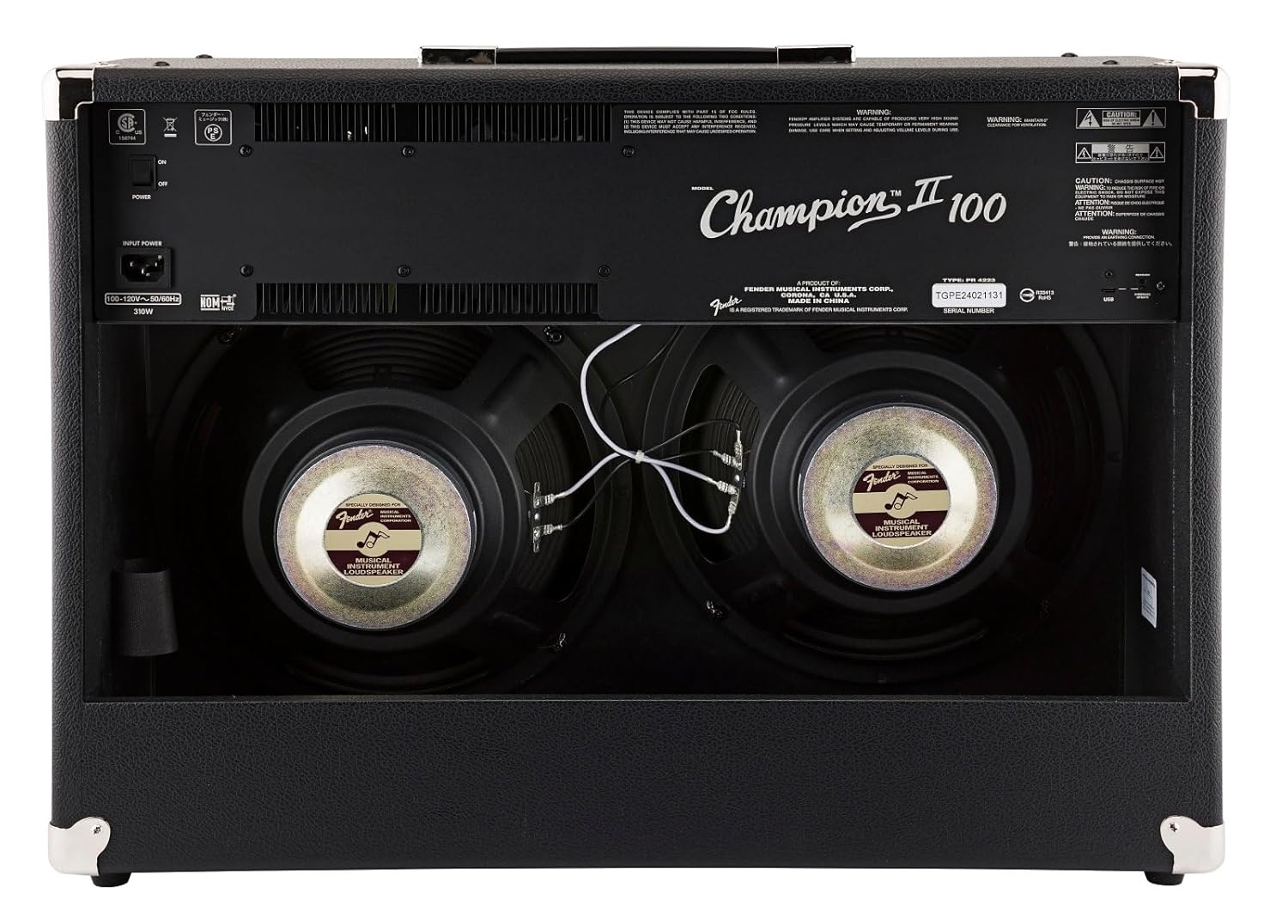
Gambar 2: Tukangeun view showing power input and speakers.
4. Parentah Operasi
4.1 Kadali Panel hareup

Gambar 3: Gambar caket tina amppanel kontrol lifier urang.
- input: 1/4" jack for connecting your instrument.
- FTSW: 1/4" jack for connecting the optional 2-button footswitch.
- Channel 1 (Clean):
- JILID 1: Adjusts the overall output level of Channel 1.
- TREBLE: Ngadalikeun réspon frékuénsi luhur.
- BASS: Controls the low-frequency response.
- TINGKAT FX: Adjusts the intensity of the selected effect for Channel 1.
- PILIHAN FX: Rotary switch to choose from various effects (Reverb, Delay, Chorus, Tremolo, etc.).
- TAP: Button to set delay times or tremolo speeds. Hold to activate dotted eighth note delay.
- Channel 2 (Voice/Gain):
- NGASILKEUN: Controls the amount of overdrive/distortion.
- JILID 2: Adjusts the overall output level of Channel 2.
- SORA: Rotary switch to select different amplifier voicings (e.g., Classic Fender, British, Modern High Gain).
- TREBLE: Ngadalikeun réspon frékuénsi luhur.
- MID: Controls the mid-range frequency response.
- BASS: Controls the low-frequency response.
- MODIFY: Adjusts specific parameters of the selected amp sora.
- TINGKAT FX: Adjusts the intensity of the selected effect for Channel 2.
- PILIHAN FX: Rotary switch to choose from various effects.
- TAP: Button to set delay times or tremolo speeds. Hold to activate dotted eighth note delay.
- AUX: 1/8" stereo input for connecting external audio devices.
- TELEPON: 1/8" stereo output for headphones.
- PRE OUT: Praamp output for connecting to external power amplifters atawa alat ngarékam.
- PWR IN: Kakuatan amp input for connecting external preamps or effects processors directly to the power section.
- PWR: Lampu indikator kakuatan.
4.2 Ngagunakeun Saklar Suku
The included 2-button footswitch allows for convenient switching between Channel 1 and Channel 2, and toggling effects on/off. Connect the footswitch to the FTSW jack dina panel hareup.
4.3 Effects Loop
The ChampionII 100 features an effects loop (PRE OUT / PWR IN) on the rear panel. This allows you to integrate external effects pedals or processors into the amplifier's signal path between the preamp jeung kakuatan amp sections, providing greater tonal flexibility.
4.4 Detailed Product Demonstration Video
Video 1: A detailed demonstration of the Fender ChampionII amplifier series, showcasing its various tones, effects, and features by a Fender product development manager.
5. Pangropéa
- beberesih: Use the provided microfiber polishing cloth to gently clean the ampbagian luar liifier. Ulah nganggo pembersih atanapi pelarut anu abrasif.
- Panyimpenan: Nyimpen éta amplifier in a dry, temperature-controlled environment away from extreme humidity or direct heat.
- Perawatan kabel: Ensure the instrument cable is coiled neatly after use to prevent kinks and damage.
- Ventilasi: Salawasna mastikeun amplifier's vents are clear and unobstructed to prevent overheating.

Figure 4: Microfiber polishing cloth for cleaning.
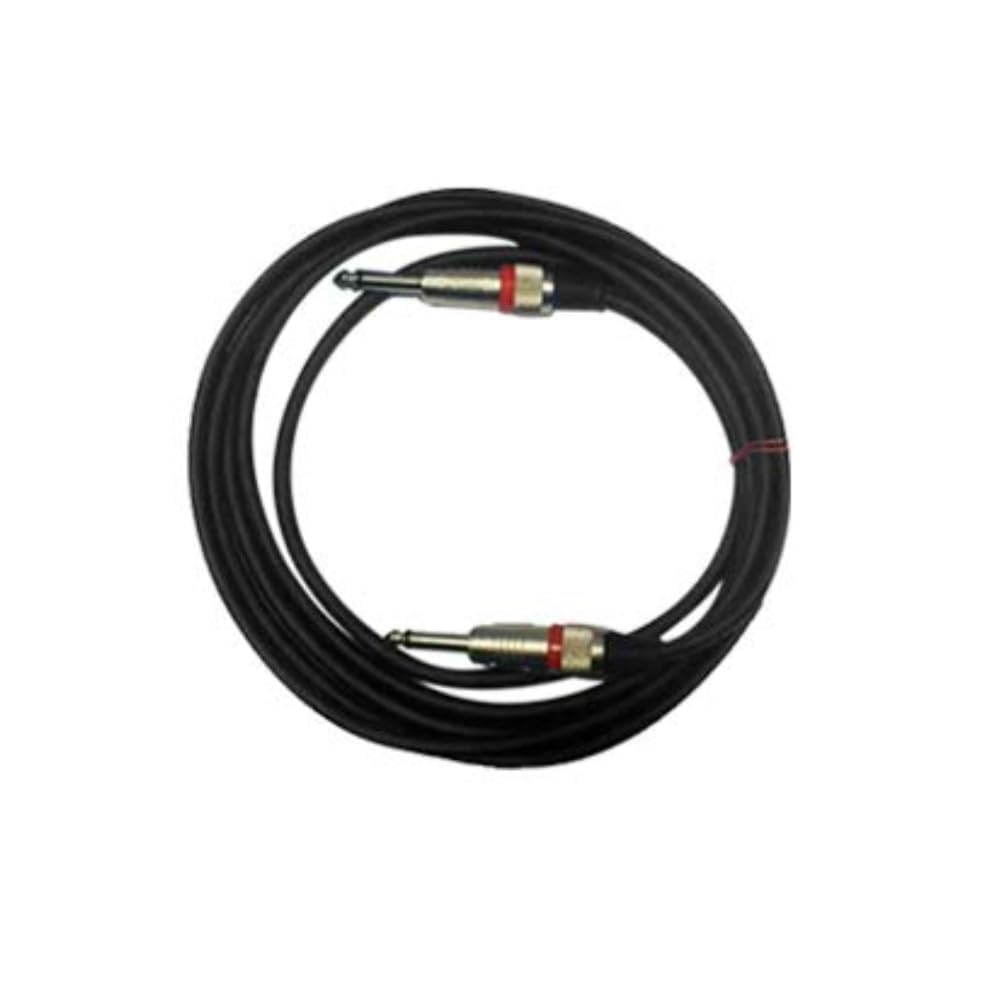
Figure 5: Included instrument cable.
6. Cara ngungkulan
If you encounter issues with your Fender ChampionII 100 amplifier, mangga tingal léngkah-léngkah ngungkulan masalah umum ieu:
- Henteu aya kakuatan:
- Pariksa naha kabel listrik parantos disambungkeun pageuh kana duanana amplampu sareng stop kontak dina témbok.
- Pastikeun saklar kakuatan dina posisi "ON".
- Pariksa stop kontak témbok naha jalan ku cara nyolokkeun alat anu sanés.
- Henteu aya sora:
- Ensure your instrument is properly connected to the INPUT jack.
- Check that the instrument cable is not faulty.
- Pariksa yén amplifier's volume controls (VOLUME 1 or VOLUME 2) are turned up.
- If using headphones, ensure they are properly connected and the main speakers are not muted (if applicable).
- If using the effects loop, ensure all connected pedals are powered on and functioning correctly.
- Sora distort:
- Ngurangan GAIN control on Channel 2 if the distortion is unwanted.
- Check your guitar's volume and tone settings.
- Ensure no external pedals are causing unintended distortion.
- Balukar Teu Gawé:
- Pastikeun FX PILIH knob is set to a desired effect and TINGKAT FX dihurungkeun.
- If using the footswitch, ensure it is correctly connected and functioning.
If the issue persists after trying these steps, please contact Fender customer support.
7. Spésifikasi
| merek | Fender |
| Modél | ChampionII 100 |
| Amplifier Tipe | Nagara Padet |
| Wattage | 100 Watt |
| Panyatur | Two - 12" Fender Special Design |
| Saluran | Two - Selectable |
| Input | One - 1/4" Instrument Input |
| Pangaruh Loop | Praamp Kaluar, Power Amp In |
| Voltage | 100-240 VAC, 50-60 Hz |
| Jack headphone | 1/4" Stereo |
| Input bantu | 1/8" Stereo |
| Bahan Kabinet | 7-Ply 3/4" Medium-Density Fibreboard |
| Amplifier Covering | Black Textured Vinyl |
| Grille Cloth | pérak |
| Nanganan | Molded Plastic Strap with Nickel-Plated Caps |
| Warna | Hideung |
| Ukuran (H x W x D) | 19" (48.3 cm) x 26" (66 cm) x 10.25" (26.04 cm) |
| Beurat | 40 lbs. (18.2 kg) |
| Kaasup Asesoris | 2-Button Footswitch, Instrument Cable, Polishing Cloth |
8. Jaminan & Dukungan
Fender products are designed for reliability and performance. For detailed warranty information, please refer to the warranty card included with your product or visit the official Fender website. For technical support, service, or replacement parts, please contact Fender customer service through their official channels.
Anjeun tiasa mendakan langkung seueur inpormasi sareng sumber dukungan dina Fender official websitus.


