1. Bubuka
Thank you for choosing the Norwii N76 Rechargeable Wireless Presentation Remote. This device is designed to enhance your presentations with seamless slide control and a powerful green laser pointer. It offers broad compatibility across various operating systems and presentation software, ensuring a smooth and engaging experience for your audience.
Please read this manual carefully to understand the features and proper operation of your new presentation remote. Keep this manual for future reference.
2. Eusi Paket
Pastikeun yén sadaya item aya dina pakét anjeun:
- Norwii N76 Wireless Presenter
- USB-A panarima
- Kabel Ngecas USB
- Premium Portable Case
- Manual pamaké

3. Produk Langkungview
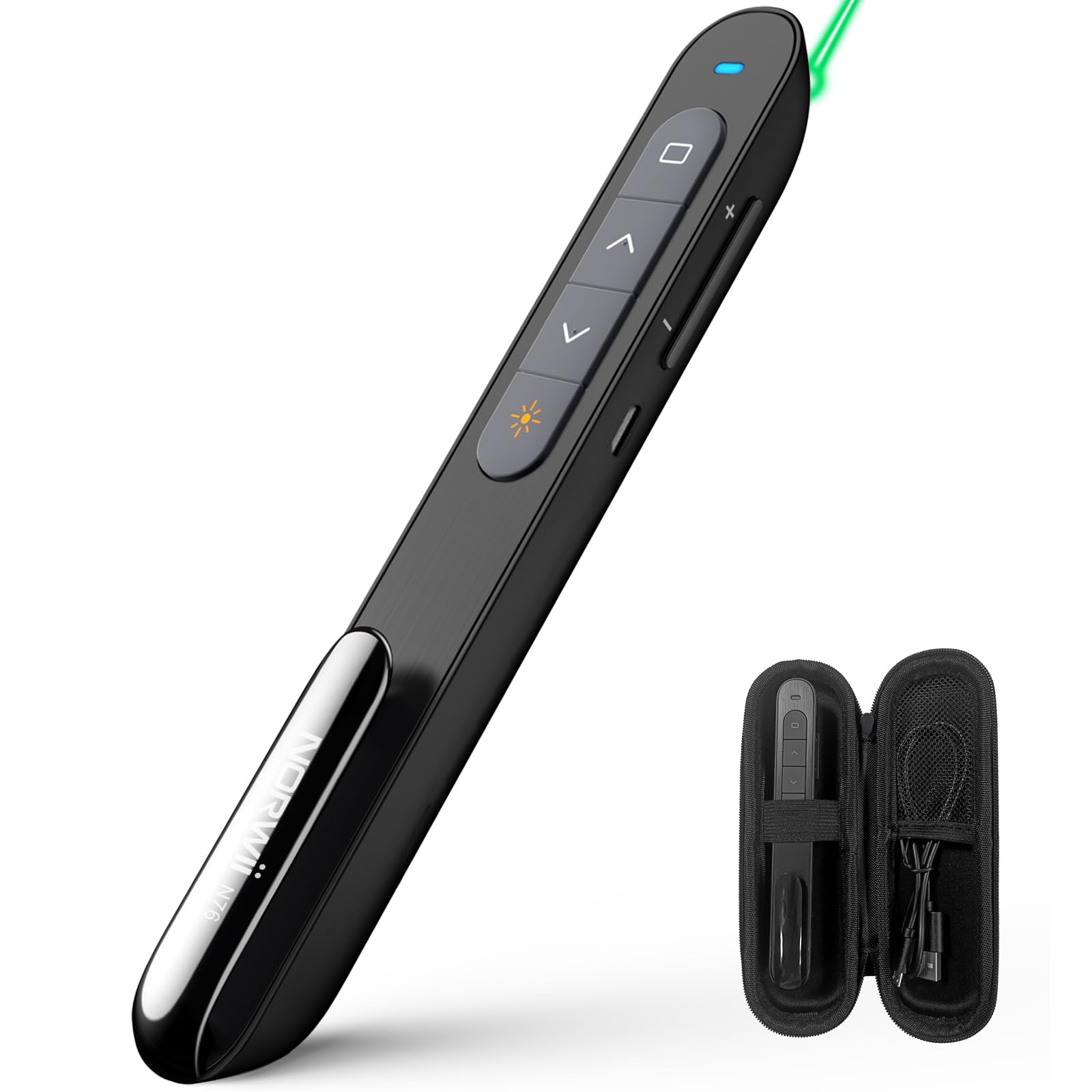
The Norwii N76 features an ergonomic design with clearly labeled, tactile buttons for intuitive control during presentations. The device includes a built-in USB-A receiver for convenient storage and connectivity.

Fungsi konci:
- Tombol Panunjuk Laser: Activates the green laser.
- Tombol Kaca Luhur/Handap: Navigates through presentation slides.
- Full Screen/Black Screen Button: Toggles full screen mode or blacks out the screen.
- Hyperlink/Switch Window Button: Allows opening hyperlinks or switching between active windows.
- Kontrol volume: Nyaluyukeun volume sistem.
- Hurungkeun ON / OFF: Located on the side for power management.

4. Setélan
4.1. Connecting the USB-A Receiver
- Locate the USB-A receiver stored inside the tail cap of the Norwii N76 presenter. Gently pull it out.
- Insert the USB-A receiver into an available USB-A port on your computer.
- The computer will automatically detect and install the necessary drivers. This is a plug-and-play device, so no manual driver installation is typically required.
- Turn on the Norwii N76 presenter using the ON/OFF switch on its side.

4.2. Ngecas Alat
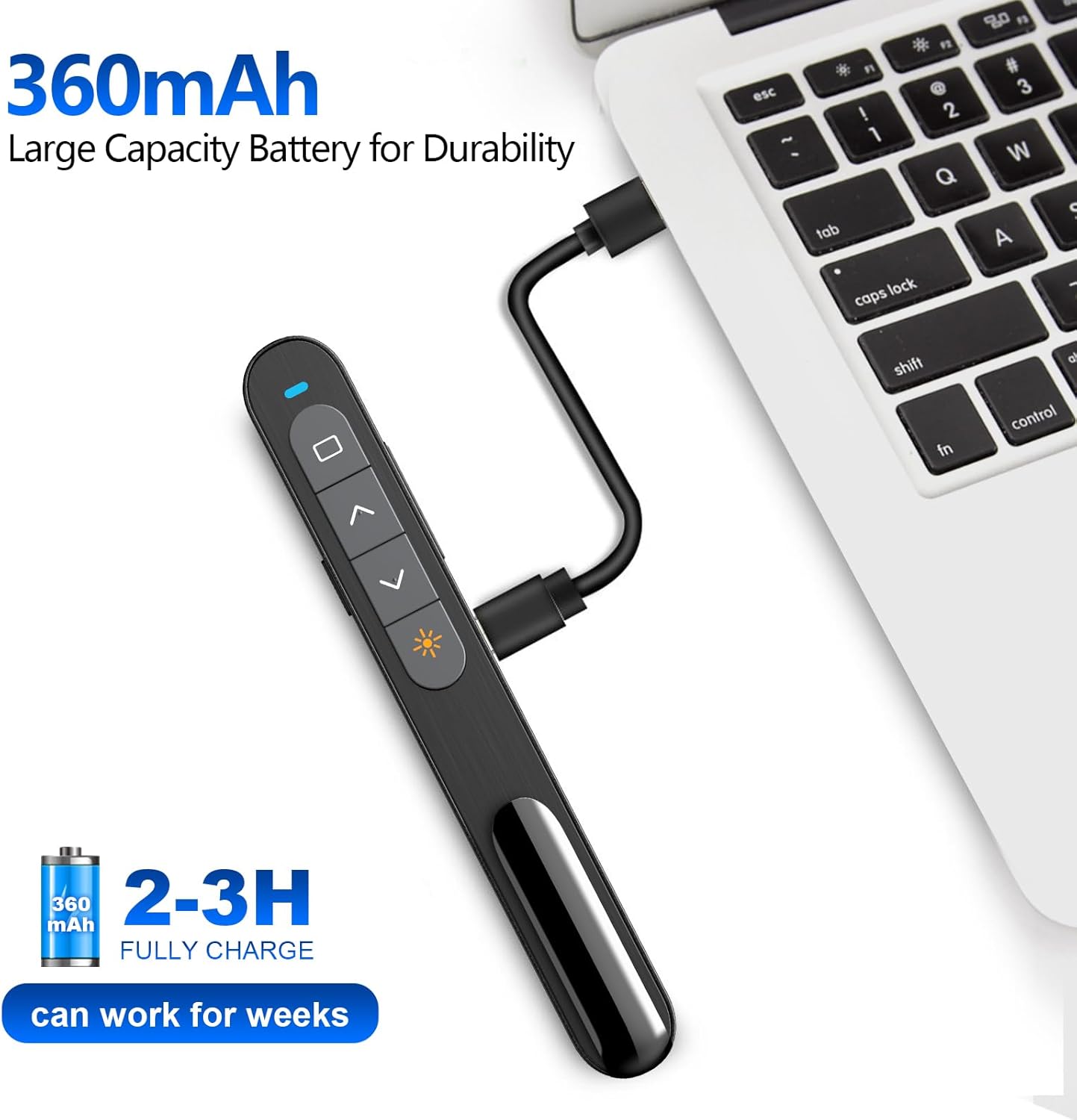
The Norwii N76 is equipped with a built-in 360mAh rechargeable Li-ion battery. To charge the device:
- Connect the provided USB charging cable to the charging port on the presenter.
- Sambungkeun tungtung kabel ngecas USB anu sanésna kana sumber daya USB (contona, port USB komputer, adaptor témbok USB).
- Lampu indikator ngecas bakal hurung nalika ngecas sareng pareum saatos dicas pinuh.
- Muatan pinuh biasana butuh 1.5-2 jam.

5. Parentah Operasi
5.1. Daya Hurung / Pareum
Slide the ON/OFF switch located on the side of the presenter to the 'ON' position to power on the device. Slide it to 'OFF' when not in use to conserve battery life.
5.2. Basic Slide Control
- Pencét éta Page Up (▲) button to move to the previous slide.
- Pencét éta Page Down (▼) button to move to the next slide.
5.3. Laser Pointer Function
Pencét jeung tahan tombol Penunjuk laser button (often marked with a sun or star icon) to activate the green laser. Release the button to turn off the laser. The green laser is 8 times brighter than a red laser, providing clear visibility on most screens. Note: The laser is not intended for use on TV screens.
5.4. Fungsi Maju
- Full Screen/Black Screen: Press the dedicated button (often a square icon) to toggle between full screen mode and a black screen.
- Hyperlink/Switch Window: Use the designated button (often a chain link or window icon) to activate hyperlinks within your presentation or switch between open applications.
- Kontrol volume: Use the volume up (+) and volume down (-) buttons on the side of the presenter to adjust the audio output of your computer.

5.5. Tombol customizable
The Norwii N76 allows for button reprogramming via the Norwii Presenter software. This software enables you to assign custom functions to buttons for a personalized workflow. Refer to the Norwii websitus kanggo ngaunduh perangkat lunak sareng pitunjuk anu lengkep.

6. Pangropéa
6.1. Kaperawatan batré
- Ngecas alat sapinuhna samemeh dipake heula.
- Ulah rutin ngosongkeun batréna nepi ka béak pikeun manjangkeun umurna.
- Upami nyimpen alat kanggo waktos anu lami, ngecas dugi ka sakitar 50% unggal sababaraha bulan.
6.2. beberesih
Wipe the device with a soft, dry cloth. Do not use harsh chemicals or abrasive cleaners. Ensure no liquid enters the device openings.
7. Cara ngungkulan
If you encounter issues with your Norwii N76, refer to the following common problems and solutions:
| Masalah | Solusi |
|---|---|
| Presenter teu ngabales |
|
| Pointer laser teu jalan |
|
| Limited wireless range |
|
8. Spésifikasi
| Fitur | Rincian |
|---|---|
| Nomer modél | N76 |
| Konektipitas | Nirkabel 2.4GHz (Panarima USB-A) |
| Range nirkabel | Nepi ka 100 méter (328 suku) |
| Jenis laser | Green Light (656 feet laser range) |
| Batré | 360mAh Rechargeable Litium Polimér |
| Waktu Ngecas | 1.5-2 jam |
| Dimensi produk | 5.5 x 0.7 x 0.8 inci |
| Item Beurat | 1.05 ons |
| OS cocog | Windows, macOS, Android, Linux |
| Software cocog | PowerPoint, Google Slides, WPS Office, Prezi, Keynote |
9. Émbaran Kasalametan
- Kasalametan laser: Do not point the laser beam directly at people or animals. Avoid direct eye exposure to the laser beam. Do not point the laser beam at highly reflective surfaces.
- Barudak: Jauhkeun alat tina jangkauan barudak.
- Batré: Do not attempt to replace the internal battery. Do not expose the device to extreme temperatures or direct sunlight.
- pembuangan: Buang alat sareng batréna numutkeun peraturan lokal.
10. Garansi jeung Rojongan
Norwii products are designed for reliability and performance. For warranty information, technical support, or service inquiries, please refer to the warranty card included in your package or visit the official Norwii website. Please have your product model number (N76) and purchase details ready when contacting support.


