1. Bubuka
Thank you for choosing the Hyundai HY-T21 Hybrid Technology Earbuds. These true wireless earphones are designed to provide a superior audio experience with advanced features such as noise cancellation for voice calls, low latency, and a comfortable fit. This manual will guide you through the setup, operation, and maintenance of your new earbuds.
2. Émbaran Kasalametan
- Ulah ngantepkeun earbud atanapi wadah ngecas ka suhu anu ekstrim, sinar panonpoé langsung, atanapi kalembaban anu luhur.
- Hindarkeun ragrag atanapi ngagentoskeun alat kana tabrakan anu kuat.
- Ulah nyobian ngabongkar atanapi ngarobih earbud atanapi wadah ngecas. Ieu bakal ngabatalkeun garansi.
- Jauhkeun alat ti barudak jeung piaraan.
- Anggo ngan ukur kabel ngecas anu disayogikeun atanapi carjer USB 5V anu disertipikasi.
- Dengekeun anu berkepanjangan dina tingkat polumeu anu luhur tiasa nyababkeun karusakan dédéngéan. Saluyukeun polumeu ka tingkat anu aman.
3. Eusi Paket
Mangga parios pakét kanggo barang-barang ieu:
- Hyundai HY-T21 Earbuds (Left and Right)
- Kasus Ngecas Nirkabel
- Kabel Ngecas USB
- Manual pangguna (dokumén ieu)
4. Produk Langkungview
The Hyundai HY-T21 earbuds feature a compact design with touch controls for easy operation. The charging case provides additional battery life and protects the earbuds when not in use.

Image: Hyundai HY-T21 Earbuds and Charging Case. The image displays the black earbuds resting inside their open charging case.
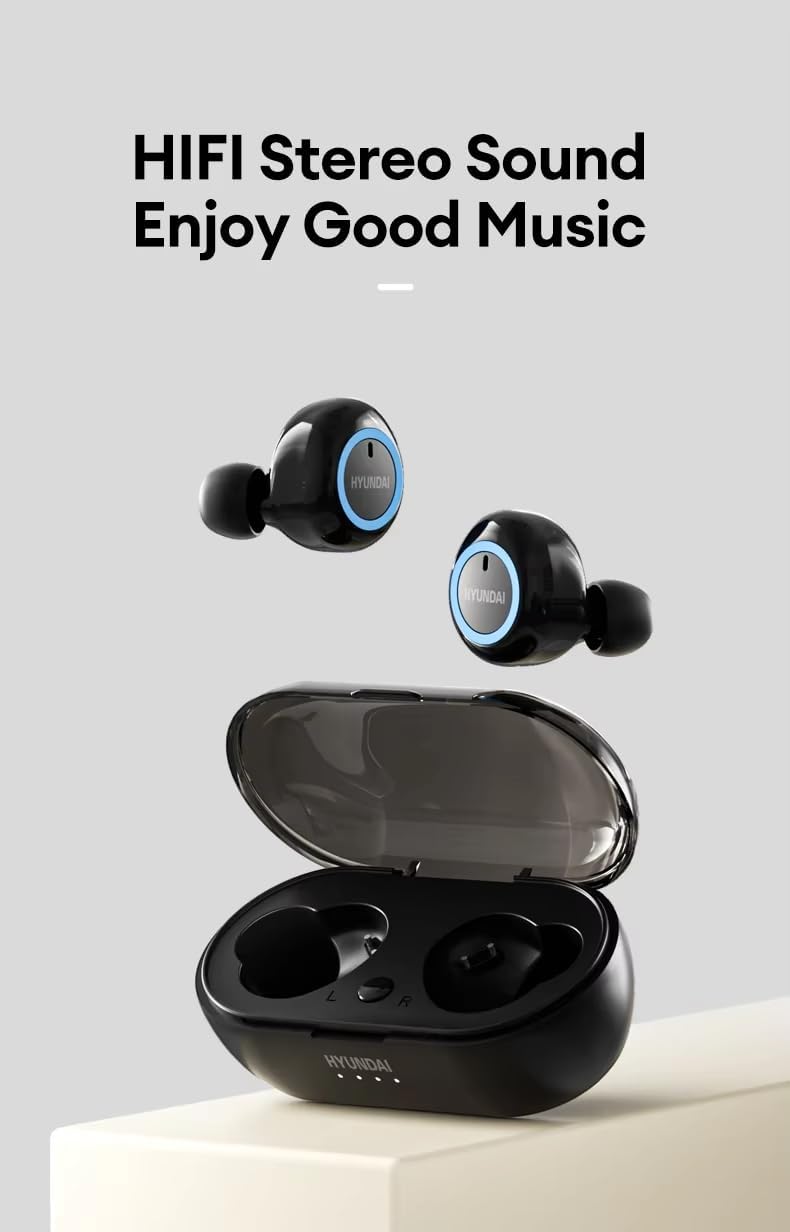
Image: Hyundai HY-T21 Earbuds with charging case. This image shows the earbuds removed from the case, highlighting their design.
Fitur konci:

Image: Product Features of Hyundai HY-T21 Earbuds. This graphic highlights features such as BT 5.3, Surround Stereo, Long Endurance, Sensitive Microphone, Comfortable to Wear, Metal Diaphragm, Micro-USB Interface, HD Voice Call, and Low Latency.
- Bluetooth 5.3: Pikeun konektivitas nirkabel anu stabil sareng efisien.
- Téknologi hibrida: Delivers exceptional sound quality.
- Noise Cancellation for Voice Call: Ensures clear communication in noisy environments.
- Latensi rendah: Provides synchronized audio and video for an immersive experience.
- Nyaman Fit: Ergonomic design for extended wear.
- Kontrol Toél: Pikeun ngatur musik sareng telepon kalayan gampang.
5. Setélan
5.1. Ngecas Earbuds jeung Case
Saméméh dipaké munggaran, eusian pinuh ku earbuds jeung wadah ngecas.
- Teundeun earbuds kana wadah ngecas. Pastikeun aranjeunna leres seated.
- Connect the USB charging cable to the Micro-USB port on the charging case and plug the other end into a 5V USB power source.
- Lampu indikator dina kasus bakal nunjukkeun status ngecas. Saatos dicas pinuh, lampu bakal nunjukkeun parantosan atanapi pareum.
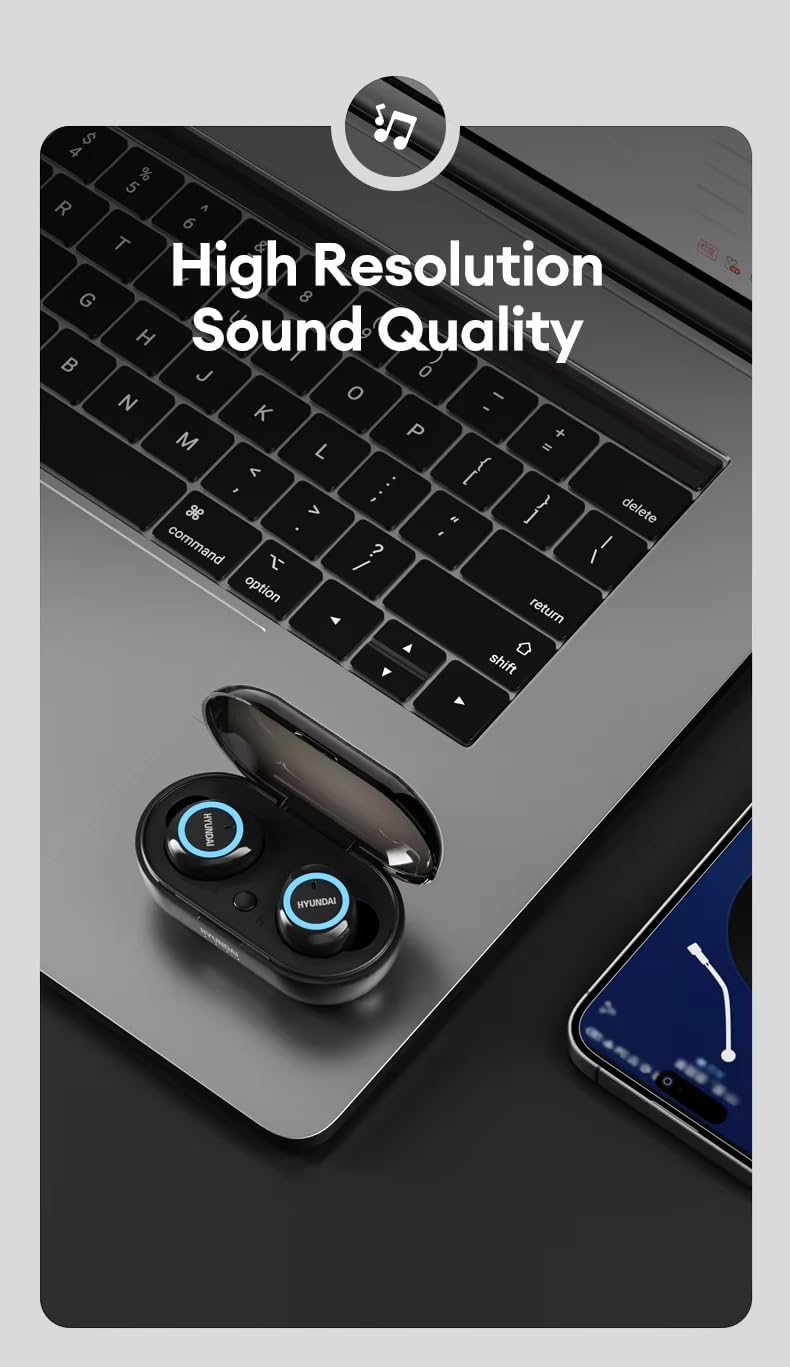
Image: Hyundai HY-T21 Earbuds charging. This image shows the earbuds in their case with a USB charging cable connected, illustrating the charging process.
Waktu Ngecas: Kurang leuwih 1.5 jam pikeun ngecas pinuh.
5.2. Nyapasangkeun sareng Alat
- Buka wadah ngecas. Earbuds bakal otomatis asup kana mode papasangan, dituduhkeun ku lampu LED nu kedip-kedip dina earbuds.
- Dina alat Anjeun (smartphone, tablet, jsb), aktipkeun Bluetooth.
- Milarian pikeun available Bluetooth devices and select "HY-T21" from the list.
- Saatos nyambung, lampu indikator earbud bakal eureun kedip-kedip, sareng anjeun bakal ngadangu nada konfirmasi.
- Headphone bakal otomatis nyambung deui ka alat anu terakhir dipasangkeun nalika dicabut tina casingna, upami Bluetooth diaktipkeun dina alat éta.
6. Parentah Operasi
6.1. Daya Hurung / Pareum
- Daya Hurung: Open the charging case, and the earbuds will power on automatically. Alternatively, press and hold the touch area on both earbuds for 3 seconds.
- Pareum listrik: Place the earbuds back into the charging case and close the lid. They will power off automatically. Alternatively, press and hold the touch area on both earbuds for 5 seconds.
6.2. Puterkeun Musik
- Puter / Reureuh: Ketok area rampa dina salah sahiji earbud sakali.
- Lagu salajengna: Ketok dua kali wewengkon rampa dina earbud katuhu.
- Lagu Sateuacanna: Ketok dua kali wewengkon rampa dina earbud kénca.
- Volume Up: Ketok tilu kali wewengkon rampa dina earbud katuhu.
- Volume Turun: Ketok tilu kali wewengkon rampa dina earbud kénca.
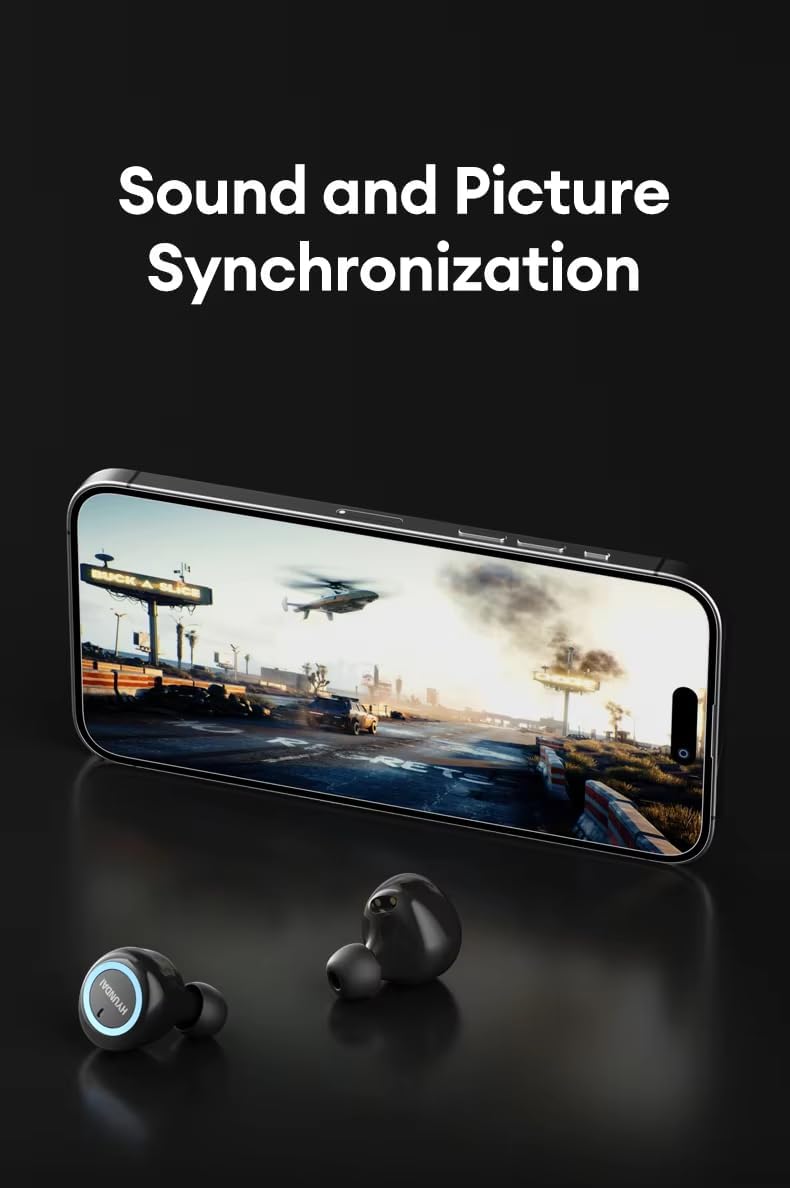
Image: Hyundai HY-T21 Earbuds delivering high resolution sound. The earbuds are shown next to a laptop, emphasizing their audio quality.
6.3. Manajemén nelepon
The earbuds feature a sensitive microphone and noise cancellation for voice calls.

Image: Hyundai HY-T21 Earbuds with HD Voice Call and Noise Reduction. The earbuds are shown next to a smartphone displaying a call interface, indicating clear call quality.
- Ngajawab / mungkas Telepon: Ketok area rampa dina salah sahiji earbud sakali.
- Nolak Telepon: Pencét terus tahan area toél dina salah sahiji earbud salami 2 detik.
6.4. Asisten sora
- Aktipkeun Asisten Sora: Pencét terus tahan area rampa dina salah sahiji earbud salami 2 detik (nalika teu keur nelepon).
6.5. Modeu Latensi Leutik
The HY-T21 earbuds offer low latency technology for synchronized audio and video, ideal for gaming or watching videos.
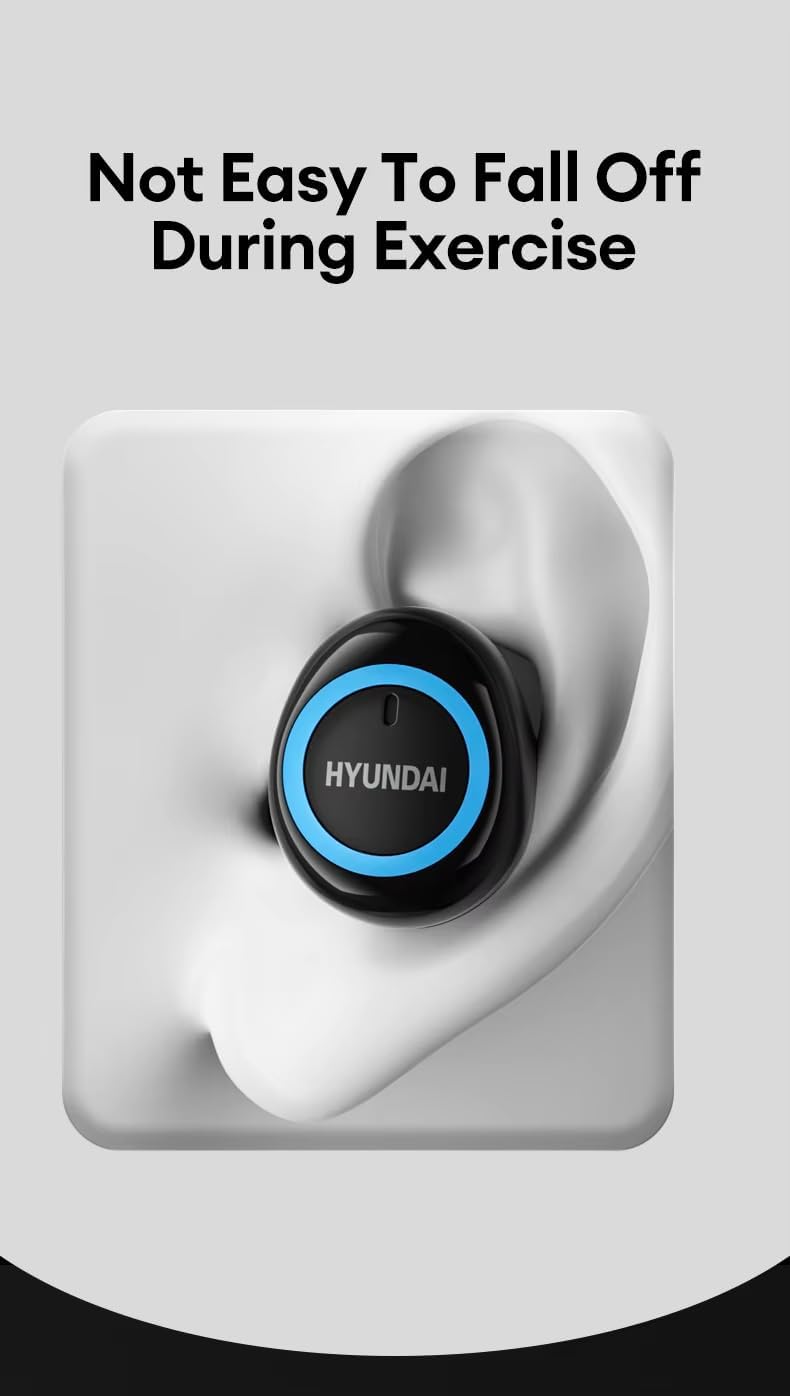
Image: Hyundai HY-T21 Earbuds with sound and picture synchronization. The earbuds are shown in front of a smartphone displaying a video game, illustrating the low latency feature.
This mode is typically activated automatically when playing games or videos, or can sometimes be toggled via a specific touch control (refer to device-specific settings if available).
7. Pangropéa
7.1. beberesih
- Ngusap earbuds sareng wadah ngecas ku lawon anu lemes, garing, teu aya serat.
- Ulah make cleaners abrasive, alkohol, atawa pangleyur kimiawi.
- Pastikeun kontak ngecas beresih jeung bébas tina lebu pikeun ngecas optimal.
7.2. Panyimpenan
- Nalika henteu dianggo, simpen earbuds dina wadah ngecasna pikeun ngajagi sareng tetep dicas.
- Nyimpen dina tiis, tempat garing jauh ti suhu ekstrim.

Image: Hyundai HY-T21 Earbuds comfortable fit. An earbud is shown securely placed in an ear, demonstrating its ergonomic design and stability during activity.
8. Cara ngungkulan
If you encounter any issues with your Hyundai HY-T21 earbuds, please refer to the following common solutions:
| Masalah | Solusi anu mungkin |
|---|---|
| Earbuds teu dipasangkeun |
|
| Teu aya sora ti hiji earbud |
|
| Earbuds teu ngecas |
|
| Kualitas panggero goréng |
|
9. Spésifikasi
| Fitur | Rincian |
|---|---|
| Ngaran modél | HY-T21 |
| Téhnologi konektipitas | Nirkabel (Bluetooth 5.3) |
| Faktor Bentuk | Dina Ceuli |
| Warna | Hideung |
| Dipeunteun Voltage | 5V |
| Fitur husus | Hybrid Technology, Lightweight, Noise Cancellation (for Voice Call), Rechargeable Battery, Wireless Charging |
| Waktos Pamakéan | 4-5 jam |
| Waktu Ngecas | 1.5 jam |
| Endurance Time (with case) | Nepi ka 10 jam |
| Pangecas Interface | Micro-USB |
| Unit Supir | 13mm Large Dynamic Coil Unit |
Image: Hyundai HY-T21 Earbuds endurance and charging times. This graphic displays '4-5H Usage Time', '1.5H Charging Time', and '10H Endurance Time' for the earbuds and case.
Image: Hyundai HY-T21 Earbuds 13mm Dynamic Coil Unit. This image provides an exploded view of the earbud's internal components, highlighting the 13mm dynamic coil unit.
10. Garansi jeung Rojongan
10.1. Garansi Produsén
The Hyundai HY-T21 earbuds come with a 6-bulan jaminan produsén urang ti tanggal pameseran. Garansi ieu ngawengku cacad manufaktur sareng padamelan dina panggunaan normal. Éta henteu ngawengku karusakan anu disababkeun ku salah guna, kacilakaan, modifikasi anu henteu sah, atanapi karusakan normal.
10.2. Rojongan Palanggan
For technical assistance, warranty claims, or any other inquiries, please refer to the contact information provided by your retailer or the official Hyundai product support channels. Please have your proof of purchase and product model number (HY-T21) ready when contacting support.


