1. Bubuka
Thank you for choosing the ADT HZB-45YY Commercial Ice Maker. This manual provides essential information for the safe operation, installation, maintenance, and troubleshooting of your new ice machine. Please read this manual thoroughly before operating the appliance and retain it for future reference.

Katerangan Gambar: A hareup view of the ADT HZB-45YY Commercial Ice Maker, featuring a stainless steel finish and a black top. An overlay highlights the unique crescent-shaped ice cubes produced by the machine.
2. Émbaran Kasalametan
To prevent injury to users or damage to the appliance, observe all safety precautions. This appliance is intended for commercial use. Always ensure proper grounding and ventilation.
- Entong ngajalankeun mesin nganggo kabel listrik atanapi colokan anu ruksak.
- Pastikeun mesin disimpen dina permukaan anu stabil sareng rata.
- Tetep bukaan ventilasi bersih tina halangan.
- Ulah nyimpen bahan ngabeledug sapertos kaléng aerosol kalayan propelan anu gampang kaduruk dina alat ieu.
- Pegatkeun sambungan listrik sateuacan beberesih atanapi ngalayanan.
3. Eusi Paket
Pastikeun yén sadaya barang aya dina bungkusan:
- ADT HZB-45YY Commercial Ice Maker Unit
- És Scoop
- In-Line Water Hose
- Selang solokan
- Gallon-Bottled Water Hose
- Manual Pitunjuk (dokumén ieu)

Katerangan Gambar: This image displays the ADT HZB-45YY ice maker with its approximate dimensions (17.6 inches width, 15.7 inches depth, 31.4 inches height). Below the unit, the included accessories are shown: an ice scoop, an in-line water hose, a drain hose, and a hose for gallon-bottled water connection.
4. Produk Langkungview jeung Fitur
The ADT HZB-45YY is a high-efficiency commercial ice maker designed for reliable ice production. Key features include:
- Crescent-Shaped Ice Cubes: Unique design for slow-melting ice, ideal for beverages.
- Kapasitas Poéan Tinggi: Ngahasilkeun nepi ka 121 lbs (55 kg) és per dinten.
- Produksi És Gancang: Each ice-making cycle takes approximately 13-20 minutes.
- Efficient Evaporator: Features a 4x8 two-sided evaporator for consistent performance.
- Konstruksi awét: Sleek stainless steel design, rust-resistant and built for longevity.
- Panel Kontrol Digital: Intuitive LCD panel for easy operation and settings adjustment.
- Fungsi ngabersihkeun diri: Simplifies maintenance.
- Time Reservation: Allows setting ice production time in advance.

Katerangan Gambar: A banner highlighting eight core technologies of the ADT ice maker, represented by icons and text: Stainless Steel Body, Powerful Compressor, Energy Saving, Blue Light, Digital Control, Foamed Insulation, Self Cleaning, and Time Reservation.

Katerangan Gambar: This image illustrates the different thicknesses of crescent-shaped ice cubes the machine can produce, along with their approximate production times: Thin Ice Cube (5-9 minutes), Medium Ice Cube (9-15 minutes), and Thick Ice Cube (15-25 minutes).
5. Setup jeung Instalasi
Pamasangan anu leres penting pisan pikeun kinerja sareng kaamanan anu optimal.
5.1 Ngabongkar bungkusan
- Taliti miceun és maker tina bungkusan na.
- Remove all packing materials, tape, and protective film.
- Inspect the unit for any shipping damage. Contact your retailer immediately if damage is found.
5.2 Nempatkeun
- Tempatkeun mesin és dina permukaan anu teuas sareng rata anu tiasa nahan beuratna nalika pinuh ku és sareng cai.
- Ensure adequate ventilation around the unit. Maintain at least 5 inches (12.7 cm) of space from walls and other appliances.
- Hindarkeun sinar panonpoé langsung atanapi sumber panas.
- The ambient temperature should be between 50°F (10°C) and 90°F (32°C).
5.3 Sambungan cai
The ADT HZB-45YY offers two methods for water supply:
- In-Line Water Supply: Connect the provided in-line hose to a potable water source with appropriate pressure. Ensure all connections are secure to prevent leaks.
- Gallon-Bottled Water Supply: Use the provided hose to connect to a standard gallon-bottled water dispenser.
Ensure the drain hose is properly connected and directed to a suitable drain to prevent water overflow.

Katerangan Gambar: This image demonstrates the two water input options for the ice maker. On the right, an 'In-line' connection shows a hose leading to a faucet. On the left, a 'Gallon-bottled water' connection shows a hose leading to a large water bottle.

Katerangan Gambar: A lengkep view of the ice maker's back panel, highlighting the connection points for easy installation. Labels indicate the 'Water outlet', 'Power line', 'In-line' water intake, and 'Gallon-bottled water' intake.
5.4 Sambungan Listrik
- Pastikeun stop kontak kakuatan cocog voltage requirements of the ice maker (115 Volts).
- Colokkeun kabel listrik kana stop kontak listrik grounded. Entong nganggo kabel ekstensi atanapi adaptor.
6. Parentah Operasi
Familiarize yourself with the control panel and basic operations.
6.1 Control Panel Leuwihview

Katerangan Gambar: A detailed close-up of the ice maker's LCD control panel. The panel displays temperature and ice-making status. Buttons are labeled with their functions: 'LIGHT' (turns on blue light), 'TIMER' (for reservation time setting), 'CLEAN' (press for 5 seconds for self-cleaning), 'ON/OFF' (power button), and '+/-' (adjusts ice making process and time).
- CAHAYA: Activates the internal blue light.
- TIMER: Press to enter the reservation time setting for delayed ice production.
- BERSIH: Press and hold for 5 seconds to initiate the self-cleaning function.
- ON/OFF: Ngahurungkeun atanapi mareuman unit.
- +/-: Used to adjust ice making duration or set timer values.
6.2 Mimiti ngamimitian
- Saatos nyambungkeun cai sareng listrik, pencét ON/OFF tombol pikeun ngamimitian mesin.
- The machine will begin its first ice-making cycle. The first few batches of ice may be smaller or irregular; discard them.
6.3 Produksi És
- The machine produces up to 64 pieces of ice per cycle.
- Cycle duration is typically 13-20 minutes, depending on ambient temperature and water temperature.
- Ngagunakeun éta +/- buttons to adjust the ice-making time, which influences the thickness of the ice cubes. Longer times result in thicker ice.
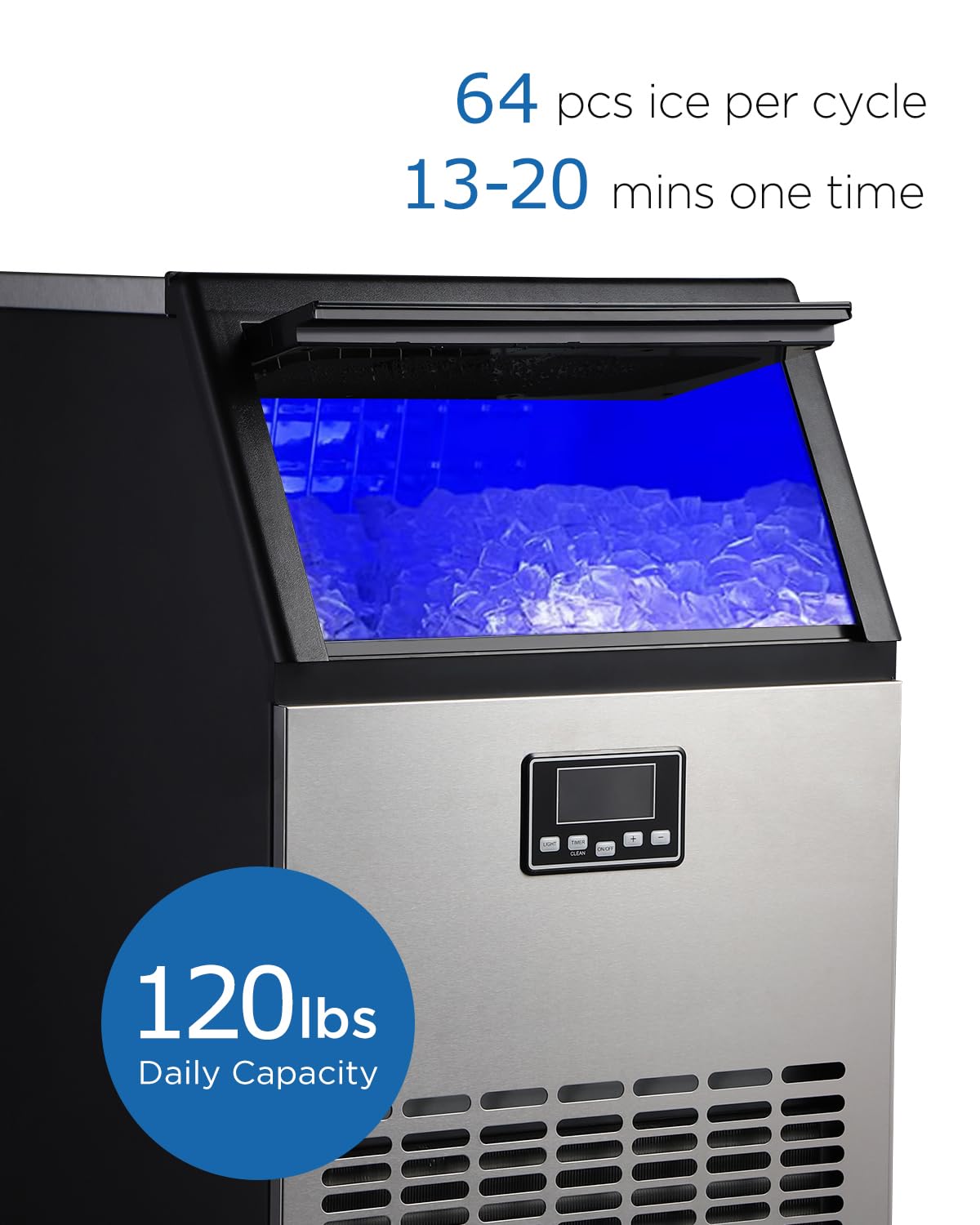
Katerangan Gambar: A nutup-up view of the ADT ice maker's front panel, highlighting its performance metrics. Text overlays indicate a '120lbs Daily Capacity' and '64 pcs ice per cycle, 13-20 mins one time'.
6.4 Ice Making Reservation
To set a delayed start time for ice production:
- With the machine in standby mode, press the TIMER kancing.
- Ngagunakeun éta +/- buttons to set the desired delay time (in hours).
- Pencét TIMER again to confirm. The machine will start automatically after the set time.
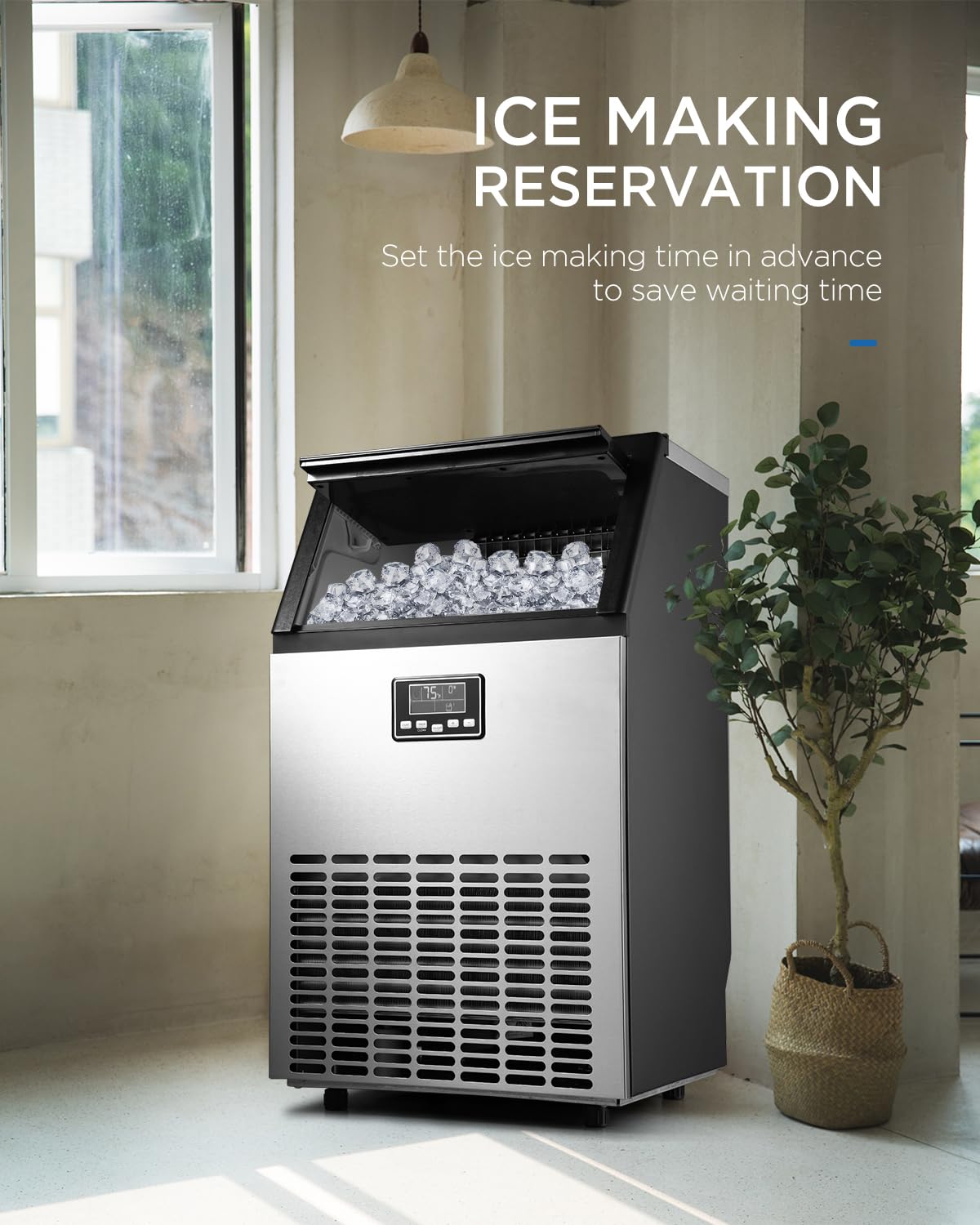
Katerangan Gambar: The ADT ice maker is shown in a modern room setting, positioned near a window and a plant. Text on the image highlights the 'ICE MAKING RESERVATION' feature, explaining that users can 'Set the ice making time in advance to save waiting time'.
7. Pangropéa
Regular cleaning and maintenance ensure the longevity and hygiene of your ice maker.
7.1 Fungsi timer beberesih
The machine is equipped with a self-cleaning feature:
- Ensure the machine is connected to a water supply and drain.
- Pencét jeung tahan tombol BERESIH tombol pikeun 5 detik.
- Mesin bakal otomatis ngajalankeun siklus beberesih.
- Once complete, drain any remaining water.
7.2 Manual beberesih
- Luar: Lap bagian luarna ku lawon lemes sareng deterjen hampang. Entong nganggo pembersih anu kasar.
- Interior: For thorough cleaning, disconnect power. Remove any remaining ice. Clean the ice storage bin and water reservoir with a solution of water and white vinegar or a food-grade ice maker cleaner. Rinse thoroughly with clean water.
- Évaporator: Periodically inspect the evaporator plates for mineral buildup. Clean gently with a soft brush if necessary.
- Filter hawa: The air filter (if present, typically on the front or side grille) should be cleaned monthly. Remove and wash with warm, soapy water, then dry completely before reinstalling.

Katerangan Gambar: A nutup-up view of the ice maker's internal evaporator plates, which are responsible for forming the ice cubes.
8. Cara ngungkulan
Tingali kana bagian ieu pikeun masalah umum sareng solusina.
| Masalah | Mungkin Cukang lantaranana | Solusi |
|---|---|---|
| Pembuat és henteu ngahasilkeun és. | No water supply; Water inlet blocked; Ambient temperature too high; Compressor issue. | Check water connection and supply; Clean water inlet filter; Ensure proper ventilation; Contact support if compressor suspected. |
| Ice cubes are too small or thin. | Ice making time too short; Water temperature too high. | Increase ice making time using the +/- buttons; Use colder water if possible. |
| Mesin ribut. | Unit not level; Fan obstruction; Normal operation sounds. | Ensure unit is level; Check for obstructions around fan; Some operational noise is normal. |
| Leak cai. | Sambungan cai leupas; Selang solokan mampet. | Tighten all water inlet and drain connections; Clear any blockages in the drain hose. |
| Self-cleaning not working. | Button not held long enough; Water supply issue. | Ensure the CLEAN button is held for 5 seconds; Verify water supply is connected. |
If the problem persists after attempting these solutions, please contact ADT customer support.
9. Spésifikasi
| Fitur | Rincian |
|---|---|
| merek | ADT |
| Ngaran modél | HZB-45YY |
| Produksi És poean | Nepi ka 121 lbs (55 kg) |
| És Batu Wangun | Bulan sabit |
| Waktu Siklus És | 13-20 menit |
| Evaporator Type | 4x8 Two-Sided |
| Voltage | 115 volt |
| Kapasitas Reservoir Cai | 1.7 Liters (approximate) |
| Ukuran produk (D x W x H) | 15.7" x 17.6" x 31.4" (approximate, refer to dimension image for visual) |
10. Garansi jeung Rojongan
ADT provides a one-year warranty for this product from the date of purchase. This warranty covers manufacturing defects under normal use. Additionally, a 30-day return policy is offered.
For warranty claims, technical support, or any inquiries, please contact ADT customer service through the retailer where the product was purchased or visit the official ADT websitus.


