1. Produk Langkungview
The MONODEAL K105 is a versatile under-cabinet music system designed for kitchen environments, offering multiple audio playback options and convenient features. It integrates a CD player, FM radio, Bluetooth connectivity, and practical additions like an LED kitchen light, kitchen timer, and dual alarm clock.

Figure 1: MONODEAL K105 Under Cabinet CD Player with included accessories.
Video 1: Produk resmi réngséview of the MONODEAL K105 Under Cabinet CD Player, highlighting its features and design.
2. Fitur konci
- Radio/CD Player with Bluetooth: Supports wireless Bluetooth for connecting with mobile devices, FM radio with 30 preset stations, and playback of CD, CD-R, CD-RW, and MP3 formats.
- Stylish Look and Practical LED Kitchen Lights: Features a sleek black finish and a built-in energy-saving LED light for illuminating the counter space.
- Timer sareng Remote Control: Includes a cooking timer for time management and a remote control for convenient operation.
- Dual Alarm Clock and High Sound: Features dual alarm settings and 2*5W speakers for high-fidelity sound quality.
- 2*16 Display and Easy Installation: Large display for clear playback information, time, and timer status. Designed for easy installation.

Figure 2: Wireless Bluetooth 5.0 connection for streaming music from mobile devices.
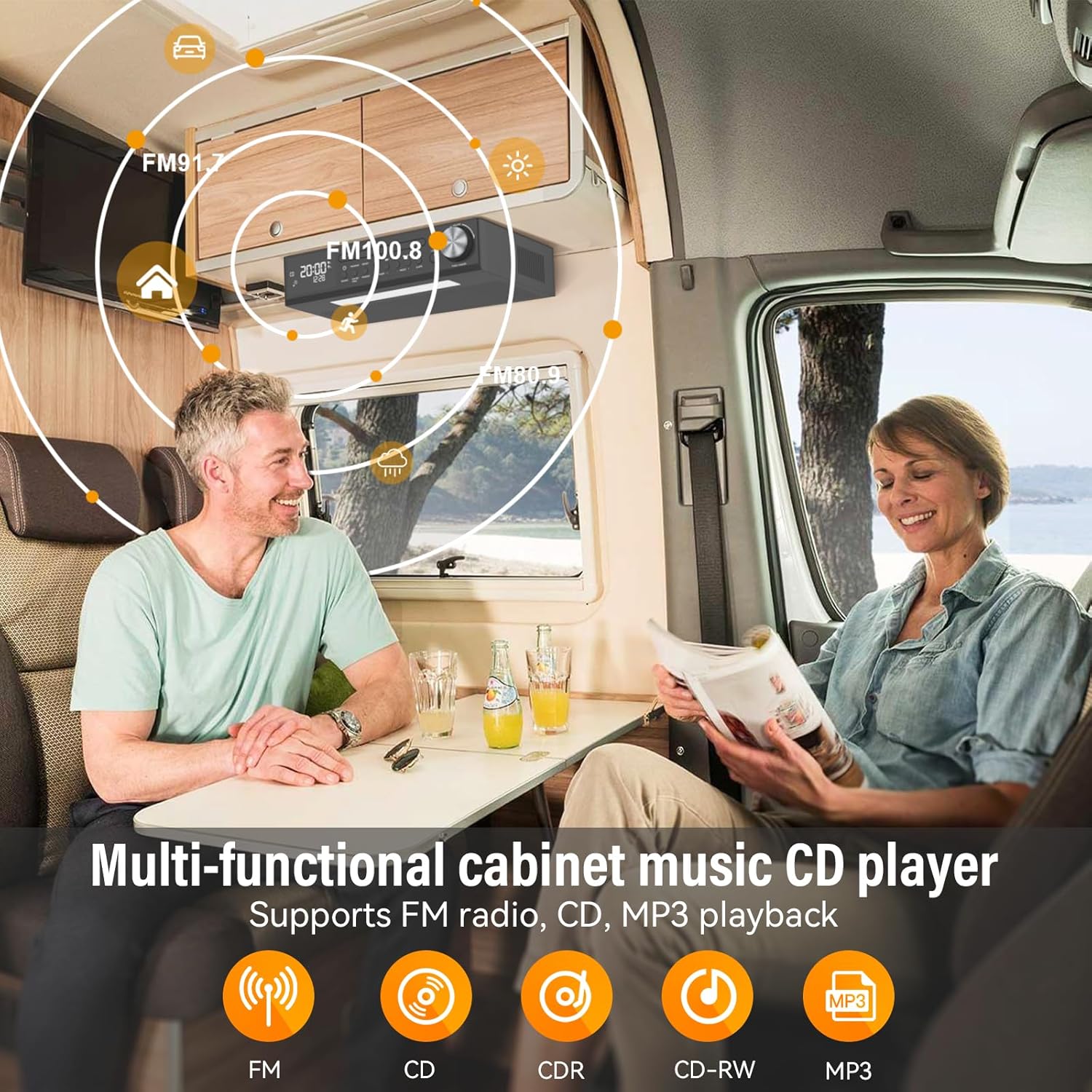
Figure 3: Multi-functional cabinet music CD player supporting FM radio, CD, and MP3 playback.

Figure 4: Energy-saving LED light to enhance the kitchen workspace.

Figure 5: Remote control operation for easy command of the unit.

Figure 6: Timer function assists with cooking and other timed activities.

Figure 7: Dual alarm settings to fit various lifestyle needs.
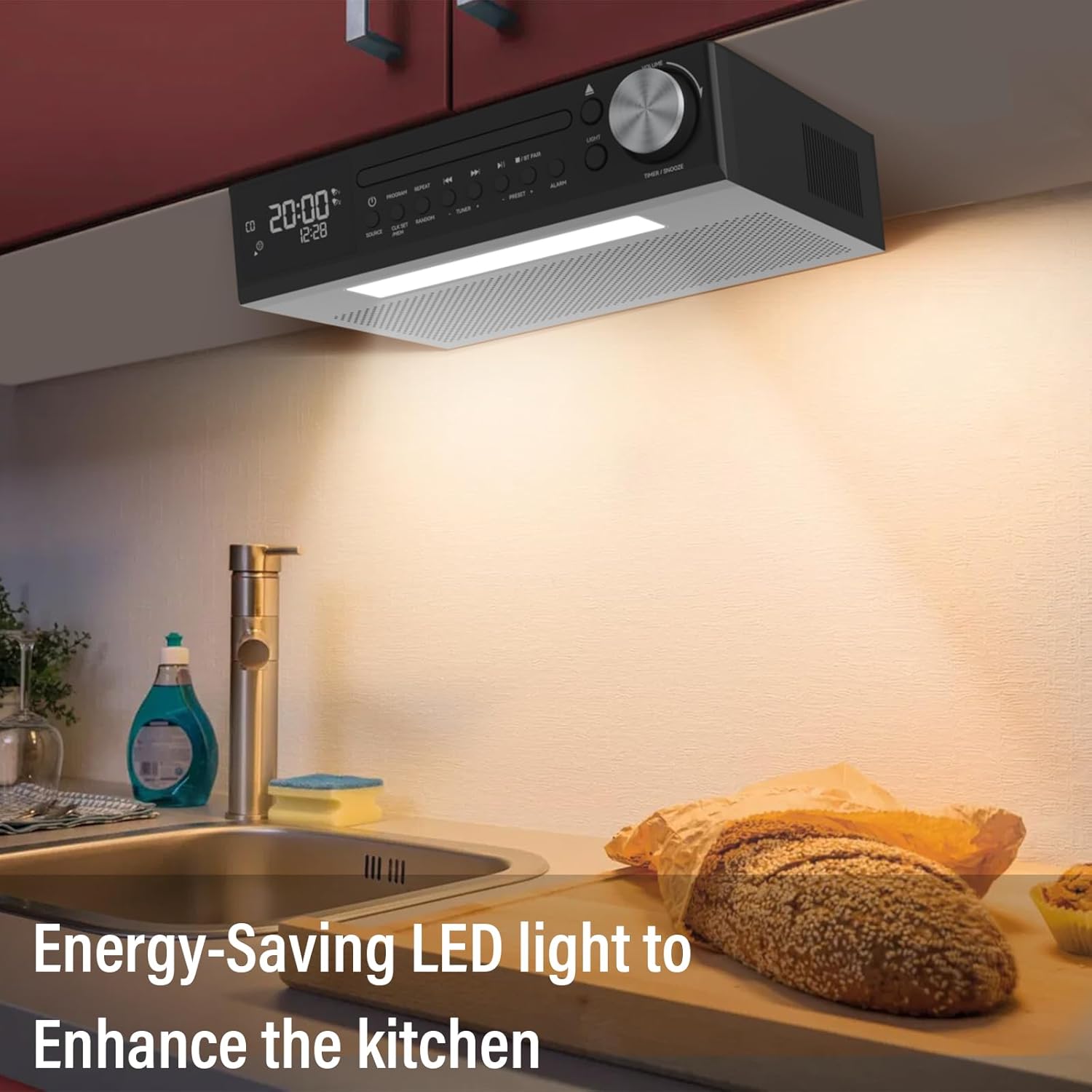
Figure 8: The 2*16 large screen display provides information at a glance.
3. Setélan
3.1 Naon dina Box
- KR105 Under Cabinet CD Player (x1)
- Pelat Pamasangan (x1)
- Jauh Jauh (x1)
- Sekrup (x4)
- Power Plug (x1)

Gambar 9: Sadaya komponén anu kalebet dina kemasan produk.
3.2 Léngkah-léngkah Instalasi
- Attach Mounting Plate to Unit: Secure the mounting plate to the top of the CD player using the provided screws.
- Secure Mounting Plate to Cabinet: Position the mounting plate under your desired cabinet location. Use the remaining screws to firmly attach the plate to the underside of the cabinet. Ensure the plate is level and securely fastened.
- Slide CD Player onto Mounting Plate: Align the CD player with the attached mounting plate and slide it into place until it clicks securely.
- Sambungkeun Kakuatan: Plug the power adapter into the DC 5.0V input on the back of the CD player and then into a standard wall outlet.

Figure 10: Step 1 - Attaching the mounting plate to the top of the CD player.

Figure 11: Step 2 - Securing the mounting plate to the cabinet.

Figure 12: Step 3 - Sliding the CD player onto the mounting plate.

Figure 13: Step 4 - Connecting the power adapter.
4. Parentah Operasi
4.1 Daya Hurung/Pareuman
Pencét éta Kakuatan button on the unit or the remote control to turn the device on or off.
4.2 Pamilihan Mode
Pencét éta SUMBER button on the unit or remote control to cycle through available modes: CD, FM Radio, and Bluetooth (BT).
4.3 Playback CD
- Pilih mode CD nganggo SUMBER kancing.
- Pencét éta BUKA/TUTUP tombol pikeun muka baki CD.
- Place a CD (CD, CD-R, CD-RW, MP3 format) onto the tray with the label side facing up.
- Pencét éta BUKA/TUTUP button again to close the tray. Playback will begin automatically.
- Paké MUTER / Reureuh, Léngkah ka payun, jeung LEWAT MUNDUR tombol pikeun kontrol.
- Pencét PROGRAM to program tracks, ULANGAN for repeat options, and Acak for shuffled playback.
4.4 Operasi Radio FM
- Pilih modeu FM nganggo SUMBER kancing.
- Ngagunakeun éta TUNER + or TUNER - tombol pikeun sacara manual nyetel stasiun.
- Pikeun nyeken otomatis sareng nyimpen stasiun, pencét sareng tahan tombol SCAN button (on remote) or PRESET + / PRESET - buttons (on unit).
- Paké PRESET + or PRESET - to navigate through saved stations.
4.5 Nyapasangkeun Bluetooth
- Pilih mode Bluetooth nganggo SUMBER button. The display will show "BT" and flash, indicating it's ready for pairing.
- On your mobile device, enable Bluetooth and search for "MONODEAL K105".
- Select the device to pair. Once connected, "BT" will stop flashing and remain solid.
4.6 Fungsi Timer
Pencét éta TIMER/SNOOZE tombol dina unit atawa TIMER button on the remote to set a cooking timer. Follow the on-screen prompts to adjust the time.
4.7 Alarm Clock Setting
The unit supports dual alarm settings. Press the alarem button on the unit or remote to access alarm settings. Follow the display instructions to set alarm times and sources.
4.8 Operasi Lampu LED
Pencét éta CAHAYA button on the unit or remote control to turn the under-cabinet LED light on or off.
5. Pangropéa
5.1 beberesih
- Ngusap bagian luar unit nganggo kaén anu lembut sareng garing. Ulah make cleaners abrasive atawa pangleyur.
- For the CD tray, use a soft, lint-free cloth to gently wipe away dust. Avoid touching the lens.
5.2 Kamanusaan sarta Studi CD
- Handle CDs by their edges to prevent fingerprints and scratches.
- Store CDs in their cases when not in use.
- Clean dirty CDs with a soft, damp lawon, diusap ti tengah ka luar.
6. Cara ngungkulan
| Masalah | Mungkin Cukang lantaranana | Solusi |
|---|---|---|
| Taya kakuatan | ari kakuatan teu disambungkeun; Stopkontak teu jalan | Pastikeun kabel listrik dicolokkeun sacara aman; Coba outlet béda |
| Taya sora | Volume too low; Incorrect mode selected | Increase volume; Select correct source mode (CD, FM, BT) |
| CD teu diputer/ngaliwat | Dirty or scratched CD; CD inserted incorrectly | Clean or replace CD; Reinsert CD correctly with label side up |
| Bluetooth teu nyambung | Device not in pairing mode; Bluetooth disabled on mobile device | Ensure unit is in BT pairing mode; Enable Bluetooth on your device and re-scan |
| Panarimaan FM Goréng | Antena teu dipanjangkeun/diposisikeun kalawan bener; Gangguan | Adjust antenna position; Move unit away from other electronic devices |
7. Spésifikasi
- Ngaran modél: YJ105
- Ukuran produk: 11.6 x 7.4 x 3 inci
- Beurat barang: 4 pon
- Téknologi konektipitas: Bluetooth
- Fitur husus: Bluetooth, Built-In Radio, Kitchen Timer, Dual Alarm Clock, LED Light
- Kaluaran Audio: 2*5W Speakers
- Sumber Daya: AC Powered
8. Garansi jeung Rojongan
Your MONODEAL K105 Under Cabinet Kitchen CD Player comes with a 12-month replacement warranty. MONODEAL is committed to providing lifetime support for its products.
For any questions, problems, or support needs, please refer to the contact information provided in your product packaging or visit the official MONODEAL websitus.

Figure 14: Dedicated customer support is available for assistance.


