1. Produk Langkungview
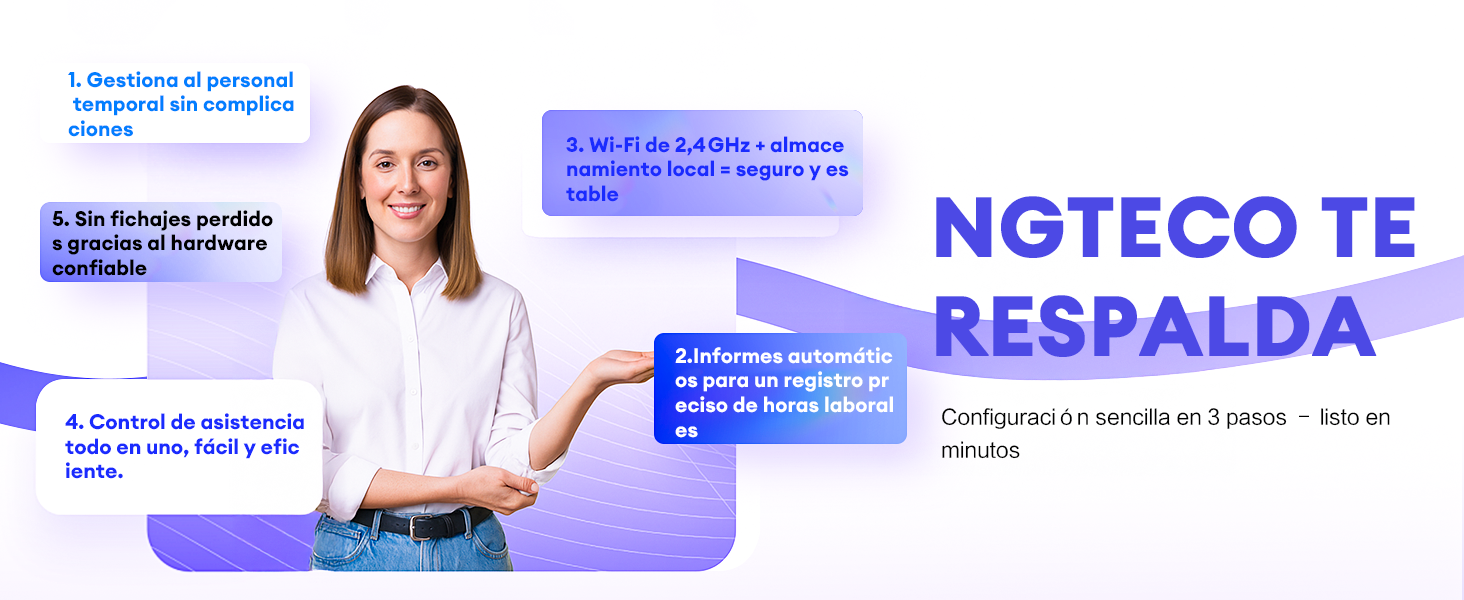
The NGTeco K4 is a state-of-the-art fingerprint time clock and attendance system designed for efficient employee time management. Featuring biometric fingerprint recognition, WiFi connectivity, and a robust 2000 mAh backup battery, this device ensures accurate and reliable attendance tracking. Manage your workforce effortlessly with the free NGTeco Time app for iOS and Android.
Fitur konci:
- Gampang dianggo: No complex programming required. The device is ready for use right out of the box.
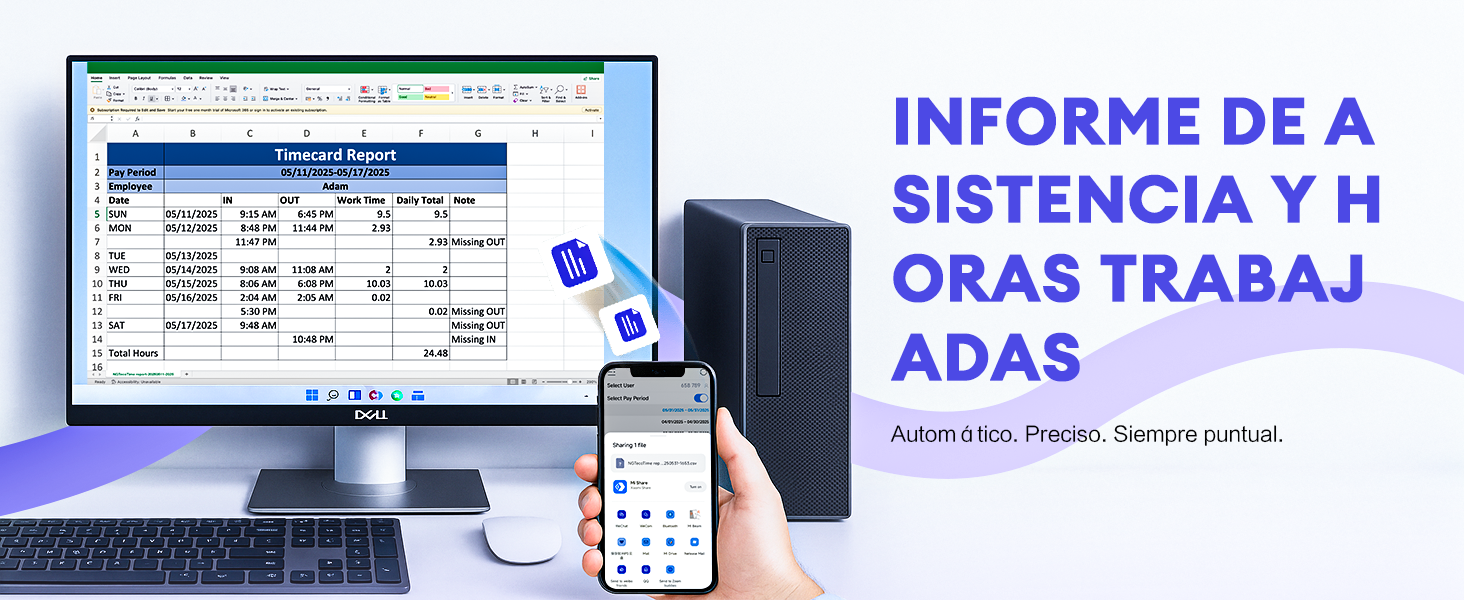
- Henteu Langganan Bulanan: Enjoy full functionality without recurring fees. Utilize the free NGTeco Time app to send time reports directly to your email.
- 2000 mAh Backup Battery: An integrated battery provides up to 4 hours of standby time, safeguarding punch data during temporary power outages.
- Automatic Punch: The automatic punch mode ensures that the system updates automatically, preventing employees from forgetting to clock in or out.
- One-Year Warranty & Technical Support: NGTeco offers a one-year warranty and dedicated phone support during business hours.
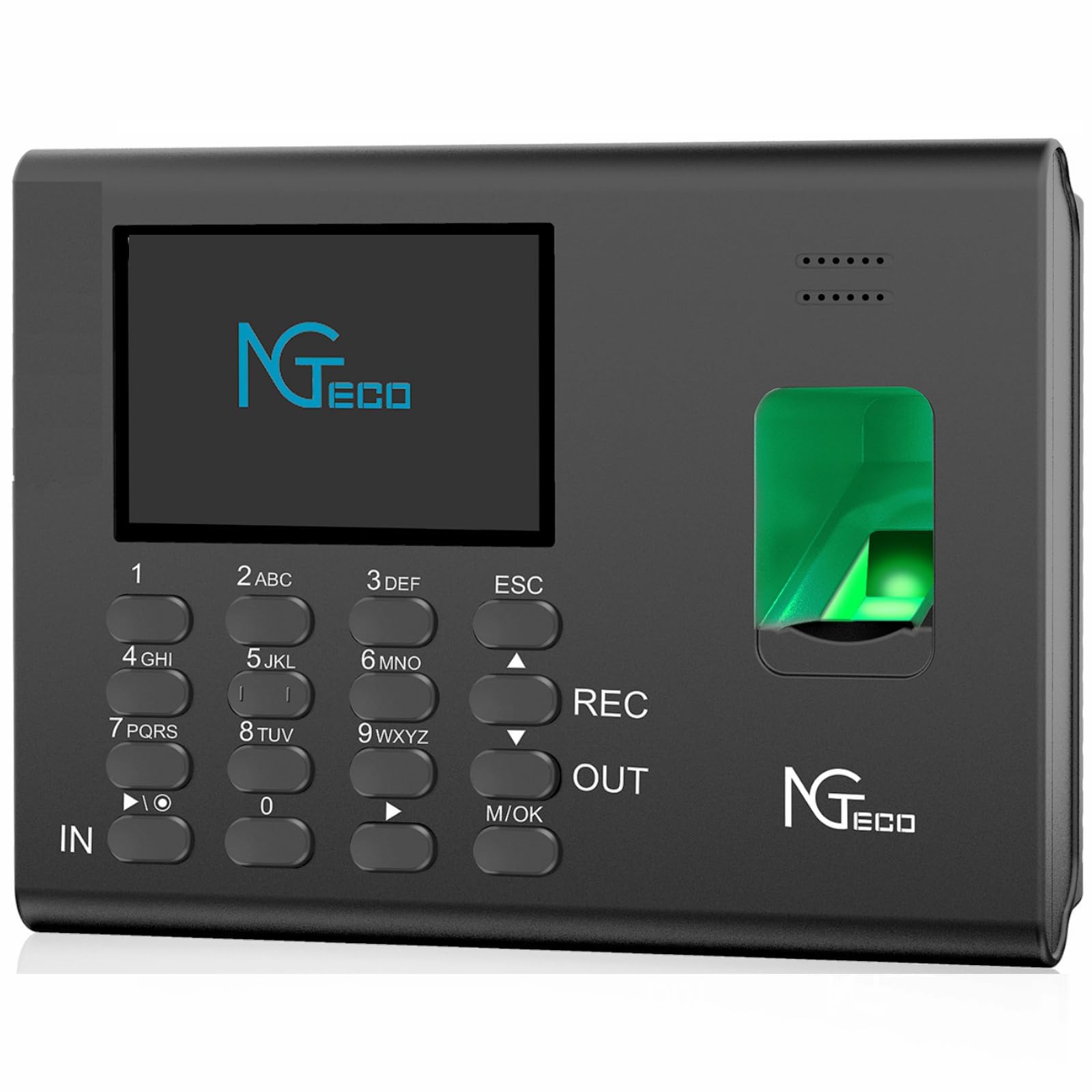
The NGTeco K4 is designed to simplify attendance management for businesses of all sizes, offering a reliable and user-friendly solution.
2. Eusi Paket
Punten parios yén sadaya barang aya dina pakét:
- 1 x NGTeco K4 Attendance Control Clock
- 1 x 8G USB Drive
- 1 x Gancang Mimitian Guide
- 1 x Manual Pamaké
- 1 x Adaptor Daya (5V/0.8A)
- 1 x Tembok Gunung bracket
- 1 x Set of Mounting Screws
3. Setélan
Follow these steps to set up your NGTeco K4 device:
- Sambungan Daya: Connect the power adapter to the device and plug it into a power outlet. The device will power on automatically.
- Konfigurasi awal: Turutan pitunjuk dina layar pikeun nyetel tanggal, waktos, sareng basa.
- Sambungan jaringan: Navigate to the network settings on the device and connect to your 2.4G WiFi network. Ensure the device is within range of your router.
- Unduh Aplikasi NGTeco Time: Download the free NGTeco Time app from the iOS App Store or Google Play Store on your smartphone.
- Pamasangan alat: Open the NGTeco Time app and follow the instructions to pair it with your K4 device. This typically involves scanning a QR code displayed on the device screen.
- Tambahkeun pamaké: Register employees by adding their fingerprints and other necessary information through the device interface or the NGTeco Time app.

For detailed visual instructions on setting up your device and managing attendance, please refer to the video below:
Video 1: NGTeco W2 Biometric Fingerprint Time Clock Overview (similar functionality to K4)
4. Operasi
4.1 Ngatur Jam Asup/Kaluar
- Sidik jari: Place your registered finger on the fingerprint sensor. The device will verify your identity and record your punch.
- Sandi: Enter your user ID and password using the keypad, then press 'OK' to record your punch.
- Automatic Punch Mode: If enabled, the device will automatically switch between 'In' and 'Out' status for consecutive punches, preventing missed records.
4.2 Managing Attendance with the NGTeco Time App
The NGTeco Time app allows you to manage various aspects of attendance:
- Manajemén pamaké: Add, edit, or delete user information.
- Attendance Rules: Set up pay periods, shift schedules, and other attendance rules.
- Laporan: Generate and email detailed time reports for payroll and record-keeping.
4.3 Downloading Reports via USB
You can also download attendance reports directly to a USB drive:
- Insert the provided 8G USB drive into the USB port on the side of the K4 device.
- Navigate to the 'Reports' menu on the device screen.
- Select the desired report type and date range.
- Choose the option to download the report to the USB drive. The device will process and save the data.
- Safely remove the USB drive once the download is complete.
5. Pangropéa
- beberesih: Anggo lawon anu lemes sareng garing pikeun ngabersihkeun alat. Hindarkeun pembersih atanapi pangleyur anu abrasif.
- Sensor sidik: Keep the fingerprint sensor clean and free of dust or debris for optimal performance.
- Perawatan batré: Pikeun manjangkeun umur batre, ulah miceun pinuh alat sering. Ngecas eta rutin.
- Apdet parangkat lunak: Periodically check for firmware updates to ensure your device has the latest features and security enhancements.
6. Cara ngungkulan
- Alat Teu Dihurungkeun: Pastikeun adaptor daya disambungkeun kalayan pageuh sareng stop kontakna tiasa dianggo.
- Masalah Pangakuan Sidik Jari: Pastikeun ramo anjeun bersih sareng garing. Cobi daptarkeun deui sidik jari anjeun upami masalahna masih aya.
- Masalah Koneksi WiFi: Verify your WiFi password and ensure the device is within range of a 2.4G network. Restarting the device and router may help.
- Masalah Sambungan Aplikasi: Ensure both the device and your smartphone are connected to the same 2.4G WiFi network.
- Data Loss During Power Outage: The 2000 mAh backup battery is designed to prevent data loss. If data is lost, contact support.
7. Spésifikasi
| Fitur | Rincian |
|---|---|
| Produsén | NGTeco |
| Nomer modél | NG-K4 |
| Warna | K4-Black |
| Sumber Daya | Batré |
| Batré Cadangan | 2000 mAh (up to 4 hours standby) |
| Tipe tampilan | Digital |
| Konektipitas | WiFi 2.4G |
| Rojongan App | iOS/Android (NGTeco Time App) |
| Dimensi produk | 18.5 x 3.81 x 13 cm; 940 g |
| Fitur husus | Light saving, Automatic Punch |
8. Garansi jeung Rojongan
8.1 Émbaran jaminan
The NGTeco K4 Fingerprint Time Clock comes with a one-year limited warranty from the date of purchase. This warranty covers manufacturing defects and malfunctions under normal use. Please retain your proof of purchase for warranty claims.
8.2 Rojongan Téknis
For technical assistance, troubleshooting, or any questions regarding your NGTeco K4 device, please contact NGTeco customer support. Support is available via phone during business hours.
For the most up-to-date contact information, please visit the official NGTeco websitus atanapi tingal Panduan Mimitian Gancang anu kalebet dina pakét anjeun.