
Bubuka
This manual provides detailed instructions for the safe and effective use of your Andoer 1080P Digital Camera. Please read this manual thoroughly before operating the device and retain it for future reference. This camera is designed to capture high-quality photos and videos, featuring a 56MP picture resolution and 1080P video recording capabilities. It includes an 8X digital zoom, AF auto-focus, and a 2.88-inch IPS screen for clear viewing.
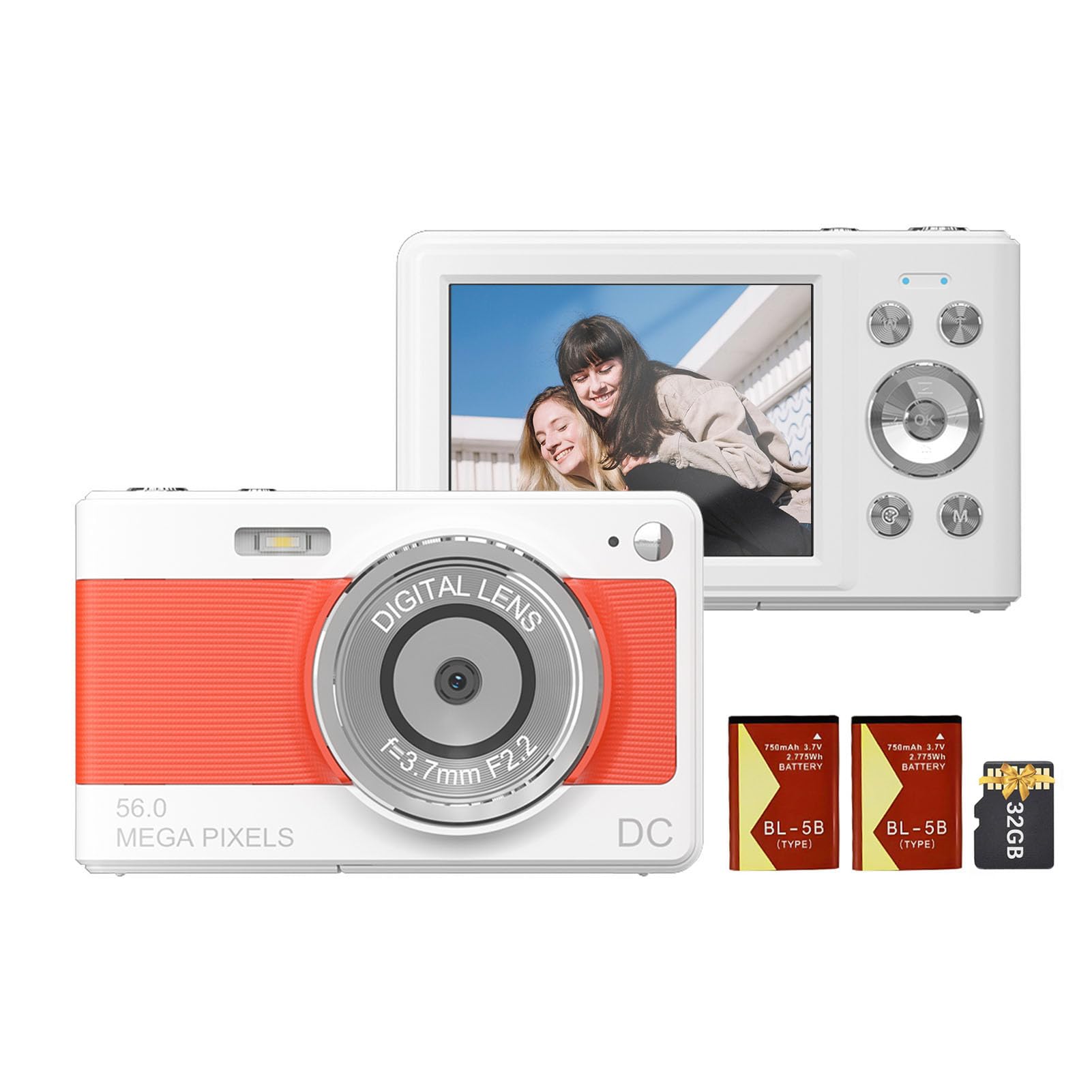
Hareupeun view of the Andoer 1080P Digital Camera, showcasing lénsa na jeung desain kompak.
Eusi pakét
Pastikeun yén sadaya item aya dina bungkusan:
- 1 x Andoer Digital Camera
- 2 x Lithium Batteries (3.7V 750mAh)
- 1 x USB Charge Cable (Type-C)
- 1 x Tali pigeulang
- 1 x Mawa Kantong
- 1 x 32GB Card Memori
- 1 x Buku Panduan (Basa Inggris)
Disetél
1. Pamasangan Batré sareng Ngecas
The camera uses a rechargeable lithium battery. Two batteries are included to ensure extended usage.
- Locate the battery compartment on the bottom or side of the camera.
- Buka panutup kompartemen batré.
- Insert a fully charged battery, ensuring the correct polarity as indicated inside the compartment.
- Tutup panutup kompartemen batré aman.
- To charge the battery, connect the camera to a power source using the provided Type-C USB cable. The charging indicator light will illuminate.
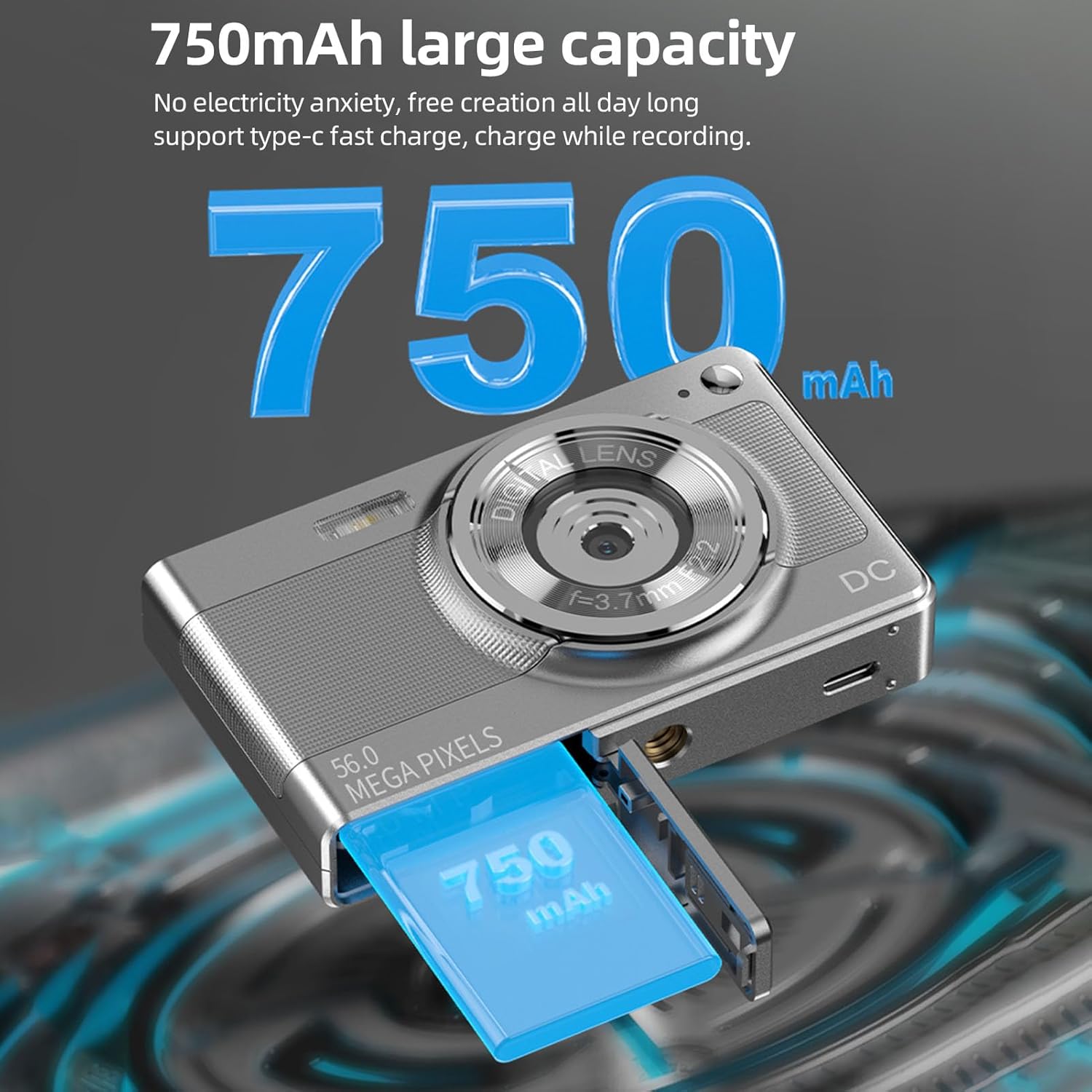
Illustration of the 750mAh battery and its insertion into the camera's battery compartment.
2. Pamasangan Kartu Mémori
A 32GB memory card is included for immediate use. Ensure the camera is powered off before inserting or removing the memory card.
- Locate the memory card slot, typically on the side of the camera.
- Insert the 32GB memory card into the slot with the metal contacts facing the correct direction (refer to the diagram near the slot if available).
- Pencét kartu lalaunan nepi ka ngaklik dina tempatna.
- To remove, push the card in again until it springs out slightly, then pull it out.
Parentah Operasi
1. Powering on / Pareum
- To power on: Press and hold the power button (usually marked with ON/OFF or a power symbol) until the screen illuminates.
- To power off: Press and hold the power button again until the screen turns off.
2. Nyokot Poto
The camera supports up to 56MP picture resolution.
- Hurungkeun kaméra.
- Ensure the camera is in photo mode (indicated by an icon on the screen, typically a camera symbol).
- Frame your shot using the 2.88-inch IPS screen.
- The camera features AF auto-focus. Allow the camera to focus on your subject.
- Press the shutter button halfway down to focus, then press it fully to capture the image.
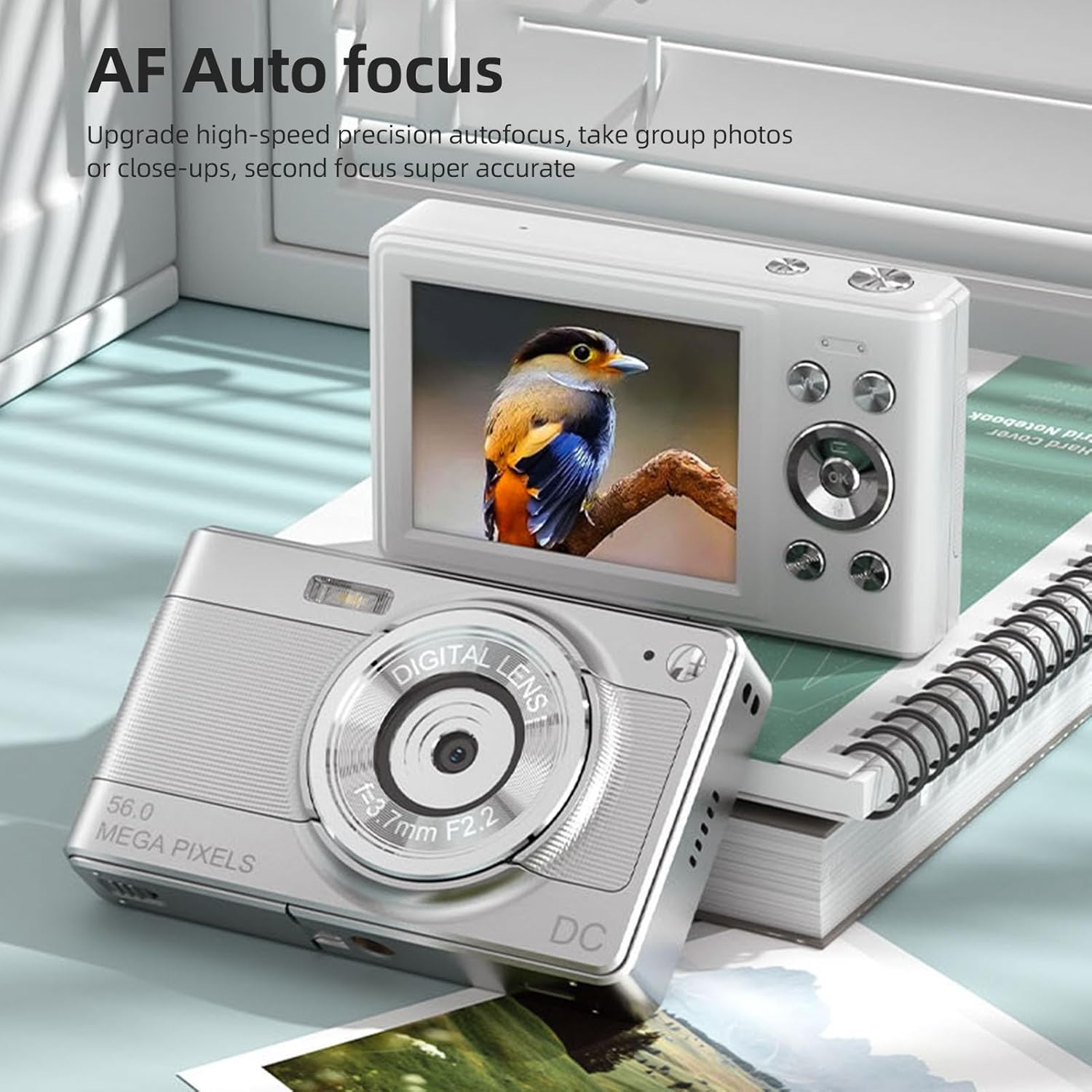
The camera's AF Auto Focus system ensures sharp images by automatically adjusting the lens.
3. Ngarékam Pidéo
Record videos in 1080P resolution.
- Hurungkeun kaméra.
- Switch to video recording mode (indicated by a video camera icon).
- Pencét tombol jepret pikeun ngamimitian ngarékam. Indikator beureum atawa timer bakal nembongan dina layar.
- Pencét deui tombol jepret pikeun ngeureunkeun ngarékam.
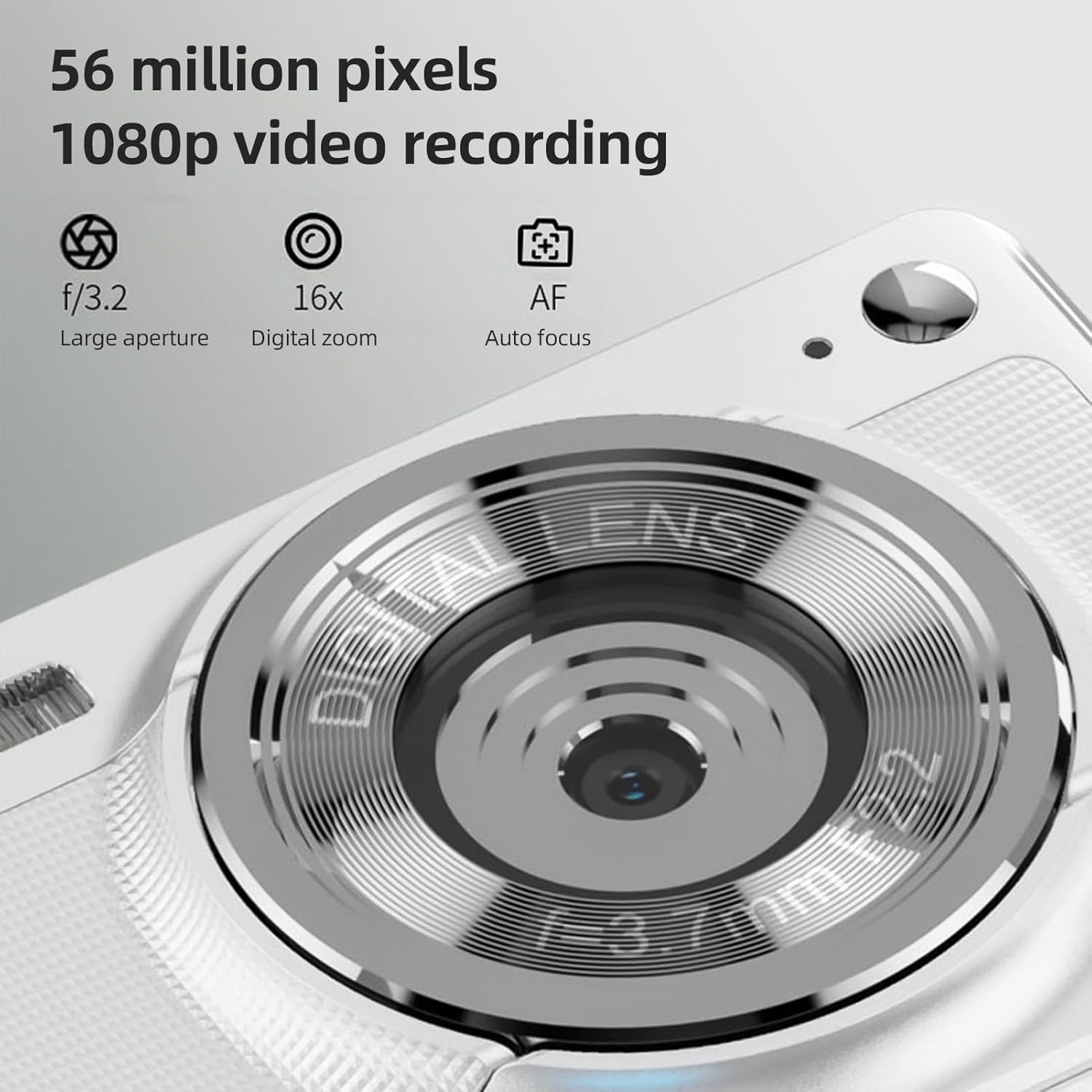
The camera is capable of capturing 56-megapixel photos and recording 1080p videos.
4. Digital ngazum
The camera features an 8X digital zoom.
- While in photo or video mode, use the zoom buttons (often marked with W for Wide and T for Telephoto, or +/- symbols) to zoom in or out.
- Note that digital zoom may reduce image quality compared to optical zoom.

Comparison showing the effect of 8X digital zoom versus no zoom mode.
5. Lampu kilat internal
Use the built-in flash for low-light conditions.
- Access the flash settings through the camera's menu.
- Select from options such as Auto Flash, Fill-in Flash, Red-eye Reduction, or Flash Off.
6. Fungsi séjén
The camera includes several features to enhance your photography:
- Anti goyang: Helps reduce blur caused by camera movement.
- Face Detect: Otomatis ngadeteksi sareng fokus kana raray dina pigura.
- Continuous Photography: Captures a series of photos rapidly.
- Timer otomatis: Delays the shutter release by 2, 5, or 10 seconds.
- Pangaruh warna: Apply various filters or color tones to your images.
7. Viewing jeung Mindahkeun Files
Review your captured media and transfer them to other devices.
- Playback: Press the playback button (often indicated by a play icon) to view photos and videos on the 2.88-inch IPS screen. Use the navigation buttons to browse.
- File Transfer (OTG Method):
- Remove the memory card from the camera.
- Insert the memory card into a card reader.
- Connect the card reader to your mobile phone or computer using an OTG adapter or USB cable to export photos and videos.

The camera's memory card can be used with an OTG adapter or card reader for easy transfer of files to a mobile phone or computer.
Pangropéa
- Ngabersihan lensa: Anggo lawon anu lemes sareng henteu lint anu dirancang khusus pikeun lensa kaméra. Hindarkeun noel lensa ku ramo anjeun.
- Ngabersihan layar: Gently wipe the IPS screen with a microfiber cloth. Do not use harsh chemicals.
- Panyimpenan: When not in use, store the camera in the provided carrying bag in a cool, dry place away from direct sunlight and extreme temperatures.
- Perawatan batré: Do not expose batteries to high temperatures. If the camera will not be used for an extended period, remove the battery.
Pamérésan masalah
| Masalah | Mungkin Cukang lantaranana | Solusi |
|---|---|---|
| Kaméra teu hurung. | Batré béak atawa teu bener diselapkeun. | Ngecas batré. Pastikeun batréna diselapkeun kalayan polaritasna anu leres. |
| Teu tiasa nyandak poto/video. | Kartu memori pinuh, dikonci, atawa teu diselapkeun. | Insert a memory card. Check if the memory card is locked. Delete unnecessary files atawa ngaganti kartuna. |
| Gambar blur. | Camera shake, subject too close, or lens is dirty. | Hold the camera steady. Ensure adequate lighting. Clean the lens. Use AF auto-focus. |
| Lampu kilat teu jalan. | Flash is set to "Off" or battery is low. | Check flash settings in the menu. Charge the battery. |
spésifikasi
- Sénsor Gambar: Sénsor CMOS
- tampilan: 2.88 inci IPS layar
- Resolusi Gambar: 56M, 48M, 36M, 30M, 24M, 20M, 16M, 12M, 8M, 5M, 3M
- Resolusi Video: 1080P, 720P
- Ngazum Digital: 8X
- Otomatis Pokus: Yes (AF)
- Anti goyang: Sumuhun
- Face Detect: Sumuhun
- Timer otomatis: 2 sec / 5 sec / 10 sec / Off
- Kakeunaan: EV-3 to EV+3
- Kasaimbangan bodas: Otomatis / Daylight / Mendung / Fluoresensi / Pijar
- Sasayogian tanaga: Lithium battery (3.7V 750mAh)
- Ukuran Item: 9.8 * 6 * 2cm / 3.9 * 2.4 * 0.8 inci
- Beurat barang: 110g / 3.8oz (kaasup batré)
- Kaasup Kartu Mémori: 32GB
- Rojongan Basa: Chinese, Japanese, English, French, Spanish, Portuguese, German, Dutch, Italian, etc.
Garansi sareng Rojongan
Specific warranty details are not provided in this manual. For warranty information, technical support, or service inquiries, please refer to the product packaging or contact Andoer customer service directly through their official websitus atanapi pangecér dimana produkna dibeuli.
Simpen resi pameseran anjeun salaku bukti pameseran pikeun klaim garansi.