1. Bubuka
Thank you for choosing the LAXIHUB 2K/3MP Outdoor Battery Security Camera. This manual provides essential information for setting up, operating, and maintaining your security camera system. This cutting-edge surveillance solution is designed to provide unparalleled security and peace of mind with its 2K/3MP resolution, colour night vision, and wireless operation.
Please read this manual thoroughly before installation and use to ensure proper functionality and safety. Keep this manual for future reference.
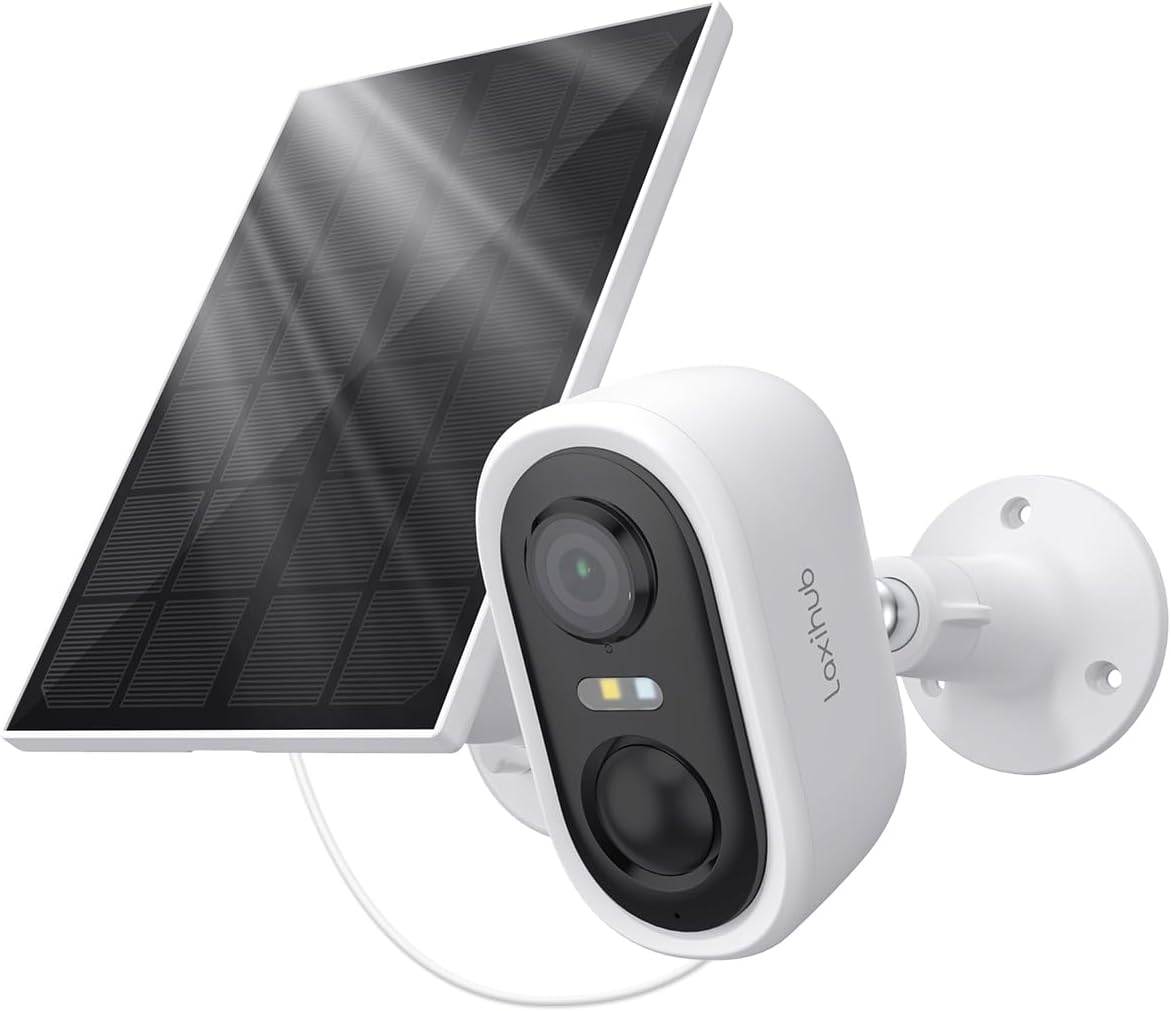
Image: The LAXIHUB 2K/3MP Outdoor Battery Security Camera shown with its accompanying solar panel, ready for outdoor installation.
2. Naon dina Box
Pariksa yén sadaya komponén aya sareng dina kaayaan anu saé nalika muka bungkusan:
- LAXIHUB 2K/3MP Outdoor Battery Security Camera
- Panel surya
- Kurung
- Screw package (Screws, Wall anchors)
- Kabel kakuatan
- Dasar
- Pituduh gancang
- 1 C battery (pre-installed or included)
3. Spésifikasi
| Fitur | Rincian |
|---|---|
| Ngaran modél | Snap 18T+Solar 3 |
| Resolusi | 2K/3MP (3MP Video Capture Resolution) |
| Sumber Daya | Battery Powered (Rechargeable, 5200mAh) with Solar Panel charging |
| Konektipitas | Wi-Fi (2.4GHz wungkul) |
| Visi Peuting | Warna Peuting Visi |
| Peunteun Weatherproof | IP65 (Tahan lebu sareng cai) |
| Deteksi gerak | Zone Detection, Motion Only Alert Type |
| Audio | 2-Jalur Audio |
| Tipe Pamasangan | Tembok Gunung |
| Ukuran (L x W x H) | 3.78 x 2.08 x 2.4 inci |
| Item Beurat | 10.9 ons |
| Bahan | palastik |

Image: Visual representation of key features including 3MP resolution, Wi-Fi connectivity, AI motion detection, solar power, cloud storage, and 5200mAh battery capacity.
4. Setup Guide
4.1 Ngecas Awal
Before first use, fully charge the camera's internal battery using the provided power cable. Connect the cable to the camera's charging port and a standard USB power adapter (not included). A full charge may take several hours.
4.2 Unduh Aplikasi sareng Pendaptaran Akun
Download the official LAXIHUB app from your smartphone's app store (iOS App Store or Google Play Store). Follow the on-screen instructions to register a new account or log in if you already have one.
4.3 Kaméra papasangan
- Open the LAXIHUB app and tap "Add Device" or the "+" icon.
- Pilih modél kaméra anjeun tina daptar.
- Follow the app's instructions to power on the camera and put it into pairing mode (usually indicated by a flashing LED).
- Sambungkeun kaméra ka jaringan Wi-Fi 2.4GHz anjeun. Note: This camera does not support 5GHz Wi-Fi.
- Scan the QR code displayed on your phone screen with the camera lens.
- Wait for the camera to connect to the network and register with your account.
4.4 Masang Kaméra sareng Panel Surya
Pilih lokasi pamasangan anu nyadiakeun cahaya anu jelas view daérah anu anjeun hoyong pantau sareng tampi ample direct sunlight for the solar panel. Ensure the Wi-Fi signal is strong at the chosen location.
- Tanda titik pangeboran: Use the mounting bracket as a template to mark the screw holes on the wall or surface.
- liang bor: Drill pilot holes at the marked points. Insert wall anchors if mounting on masonry or drywall.
- Pasang kurung: Securely fasten the camera and solar panel brackets to the wall using the provided screws.
- Mount Camera and Solar Panel: Attach the camera and solar panel to their respective brackets. Adjust the angle of both for optimal coverage and sunlight exposure.
- Sambungkeun Panel Surya: Connect the solar panel's power cable to the camera's charging port.

Image: The camera and solar panel installed on an exterior wall, demonstrating the wireless setup and continuous power supply from the solar panel.
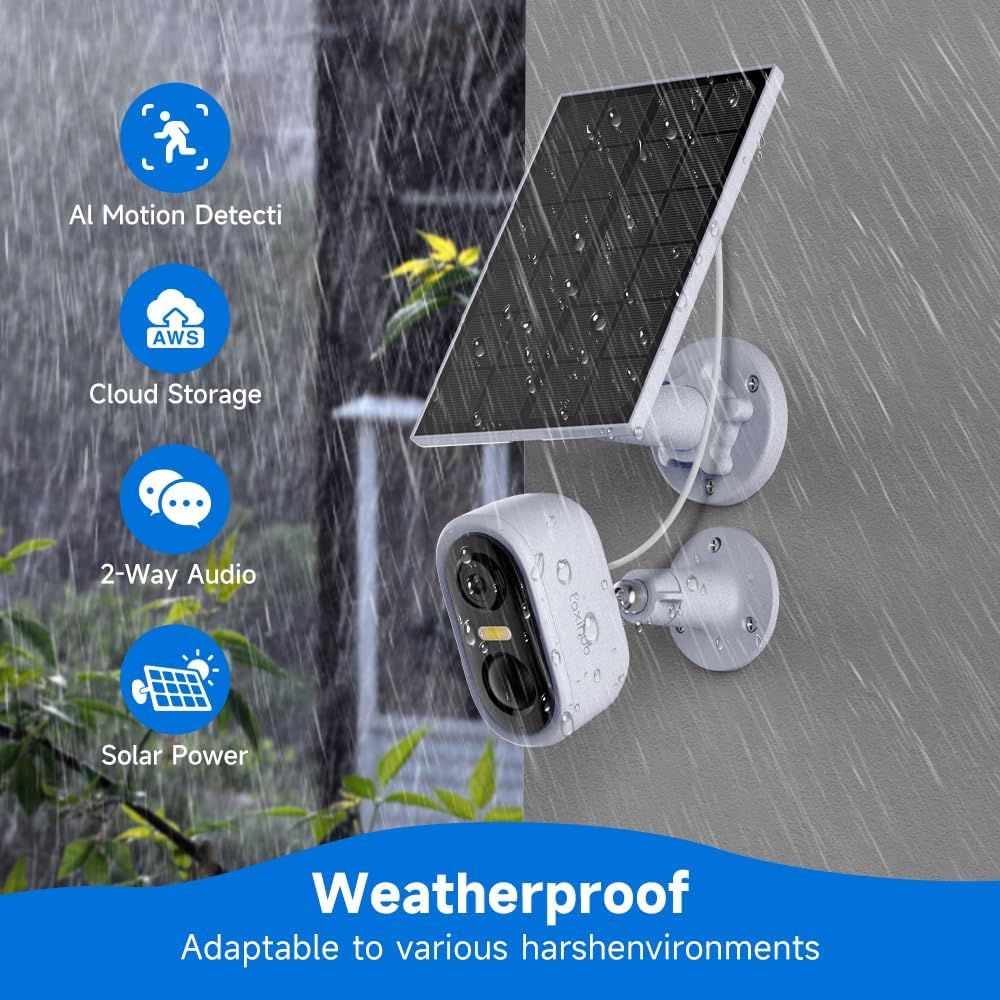
Image: The camera and solar panel shown in a rainy outdoor setting, highlighting its IP65 weatherproof rating and adaptability to various environments.
5. Parentah Operasi
5.1 Hirup View
Open the LAXIHUB app and select your camera from the device list to access the live video feed. You can view real-time footage, take screenshots, and record manually.
5.2 Motion Detection and Zone Setup
The camera features intelligent zone detection to minimize false alerts. Navigate to the camera settings in the app to:
- Enable/Disable Motion Detection: Turn motion alerts on or off.
- Saluyukeun sensitipitas: Set the detection sensitivity level (Low, Medium, High).
- Define Detection Zones: Draw specific areas on the camera's field of view where you want motion to be detected. This helps ignore irrelevant movements outside critical areas.

Image: Illustration of the camera's 140-degree wide-angle view, demonstrating its ability to clearly capture surroundings both during the day and with full-color night vision.

Image: The camera actively monitoring an area, with a smartphone displaying a "Message Alarm" notification, indicating a detected anomaly. This image also highlights the long standby time of the rechargeable batteries.
5.3 Colour Night Vision
The camera automatically switches to colour night vision in low-light conditions, providing clear and detailed footage even after dark. Ensure the area is within the camera's illumination range for optimal performance.
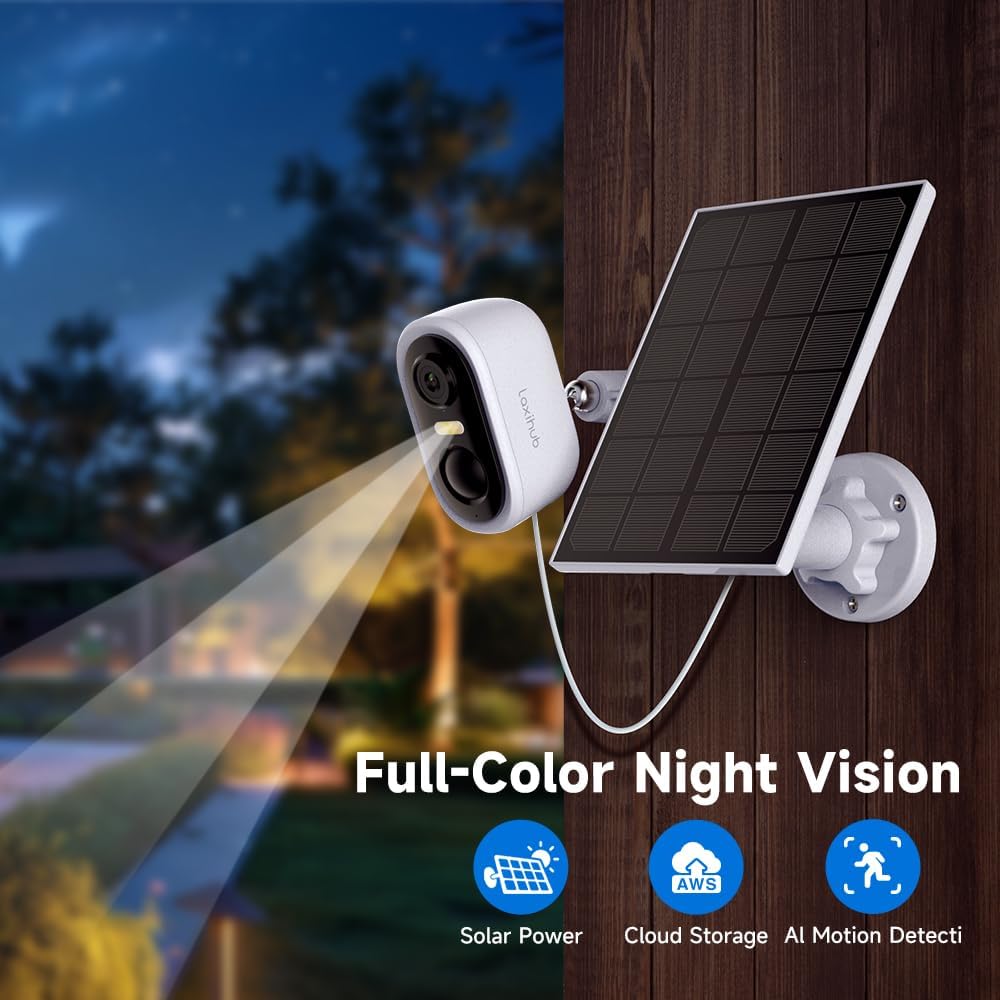
Image: The camera and solar panel setup at night, demonstrating its full-color night vision feature, which allows for clear visibility in dark conditions.
5.4 Audio Dua Arah
Use the two-way audio feature to communicate with visitors or deter intruders. Tap the microphone icon in the live view to speak through the camera's speaker, and listen through your phone's speaker.
5.5 Ngarekam jeung Playback
Motion-triggered events are automatically recorded. You can access recorded footage through the "Playback" or "Event History" section in the app. Recordings are stored either on a local SD card (if installed, not included) or in the cloud (subscription may be required).
6. Pangropéa
6.1 beberesih
Rutin ngabersihan lénsa kaméra sareng permukaan panel surya kalayan lemes, damp lawon pikeun mastikeun kinerja anu optimal. Hindarkeun nganggo bahan kimia anu keras atanapi bahan abrasif anu tiasa ngagores permukaan.
6.2 Perawatan Batré
The camera's rechargeable battery is designed for long-term use. To maximize battery life:
- Ensure the solar panel receives adequate direct sunlight daily.
- Avoid placing the camera in extreme temperatures.
- Reduce unnecessary motion alerts if battery drain is a concern.
6.3 Efisiensi Panel Surya
Periodically check the solar panel for any obstructions (e.g., leaves, dirt, snow) that might block sunlight. A clean panel ensures maximum charging efficiency for the camera's battery.
7. Cara ngungkulan
| Masalah | Solusi anu mungkin |
|---|---|
| Kaméra teu bisa dihurungkeun. | Ensure the battery is fully charged. Connect to power adapter and check LED indicator. |
| Teu bisa nyambung ka Wi-Fi. |
|
| Kualitas pidéo goréng. |
|
| Frequent false motion alerts. |
|
| Batré gancang boros. |
|
8. Garansi jeung Rojongan
LAXIHUB products are designed and manufactured to the highest quality standards. For information regarding warranty coverage, technical support, or service inquiries, please refer to the warranty card included with your product or visit the official LAXIHUB website. You may also contact LAXIHUB customer support directly through the contact information provided on their website or within the app.
Websitus: Visit the LAXIHUB Store on Amazon


