
1. Introduction to Your OURA Ring 4
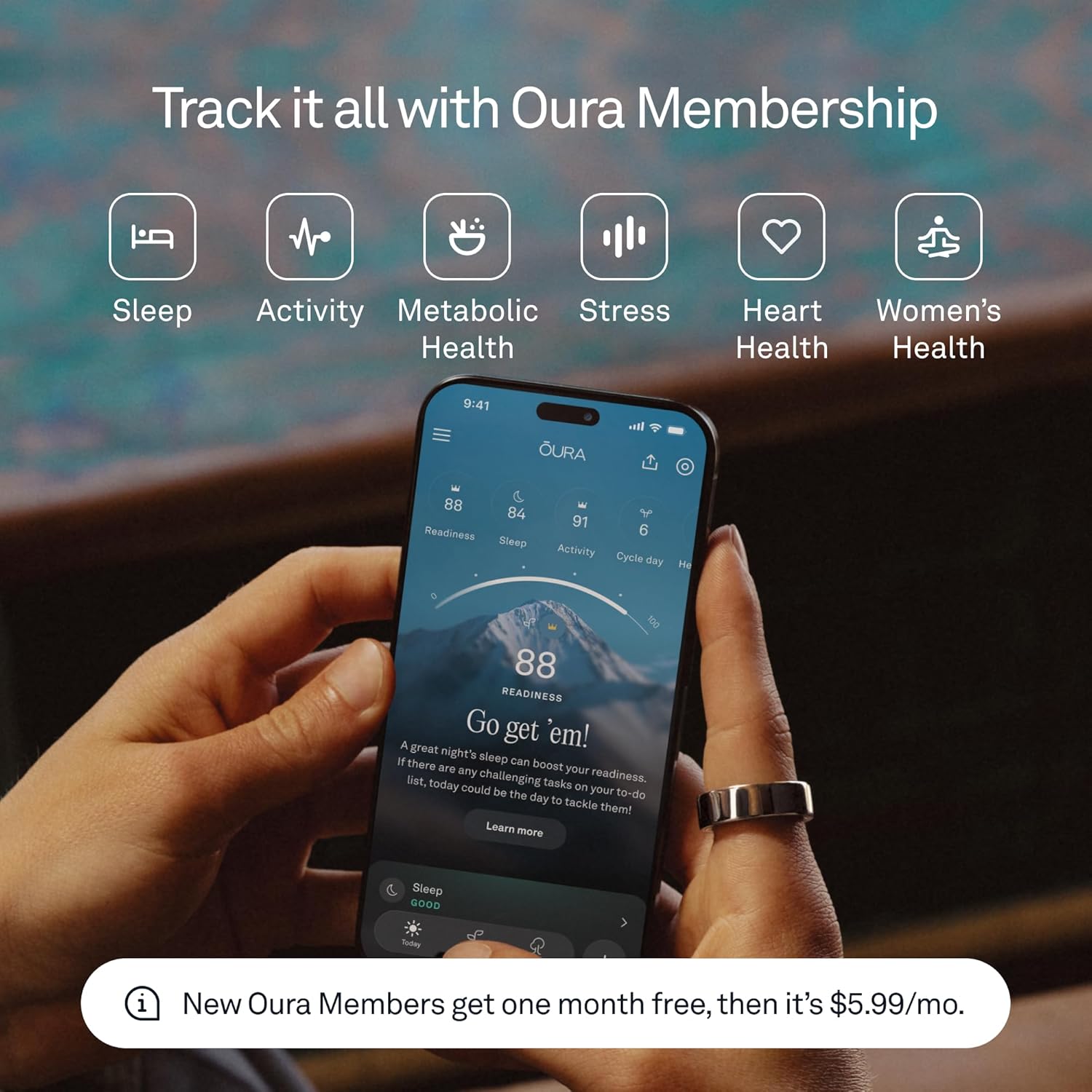
The OURA Ring 4 is an advanced smart ring designed to provide continuous insights into your health and well-being. Featuring an all-titanium design and Smart Sensing technology, it tracks over 50 health metrics, including sleep, readiness, activity, heart health, stress, metabolic health, and women’s health. This manual will guide you through the setup, operation, and maintenance of your OURA Ring 4 to ensure optimal performance and a seamless user experience.

Image: The OURA Ring 4 in Gold, showcasing desain na sleek.
2. Naon dina Box
Upon opening your OURA Ring 4 package, you should find the following components:
- Oura Ring 4
- Oura Ring 4 Charger
- Kabel USB
- Buklet Émbaran
- Gancang Mimitian Guide

Image: The OURA Ring 4, its charging base, and USB cable.
3. Pituduh ukuran
Accurate sizing is essential for the optimal performance of your OURA Ring 4. OURA Ring 4 uses unique sizing that differs from standard jewelry rings. It is highly recommended to use an OURA Ring 4 Sizing Kit to find your perfect fit before purchasing the ring.
Finding Your Fit:
- Try on Multiple Sizes: Use the sizing kit to try on various sizes.
- Wear for 24 Hours: Wear the chosen size for at least 24 hours to ensure comfort and proper fit throughout the day and night, as finger size can fluctuate.
- Find Your Most Comfortable Fit: The ring should feel snug but not tight, allowing for easy movement.
For best performance and accuracy, we recommend wearing your OURA Ring 4 on your index finger.
Gambar: A close-up view of the OURA Ring 4 worn on an index finger.
4. Setup jeung Pamakéan Awal
Follow these steps to set up your OURA Ring 4 and begin tracking your health data:
- Charge Your Ring: Place your OURA Ring 4 on its charging base. The indicator light on the charger will confirm it's charging. A full charge typically takes about 80 minutes and provides 5 to 8 days of battery life.
- Download the OURA App: Download the OURA App from the Apple App Store (for iOS devices) or Google Play Store (for Android devices).
- Ngadamel akun: Open the app and follow the on-screen instructions to create your OURA account.
- Pair Your Ring: Ensure Bluetooth is enabled on your smartphone. The app will guide you through the process of pairing your OURA Ring 4.
- Wear Your Ring: Once paired, wear your OURA Ring 4 on the recommended finger. The ring will automatically begin collecting data.
5. Key Features and Smart Sensing
The OURA Ring 4 is equipped with Smart Sensing technology, providing accurate and continuous data day and night. It tracks over 50 health metrics to give you a holistic view tina kaséhatan Anjeun.
Core Tracking Capabilities:
- Nyukcruk saré: Monitor saré stages (REM, deep, light), sleep efficiency, and restfulness.
- Nyukcruk kagiatan: Measures steps, active calorie burn, and provides insights into your daily movement and training volume.
- Skor Kesiapan: Combines sleep, activity, and physiological signals to provide a daily score indicating your physical and mental readiness.
- Kaséhatan Jantung: Tracks resting heart rate and heart rate variability (HRV).
- Pangimeutan Stress: Detects physiological stress levels throughout the day.
- Suhu awak: Monitors subtle changes in body temperature.
- Kaséhatan Awéwé: Offers cycle tracking and insights.

Image: Internal sensors of the OURA Ring 4, responsible for data collection.
Durability and Comfort:
- All-Titanium Design: Ensures exceptional durability while remaining lightweight.
- Tahan cai: Tahan cai nepi ka 100 méter, cocog pikeun ngojay sareng mandi.
- Hirup batré anu panjang: Up to 8 days of battery life on a single charge.
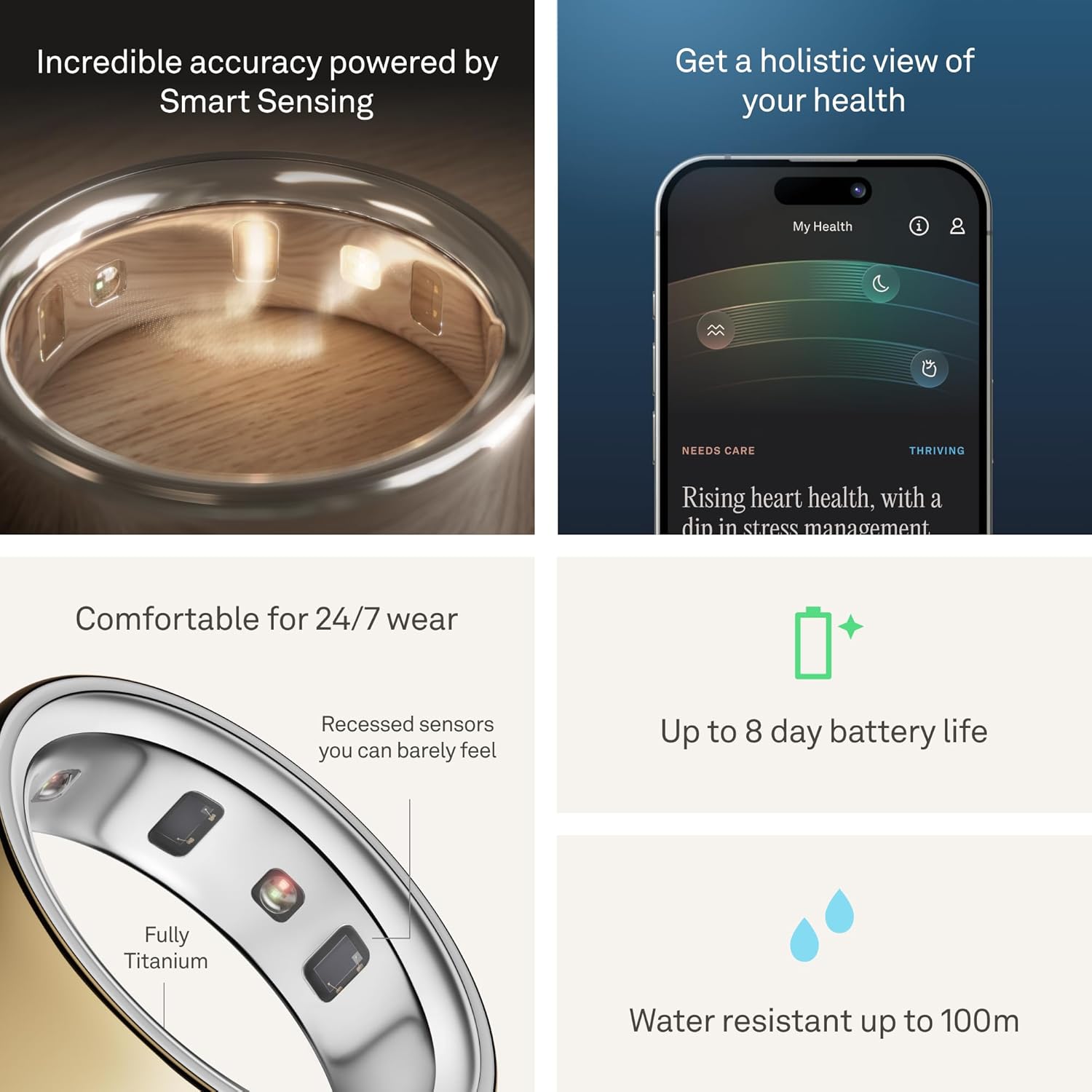
Image: The OURA Ring 4 worn on a hand submerged in water, demonstrating its water resistance.
6. OURA App Overview
The OURA App is your central hub for all health data collected by your ring. It presents complex data in an easy-to-understand format, offering personalized insights and recommendations.
App Sections:
- Dinten ieu: Provides a daily summary of your readiness, sleep, and activity.
- Vitals: Offers a quick glance at key health metrics and scores.
- My Health: Shows long-term trends and how daily habits impact your health over time.
Video: An official OURA video demonstrating the OURA App interface and its features.
Detailed Insights:
- Sleep Data: View detailed breakdowns of your sleep stages, efficiency, and timing.
- Data Kagiatan: Track your daily movement, steps, and active calorie burn.
- Stress Data: Monitor your stress and restorative times throughout the day.
- Kaséhatan Awéwé: Gain insights into your menstrual cycle and its impact on your body.

Image: Screenshot of the OURA App displaying detailed sleep data.

Image: Screenshot of the OURA App displaying activity tracking data.

Image: Screenshot of the OURA App displaying stress monitoring data.

Image: Screenshot of the OURA App displaying women's health tracking features.
7. Operating Your OURA Ring 4
The OURA Ring 4 is designed for continuous wear and automatic data collection. Once charged and paired, it operates seamlessly in the background.
Pamakéan sapopoé:
- Wear the ring on your chosen finger (preferably the index finger) 24/7 for the most accurate data.
- The ring automatically syncs data to the OURA App via Bluetooth when your phone is nearby and Bluetooth is enabled.
- Even if Bluetooth is off, the ring stores data and will sync once reconnected.
8. Pangropéa sarta perawatan
To ensure the longevity and accuracy of your OURA Ring 4, follow these maintenance guidelines:
- beberesih: Clean your ring regularly with a soft, damp lawon. Hindarkeun bahan kimia anu kasar atanapi bahan abrasive.
- Paparan cai: While water resistant up to 100 meters, prolonged exposure to harsh chemicals (e.g., chlorine, saltwater) may affect the finish over time. Rinse with fresh water after exposure.
- Ngecas: Charge your ring when the app notifies you of low battery. Avoid overcharging for extended periods.
- Panyimpenan: When not in use, store the ring in a safe place to prevent scratches or damage.
9. Cara ngungkulan
If you encounter any issues with your OURA Ring 4, try the following troubleshooting steps:
- Ring Not Syncing: Ensure Bluetooth is enabled on your device and the ring is within range. Close and reopen the OURA App.
- Masalah ngecas: Verify that the charging cable is securely connected to both the charger and a power source. Ensure the ring is correctly placed on the charger.
- Data teu akurat: Confirm that your ring is worn on the correct finger and fits snugly. Ensure the sensors are clean.
- Aplikasi Teu Ngabales: Force close the OURA App and restart it. If the issue persists, restart your smartphone.
- Pembaruan firmware: Regularly check the OURA App for available firmware updates for your ring to ensure optimal performance and new features.
10. Spésifikasi
| Fitur | Rincian |
|---|---|
| merek | URANG |
| Nomer modél | JZ90-54216-10 |
| Kasaluyuan System Operasi | ios, Android |
| Téhnologi konektipitas | Bluetooth |
| Kahirupan batré | Nepi ka 8 dinten |
| Waktu Ngeusi batre | 80 menit |
| Tingkat Résistansi Cai | Water Resistant (100 Meters) |
| Bahan | titanium |
| Métrik Diukur | Body Temperature, Menstrual Cycle, Sleep Duration, Stress, Heart Rate, HRV, Activity |
| Item Dimensi | 0.94 x 0.94 x 0.28 inci |
11. Garansi jeung Rojongan
Your OURA Ring 4 comes with a 1-Taun Garansi Produsén. For detailed warranty information, claims, or technical support, please refer to the official OURA website or contact OURA customer service directly.
OURA Membership: The first month of membership is included with purchase for new members. A subscription fee of $5.99/month applies thereafter. Membership is tied to your account via the OURA App, not your physical ring, and is required to access full insights and features.
HSA/FSA Eligibility: OURA Ring, additional chargers, and shipping costs may be eligible for reimbursement with HSA or FSA funds. Employer or provider plans may vary; check your administrator's coverage for details.