1. Bubuka
This manual provides essential information for the safe and efficient use of your Thomson 50UG5C14 50-inch 4K Ultra HD Smart Google TV. Please read it thoroughly before operating the device and retain it for future reference.
Your new television features a 50-inch 4K Ultra HD display, Google TV operating system, Wi-Fi connectivity, Dolby Audio, HDR10 support, Bluetooth 5.1, and a Triple-Tuner for cable, satellite, and antenna reception. It also includes multiple HDMI and CI+ ports for versatile connectivity.

Image 1.1: Visual comparison illustrating the difference between Full HD (FHD) and 4K Ultra HD (UHD) resolutions. The 4K UHD display offers significantly more detail and clarity.
2. Parentah Kasalametan penting
Salawasna turutan pancegahan kaamanan dasar ieu nalika nganggo televisi anjeun:
- Sumber Daya: Sambungkeun TV ngan ka stop kontak AC tina vol nu ditangtukeuntage.
- Ventilasi: Ensure adequate ventilation. Do not block ventilation openings or install near heat sources.
- Cai sareng Uap: Ulah ngalaan TV ka hujan atawa beueus. Ulah nempatkeun objék ngeusi cairan dina TV.
- beberesih: Cabut TV sateuacan beberesih. Paké lawon lemes, garing. Entong nganggo pembersih cair atanapi aerosol.
- Kabel: Nangtayungan kabel kakuatan tina keur leumpang dina atawa pinched.
- Pamasangan: Use only wall mounts or stands recommended by the manufacturer. Ensure the TV is securely mounted to prevent tipping.
- kilat: Cabut colokan TV nalika badai kilat atanapi nalika henteu dianggo kanggo waktos anu lami.
- Palayanan: Entong nyobian ngalayanan produk ieu nyalira. Rujuk sadayana ngalayanan ka tanaga jasa anu mumpuni.
3. Naon dina Box
Mangga parios eusi pakét anjeun. Eusina kedah ngawengku:
- Thomson 50UG5C14 50-inch 4K Ultra HD Smart Google TV
- Kadali jauh
- Kabel Daya
- Central Stand (and associated screws)
- Manual pangguna (dokumén ieu)
- Batré pikeun Remote Control
4. Setélan
4.1 Attaching the Central Stand
Your Thomson TV comes with a central stand for stable placement on a flat surface. Follow these steps to attach it:
- Teundeun layar TV sacara saksama dina permukaan anu lemes sareng bersih pikeun nyegah goresan.
- Align the central stand with the mounting holes on the bottom of the TV.
- Ngamankeun stand ngagunakeun screws disadiakeun. Pastikeun sadaya screws tightened pageuh.

Gambar 4.1: Hareupeun view of the Thomson 50UG5C14 TV with its central stand. The image also indicates approximate dimensions: 111 cm width, 68 cm total height, 64 cm screen height, and 28 cm stand depth.

Image 4.2: This graphic demonstrates the swivel stand feature, allowing the TV to be rotated up to 30 degrees for optimal viewdina sudut.
4.2 Nyambungkeun Alat éksternal
Refer to the back panel diagram for connecting your devices:

Gambar 4.3: Detil view of the TV's back panel connections. From left to right, top to bottom: LAN port, AV IN, Digital Optical Audio Out, 2x USB 2.0, HDMI 2.1 + eARC, 2x HDMI 2.0, CI+ slot, USB 3.0, DVB T2/C/S2 antenna inputs.
- kakuatan: Sambungkeun kabel kakuatan ka TV terus ka stop kontak témbok.
- Antena/Kabel/Satelit: Connect your antenna, cable, or satellite feed to the appropriate DVB T2/C/S2 input.
- Alat HDMI: Connect Blu-ray players, game consoles, or other HDMI devices to the HDMI ports. HDMI 2.1 supports eARC for enhanced audio return channel functionality.
- Alat USB: Insert USB drives for media playback into the USB 2.0 or USB 3.0 ports.
- Jaringan: Pikeun sambungan internét kabel, sambungkeun kabel Ethernet ka port LAN.
- Modul CI+: Insert your CI+ module (for pay TV services) into the CI+ slot.
4.3 Mimiti Power-On jeung Google TV Setup
After connecting all cables, plug in the TV and press the power button on the remote control. The TV will guide you through the initial setup process, which includes:
- Pilihan basa
- Connecting to a Wi-Fi network (or using the wired LAN connection)
- Signing in with your Google account to access Google TV features and apps
- Scanning for available TV channels
5. Ngoperasikeun TV Anjeun
5.1 Fungsi Remote Control
The included remote control allows you to navigate the TV's features. It includes backlit buttons for use in low-light conditions and dedicated buttons for popular streaming services.

Image 5.1: The remote control features a Google Assistant button for voice commands, a profile switch button, direct access buttons for YouTube, Netflix, Prime Video, Apple TV+, and Live TV, and backlit buttons for visibility in the dark.
5.2 Panganteur Google TV
Google TV organizes your content from various streaming services and live TV into a personalized home screen. You can browse recommendations, manage your watch list, and discover new content.
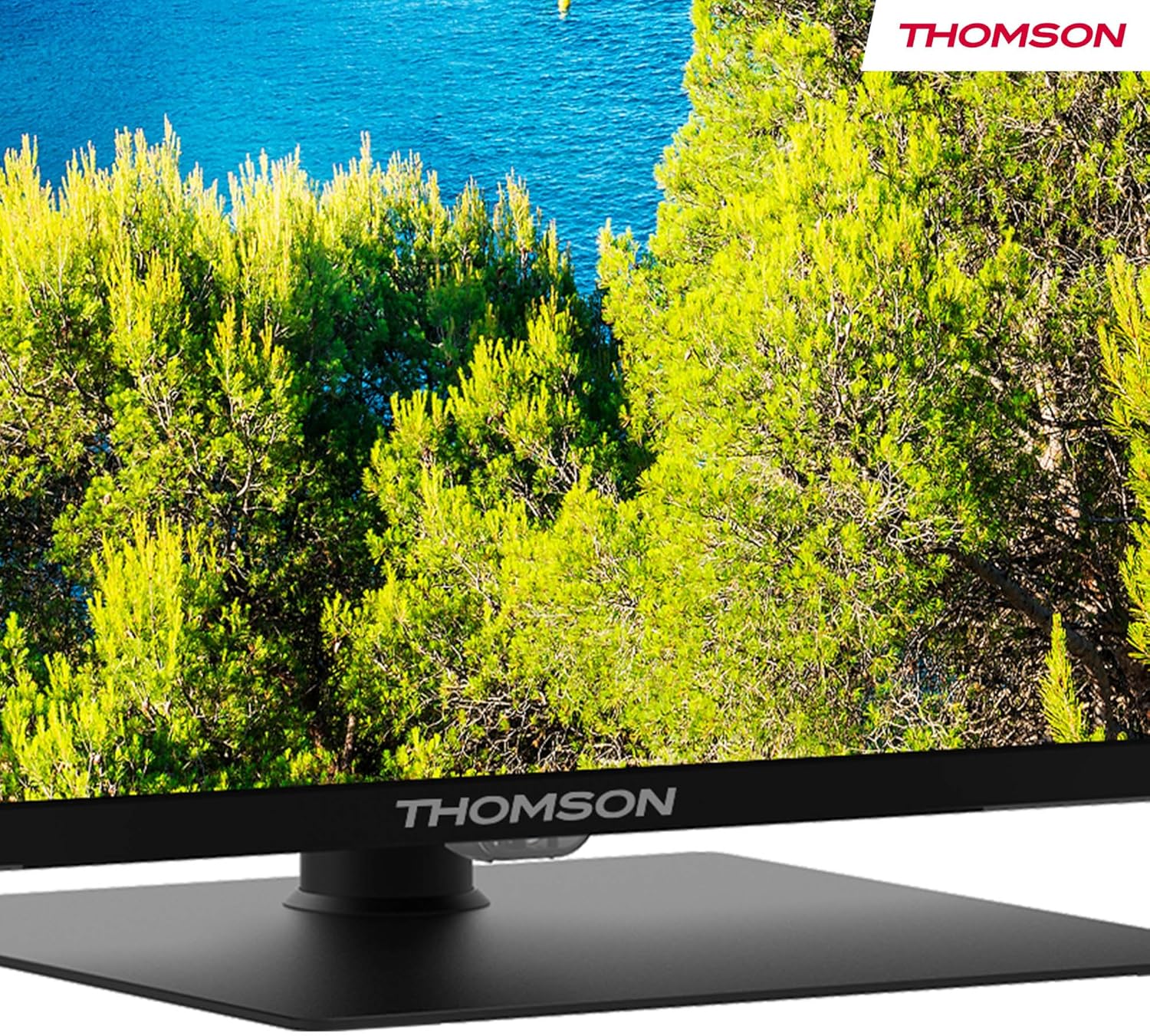
Image 5.2: The Google TV interface displays personalized recommendations and quick access to various streaming applications like Prime Video, Netflix, Disney+, and YouTube.
5.3 Kontrol Sora sareng Asisten Google
Use the built-in Google Assistant for hands-free control. Press the Google Assistant button on your remote and speak your command to search for content, control smart home devices, or get information.

Image 5.3: A user interacting with the Google Assistant via the remote control, demonstrating voice command functionality.
5.4 Dolby Audio
Experience dynamic sound with Dolby Audio technology, providing clear dialogue, enhanced detail, and immersive surround sound.

Image 5.4: This graphic visually represents the immersive sound experience provided by Dolby Audio technology.
5.5 Google Cast
Google Cast allows you to stream photos, videos, and music directly from your compatible smart devices (phones, tablets, computers) to your TV.

Image 5.5: The Google Cast feature enables seamless streaming of content from various smart devices to the television.
6. Pangropéa
6.1 Ngabersihan Layar
Pikeun ngabersihkeun layar, mimitina cabut heula kabel TV. Lap layar sacara saksama nganggo lawon anu lemes sareng henteu ngaganggu. Pikeun tanda anu bandel, usap sakedikampen lawon jeung cai atawa cleaner layar husus. Ulah menyemprot cairan langsung kana layar.
6.2 Ngabersihan Kabinet
Lap kabinet TV ku lawon anu lemes sareng garing. Ulah nganggo pembersih anu abrasif, lilin, atanapi pangleyur sabab tiasa ngaruksak lapisan akhir.
6.3 Perawatan Kadali Jarak Jauh
Keep the remote control dry and clean. Replace batteries when they are depleted. Do not mix old and new batteries or different types of batteries.
7. Cara ngungkulan
If you encounter issues with your TV, consult the following table for common problems and solutions:
| Masalah | Mungkin Cukang lantaranana | Solusi |
|---|---|---|
| Taya kakuatan | Power cable disconnected; power outlet not working | Pariksa sambungan kabel daya; uji stop kontak nganggo alat anu sanés |
| Henteu aya gambar, tapi aya sora | Incorrect input source selected; external device off or disconnected | Press the 'Input' button on the remote to select the correct source; check external device power and connections |
| Henteu aya sora, tapi aya gambar | Volumena teu pati jelas atawa handap teuing; setélan audiona salah | Unmute or increase volume; check audio output settings in TV menu |
| Kadali jauh teu jalan | Batré béak atanapi dipasang kalayan teu leres; halangan antara remot sareng TV | Replace batteries; ensure clear line of sight (if not Bluetooth); re-pair Bluetooth remote if necessary |
| Teu bisa nyambung ka Wi-Fi | sandi salah; masalah router; TV jauh teuing ti router | Verify Wi-Fi password; restart router; move TV closer to router or use wired connection |
| Kualitas gambarna goréng | Low-resolution source; picture settings incorrect; antenna signal weak | Ensure source content is high resolution; adjust picture settings (brightness, contrast, sharpness); check antenna connection and signal strength |
Lamun masalah persists sanggeus nyobian solusi ieu, mangga ngahubungan rojongan customer.
8. Spésifikasi
| Fitur | Rincian |
|---|---|
| Nomer modél | 50UG5C14 |
| Ukuran layar | 50 inci (127 cm) |
| Téknologi tampilan | LED |
| Resolusi | 4K Ultra HD (2160p) |
| Refresh Laju | 60 Hz |
| Sistem operasi | Google TV |
| Téhnologi Audio | Dolby Audio |
| Rojongan HDR | HDR10 |
| Konektipitas | Wi-Fi, Bluetooth 5.1, HDMI (2x HDMI 2.1, 2x HDMI 2.0), USB (1x USB 3.0, 2x USB 2.0), LAN, CI+, AV In, Digital Optical Audio Out |
| Tipe Tuner | Triple-Tuner (DVB-T2/C/S2) |
| Rasio Aspék | 16:9 |
| Diménsi Produk (W x D x H) | 111 x 28.1 x 67.61 cm (kalayan nangtung) |
| Beurat | 16 kg |
| Énergi Efficiency Rating | F |
9. Garansi jeung Rojongan
9.1 Émbaran jaminan
Your Thomson 50UG5C14 television is covered by a garansi 3 taun ti tanggal pameseran. Garansi ieu nutupan cacad manufaktur sareng mastikeun kinerja anu tiasa dipercaya. Mangga simpen bukti pameseran anjeun kanggo klaim garansi.
9.2 Rojongan Palanggan
For technical assistance, troubleshooting beyond this manual, or warranty inquiries, please visit the official Thomson support website or contact their customer service. Refer to the documentation included with your product for specific contact details.


