
Anker Soundcore K20i
Anker Soundcore K20i True Wireless Earbuds User Manual
Model: K20i | Brand: Anker Soundcore
1. Bubuka
The Anker Soundcore K20i are true wireless earbuds designed for comfortable, extended listening. They feature Bluetooth 5.3 connectivity, IPX5 water resistance, and up to 36 hours of total playback with the charging case. Enjoy powerful bass and clear calls with AI noise reduction.

Image: Anker Soundcore K20i earbuds and charging case in black, white, purple, and blue.
2. Eusi Paket
Pastikeun sadaya item aya dina pakét produk anjeun:
- Soundcore K20i True Wireless Earbuds
- Ngecas Case
- USB-C & USB-A Charging Cable
- Safety Manual & Quick Start Guide

Image: The Anker Soundcore K20i earbuds, their charging case, and the included USB-C charging cable.
3. Setélan
3.1. Ngecas
Sateuacan dianggo anu munggaran, eusian pinuh earbud sareng wadahna.
- Place the earbuds into the charging case. Close the case to begin charging the earbuds.
- Sambungkeun wadah ngecas ka sumber listrik nganggo kabel USB-C anu disayogikeun.
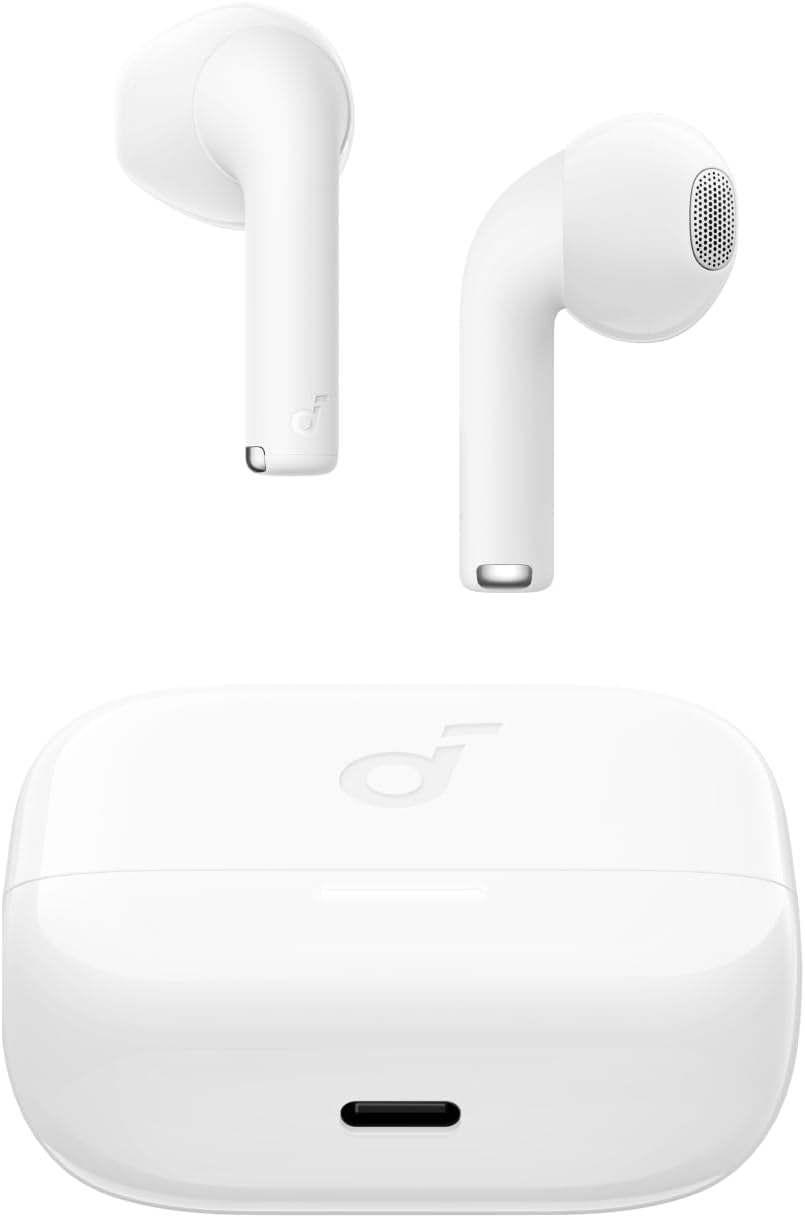
Image: The Anker Soundcore K20i earbuds resting in their open charging case, with the USB-C charging port visible at the front of the case.
3.2. Papasangan
Turutan léngkah-léngkah ieu pikeun nyapasangkeun earbud anjeun sareng alat anu diaktipkeun Bluetooth:
- Buka wadah pangisi daya. Earbud bakal otomatis asup kana modeu pasangan Bluetooth.
- On your device (smartphone, PC), enable Bluetooth and search for 'Soundcore K20i'.
- Select 'Soundcore K20i' to connect.
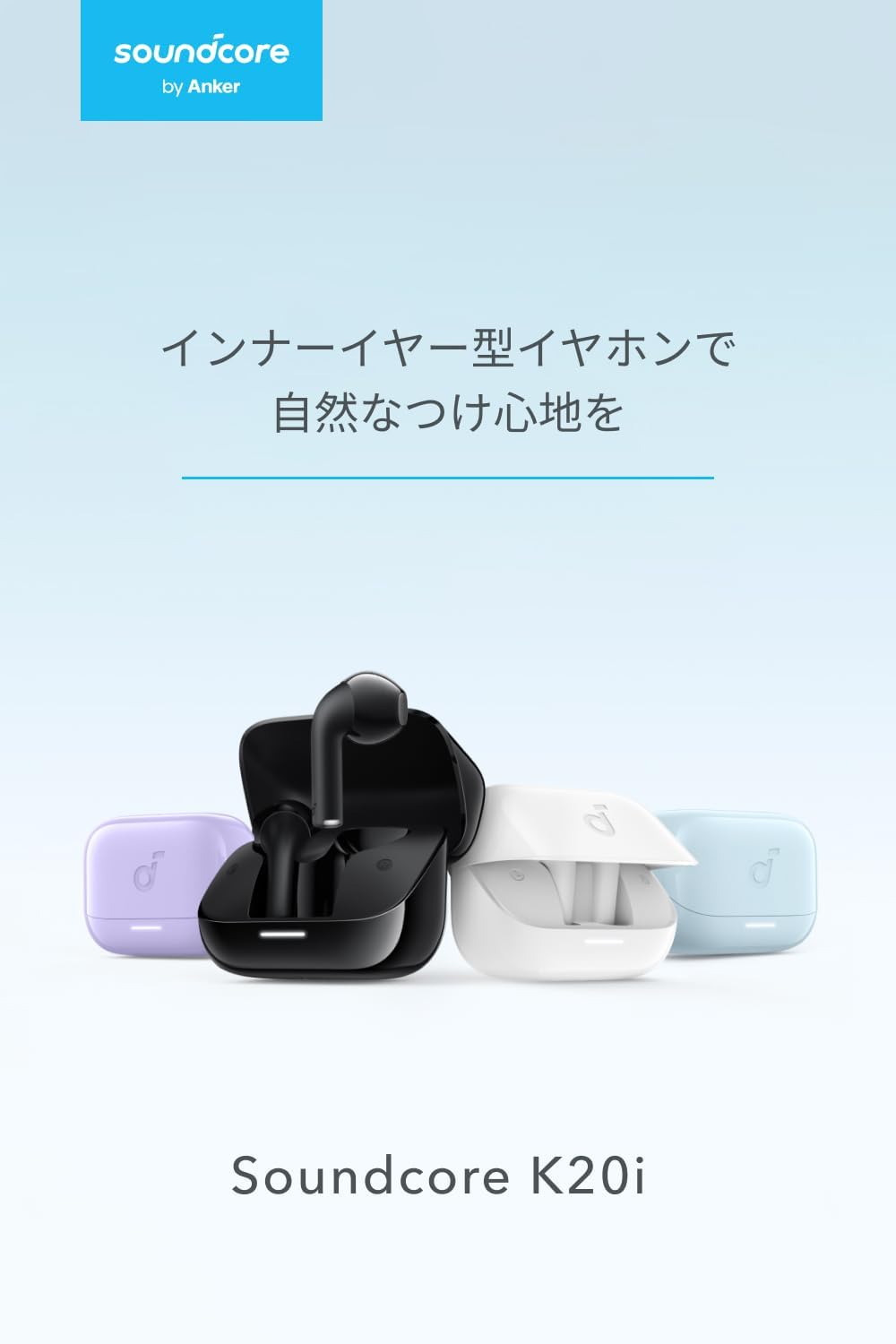
Image: The Anker Soundcore K20i earbuds removed from their charging case, indicating they are ready for Bluetooth pairing.
4. Parentah Operasi
4.1. Ngagem Earbuds
For optimal comfort and sound quality, ensure the earbuds are properly seated in your ears.
- Selapkeun earbuds kana ceuli anjeun sarta gently puterkeun aranjeunna nepi ka pas snugly tur nyaman.
- Each earbud weighs approximately 3.3g, designed for extended comfortable wear without ear tips.

Image: A diagram illustrating the correct way to position the Anker Soundcore K20i earbud in the ear canal for a secure and comfortable fit.
4.2. Kadali dasar
The Soundcore K20i earbuds feature touch controls for various functions. Specific actions for single, double, or triple taps can often be customized via the Soundcore app.
4.3. Aplikasi Soundcore
Ningkatkeun pangalaman ngadangukeun anjeun ku cara ngaunduh aplikasi Soundcore. Aplikasi ieu ngamungkinkeun anjeun pikeun:
- Customize sound settings and adjust the equalizer.
- Locate your earbuds if misplaced.
- Apdet firmware earbud.

Image: A user interacting with the Soundcore application on a smartphone, displaying various sound customization options for the earbuds.
5. Pangropéa
5.1. beberesih
Pembersihan rutin ngabantosan ngajaga kinerja sareng kabersihan anu optimal:
- Regularly clean the earbuds and charging case with a dry, soft, lint-free cloth.
- Hindarkeun ngagunakeun bahan kimia anu kasar atanapi bahan abrasive.
5.2. Tahan cai (IPX5)
The earbuds are IPX5 water-resistant, meaning they can withstand splashes and sweat. This makes them suitable for workouts and light rain. Ulah beuleum aranjeunna dina cai.

Image: Two Anker Soundcore K20i earbuds covered in water droplets, illustrating their IPX5 water-resistant design.
5.3. Panyimpenan
Store the earbuds in their charging case when not in use to protect them from damage and ensure they remain charged.
6. Cara ngungkulan
If you encounter issues with your Soundcore K20i earbuds, try the following solutions:
- Earbuds teu dipasangkeun: Ensure both earbuds are charged and within range of your device. Turn off and on your device's Bluetooth.
- Only one earbud plays sound: Try placing both earbuds back into the charging case, closing it for a few seconds, then reopening. Refer to the quick start guide for specific earbud reset instructions.
- Kualitas sora goréng: Ensure the earbuds are properly seated in your ears. Try adjusting equalizer settings in the Soundcore app.
- Masalah ngecas: Verify the charging cable is securely connected to both the case and the power source. Ensure the charging contacts on the earbuds and inside the case are clean.
7. Spésifikasi
| Fitur | Spésifikasi |
|---|---|
| Ngaran modél | Soundcore K20i |
| Téhnologi konektipitas | Nirkabel (Bluetooth 5.3) |
| Panempatan Ceuli | Dina-Ceuli |
| Gaya Headphone | Dina-Ceuli |
| Impedansi | 16 ohm |
| Kontrol bising | None (AI Noise Reduction for calls) |
| Waktos Putereun (Earbud) | Nepi ka 6 jam |
| Total Waktu Playback (kalawan Case) | Nepi ka 36 jam |
| Ngecas Gancang | 10 minutes charge for approx. 2 hours playback |
| Earbud Weight (per earbud) | Kira-kira. 3.3g |
| Beurat produk | 42.6g |
| Tahan cai | IPX5 |
| Produsén Jumlah Modél | A3994 |
| Alat nu cocog | Smartphones, PCs, and other Bluetooth-compatible devices |
8. Garansi jeung Rojongan
Anker Soundcore K20i comes with an 18-bulan jaminan produk from the date of purchase. For registered members, an additional 6-bulan jaminan nambahan is provided, totaling 24 months of coverage.
For product or delivery-related inquiries, please contact customer support. Anker provides dedicated Japanese customer support.

Image: Details on Anker's 18-month product warranty, an additional 6-month extended warranty for members, and information for contacting Japanese customer support.
Ask a question about this manual
Ask about setup, troubleshooting, compatibility, parts, safety, or missing instructions. Manuals+ will review the question and use this page’s manual context to help answer it.