
Bubuka
This manual provides detailed instructions for the TOZO T21 Wireless Earbuds. Please read this guide thoroughly to ensure proper usage, optimal performance, and longevity of your device. The TOZO T21 earbuds offer a high-quality audio experience with advanced features designed for convenience and durability.
Naon dina Box
Upon unboxing your TOZO T21 Wireless Earbuds, you should find the following items:
- Earbuds nirkabel TOZO T21
- Kasus Ngecas Nirkabel
- USB A ka USB C Ngecas Cable
- Manual pamaké
Produk Leuwihview
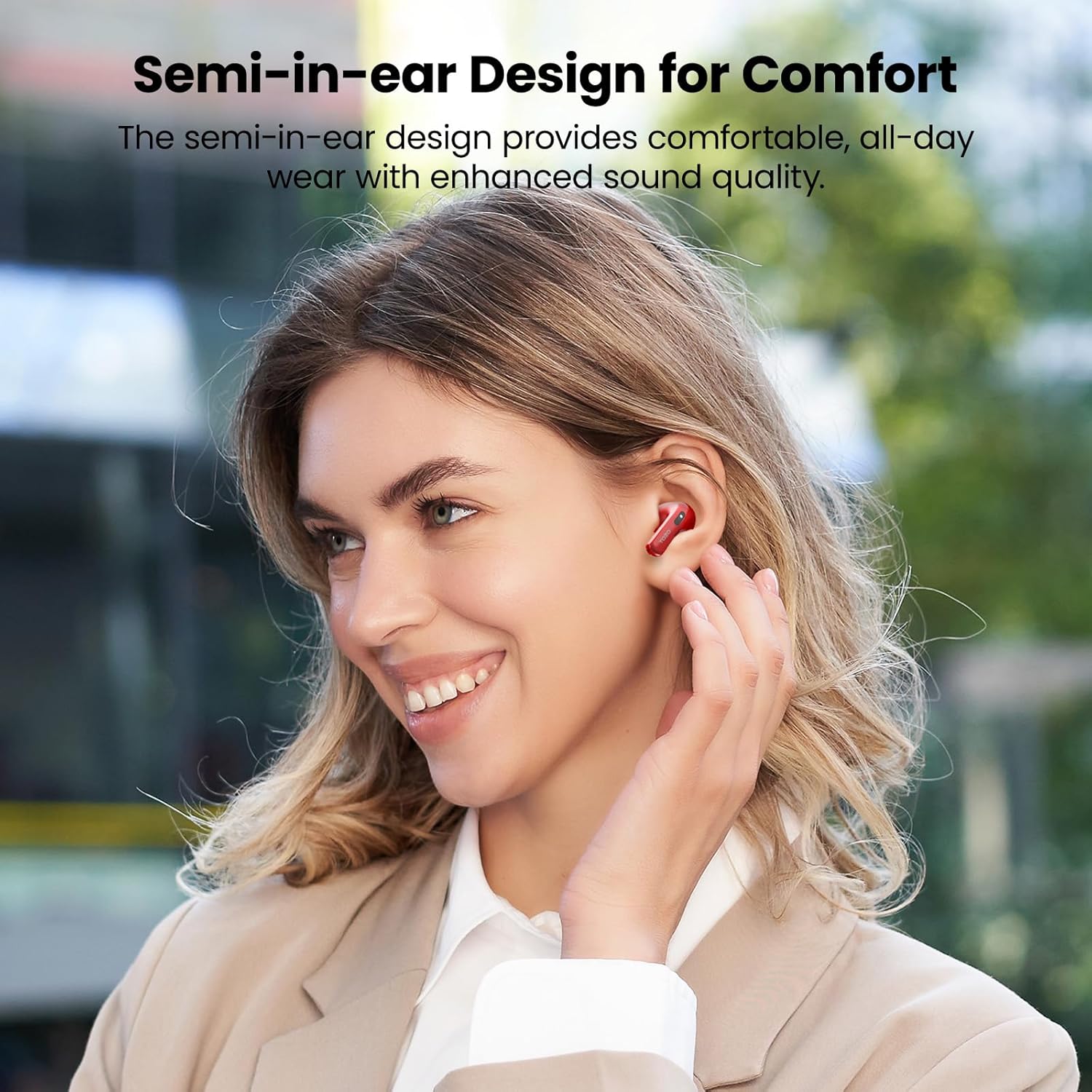
The TOZO T21 earbuds are designed for comfort and superior sound quality. Below are key features and components.

Disetél
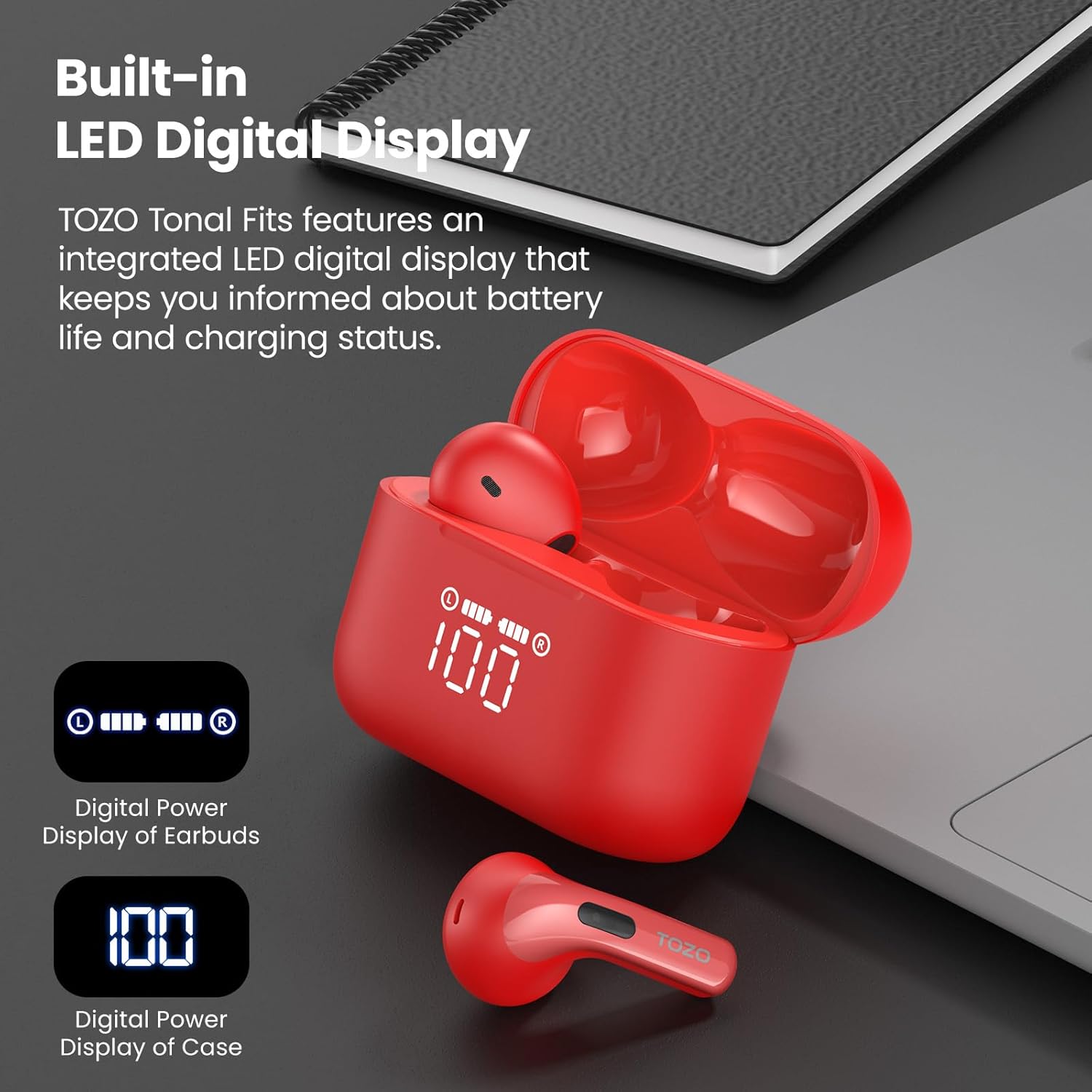
- Muatan Awal: Before first use, fully charge the earbuds and the charging case. Place the earbuds into the charging case and connect the case to a power source using the provided USB-C cable or a wireless charger. The LED display will indicate charging status.
- Papasangan Hiji-Lengkah:
- Buka wadah ngecas. Earbuds bakal otomatis asup kana mode papasangan.
- Dina alat Anjeun (smartphone, tablet, jsb), buka setélan Bluetooth.
- Milarian pikeun "TOZO T21" in the list of available devices and select it to connect.
- Once paired, the earbuds will automatically reconnect to your device when the case is opened for subsequent uses.
Parentah Operasi
The TOZO T21 earbuds feature intuitive touch controls and can be further customized via the TOZO APP.
Toél Kontrol
- Puter / Reureuh: Ketok tunggal dina boh earbud.
- Lagu salajengna: Ketok dua kali earbud katuhu.
- Lagu Sateuacanna: Ketok dua kali earbud kénca.
- Ngajawab / mungkas Telepon: Ketok tunggal dina boh earbud.
- Nolak Telepon: Pencét jeung tahan boh earbud salila 2 detik.
- Aktipkeun Asisten Sora: Ketok tilu kali dina boh earbud.
- Volume Up: Pencét terus tahan earbud katuhu.
- Volume Turun: Pencét terus tahan earbud kénca.
TOZO APP Features
Download the official TOZO APP from your device's app store to unlock advanced customization options:
- Setélan EQ anu tiasa disaluyukeun: Choose from 32 preset equalizer settings or create your own personalized sound profiles.
- White Noise Options: Access a variety of white noise tracks for relaxation or focus.
- Zona EQ: Share your custom EQ settings with a global community of audiophiles.
- Pembaruan firmware: Ensure your earbuds are always up-to-date with the latest features and improvements.
Ngecas
The TOZO T21 offers flexible charging options to keep your music playing.
Ngecas Earbuds
- Lebetkeun earbud kana wadah ngecas. Éta bakal otomatis mimiti ngecas.
- The LED display on the case will show the individual earbud battery levels.
Ngecas Kasus
The charging case can be recharged using two methods:
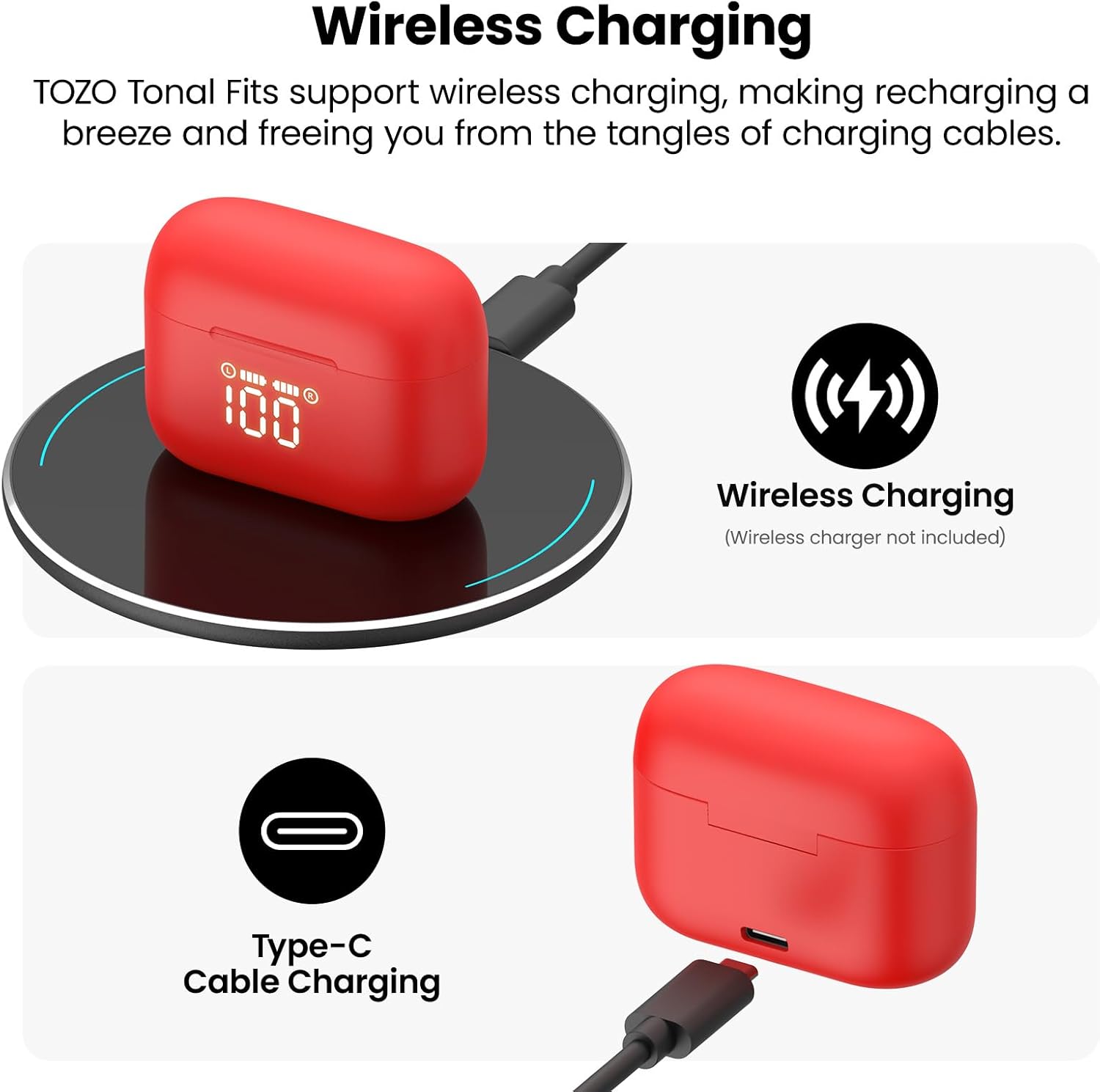
- USB-C Cable Charging: Connect the provided USB-A to USB-C fast charging cable to the charging port on the case and a power adapter (not included).
- Ngecas nirkabel: Simpen wadah ngecas dina bantalan ngecas nirkabel anu cocog (henteu kalebet).
The integrated LED display on the case will show the charging progress and current battery percentage of the case.
Tahan cai
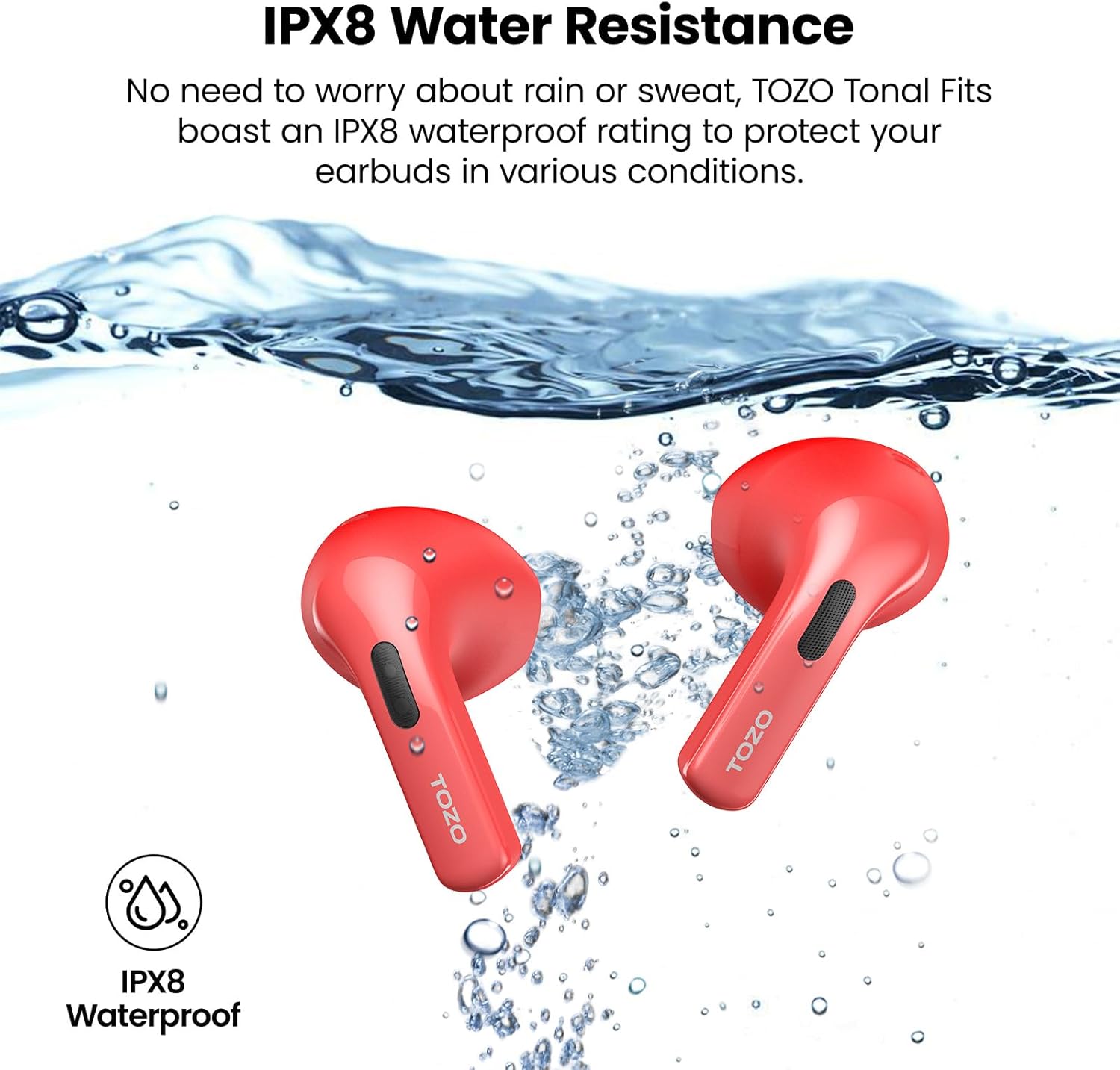
The TOZO T21 earbuds boast an IPX8 waterproof rating, meaning they are protected against immersion in water up to 1 meter for 30 minutes. They also feature a sweat-proof nano-coating. This makes them suitable for workouts and outdoor activities, providing protection against sweat and rain. Ensure earbuds are dry before placing them back in the charging case to prevent damage.
spésifikasi
| Fitur | Rincian |
|---|---|
| merek | TOZO |
| Ngaran modél | TOZO T21 |
| Nomer modél | T11054 |
| Warna | Red (as per current variant) |
| Panempatan Ceuli | Dina Ceuli |
| Faktor Bentuk | Dina Ceuli |
| Téhnologi konektipitas | Nirkabel (Bluetooth) |
| Vérsi Bluetooth | 5.3 |
| Rentang Bluetooth | 10 méter |
| Ukuran Supir Audio | 14.2 milimeter |
| Kontrol bising | Isolasi sora |
| Tingkat Résistansi Cai | IPX8 Waterproof |
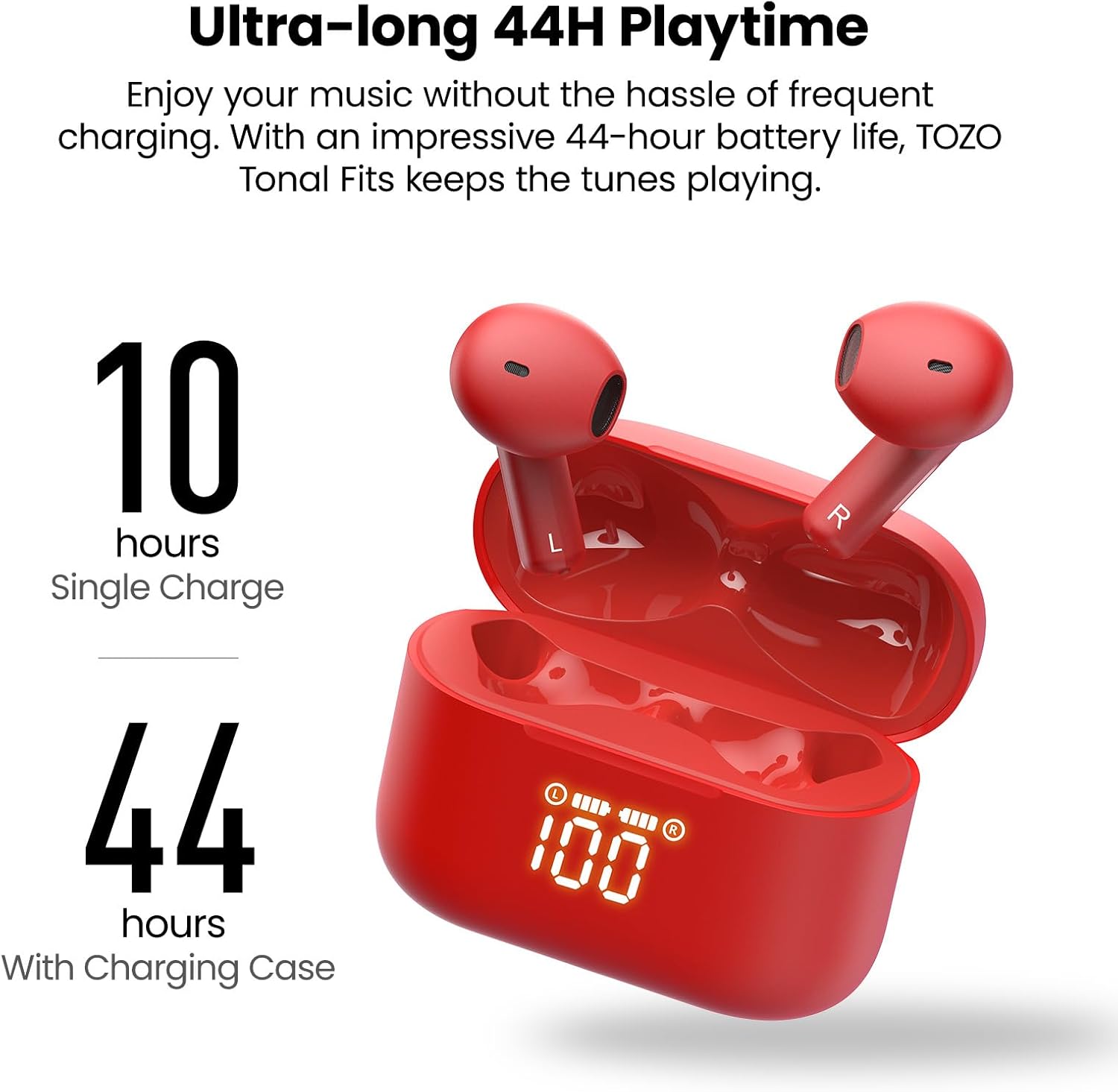
| Waktos Maénkeun Earbud | Nepi ka 10 jam (sakali muatan) |
| Total Waktu Puteran (kalayan kasus) | Nepi ka 44 jam |
| Ngecas Case Batré Kahirupan | 44 Jam |
| Waktu Ngeusi batre | 2 Jam |
| Tipe Kontrol | Kontrol Toél, Aplikasi |
| Alat nu cocog | Cellphones, Tablets (iOS, Android, Windows) |
| Item Beurat | 0.02 gram |
Pangropéa
- beberesih: Rutin ngabersihkeun earbuds sareng wadah ngecas ku kaén anu lembut sareng garing. Ulah make bahan kimia kasar atawa bahan abrasive.
- Panyimpenan: Simpen earbud dina wadah ngecasna nalika henteu dianggo pikeun ngajaga sareng ngajaga daya tetep dicas. Simpen di tempat anu tiis, garing, sareng jauh tina suhu anu ekstrim.
- Paparan cai: While IPX8 waterproof, it is recommended to dry the earbuds thoroughly before placing them back in the charging case to prevent moisture buildup in the charging contacts.
Pamérésan masalah
If you encounter any issues with your TOZO T21 Wireless Earbuds, please refer to the following common solutions:
- Earbuds Teu Nyapasangkeun: Ensure both earbuds are in the charging case, then open the case to initiate pairing mode. Check your device's Bluetooth settings to ensure it's discoverable and select "TOZO T21". If issues persist, try resetting the earbuds (refer to the TOZO APP or TOZO support for specific reset instructions).
- Taya Sora ti Hiji Earbud: Place both earbuds back into the charging case, close it, and then reopen it. Ensure both earbuds are charged. If the problem continues, try re-pairing them with your device.
- Masalah ngecas: Verify that the charging cable is securely connected to both the case and the power source. If using wireless charging, ensure the case is correctly positioned on the charging pad. Check the LED display for charging indicators.
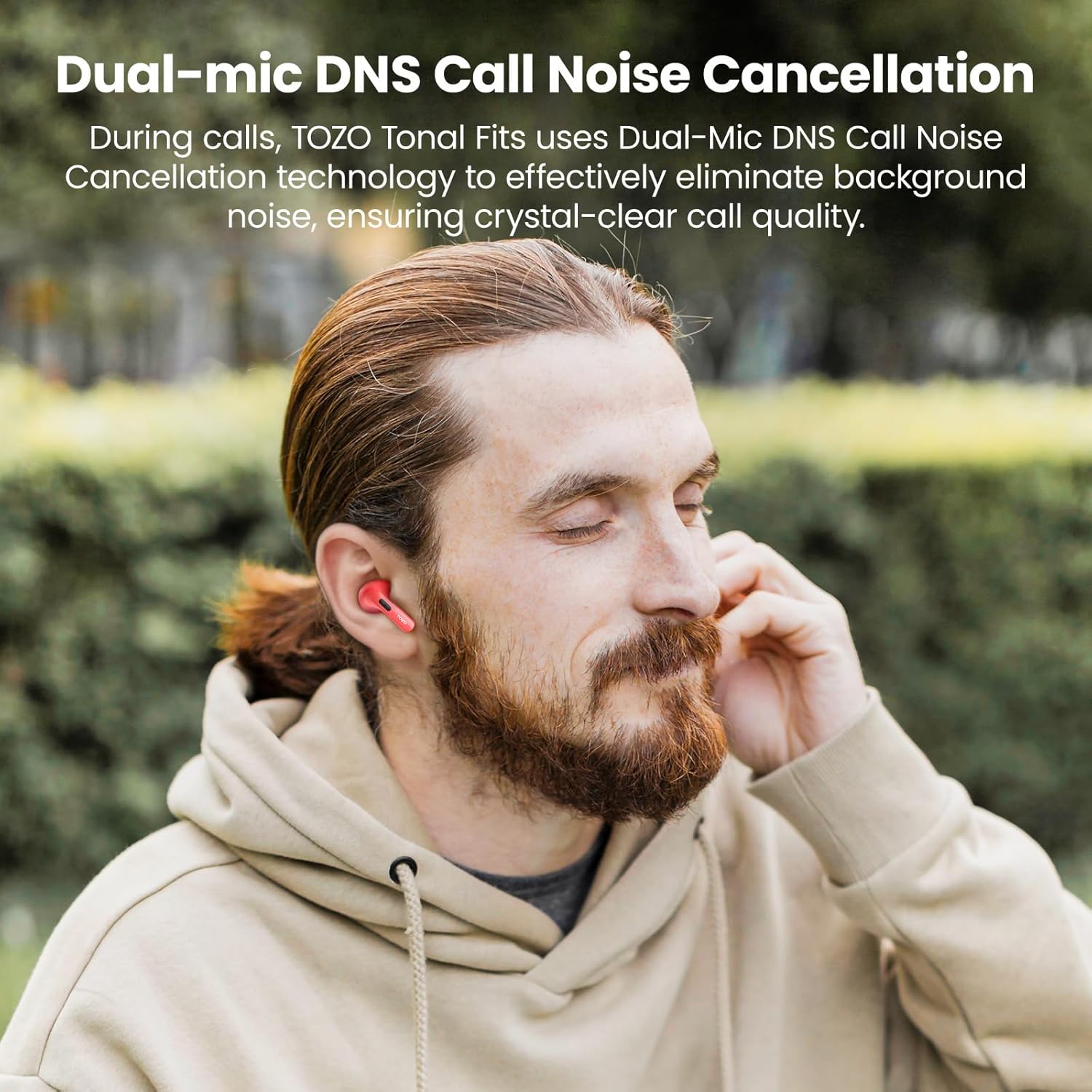
- Kualitas Telepon goréng: Ensure the earbuds are properly seated in your ears. Check for any obstructions around the microphones. If using the TOZO APP, ensure firmware is updated.
- Pegatkeun sambungan Bluetooth: Ensure your device is within the 10-meter Bluetooth range. Avoid significant obstacles between your device and the earbuds.
For further assistance, please visit the official TOZO support websitus atanapi ngahubungan layanan palanggan maranéhna.
Video Produk Resmi
video ieu nyadiakeun leuwihview of the TOZO T21 Wireless Earbuds, highlighting their key features and design. It showcases the earbuds and charging case, demonstrating their functionality and aesthetic.
Garansi sareng Rojongan
TOZO products typically come with a manufacturer's warranty. For specific warranty details, registration, and support, please refer to the warranty card included in your product packaging or visit the official TOZO website. You can also find additional support and FAQs on their websitus.
TOZO Official Websitus: Visit the TOZO Store on Amazon


