Bubuka
The Logitech Signature M550 L Wireless Mouse is designed for enhanced comfort and productivity, especially for users with larger hands. It features an adaptive SmartWheel for precise or hyper-fast scrolling, SilentTouch technology for quiet clicks, and versatile connectivity options. This manual provides detailed instructions for setup, operation, and maintenance of your device.
Eusi pakét
- Logitech Signature M550 L Wireless Mouse
- 1 AA Battery (pre-installed or included)
- Logi Bolt USB Receiver (may be stored inside the mouse battery compartment)
- Dokuméntasi Pangguna (manual ieu)
Produk Leuwihview
Familiarize yourself with the key components of your Logitech Signature M550 L mouse.

Gambar: luhur jeung samping view of the Logitech Signature M550 L mouse, highlighting its features including the SmartWheel, silent clicking buttons, Bluetooth connectivity, ergonomic shape, and 24-month battery life.
- Tombol Kénca/Katuhu: Feature SilentTouch technology for reduced clicking noise.
- SmartWheel: Adaptive scroll wheel for line-by-line precision or super-fast free-spin scrolling.
- Indikator LED: Shows battery status and connection mode.
- Saklar on/off: Perenahna di handapeun beurit.
- Kompartemen batré: Houses the AA battery and Logi Bolt USB receiver.
- Desain ergonomis: Contoured shape with soft thumb area and rubber side grips for comfort.
Disetél
1. Pasang Batré
- Buka panutup wadah batré anu aya di handapeun beurit.
- Pasangkeun batré AA anu kalebet, pastikeun polaritasna leres (+/-).
- Close the battery compartment cover. The LED indicator on the mouse may flash briefly.
2. Connect to Your Device
Signature M550 L nawiskeun dua metode sambungan: Logi Bolt USB Receiver atanapi Bluetooth Low Energy.
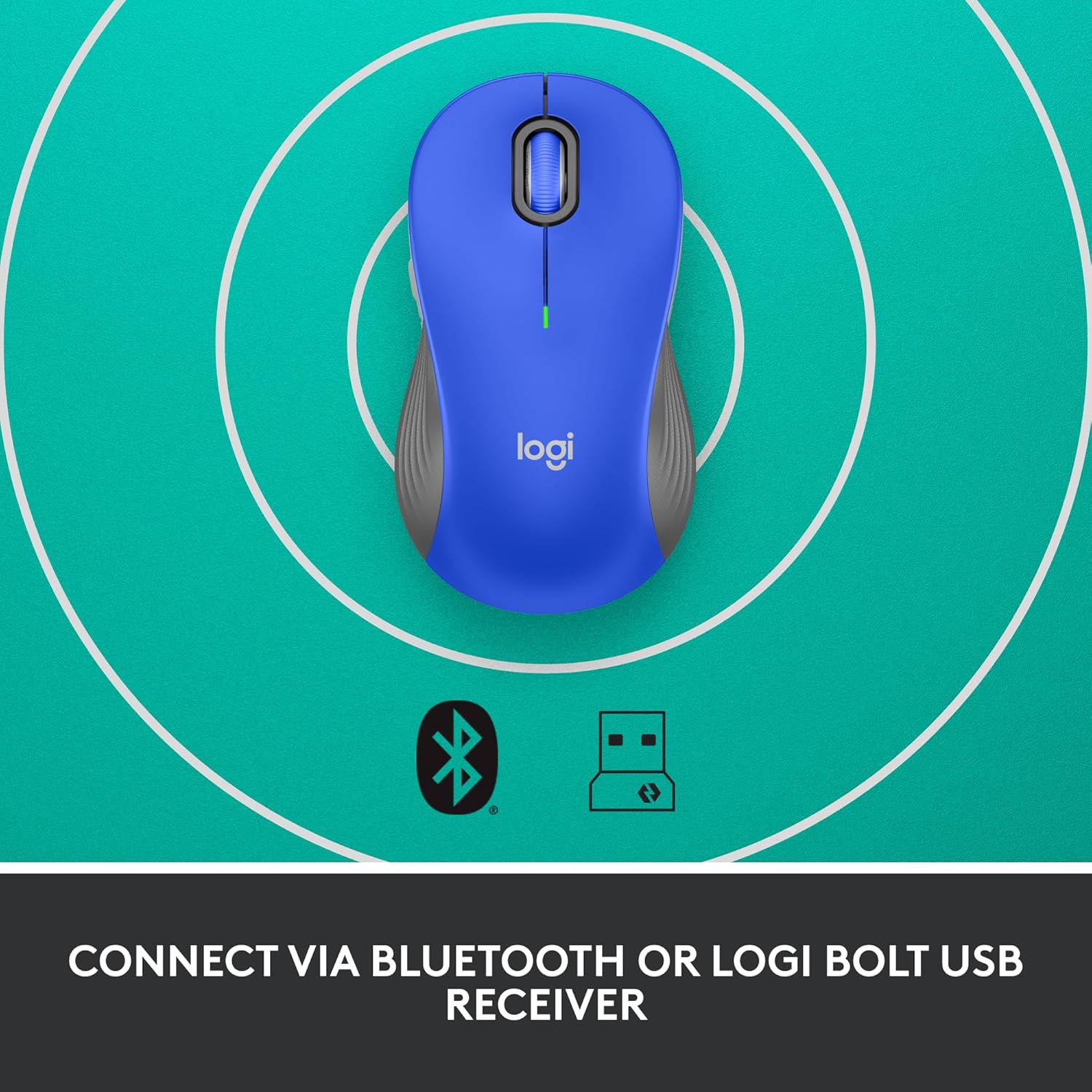
Image: The Logitech Signature M550 L mouse shown with icons representing Bluetooth and Logi Bolt USB receiver connectivity options.
Option A: Logi Bolt USB Receiver
- Locate the Logi Bolt USB receiver, typically stored inside the mouse's battery compartment.
- Colokkeun panarima USB Logi Bolt kana port USB anu sayogi dina komputer anjeun.
- Turn on the mouse using the On/Off switch on the bottom. Your computer should automatically detect the mouse.
Option B: Bluetooth Low Energy
- Hurungkeun beurit nganggo saklar On/Off di handap.
- Press and hold the Easy-Switch button (usually on the bottom or side, refer to product diagram if available) for 3 seconds until the LED indicator starts blinking rapidly. This indicates pairing mode.
- Dina komputer atanapi alat anjeun, buka setélan Bluetooth.
- Select "Logitech M550 L" from the list of available devices and follow any on-screen prompts to complete pairing.
The mouse is compatible with Windows, macOS, Linux, Chrome OS, iPadOS, and Android operating systems.
Parentah Operasi
Ngagulung SmartWheel
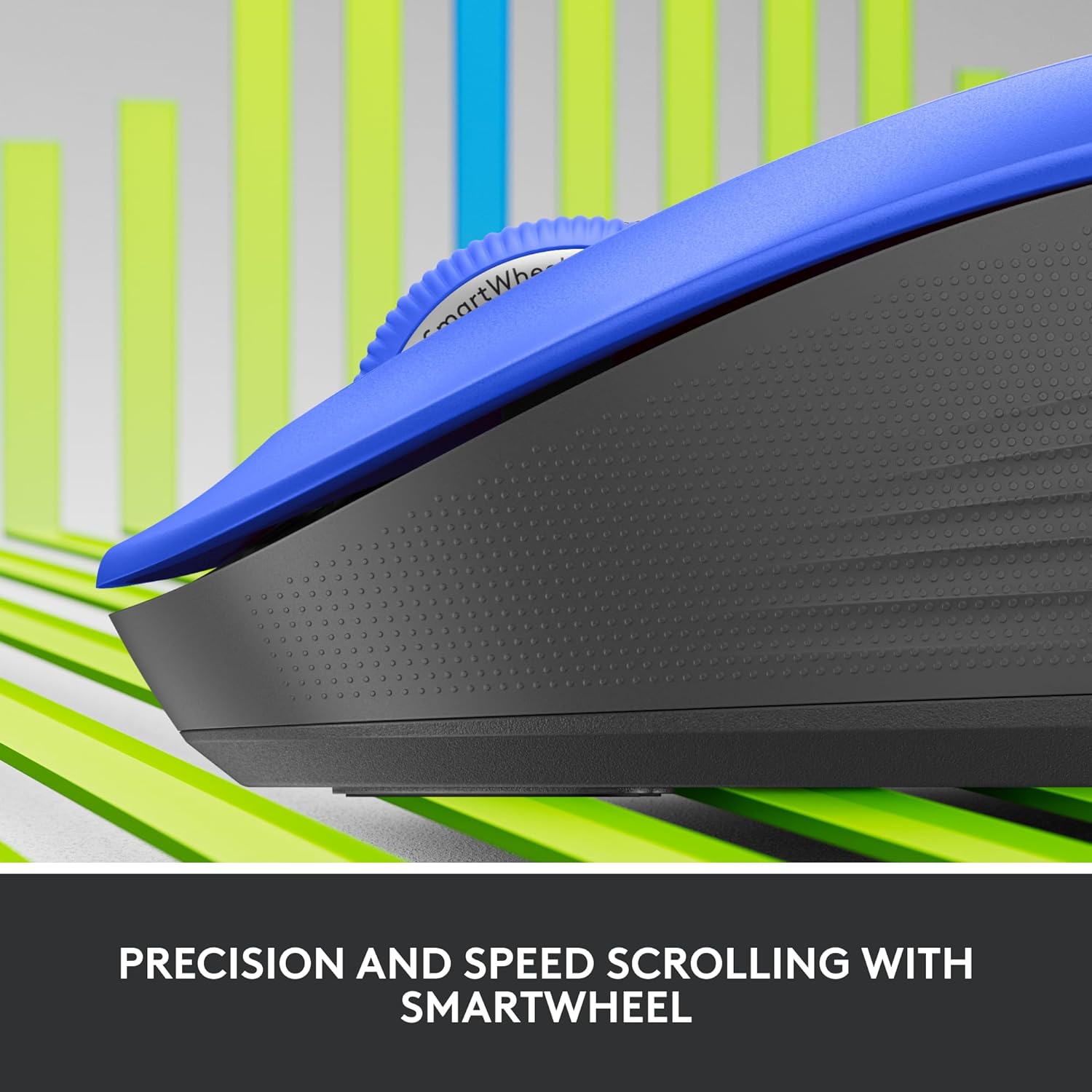
Gambar: A close-up view of the Logitech SmartWheel, demonstrating its precision and speed scrolling capabilities.
SmartWheel sacara otomatis ngalih antara dua modeu:
- Presisi Baris-demi-Baris: Ideal for detailed work and navigating documents. Scroll slowly for precise control.
- Super-Fast Free-Spin: For quickly navigating long web pages or documents. Flick the wheel to activate.
Pencét jempé

Image: A person using the Logitech Signature M550 L mouse at a desk, illustrating the benefit of 90% less clicking noise for a focused work environment.
The mouse features Logitech's SilentTouch technology, reducing click noise by over 90% compared to traditional mice. This allows for a quieter work environment without compromising click feel.
Kasaluyuan Multi-Alat
The Signature M550 L can be paired with multiple devices and switched between them using the Easy-Switch button. This feature is ideal for users who work across several computers or tablets.
Pangropéa
Ngagantian batré
The mouse operates on a single AA battery, offering up to 24 months of battery life depending on usage. When the battery is low, the LED indicator will turn red. To replace:
- Pareuman beurit.
- Open the battery compartment cover on the underside.
- Remove the old AA battery and insert a new one, observing correct polarity.
- Close the cover and turn the mouse back on.
beberesih
Pikeun ngabersihkeun beurit anjeun, anggo lawon anu lemes sareng henteu ngagangguampened with water or a mild cleaning solution. Avoid harsh chemicals or abrasive materials. Ensure no liquid enters the mouse's openings.
Pamérésan masalah
- Mouse teu ngabales:
- Pastikeun beurit dihurungkeun.
- Pariksa tingkat batré jeung ngaganti lamun perlu.
- If using the Logi Bolt receiver, try plugging it into a different USB port or a different computer to rule out port issues.
- Upami nganggo Bluetooth, pastikeun Bluetooth diaktipkeun dina alat anjeun sareng beurit dipasangkeun kalayan leres. Cobi pasangkeun deui beuritna.
- Move the mouse closer to the receiver or Bluetooth-enabled device to ensure it's within range.
- Gerakan kursor henteu teratur:
- Ngabersihan sénsor optik dina handapeun beurit.
- Pastikeun anjeun nganggo beurit dina permukaan anu cocog. Hindarkeun permukaan anu mantul pisan atanapi transparan.
- Connectivity issues after system update:
- Balikan deui komputer anjeun.
- Check for updated drivers for your mouse or Bluetooth adapter.
spésifikasi
| merek | Logitech |
| Nomer modél | 910-006794 |
| Téhnologi konektipitas | Bluetooth Énergi Leutik, Panarima USB Logi Bolt |
| Detéksi Gerakan | Optik |
| Fitur husus | Lightweight, Portable, Silent Clicks (SilentTouch), SmartWheel, Wireless |
| Jenis Batré | 1 Batré AA |
| Kahirupan batré | Nepi ka 24 bulan (bisa rupa-rupa gumantung kana panggunaan) |
| Kasaluyuan System Operasi | Windows, macOS, Linux, Chrome OS, iPadOS, Android |
| Item Beurat | 3.92 ons |
| Warna | Blue (for this variant) |
Émbaran jaminan
Produk Logitech diproduksi dumasar kana standar kualitas anu luhur sareng ditangtayungan ku garansi perangkat keras anu terbatas. Pikeun syarat sareng katangtuan garansi khusus anu lumaku pikeun wilayah sareng produk anjeun, mangga tingal Logitech resmi. websitus atawa kartu jaminan kaasup kalayan pameseran Anjeun.
Ngarojong
For further assistance, technical support, or to download the latest software and drivers for your Logitech Signature M550 L Wireless Mouse, please visit the official Logitech support websitus:
Anjeun ogé tiasa mendakan FAQ sareng forum komunitas dina situs dukungan.


