
IPRO IP-P-A21M-K
IPRO A21 Mini Mobile Phone User Manual
Model: IP-P-A21M-K | Brand: IPRO
1. Bubuka
This user manual provides comprehensive instructions for the IPRO A21 Mini mobile phone. It covers setup, operation, maintenance, and troubleshooting to ensure you get the most out of your device. Designed for ease of use, this phone is ideal for seniors and anyone seeking a straightforward mobile communication experience.
2. Eusi Paket
Mangga cék kotak pikeun item di handap ieu:
- 1 x IPRO A21 Mini Mobile Phone
- 1 x Micro USB carjer
- 1 x Batré
- 1 x Manual Pamaké
3. Produk Langkungview

Gambar 3.1: Hareup jeung tukang view of the IPRO A21 Mini mobile phone, showcasindesain anu ringkes sareng keypad fisikna.
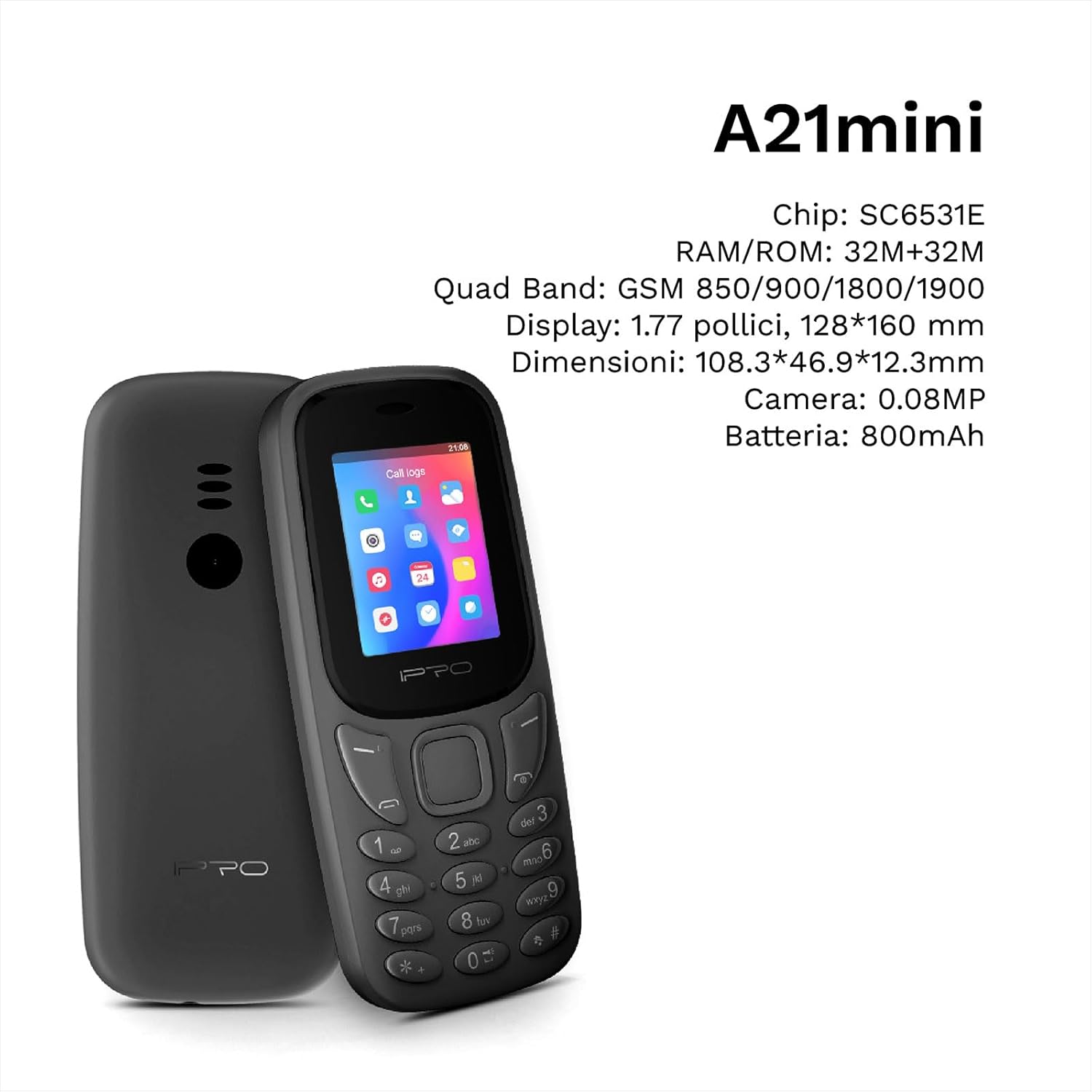
Figure 3.2: The IPRO A21 Mini highlighting its core specifications including the SC6531E chip, 32MB RAM/ROM, 1.77-inch display, and 800mAh battery.
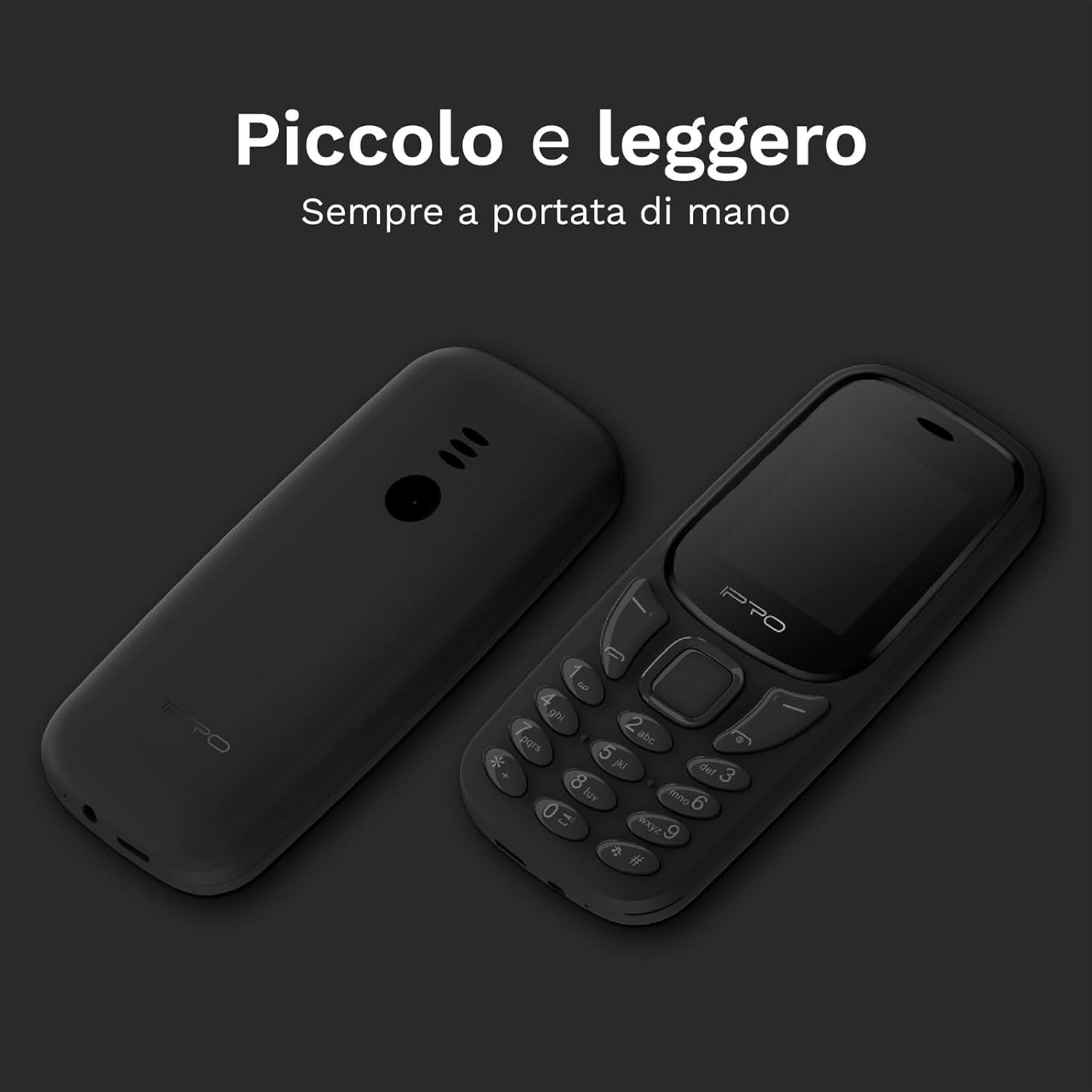
Figure 3.3: Two IPRO A21 Mini phones demonstrating their small and lightweight form factor, designed for easy portability.

Figure 3.4: The IPRO A21 Mini's 1.77-inch color screen, providing clear visibility for daily use.
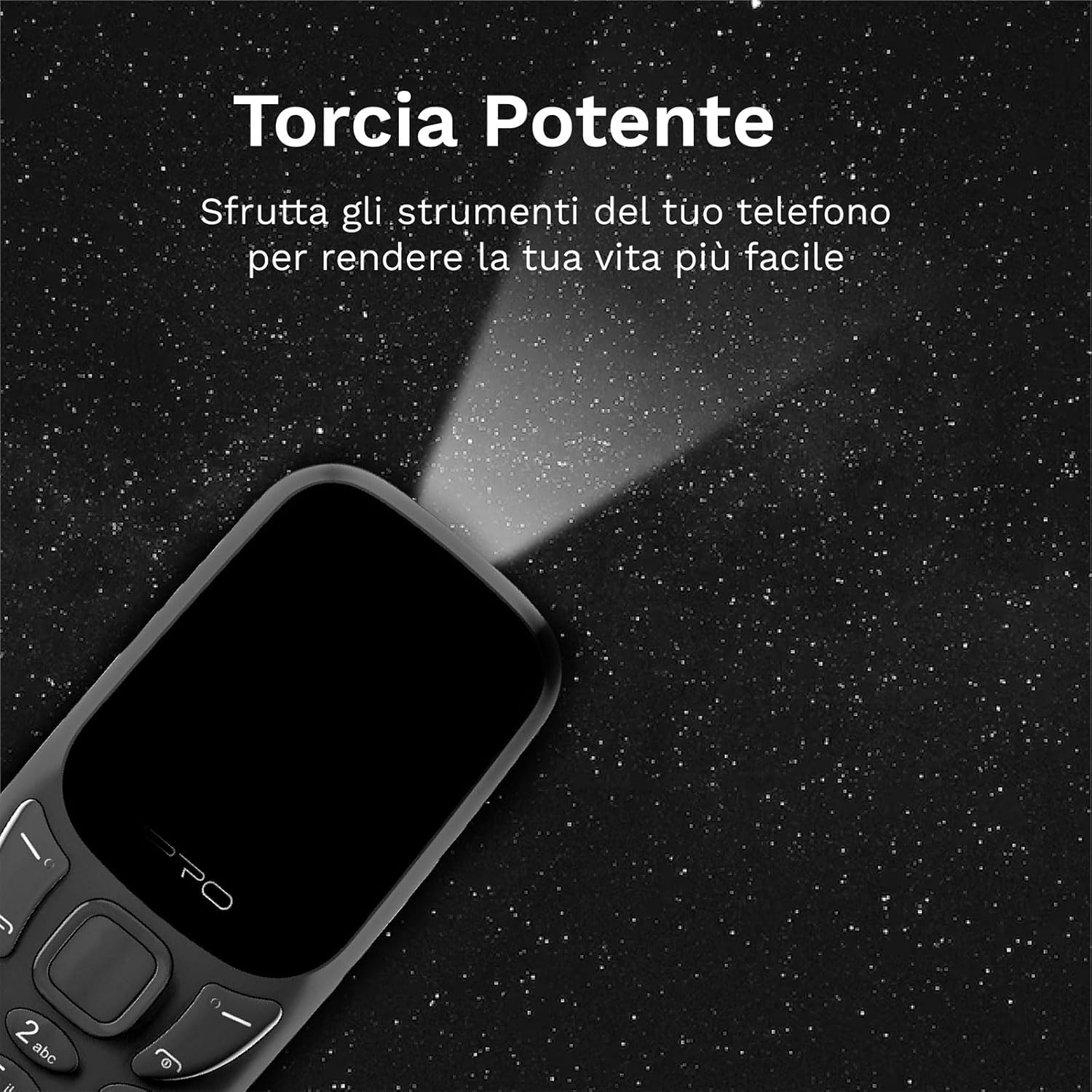
Figure 3.5: The IPRO A21 Mini's integrated powerful LED flashlight, useful for various situations.
The IPRO A21 Mini features a compact design with a 1.77-inch color display and large, easy-to-press buttons. It includes essential functions such as a camera, Bluetooth, FM radio, alarm clock, and a powerful LED flashlight.
4. Setélan
4.1. Masang Kartu SIM sareng Batré
- Leupaskeun panutup tukang telepon ku gently prying eta muka tina kiyeu.
- If present, remove the battery.
- Insert the SIM card(s) into the designated slot(s) with the gold contacts facing down. This phone supports Dual SIM.
- Pasangkeun batréna, pastikeun kontakna geus sajajar kalawan bener.
- Pasang deui panutup tukang nepi ka ngaklik kana tempatna.
4.2. Ngecas Telepon
- Connect the micro USB charger to the charging port on the phone.
- Colokkeun carjer ka colokan listrik.
- Ngidinan télépon ngecas sapinuhna sateuacan dianggo heula. Indikator batré dina layar bakal nembongkeun status ngecas.
5. Parentah Operasi
5.1. Daya Hurung / Pareum
- Pikeun ngahurungkeun: Pencét terus tahan tombol Daya/Tutup Telepon dugi ka layar hurung.
- Pikeun mareuman: Pencét terus tahan tombol Daya/Tutup Telepon, teras pilih "Pareuman" tina pilihan.
5.2. Nyieun jeung Nampa Telepon
- To make a call: Enter the phone number using the keypad and press the Call button (green).
- To receive a call: Press the Call button (green) when the phone rings.
- To end a call: Press the End Call button (red).
5.3. Ngirim sareng Nampi SMS
- Arahkeun ka menu "Pesen".
- Select "Write message" to compose a new SMS.
- Lebetkeun nomer panarima sareng pesen anjeun, teras kirim.
5.4. Ngagunakeun Radio FM
- Access the "FM Radio" application from the main menu.
- Ensure headphones are connected as they act as an antenna.
- Anggo tombol navigasi pikeun nyeken stasiun atanapi nyetel sacara manual.
5.5. Activating the LED Flashlight
The IPRO A21 Mini features a dedicated LED flashlight. Refer to your phone's specific key mapping for direct activation, or access it via the tools menu.
6. Pangropéa
- Perawatan batré: To prolong battery life, avoid extreme temperatures and do not leave the phone charging for extended periods after it is fully charged.
- beberesih: Anggo lawon anu lembut sareng garing pikeun ngabersihan layar sareng awak telepon. Hindarkeun nganggo pembersih cair atanapi bahan abrasive.
- Panyimpenan: Simpen telepon di tempat anu tiis sareng garing upami henteu dianggo salami lami.
7. Cara ngungkulan
| Masalah | Mungkin Cukang lantaranana | Solusi |
|---|---|---|
| Telepon teu hurung | Batré lemah; Batré teu dipasang kalawan bener | Charge the phone; Reinstall the battery |
| Teu bisa nyieun/nampa telepon | No SIM card; SIM card not activated; Out of network coverage | Insert SIM card; Contact your service provider; Move to an area with better signal |
| Kualitas audio goréng | Low signal; Speaker/microphone obstructed | Move to an area with better signal; Clean speaker/microphone openings |
| Batré gancang boros | Excessive usage; Old battery | Reduce usage; Replace battery if necessary |
8. Spésifikasi
| Fitur | Rincian |
|---|---|
| merek | IPRO |
| Modél | IP-P-A21M-K |
| Téhnologi Jaringan | 2G GSM Quad Band (850/900/1800/1900MHz) |
| Chipset | SC6531E |
| tampilan | Layar Warna 1.77 inci |
| Ram | 4 MB |
| Rom | 4 MB |
| Mémori anu tiasa dilegakeun | Nepi ka 16 GB (MicroSD) |
| Rojongan SIM | Dual SIM |
| Konektipitas | Bluetooth |
| Kaméra | 2 MP |
| Format Audio | MP3, MP4 |
| Batré | 800 mAh Litium Ion |
| Waktu Ngobrol | Nepi ka 240 menit |
| Waktu sayaga | Nepi ka 150 jam |
| Ukuran (L x W x H) | 11.18 x 4.9 x 1.39 cm |
| Beurat | 200 g |
| Basa | Inggris, Spanyol, Perancis, Italia, Portugis |
| Fitur tambahan | FM Radio, Alarm Clock, Calendar, Calculator, LED Flashlight, Games |
9. Garansi jeung Rojongan
IPRO offers comprehensive technical and customer service support for two years from the date of purchase. Please note that this warranty does not cover artificial damage.
For any inquiries or support needs, please refer to the contact information provided with your purchase documentation or visit the official IPRO websitus.
Ask a question about this manual
Ask about setup, troubleshooting, compatibility, parts, safety, or missing instructions. Manuals+ will review the question and use this page’s manual context to help answer it.