1. Bubuka
Hatur nuhun pikeun meuliasing the WiMiUS K9 Projector. This manual provides essential information for setting up, operating, and maintaining your projector. Please read it thoroughly before use to ensure proper functionality and to maximize your viewpangalaman.
The WiMiUS K9 is a high-performance projector featuring native Full HD 1080P resolution with 4K support, AI auto-focus and keystone correction, WiFi 6, Bluetooth 5.2, and integrated Netflix certification with Dolby Audio support.
2. Émbaran Kasalametan
- Ulah nempo langsung kana lensa projector lamun lamp dihurungkeun.
- Pastikeun ventilasi ditangtoskeun sabudeureun projector pikeun nyegah overheating.
- Avoid placing the projector in dusty, humid, or extremely hot/cold environments.
- Paké ngan adaptor kakuatan disadiakeun kalawan projector.
- Jauhkeun proyektor tina cai atanapi cairan sanés.
- Do not attempt to disassemble or repair the projector yourself. Contact customer support for assistance.
3. Eusi Paket
Pastikeun yén sadaya item aya dina bungkusan:
- WiMiUS K9 Projector
- Kabel HDMI
- Kadali jauh
- Kabel Daya
- Kain beberesih
- Cap Lénsa
- Manual pangguna (dokumén ieu)
4. Produk Langkungview
Biasakeun diri anjeun sareng komponén sareng port sambungan proyéktor.
Gambar: Hareup jeung samping view of the WiMiUS K9 Projector, showing the lens and ventilation.
4.1. Palabuhan jeung sambungan
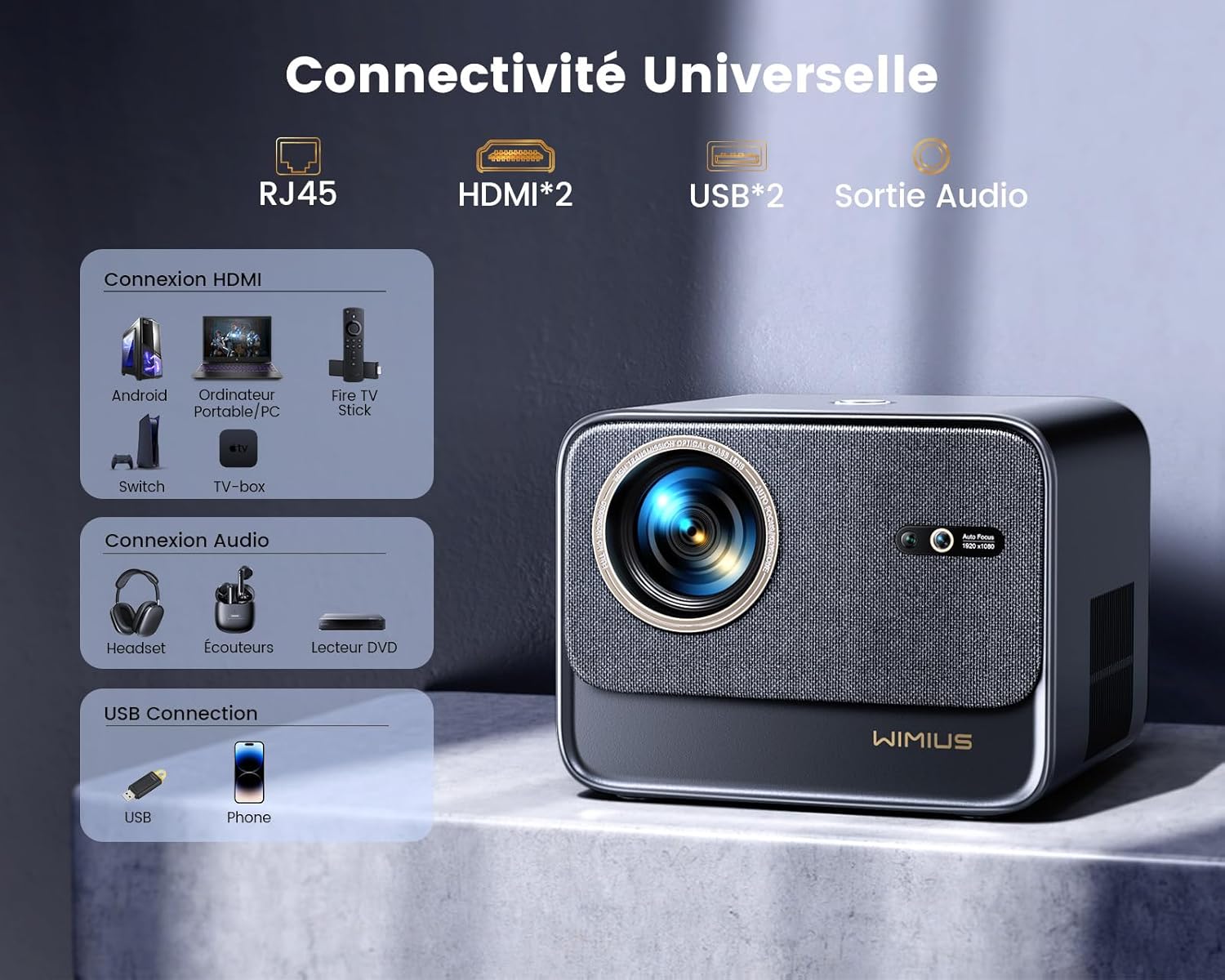
Gambar: Tukangeun view of the WiMiUS K9 Projector, highlighting the Ethernet (RJ45), HDMI (x2), USB (x2), and Audio Out ports.
- RJ45 (Éternét): Pikeun sambungan internét kabel.
- HDMI (x2): Connect to devices like TV sticks, game consoles (PS5), laptops, or TV boxes. Supports HDMI ARC.
- USB (x2): Sambungkeun drive USB pikeun muterkeun média atanapi ngecas alat anu cocog.
- Kaluaran Audio (Jack 3.5mm): Sambungkeun speaker éksternal atawa headphone.
5. Setélan
5.1. Panempatan
Place the projector on a stable, flat surface or mount it according to your preference. Ensure the lens is unobstructed. The projector supports a screen size of 50-300 inches with a projection ratio of 1.33:1.
5.2. Sambungan Daya
- Sambungkeun kabel daya ka input daya proyektor.
- Colokkeun tungtung kabel daya anu sanés ka stopkontak.
- Pencét tombol daya dina proyektor atawa kadali jauh pikeun ngahurungkeun.
5.3. Fokus Otomatis sareng Koreksi Keystone
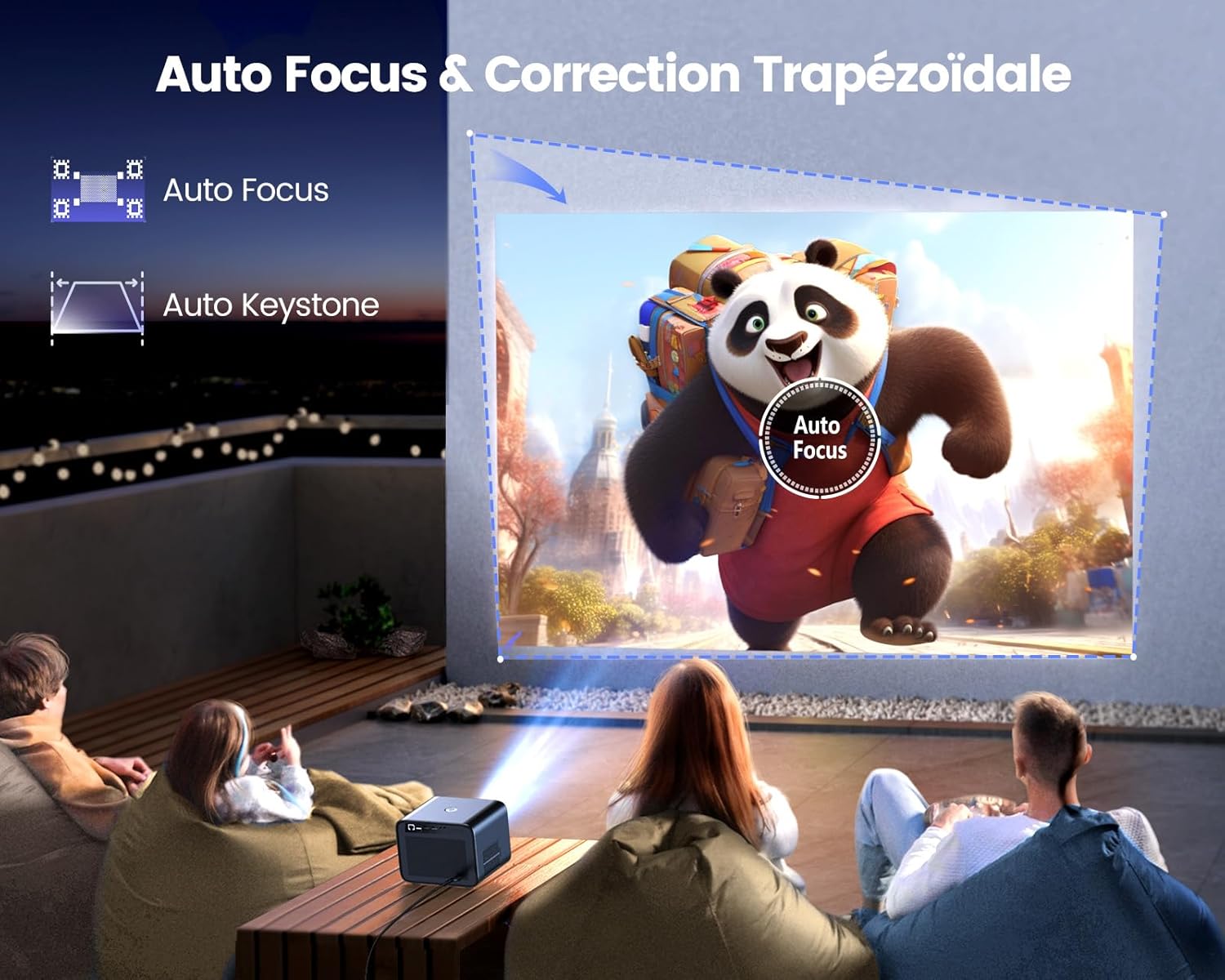
Image: Illustration of the projector automatically adjusting focus and keystone to achieve a rectangular image.
The WiMiUS K9 features AI-powered auto-focus and auto-keystone correction. Upon startup or movement, the projector will automatically adjust the image to be clear and rectangular within approximately 3 seconds. If manual adjustment is needed, use the remote control to fine-tune focus or keystone settings.
5.4. Fungsi zum
The projector includes a 50%-100% zoom function, allowing you to adjust the image size without physically moving the projector. Access this feature through the projector's menu or dedicated remote control buttons.
6. Parentah Operasi
6.1. Napigasi sareng Antarmuka Pamaké

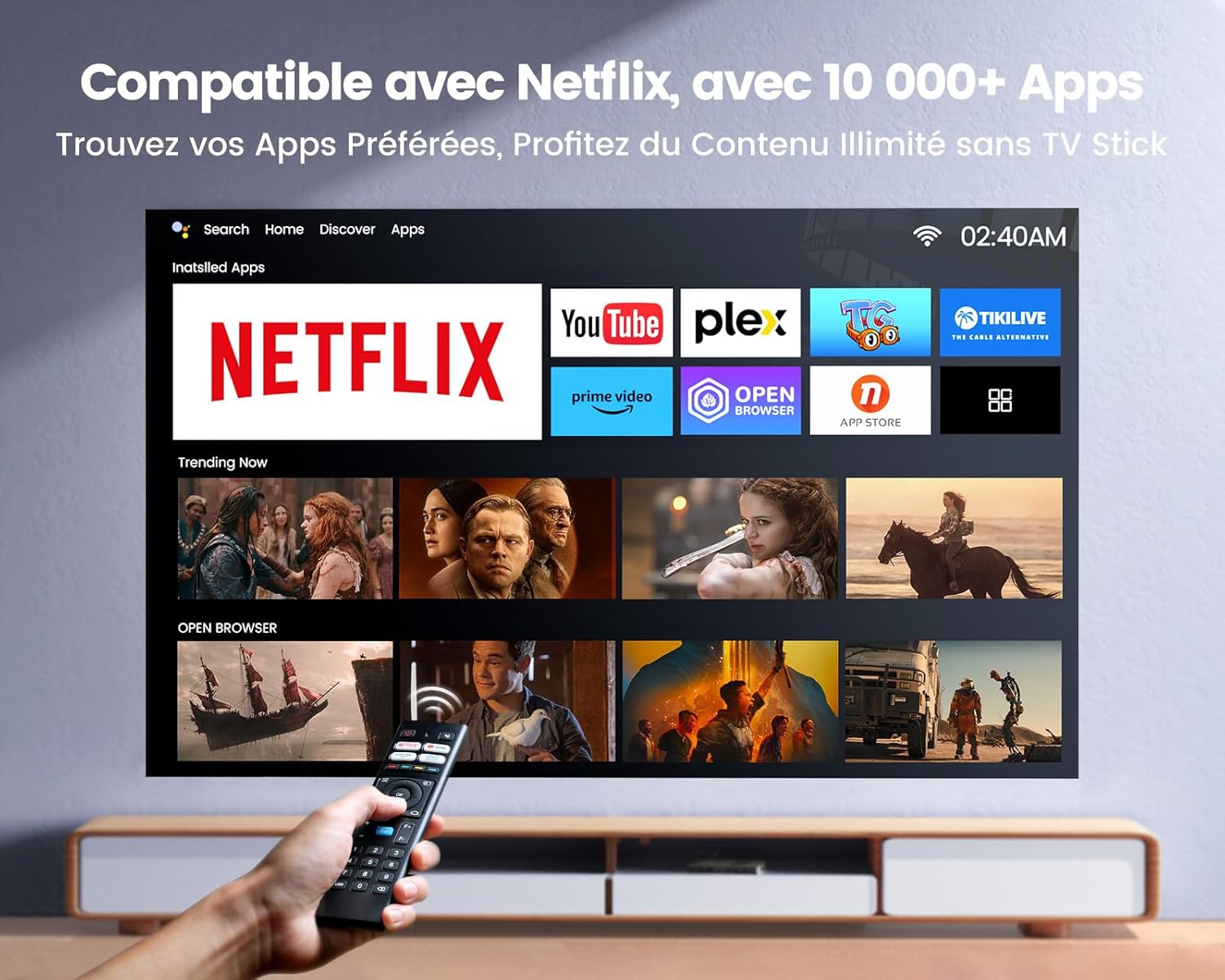
Image: The projector's home screen displaying various streaming applications like Netflix, YouTube, and Prime Video, controlled by a remote.
Use the provided remote control to navigate the projector's Linux-based operating system. The interface provides access to certified applications such as Netflix, Amazon Prime Video, and YouTube, along with other streaming services.
6.2. Nyambungkeun Alat éksternal
The K9 projector offers multiple connectivity options:
- HDMI: Connect your TV stick, game console (e.g., PS5), laptop, or TV box using an HDMI cable. Select the corresponding HDMI input from the projector's source menu.
- USB: Selapkeun flash drive USB kana port USB pikeun muterkeun média files langsung.
- Ethernet (RJ45): Pikeun sambungan internét kabel anu stabil, colokkeun kabel Ethernet kana port RJ45.
6.3. Wireless Connectivity (WiFi 6 & Bluetooth 5.2)

Image: A person enjoying a video game projected by the WiMiUS K9, illustrating the fast WiFi 6 connection.
- WiFi 6: Connect to your wireless network for internet access and streaming. Navigate to the network settings in the projector's menu to connect to a WiFi 6 network. This enables seamless streaming and screen mirroring from iOS/Android phones and tablets.
- Bluetooth 5.2: Pair with Bluetooth headphones, speakers, or soundbars for enhanced audio. Go to Bluetooth settings in the menu, enable Bluetooth, and select your device to pair. The projector supports Dolby Audio output to connected Bluetooth devices.
6.4. Setélan Audio (Dolby Audio)
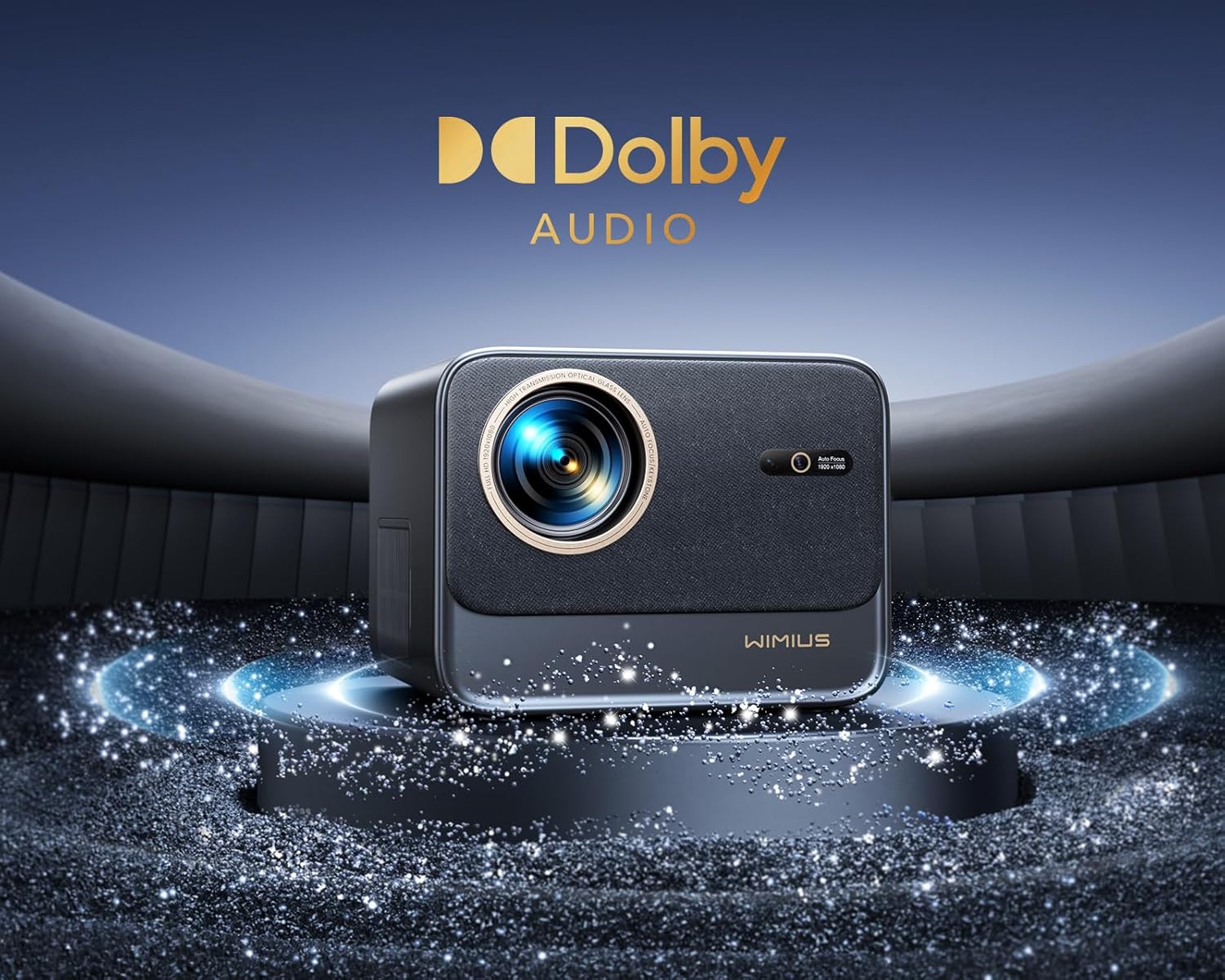
Image: The WiMiUS K9 Projector prominently displaying the Dolby Audio logo, indicating its audio capabilities.
The K9 projector supports Dolby Audio, providing a cinematic sound experience. You can output audio through the built-in speakers, the 3.5mm audio jack, or wirelessly via Bluetooth 5.2 to compatible audio devices.
7. Pangropéa
7.1. Ngabersihan Lensa
Gently wipe the projector lens with the provided cleaning cloth or a soft, lint-free cloth. Avoid using abrasive cleaners or excessive pressure, which can damage the lens coating.
7.2. Pencegahan Kekebul
The WiMiUS K9 features a fully sealed optical machine design to effectively block dust and reduce black spots on the projection. Periodically clean the projector's exterior with a soft cloth. Ensure ventilation openings are clear of obstructions.
7.3. Panyimpenan
When not in use for extended periods, store the projector in a cool, dry place, protected from dust and extreme temperatures. Use the lens cap to protect the lens.
8. Cara ngungkulan
If you encounter issues with your WiMiUS K9 Projector, refer to the following common problems and solutions:
- Teu aya gambar:
- Pastikeun kabel kakuatan disambungkeun aman tur projector dihurungkeun.
- Check the input source selection (HDMI 1, HDMI 2, etc.) matches your connected device.
- Verify the connected device (laptop, TV stick) is powered on and outputting a signal.
- Gambar kabur:
- Allow the auto-focus function to complete its adjustment.
- If needed, manually adjust the focus using the remote control.
- Ensure the projection surface is flat and the projector lens is clean.
- Distorted Image (not rectangular):
- Antepkeun koreksi auto-keystone réngsé.
- If necessary, manually adjust keystone correction via the projector's menu.
- Henteu aya sora:
- Pariksa tingkat volume dina proyéktor sareng alat sumber anu disambungkeun.
- Ensure external speakers or headphones are correctly connected and powered on if used.
- Verify Bluetooth audio is correctly paired and selected as the output.
- Masalah Sambungan WiFi/Bluetooth:
- Ensure the WiFi network is active and within range. Re-enter the password if necessary.
- Pikeun Bluetooth, pastikeun alatna aya dina modeu pairing sareng aya dina jangkauan.
- Pareuman terus hurungkeun deui proyéktor sareng alat anu anjeun badé sambungkeun.
Kanggo bantosan langkung lanjut, mangga tingali inpormasi kontak dina bagian Garansi sareng Dukungan.
9. Spésifikasi
| merek | WiMiUS |
| Modél | K9 |
| Resolusi pribumi | 1920 x 1080P (Full HD) |
| Resolusi dirojong | Up to 4K Ultra HD (60Hz) |
| Caang | 32000 Lumens (1100 ANSI Lumens) |
| Babandingan Kontras | 40000:1 |
| Sistem operasi | Linux (Netflix Certified) |
| Konektipitas | WiFi 6, Bluetooth 5.2, 2x HDMI (ARC), 2x USB, Ethernet (RJ45), 3.5mm Audio Out |
| Fitur husus | AI Auto Focus, AI Auto Keystone Correction, Dolby Audio Support, Fully Sealed Optical Machine, 50-100% Zoom |
| Dianjurkeun Paké | Home Cinema, Gaming Console |
| Komponén Kaasup | Projector, HDMI Cable, Remote Control, Power Cable, Cleaning Cloth, Lens Cap, User Manual |
10. Garansi jeung Rojongan
The WiMiUS K9 Projector comes with a garansi 3 taun ti tanggal beuli.
For technical support, warranty claims, or any questions regarding your projector, please contact WiMiUS customer service. Refer to the contact information provided in the physical user manual included with your product or visit the official WiMiUS websitus pikeun detil rojongan.
When contacting support, please have your product model (K9) and purchase details ready.