Émbaran Kasalametan penting
Punten baca sadayana petunjuk sacara saksama sateuacan nganggo alat sareng tahan pikeun rujukan ka hareup. Gagalna nuturkeun parentah ieu bisa ngakibatkeun shock listrik, seuneu, atawa tatu serius.
- Bahaya cai: Ulah make alat ieu deukeut bak mandi, pancuran, basins, or other vessels containing water. Never immerse the appliance in water or any other liquid.
- Barudak: Alat ieu henteu dimaksudkeun pikeun dianggo ku jalma (kaasup murangkalih) anu ngirangan kamampuan fisik, indrawi atanapi mental, atanapi kirang pangalaman sareng pangaweruh, kecuali aranjeunna dipasihan pangawasan atanapi petunjuk ngeunaan panggunaan alat ku jalma anu tanggung jawab kana kasalametanana. Barudak kedah diawaskeun pikeun mastikeun yén aranjeunna henteu maén sareng alatna.
- Overheating: To prevent overheating, avoid prolonged continuous use. Ensure the air inlet and outlet are not blocked during operation.
- Kabel listrik: Regularly inspect the power cord for any damage. Do not use the appliance if the cord or plug is damaged.
- Pangropéa: Salawasna cabut colokan alat tina stop kontak sateuacan beberesih atanapi ngalakukeun pangropéa naon waé.
Produk Leuwihview
The Taurus Digital Force 2000 Ionic hair dryer is engineered for efficient and gentle hair drying. It features a powerful digital brushless motor, advanced ionic technology, and multiple customizable settings to suit various hair types and styling needs. Its compact and lightweight design ensures comfortable handling and portability.
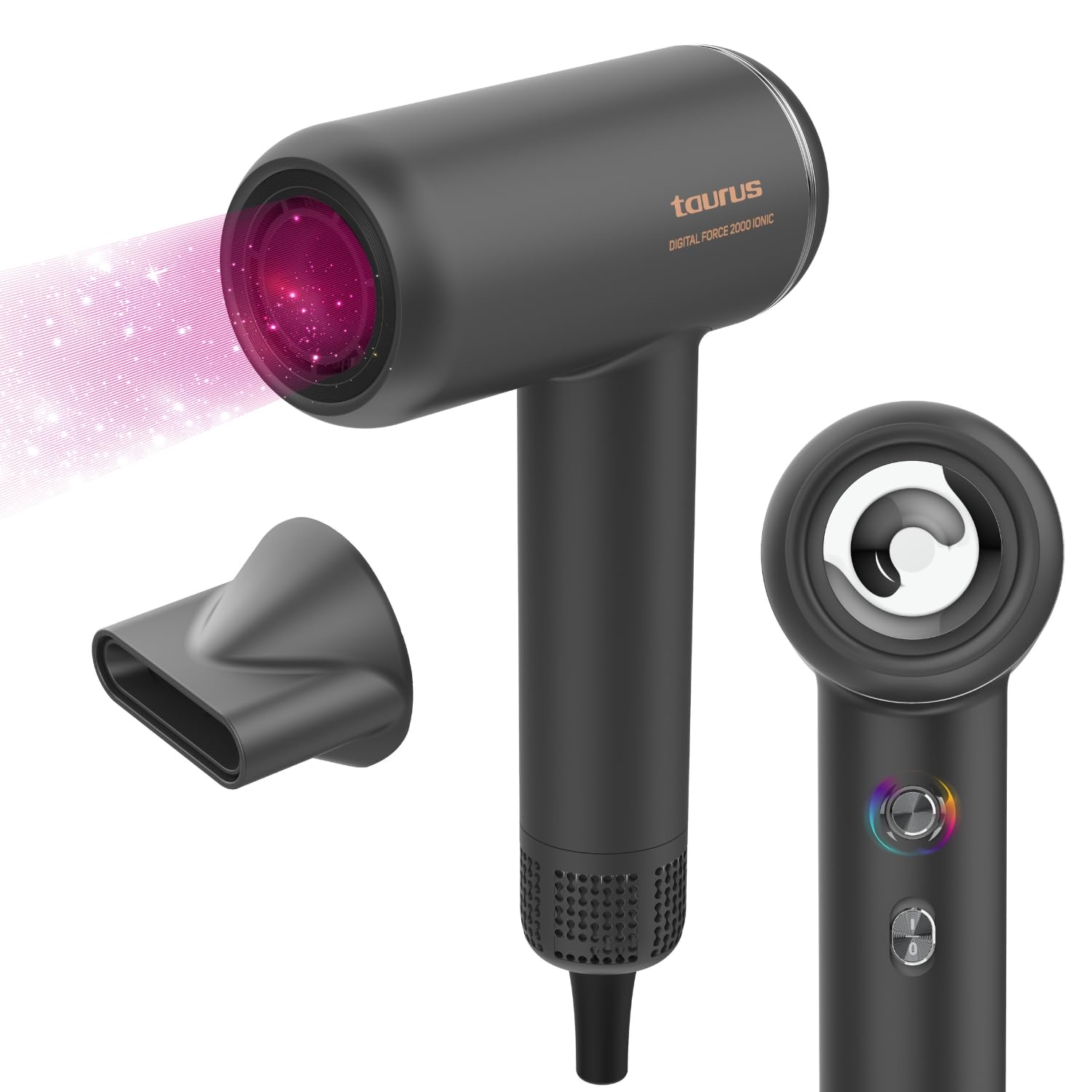
Hareupeun view of the Taurus Digital Force 2000 Ionic Hair Dryer.
Disetél
- Ngabongkar: Carefully remove the hair dryer and all accessories from the packaging. Retain packaging for storage or future transport.
- mariksa: Pariksa alat pikeun karusakan anu katingali. Ulah make lamun ruksak.
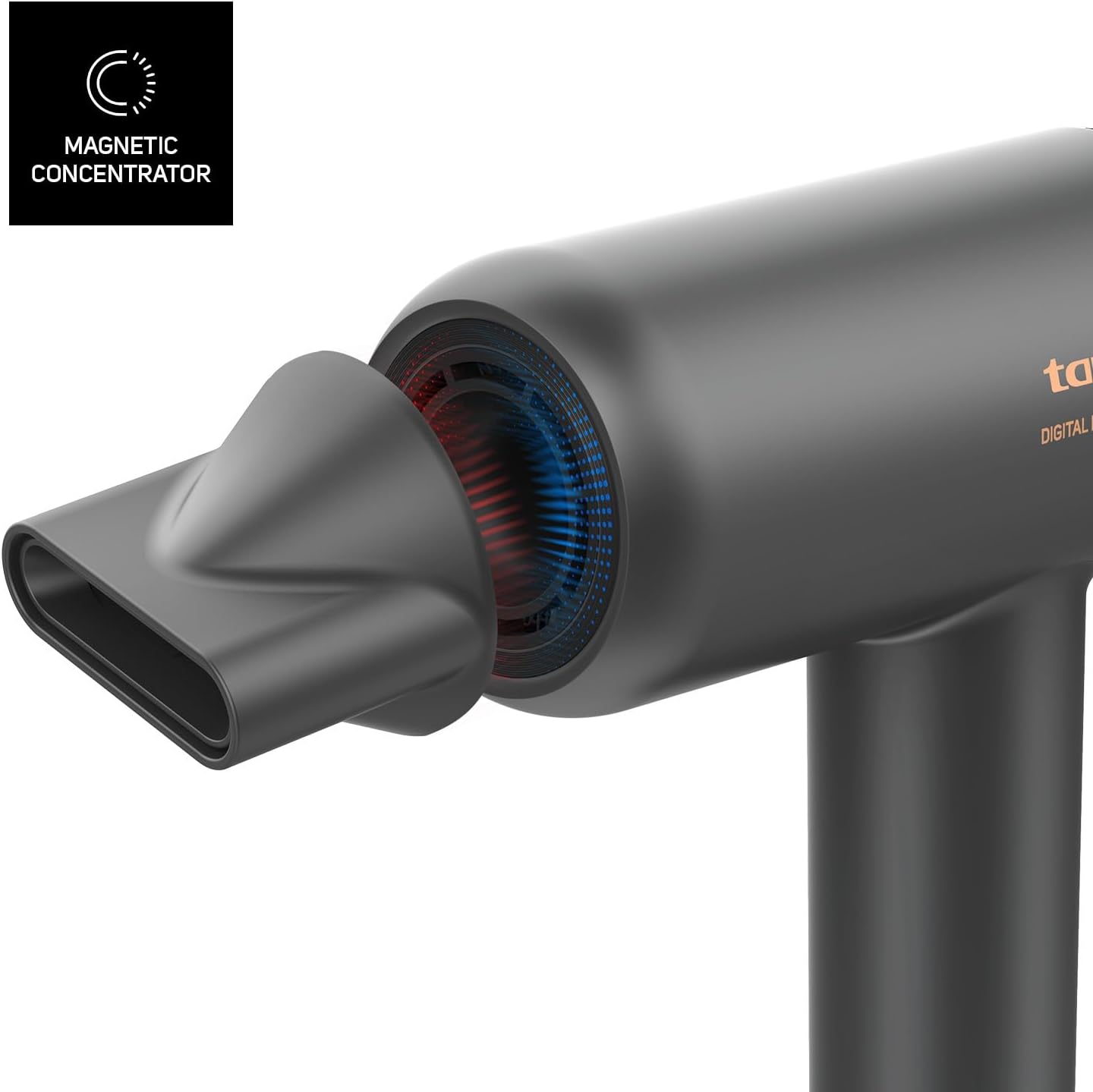
- Gantelkeun Nozzle (Opsional): For focused airflow during styling, attach the magnetic concentrator nozzle to the front of the hair dryer. It will snap into place securely.
- Sambungan Daya: Colokkeun kabel listrik kana stop kontak listrik standar. Pastikeun voltasetage of your power supply matches the rating indicated on the appliance.
Parentah Operasi
Biasakeun diri sareng kadali sateuacan dianggo.
Balik deui view of the hair dryer, illustrating the location of control buttons.
- Hurungkeun/Pareuman: Press the main power button (usually located on the handle) to turn the hair dryer on or off.
- Setélan laju: Use the speed control button (often indicated by fan icons) to select your desired airflow speed. There are 2 settings: low and high.
- Setélan Suhu: Press the temperature control button (often indicated by a thermometer icon) to cycle through the 5 available heat settings. These include:
- Hawa tiis
- 60°C
- 80°C
- 100°C
- Oscillating Mode: This unique setting alternates between 100°C and cold air every 5 seconds to help protect your hair from excessive heat exposure.
Visual representation of the 5 temperature settings, including the oscillating temperature protection mode.
- Fungsi ionik: The integrated ionic technology automatically activates when the hair dryer is in use. It releases negative ions to neutralize static electricity, reduce frizz, and leave your hair smoother and shinier.
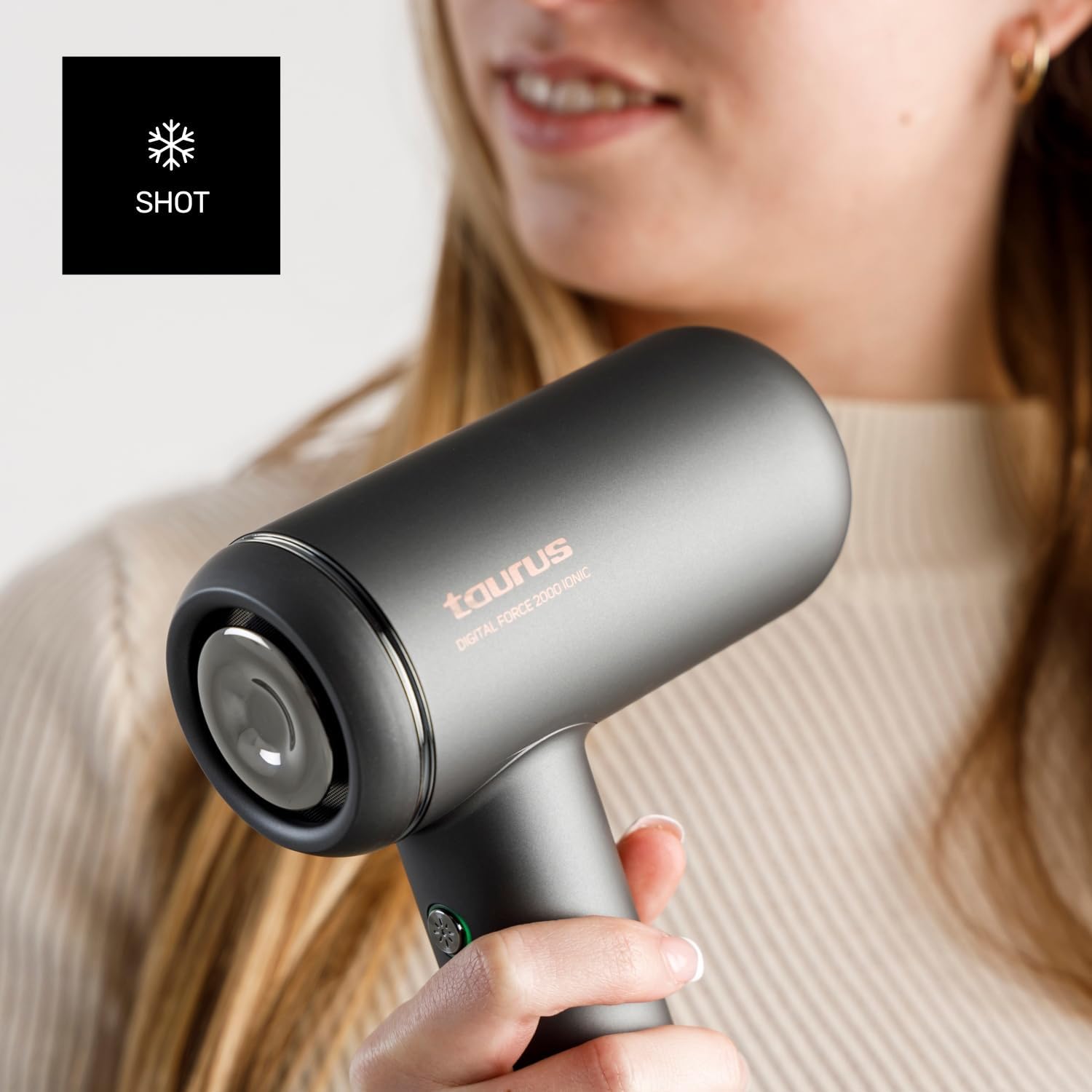
- Tembakan tiis: For an instant burst of cool air to set your style and add shine, press and hold the cold shot button (often indicated by a snowflake icon).

Detail of the cold shot button, used to deliver a burst of cool air.
Pangropéa
Pangropéa anu leres mastikeun umur panjang sareng kinerja anu optimal tina pengering rambut anjeun.
- Ngabersihan Luar: Ensure the appliance is unplugged and completely cool. Wipe the exterior surfaces with a soft, damp lawon. Ulah make cleaners abrasive, pangleyur, atawa bahan kimia kasar.
- Ngabersihkeun Saringan Saluran Udara: The air inlet filter (located at the back of the hair dryer) should be cleaned regularly to prevent dust and hair buildup, which can affect performance and lead to overheating.
- Cabut panyambungna pengering rambut.
- Gently twist or pull to remove the filter cover.
- Use a soft brush or a dry cloth to remove any accumulated dust or lint from the filter mesh.
- Reattach the filter cover securely.
- Panyimpenan: When not in use, store the hair dryer in a dry place, away from direct sunlight and moisture. Do not wrap the power cord tightly around the appliance, as this can cause damage.
Pamérésan masalah
If you encounter any issues, refer to the following troubleshooting guide before contacting customer support.
| Masalah | Mungkin Cukang lantaranana | Solusi |
|---|---|---|
| Pengering rambut henteu hurung. | Taya catu daya. Kasalahan alat. | Ensure the power cord is securely plugged into a functional outlet. Test the outlet with another device. If the problem persists, contact customer support. |
| Lemah atanapi inconsistent aliran hawa. | Blocked air inlet filter. Obstruction in air outlet. | Unplug the hair dryer and clean the air inlet filter as described in the Maintenance section. Check for any blockages in the air outlet. |
| Hair dryer overheats or shuts off automatically. | Perlindungan overheating diaktipkeun. Saringan hawa diblokir. | Unplug the appliance and allow it to cool down for at least 10-15 minutes. Clean the air inlet filter. Ensure proper ventilation during use. |
| Noise mahiwal salila operasi. | Obyék asing di jero. Masalah motor. | Unplug the hair dryer and carefully check the air inlet and outlet for any foreign objects. If the noise continues, discontinue use and contact customer support. |
spésifikasi
- merek: Kaurus
- model: Digital Force 2000 Ionic (HD2000D)
- kakuatan: 1800 Watt
- Tipe Motor: Motor Brushless Digital
- Setélan laju: 2
- Setélan Suhu: 5 (Cold Air, 60°C, 80°C, 100°C, Oscillating 100°C/Cold)
- Fitur husus: Ionic Technology, Magnetic Concentrator Nozzle
- beurat: Kira-kira 520 gram
- Ukuran (L x W x H): 23 cm x 6 cm x 16.6 cm
- Sumber Daya: Kabel Listrik
- warna: kulawu
Garansi sareng Rojongan
For detailed warranty information, product registration, or to contact customer support, please refer to the warranty card or documentation included with your purchase. You may also visit the official Taurus website for further assistance and frequently asked questions.
Dukungan Online: www.taurus-home.com


