
Andoer 1080P HD Mini Body Camera
Andoer 1080P HD Mini Body Camera User Manual
Model: B0CL9SCVVK
1. Bubuka
The Andoer 1080P HD Mini Body Camera is a compact and versatile recording device designed for various applications, including daily recording, service delivery, and personal security. It features high-definition video recording, a 180° rotatable lens, night vision capabilities, and WiFi connectivity for live viewing. This manual provides essential information for setting up, operating, and maintaining your device.

The Andoer 1080P HD Mini Body Camera offers a range of functionalities including high-definition video recording, photo capture, and mobile monitoring via WiFi. It supports various modes such as night vision and features a 180-degree rotatable lens for flexible recording.
2. Eusi Paket
Punten parios eusi bungkusan nalika unboxing pikeun mastikeun yén sadaya barang aya:
- Andoer 1080P HD Mini Body Camera (Host)
- USB Ngecas / Kabel Data
- Instruksi Manual

This image illustrates the contents of the product package, including the main camera unit, a USB charging and data cable, the retail packaging, and the printed instruction manual.
3. Fitur konci
- Rekaman Pidéo HD 1080P: Ngarebut pidéo anu jelas sareng detil footage.
- Rékam audio: Supports WAV format for audio capture.
- Lénsa anu tiasa diputer 180°: Allows for flexible adjustment of the camera angle.
- Night Vision Function: Enables clear recording in low-light conditions.
- Sambungan WiFi: Connects to a smartphone app for live viewdina jeung kontrol.
- Desain Clip-On: Easily attaches to clothing or bags for portable use.
- Kapasitas Mémori Ageung: Supports up to 256GB TF (Micro SD) card for ample gudang.
- Hirup batré anu panjang: Equipped with a 1400mAh lithium battery, providing 4-5 hours of recording.

The camera features a convenient clip-on design, allowing it to be easily attached to clothing like a collar or pocket, or to a backpack for hands-free recording.

With its 180-degree rotating lens and wide-angle view, the camera can function as a driving recorder, capturing a broad perspective of the road and surroundings.
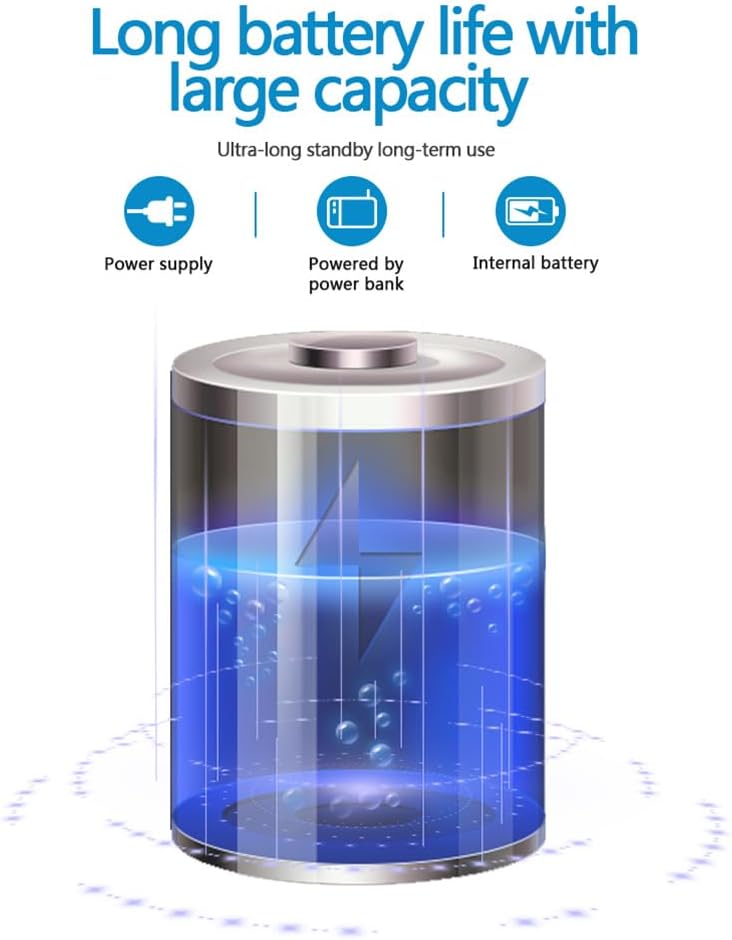
The camera is equipped with a 1400mAh lithium battery, providing extended recording time. It can be powered by an internal battery, an external power bank, or a direct power supply.
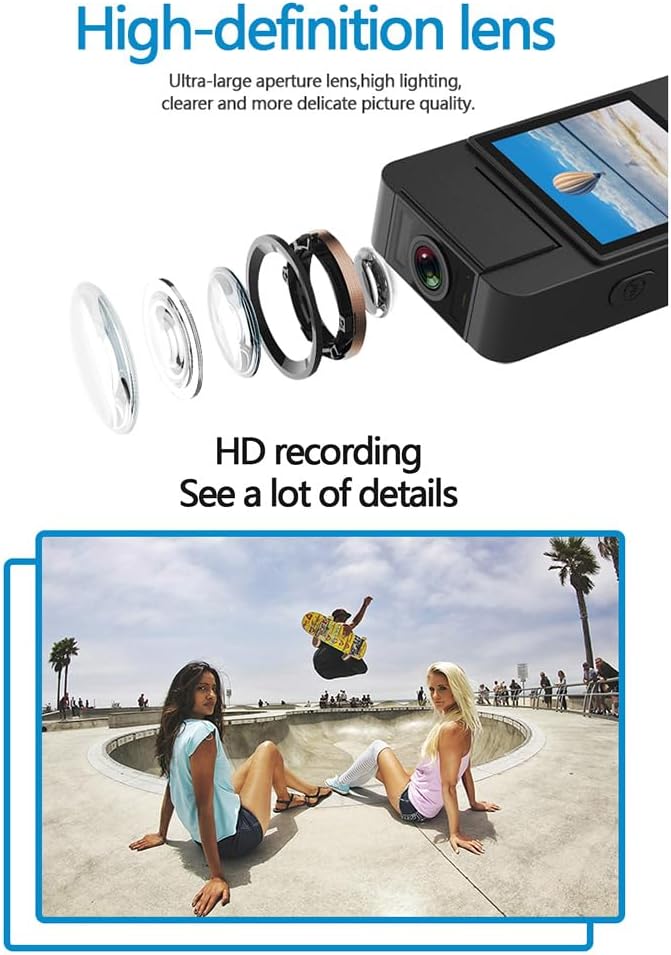
The camera features a high-definition lens with a large aperture, designed to capture clear, bright, and detailed images and videos.
4. Setup Guide
4.1 Ngecas Alat
Before first use, fully charge the camera. Connect the provided USB cable to the camera's Type-C port and the other end to a DC 5V power adapter or a computer's USB port. The charging indicator light will show the charging status and turn off when fully charged.
4.2 Nyelapkeun Kartu Micro SD
The camera supports Micro SD (TF) cards up to 256GB. Insert the Micro SD card into the designated slot with the gold contacts facing down until it clicks into place. Ensure the camera is powered off before inserting or removing the card.
4.3 Daya Awal Hurung
Press and hold the Power button for a few seconds until the indicator light turns on, indicating the device is powered on.
5. Parentah Operasi
5.1 Daya Hurung/Pareuman
- Daya Hurung: Pencét jeung tahan tombol Daya nepi ka lampu indikator hurung.
- Pareum listrik: Pencét jeung tahan tombol Daya nepi ka lampu indikator pareum.
5.2 Rékam pidéo
In standby mode, press the Video button once to start recording. The indicator light will flash to confirm recording is in progress. Press the Video button again to stop recording and save the file.
5.3 Ngarekam Audio
In standby mode, press the Audio button once to start audio-only recording. The indicator light will flash. Press the Audio button again to stop recording and save the file.
5.4 Photo Function
In standby mode, press the Photo button once to capture a still image. The indicator light will flash briefly.

The camera is designed for simple operation, featuring dedicated buttons for one-click recording, switching between recording modes, and activating video mode.
5.5 Aktivasina Panglihatan Peuting
The camera features an automatic night vision function. It can be manually toggled on or off depending on the model variant. Refer to the on-screen menu or specific button for night vision control.
5.6 Nyaluyukeun Sudut Lénsa
The camera lens can be manually rotated 180 degrees to capture different perspectives without repositioning the entire device.
5.7 WiFi Live Viewing
Download the dedicated app on your smartphone. Power on the camera and activate its WiFi function. Connect your smartphone to the camera's WiFi network (SSID and password usually found on the device or in the manual). Open the app to view hirup footage, control recording, and access settings.
5.8 Playback
Dirékam files can be played back directly on the camera's screen (if available), or by connecting the camera to a computer via USB. Alternatively, remove the Micro SD card and insert it into a card reader to access files dina komputer.
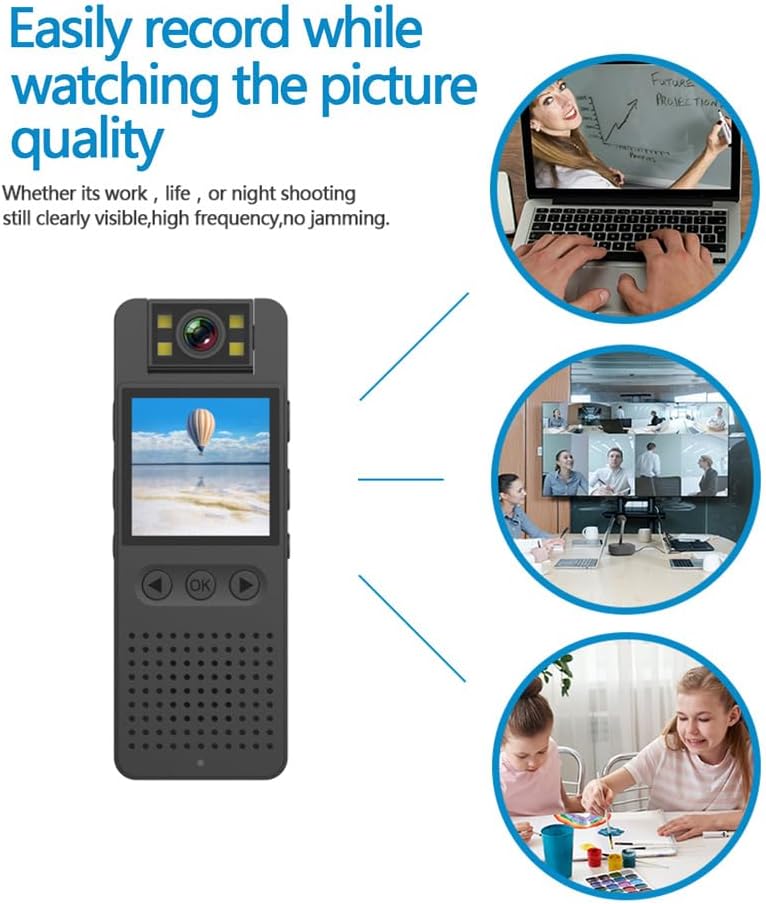
This image illustrates the camera's ability to record clearly in various environments, whether for work, leisure, or night shooting, maintaining high picture quality.
6. Perawatan sareng Pangropéa
- Ngabersihan lensa: Use a soft, lint-free cloth specifically designed for camera lenses to gently clean the lens. Avoid abrasive materials or harsh chemicals.
- Perawatan batré: Pikeun manjangkeun umur batré, ulah sering ngosongkeun batréna. Cas alat sacara rutin, sanaos henteu dianggo kanggo waktos anu lami. Simpen di tempat anu tiis sareng garing.
- Panyimpenan: Store the camera in a dry environment, away from extreme temperatures, direct sunlight, and dust.
- Cadangan Data: Regularly back up important recordings from the Micro SD card to a computer or external storage device to prevent data loss.
- Ngahindarkeun Dampak: Jaga alat tina tetes sareng tabrakan, anu tiasa ngaruksak komponén internal.
7. Cara ngungkulan
7.1 Alat Henteu Hurungkeun
- Ensure the battery is sufficiently charged. Connect the camera to a power source and try again.
- Pencét terus tahan tombol Daya salami langkung lami (5-10 detik).
7.2 Recording Issues (No Recording/Poor Quality)
- Check if a Micro SD card is properly inserted and has sufficient free space.
- Ensure the Micro SD card is formatted correctly (FAT32 recommended).
- Clean the camera lens if the image quality is blurry.
- Ensure adequate lighting for optimal video quality, or activate night vision in low-light conditions.
7.3 Masalah Sambungan WiFi
- Make sure the camera's WiFi function is enabled.
- Ensure your smartphone is within range of the camera's WiFi signal.
- Verify that you have entered the correct WiFi password.
- Restart both the camera and your smartphone, then try connecting again.
7.4 Alat Pareum atanapi Janten Henteu Ngarespon
- Press and hold the Power button for an extended period (up to 15 seconds) to force a shutdown.
- If possible, use a small pin to press the reset button (if available on your model).
8. Spésifikasi Téknis
| Resolusi Video | 1920*1080P |
| Format pidéo | MOV |
| Laju Pigura Pidéo | 25fps |
| Babandingan Gambar | 16:9 |
| Format Rékam | WAV |
| Resolusi Poto | 4608*3456P |
| Format Poto | JPG |
| Kapasitas batré | 1400 mah |
| Waktos Gawé | Approx. 290 minutes (4-5 hours) |
| Ngecas Voltage | DC 5V |
| Rojongan gudang | Up to 256GB TF card (Micro SD) |
| Tipe panganteur | Tipe-C |
| Systems dirojong | Windows, Mac OS, Linux |
| Téhnologi konektipitas | USB, Wi-Fi |
| Fitur husus | Low Light, Night Vision |
| Tingkat Résistansi Cai | Henteu Tahan Cai |
| Tipe Lénsa | Zum |
| Tipe Fokus | Fokus Manual |
9. Émbaran jaminan
Specific warranty details for the Andoer 1080P HD Mini Body Camera may vary by region and retailer. Please refer to the product packaging, the seller's website, or your purchase receipt for comprehensive warranty terms and conditions. It is recommended to retain your proof of purchase for any warranty claims.
10. Rojongan Palanggan
For technical assistance, product inquiries, or customer support, please contact the retailer from whom you purchased the device or visit the official Andoer website. When contacting support, please have your product model number (B0CL9SCVVK) and purchase details readily available to facilitate faster service.
Ask a question about this manual
Ask about setup, troubleshooting, compatibility, parts, safety, or missing instructions. Manuals+ will review the question and use this page’s manual context to help answer it.