
1. Bubuka
Thank you for choosing the Modecom MC-899 Wired Gaming Mouse. This manual provides essential information to help you set up, operate, and maintain your new mouse. Please read these instructions carefully before using the product and retain them for future reference.
2. Émbaran Kasalametan
- Ulah ngalaan beurit kana cairan atanapi kalembaban anu kaleuleuwihi.
- Hindarkeun suhu anu ekstrim.
- Do not attempt to disassemble or repair the mouse yourself. This will void the warranty.
- Jauhkeun alat tina médan magnét anu kuat.
- Anggo kaén anu lemes sareng garing pikeun beberesih.
3. Eusi Paket
Mangga parios eusi bungkusna. Upami aya barang anu leungit atanapi ruksak, mangga ngahubungi padagang anjeun.
- Modecom MC-899 Wired Gaming Mouse
- Manual pangguna (dokumén ieu)
4. Produk Langkungview
The Modecom MC-899 is a wired optical gaming mouse designed for comfortable and precise control. It features a multicolored backlit design and an ambidextrous form factor.
Komponén produk
The mouse typically includes:
- Tombol Pencét kénca
- Tombol Klik katuhu
- Scroll Wheel (also functions as a middle click button)
- Optical Sensor (located on the underside)
- Kabel USB
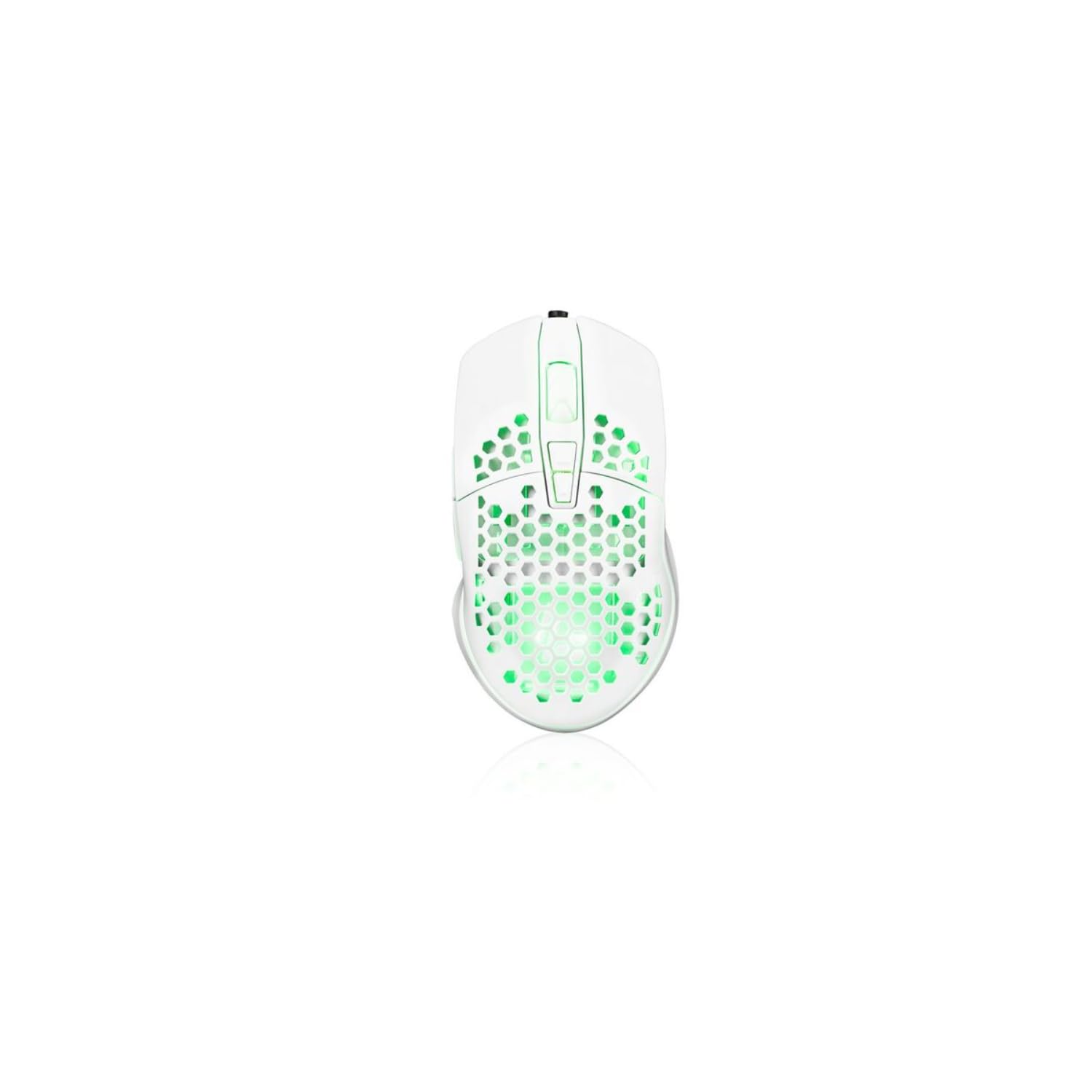
Image showing the Modecom MC-899 wired gaming mouse, featuring its ergonomic design and multicolored finish.
5. Setélan
Nyambungkeun Beurit
The Modecom MC-899 is a plug-and-play device, requiring no special driver installation for basic functionality.
- Locate an available USB port on your computer (PC or laptop).
- Plug the USB connector of the Modecom MC-899 mouse into the USB port.
- Your operating system should automatically detect and install the necessary drivers. The mouse will be ready for use within a few seconds.
6. Ngoperasikeun Mouse
Fungsi Dasar
- Klik Kénca: Primary action, used for selecting items, opening files, and confirming actions.
- Klik katuhu: Muka menu kontéks, nyadiakeun pilihan tambahan pikeun item anu dipilih.
- Gulung kabayang: Dianggo pikeun ngagulung dokumén sareng web pages vertically. Pressing the scroll wheel typically acts as a middle click, which can open links in new tabs or enable auto-scrolling.
Lampu tukang
The Modecom MC-899 features integrated backlighting. This lighting is typically active when the mouse is connected and powered, enhancing its aesthetic appeal, especially in gaming environments.
7. Pangropéa
beberesih
- Pegatkeun sambungan beurit tina komputer sateuacan beberesih.
- Make kaen nu lemes, teu aya lint rada dampdikumbah ku cai atawa solusi beberesih hampang.
- Ulah menyemprot cleaners langsung kana beurit.
- Ulah meunang Uap kana sagala bukaan.
- Clean the optical sensor area gently with a cotton swab if dust accumulation affects performance.
Panyimpenan
- Simpen beurit di tempat anu tiis sareng garing upami henteu dianggo salami lami.
- Avoid placing heavy objects on the mouse or its cable.
8. Cara ngungkulan
If you encounter issues with your Modecom MC-899 mouse, please refer to the following common problems and solutions:
| Masalah | Solusi anu mungkin |
|---|---|
| Mouse teu ngabales. |
|
| Gerakan kursor henteu teratur atanapi luncat. |
|
| Buttons are not working. |
|
9. Spésifikasi
Spésifikasi teknis
| merek: | Modecom |
| Jumlah modél: | S9135943 (MC-899) |
| Téknologi konektipitas: | Kabel (USB) |
| Téknologi deteksi gerakan: | Optik |
| Jumlah Kancing: | 3 |
| Orientasi leungeun: | Ambidextrous |
| Dianjurkeun pamakéan: | Kaulinan, Kantor |
| Alat anu cocog: | Komputer Pribadi, Laptop |
| warna: | Multicolored |
| Panjang kabel: | 2.2 méter |
| Fitur: | Lampu tukang |
| ukuran: | 5.5 x 13.5 x 19 cm |
10. Garansi jeung Rojongan
Modecom products are designed and manufactured to the highest quality standards. For information regarding warranty terms and conditions, please refer to the warranty card included with your product or visit the official Modecom website. For technical support or service inquiries, please contact your local retailer or Modecom customer service.