Bubuka
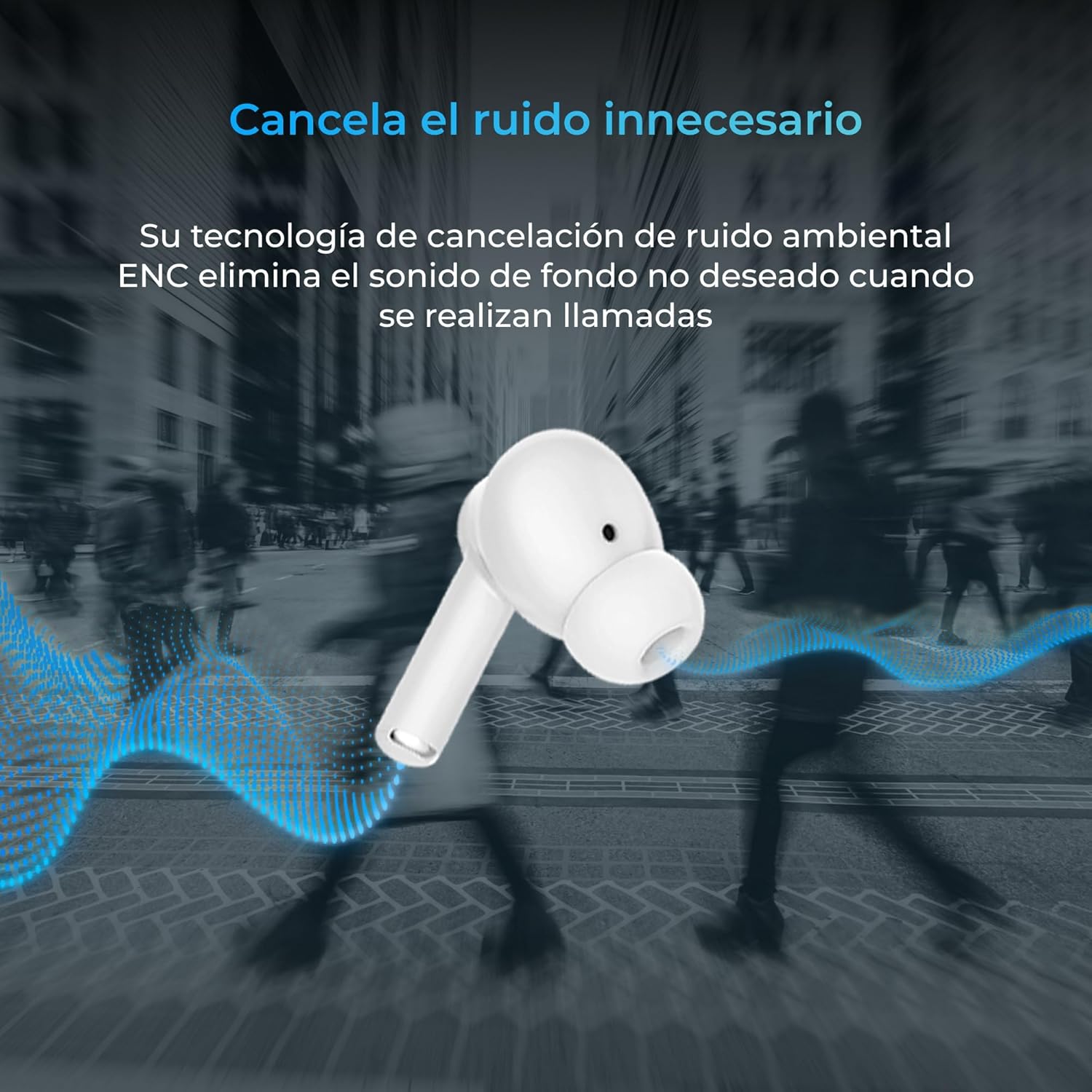
Thank you for choosing the KSIX Orion Wireless Earbuds. These earbuds are designed to provide a superior audio experience with features such as HD calls, Environmental Noise Cancellation (ENC), True Wireless Stereo (TWS), and intuitive touch controls. With up to 15 hours of total battery life and IPX4 water resistance, they are perfect for music, sports, and travel. This manual will guide you through the setup, operation, and maintenance of your new earbuds to ensure optimal performance and longevity.
Produk Leuwihview




Disetél
1. Ngecas Earbuds jeung Case
Before first use, fully charge your KSIX Orion earbuds and charging case. The case and earbuds can be fully charged in approximately 1 hour. The earbuds provide up to 5 hours of playback, and the charging case provides an additional 10 hours, for a total of 15 hours of autonomy.
- Teundeun earbuds kana wadah ngecas.
- Connect the charging case to a power source using a compatible USB-C cable.
- Lampu indikator dina kasus bakal nunjukkeun status ngecas.
2. Nyapasangkeun sareng Alat Anjeun
The KSIX Orion earbuds utilize Bluetooth 5.3 for a stable and uninterrupted connection.
- Ensure the earbuds are in the charging case and the case lid is open, or take them out of the case. They will automatically enter pairing mode.
- Dina smartphone anjeun, tablet, atawa alat Bluetooth-diaktipkeun sejen, buka setélan Bluetooth.
- Milarian pikeun "KSIX Orion" in the list of available devices.
- Select "KSIX Orion" to connect. Once connected, you will hear a confirmation tone, and the earbuds will be ready for use.
- Upami masangkeun gagal, lebetkeun deui earbud kana wadahna, tutup tutupna, antosan sababaraha detik, teras buka tutupna teras cobian deui.
Parentah Operasi
The KSIX Orion earbuds feature intuitive touch controls for easy management of music and calls.
Toél Kontrol
| Aksi | Earbud kénca | Earbud Katuhu |
|---|---|---|
| Puter/Reureuh Musik | Ketok tunggal | Ketok tunggal |
| Lagu salajengna | Ketuk tilu kali | Ketuk tilu kali |
| Lagu saméméhna | Ketok dua kali | Ketok dua kali |
| Volume Up | Long press (Right) | Long press (Right) |
| Volume Turun | Long press (Left) | Long press (Left) |
| Ngajawab / mungkas Telepon | Ketok tunggal | Ketok tunggal |
| Nolak Telepon | Pencét lila | Pencét lila |
| Aktipkeun Asisten Sora | Ketok jeung tahan salila 2 detik | Ketok jeung tahan salila 2 detik |
Asisten sora
The KSIX Orion earbuds are compatible with popular voice assistants such as Siri, Amazon Alexa, and Google Assistant. To activate your preferred voice assistant, use the designated touch control (tap and hold for 2 seconds). You can then issue commands for calls, music control, and more.
Pangropéa
Proper maintenance ensures the longevity and optimal performance of your KSIX Orion earbuds.
- beberesih: Bersihkeun earbud sacara rutin, khususna tungtung ceuli sareng kontak ngecas, nganggo lawon anu lemes, garing, sareng henteu buluan. Entong nganggo pembersih atanapi pelarut anu abrasif.
- Tahan cai: The earbuds are IPX4 water resistant, meaning they are protected against splashing water from any direction. They are resistant to sweat and light rain. Do not submerge the earbuds in water or expose them to strong jets of water. Ensure the earbuds are dry before placing them back in the charging case to prevent damage.
- Panyimpenan: Upami teu dianggo, simpen earbud dina wadah ngecasna pikeun ngajagi tina lebu sareng karusakan fisik. Simpen di tempat anu tiis, garing, sareng jauh tina suhu anu ekstrim.
- Perawatan batré: Pikeun ngawétkeun umur batre, ulah miceun sapinuhna earbuds sareng wadahna sering. Ngeusi batre aranjeunna rutin, sanajan teu di pamakéan konstan.
Pamérésan masalah
If you encounter issues with your KSIX Orion earbuds, try the following solutions:
| Masalah | Solusi anu mungkin |
|---|---|
| Earbuds teu dipasangkeun |
|
| Teu aya sora tina hiji atanapi dua earbud |
|
| Earbuds teu ngecas |
|
| Poor call quality / ENC not working |
|
spésifikasi
| Fitur | Rincian |
|---|---|
| Nomer modél | BXTW09B |
| merek | KSIX smart your tech |
| Warna | Bodas |
| Téhnologi konektipitas | Nirkabel (Bluetooth 5.3) |
| Panempatan Ceuli | Dina-Ceuli |
| Faktor Bentuk | Dina-Ceuli |
| Insulasi sora | Pembatalan Noise Lingkungan (ENC) |
| Tingkat Résistansi Cai | IPX4 (tahan cipratan) |
| Kahirupan Batré (Earbuds) | Nepi ka 5 jam |
| Total Kahirupan Batré (kalayan Case) | Nepi ka 15 jam |
| Waktu Ngecas | Kira-kira. 1 jam |
| Rentang Frékuénsi | 20 Hz - 20,000 Hz |
| Tipe Kontrol | Kontrol Toél, Kontrol Sora |
| Alat nu cocog | Smartphones, tablets, laptops, desktops, smart speakers |
| Dianjurkeun Mangpaat | Calls, Music, Sport, Travel |
| Komponén Kaasup | Kasus ngecas nirkabel |
Garansi sareng Rojongan
For detailed warranty information and customer support, please refer to the official KSIX website or contact their customer service directly. Information regarding spare parts availability and software update guarantees is not available in this manual.
Pikeun pitulung salajengna, mangga buka: www.ksix.com


