Bubuka
Experience a new realm of gaming with the Pikmin Clover Patch REALMz Wireless Controller. This one-of-a-kind controller features a figurine living inside the grip, offering an immersive universe from your favorite games. Its unique, multi-layer design showcases iconic scenes from your favorite titles. Designed for the Nintendo Switch, this controller provides a comfortable and responsive gaming experience.
Disetél
1. Muatan Awal
Before first use, ensure the controller is fully charged. Connect the included USB-C charging cable to the controller's charging port and plug the other end into a compatible USB power source, such as your Nintendo Switch dock or a USB wall adapter. The controller features a built-in rechargeable battery with up to 40 hours of play time.

Image: The controller's USB-C charging port and an indicator for 40 hours of battery life.
2. Sambungan Wireless
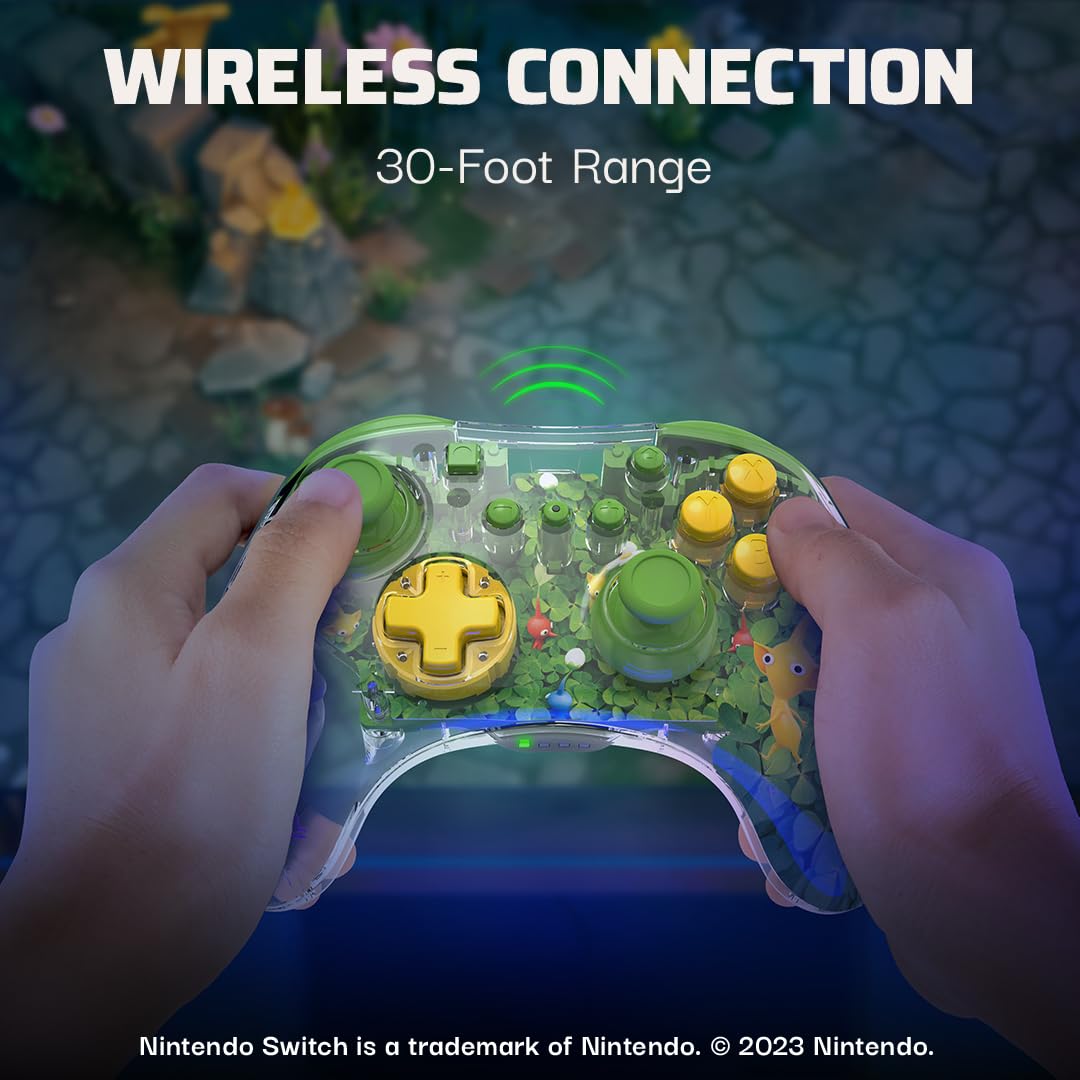
The controller connects wirelessly to your Nintendo Switch. Follow the standard Nintendo Switch controller pairing procedure. The controller offers a 30-foot wireless range for flexible gameplay.

Image: A user holding the controller, illustrating its 30-foot wireless range.
3. Éfék Lampu LED
Effortlessly change the LED lighting effects using the ABXY buttons. Refer to the specific button combinations in the quick start guide for detailed instructions on customizing the lighting.

Gambar: A close-up view of the controller highlighting its customizable LED lighting effects.
4. Headphone Jack
The controller includes a headphone jack for audio output, allowing for private listening during gameplay.
Ngoperasikeun Controller
1. Desain ergonomis
The PDP REALMz Wireless Controller is ergonomically designed for all-day comfort and performance, ensuring a comfortable grip during extended gaming sessions.
Gambar: A sisi profile of the controller, emphasizing its comfortable, ergonomic design.
2. Unique Visuals
The controller features a collectible figurine inside its grip and a multi-layered design showcasing iconic scenes, adding a unique visual element to your gaming setup.

Gambar: A lengkep view of the controller's clear casing, revealing a Pikmin figurine and multi-layered artwork.
Pangropéa
- Tetep controller bersih ku ngusap eta ku lawon lemes, garing. Ulah make bahan kimia kasar atawa bahan abrasive.
- Nyimpen controller dina tiis, tempat garing jauh ti sinar panonpoé langsung jeung hawa ekstrim.
- Avoid dropping the controller or subjecting it to strong impacts, as this can damage internal components or the clear casing.
- Ensure the USB-C port is free of dust and debris to maintain proper charging and connection.
Pamérésan masalah
Controller Teu Nyambung:
- Pastikeun controller geus dicas pinuh.
- Verify that the Nintendo Switch console is updated to the latest system software.
- Attempt to re-pair the controller through the Nintendo Switch's "Change Grip/Order" menu.
- If issues persist, try connecting the controller directly to the Switch dock via the USB-C cable to establish a wired connection and then attempt wireless pairing again.
Lampu LED teu fungsi:
- Check the controller's battery level. Low battery can affect LED performance.
- Refer to the quick start guide for correct button combinations to activate or change LED effects.
spésifikasi
| Jumlah modél: | 500-234-PIK |
| Jangkauan nirkabel: | 30 peuy |
| Kahirupan batré: | Nepi ka 40 jam |
| Konektipitas: | Wireless (Bluetooth), USB-C for charging |
| Audio: | Jack headphone |
| beurat: | 8.4 ons |
| ukuran: | 6.34 x 5.55 x 2.64 inci |
| Pabrikan: | PDP |
| Negara asal: | Cina |
Garansi sareng Rojongan
Pikeun inpo jaminan lengkep jeung rojongan customer, mangga tingal PDP resmi websitus atanapi dokuméntasi anu kalebet sareng produk anjeun. Anjeun oge bisa nganjang ka Toko PDP di Amazon pikeun sumber tambahan.


