
Bubuka
This manual provides detailed instructions for the safe and efficient use of your LENRUE F13 Portable Bluetooth Speaker. Please read this manual thoroughly before operating the device and retain it for future reference.
Produk Leuwihview
Eusi pakét
- LENRUE F13 Portable Bluetooth Speaker
- Kabel Ngecas USB
- Lanyard anu tiasa dicabut
- Manual pamaké
Komponén Speaker sarta kadali
Familiarize yourself with the various parts and controls of your LENRUE F13 speaker:

Gambar 1: Hareupeun view of the LENRUE F13 speaker, showcasing its compact design and metal grille.

Gambar 2: Puncak view of the speaker, highlighting the sound output grille.

Gambar 3: Samping view showing the control buttons for volume, track navigation, and power.
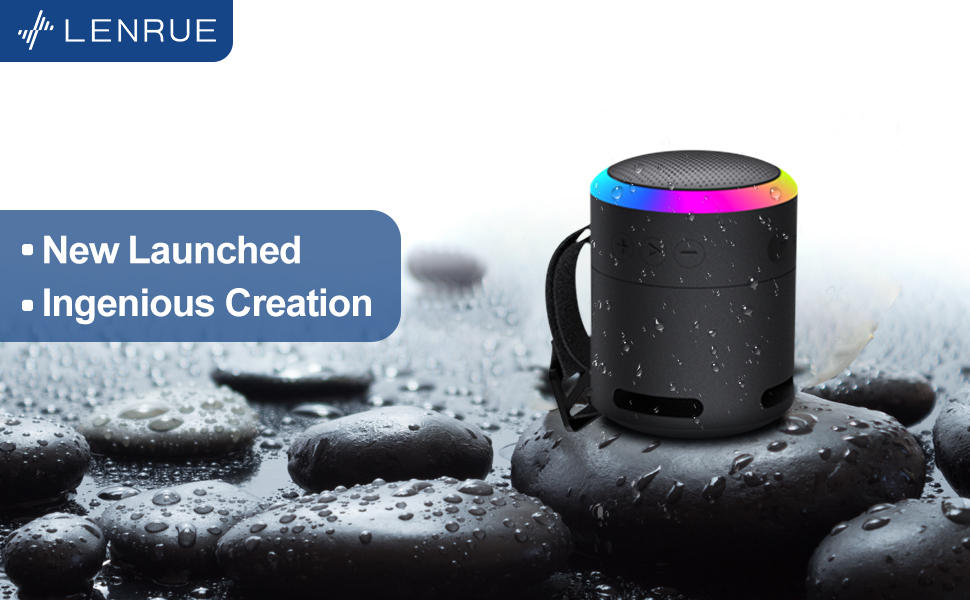
Gambar 4: Ngabeledug view illustrating the internal 5W high-performance driver and passive subwoofer for clear sound.
The speaker features a sleek metal design with a stainless steel line around its body. The top surface is metal, where the sound is emitted. On the bottom, you will find the main control buttons:
- Tombol Daya: Located in the center, used to power the device on/off.
- Tombol Puter/Reureuh: Ngadalikeun playback audio.
- Volume Kaluhur / Tombol Lagu Salajengna: Ningkatkeun volume atanapi luncat ka lagu salajengna.
- Volume Turunkeun / Tombol Lagu Saméméhna: Ngurangan volume atanapi pindah ka lagu sateuacana.
- Tombol Mode Lampu: Changes the colorful LED light modes.
On the rear side of the speaker, you will find the charging input (USB-C) and an auxiliary input port. A small slot is also present for attaching the included lanyard, allowing for easy portability.
Disetél
Ngecas Speaker
- Sambungkeun kabel ngecas USB anu disayogikeun kana port USB-C speaker.
- Sambungkeun tungtung kabel USB anu sanés ka adaptor kakuatan USB anu cocog (teu kalebet) atanapi port USB komputer.
- The LED indicator will show charging status. Allow sufficient time for a full charge before first use.
Ngahurungkeun/Pareuman
- Pikeun Ngahurungkeun: Press and hold the Power button (center button on the bottom) for a few seconds until the LED lights illuminate and an audible prompt is heard.
- Pikeun mareuman: Press and hold the Power button again for a few seconds until the LED lights turn off and an audible prompt is heard.
Parentah Operasi
Papasangan Bluetooth
The LENRUE F13 speaker uses Bluetooth 5.0 for stable wireless connection up to 33 feet (10 meters).
- Ensure the speaker is powered on and in pairing mode (LED lights will typically flash).
- Dina smartphone atanapi tablet anjeun, aktipkeun Bluetooth sareng milarian alat anu sayogi.
- Select "LENRUE F13" (or similar name) from the list of devices.
- Once paired, the speaker will indicate a successful connection, and the LED lights may change to a steady pattern.
Playback Audio
- Puter / Reureuh: Pencét tombol Play / Reureuh sakali.
- Volume Up: Pencét tombol "+".
- Volume Turun: Pencét tombol "-".
- Lagu salajengna: Pencét jeung tahan tombol "+".
- Lagu Sateuacanna: Pencét jeung tahan tombol "-".
Modeu Lampu Warna-warni
The speaker features colorful LED lights to enhance your listening experience.
- Robah Mode: Press the Light Mode button (located on the bottom, opposite the Power button) to cycle through different light patterns and colors.
- Pareuman Lampu: Press and hold the Light Mode button to turn off the LED lights.
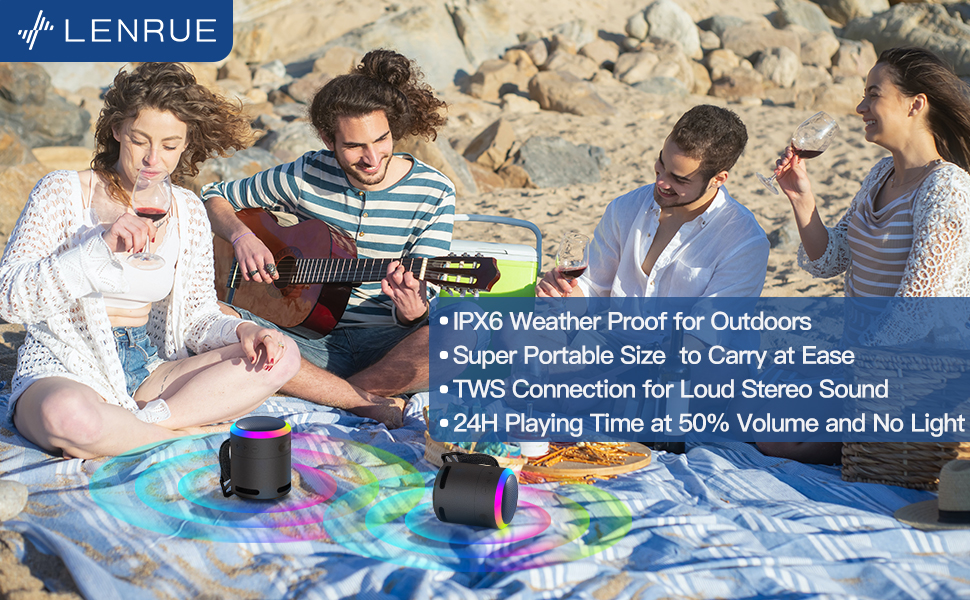
Gambar 5: The speaker's colorful lights create an ambient atmosphere, ideal for relaxation or social gatherings.
Papasangan Stereo Nirkabel Sejati (TWS)
If you have two LENRUE F13 speakers, you can pair them together for a true wireless stereo experience.
- Pastikeun duanana spiker dihurungkeun sareng henteu nyambung ka alat Bluetooth anu sanés.
- On one speaker (the master speaker), press and hold the Light Mode button for 3 seconds to enter TWS pairing mode.
- Spiker-spiker éta bakal otomatis nyambung. Sakali disambungkeun, éta bakal fungsina salaku pasangan stereo.
- Sambungkeun alat anjeun ka spiker utama via Bluetooth sapertos anu dijelaskeun di luhur.

Gambar 6: Two speakers connected via TWS for an enhanced stereo audio experience.
Pangropéa
beberesih
- Ngusap spéker nganggo lawon anu lemes sareng garing.
- Ulah make cleaners abrasive atawa pangleyur.
Tahan cai (IPX6)
The LENRUE F13 speaker is IPX6 waterproof, making it resistant to strong jets of water. It is suitable for use in environments like showers, by the pool, or during light rain.
- Pastikeun sadaya panutup port ditutup pageuh pikeun ngajaga tahan cai.
- Ulah beuleum speaker dina cai.
- Saatos kakeunaan cai, usap speaker dugi ka garing sateuacan dicas.
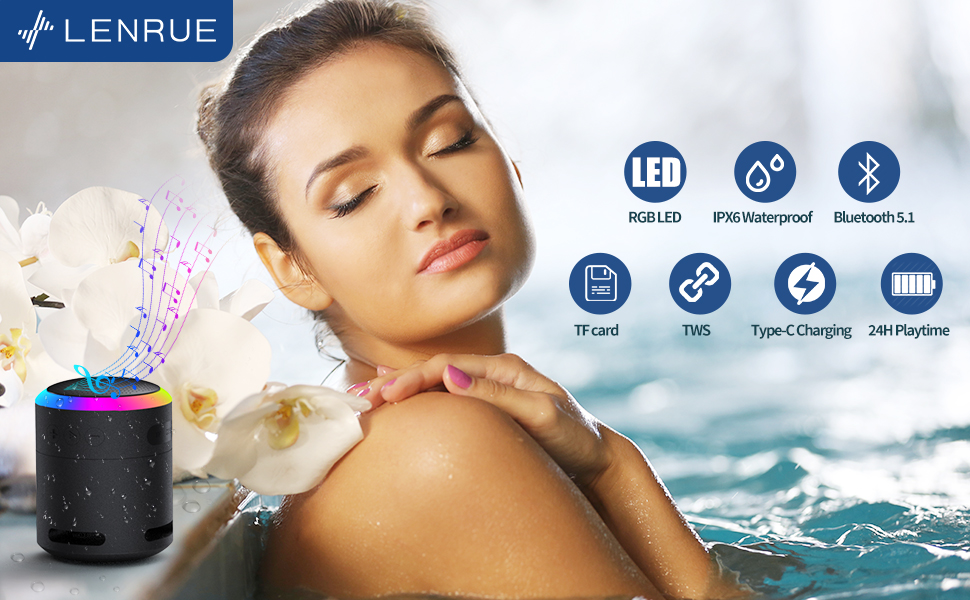
Gambar 7: The IPX6 water resistance allows for worry-free use in various wet environments.
Pamérésan masalah
| Masalah | Mungkin Cukang lantaranana | Solusi |
|---|---|---|
| Speaker teu hurung | batré lemah | Ngecas spéker pinuh. |
| Teu bisa masangkeun via Bluetooth | Speaker not in pairing mode / Device Bluetooth off / Too far from device | Ensure speaker is in pairing mode, Bluetooth is enabled on your device, and device is within 33 feet (10 meters). |
| Taya sora salila playback | Volume too low / Paused / Not connected | Increase volume on both speaker and device, check if playback is paused, ensure successful Bluetooth connection. |
| Papasangan TWS gagal | Speakers already paired to other devices / Too far apart | Ensure both speakers are disconnected from other devices. Place them close together and retry TWS pairing. |
spésifikasi
- Ngaran modél: F13
- Tipe Speaker: Speaker Bluetooth portabel
- Daya Kaluaran Maksimum Speaker: 5 Watt
- Téknologi konektipitas: Bluetooth 5.0
- Kisaran Bluetooth: 10 Méter (33 suku)
- Rating waterproof: IPX6
- Waktu maén: Up to 24 hours (at 50% volume, no LED light); 5 hours (typical use)
- Port ngecas: USB-C
- Fitur husus: Colorful LED Lights, Metal Construction, Detachable Lanyard, TWS Pairing
- Ukuran produk: 2.8 "D x 2.8" W x 3.6" H
- Beurat barang: 10.5 ons
Garansi sareng Rojongan
For any questions, concerns, or support needs regarding your LENRUE F13 Portable Bluetooth Speaker, please contact LENRUE customer service through the retailer where the product was purchased. Keep your purchase receipt for warranty claims.