
1. Produk Langkungview
The Anker Prime Power Bank is a high-capacity portable charger designed for fast and efficient power delivery to a wide range of devices, including smartphones, tablets, and laptops. With a 20,000mAh capacity and a total output of 200W, it features two USB-C ports and one USB-A port, along with a smart digital display for real-time information.

Hareupeun view of the Anker Prime Power Bank, showcasing its sleek design and the smart digital display indicating battery percentage jeung output.

The Anker Prime Power Bank held in a hand, illustrating its compact size (4.9 x 2.1 x 1.9 inches) and its 20,000mAh capacity, capable of multiple charges for various devices.
2. Eusi Paket
Punten pastikeun sadaya barang aya dina pakét anjeun:
- Anker Prime 20,000mAh Power Bank (200W)
- Kabel ngecas USB-C ka USB-C 2 kaki / 0.6 m
- Kantong perjalanan
- Wilujeng sumping pituduh
3. Ngamimitian
3.1 Ngecas Awal Bank Daya
Before first use, fully charge your Anker Prime Power Bank. Connect the included USB-C to USB-C cable to one of the power bank's USB-C ports and a compatible 100W USB-C wall charger (not included). The smart digital display will show the charging status.
The power bank can be fully recharged in approximately 1 hour and 15 minutes using a 100W input.
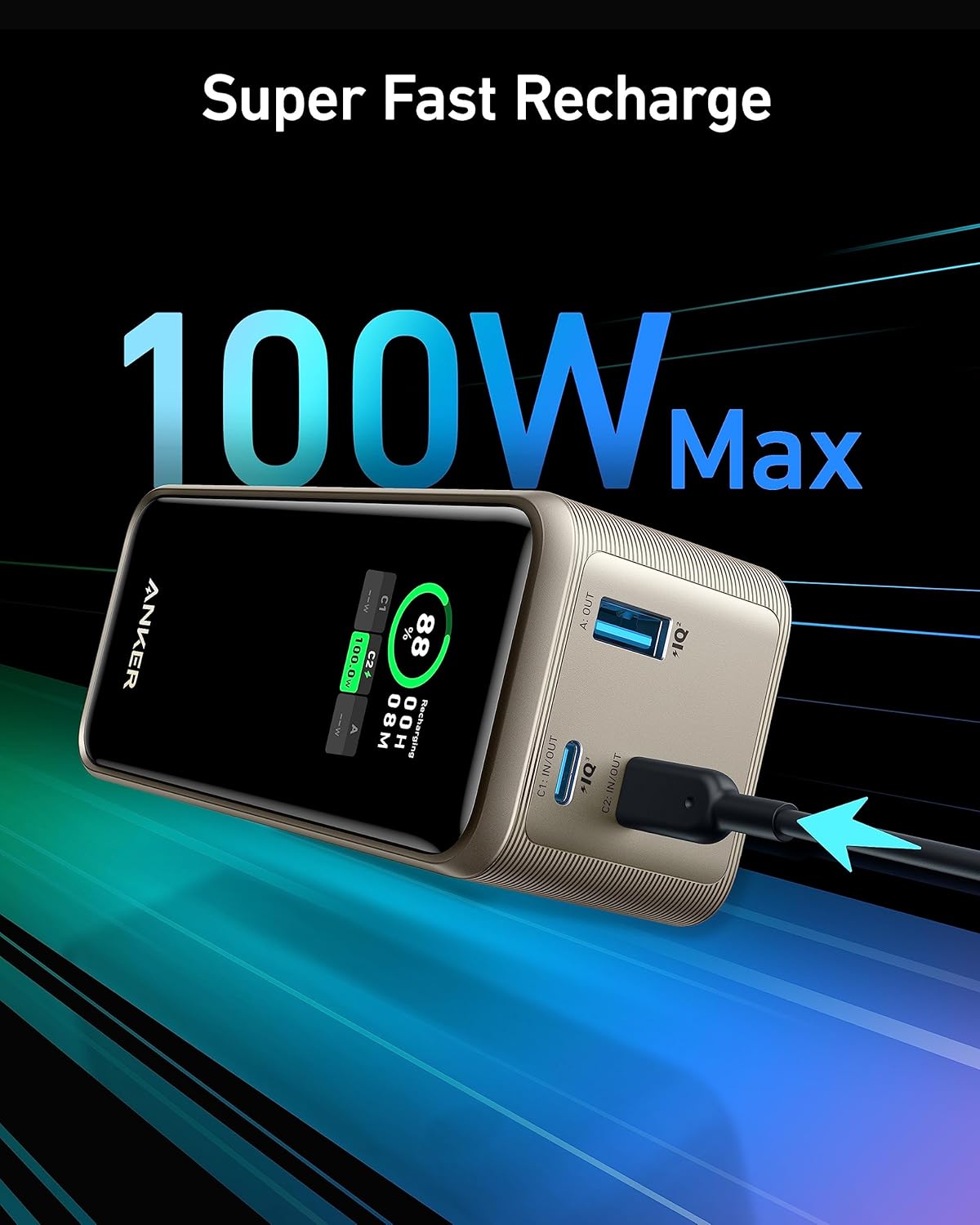
A close-up of the Anker Prime Power Bank showing a USB-C cable connected for 100W fast recharging, highlighting the rapid input capability.
4. Parentah Operasi
4.1 Ngecas Alat Anjeun
The Anker Prime Power Bank features two USB-C ports and one USB-A port for charging multiple devices simultaneously. Connect your device's charging cable to the appropriate port on the power bank.
- Port USB-C: Deliver up to 100W output each, ideal for laptops, tablets, and fast-charging smartphones.
- Port USB-A: Provides standard charging for a variety of devices.
The power bank delivers a combined total output of up to 200W across all ports, dynamically adjusting power distribution based on connected devices.
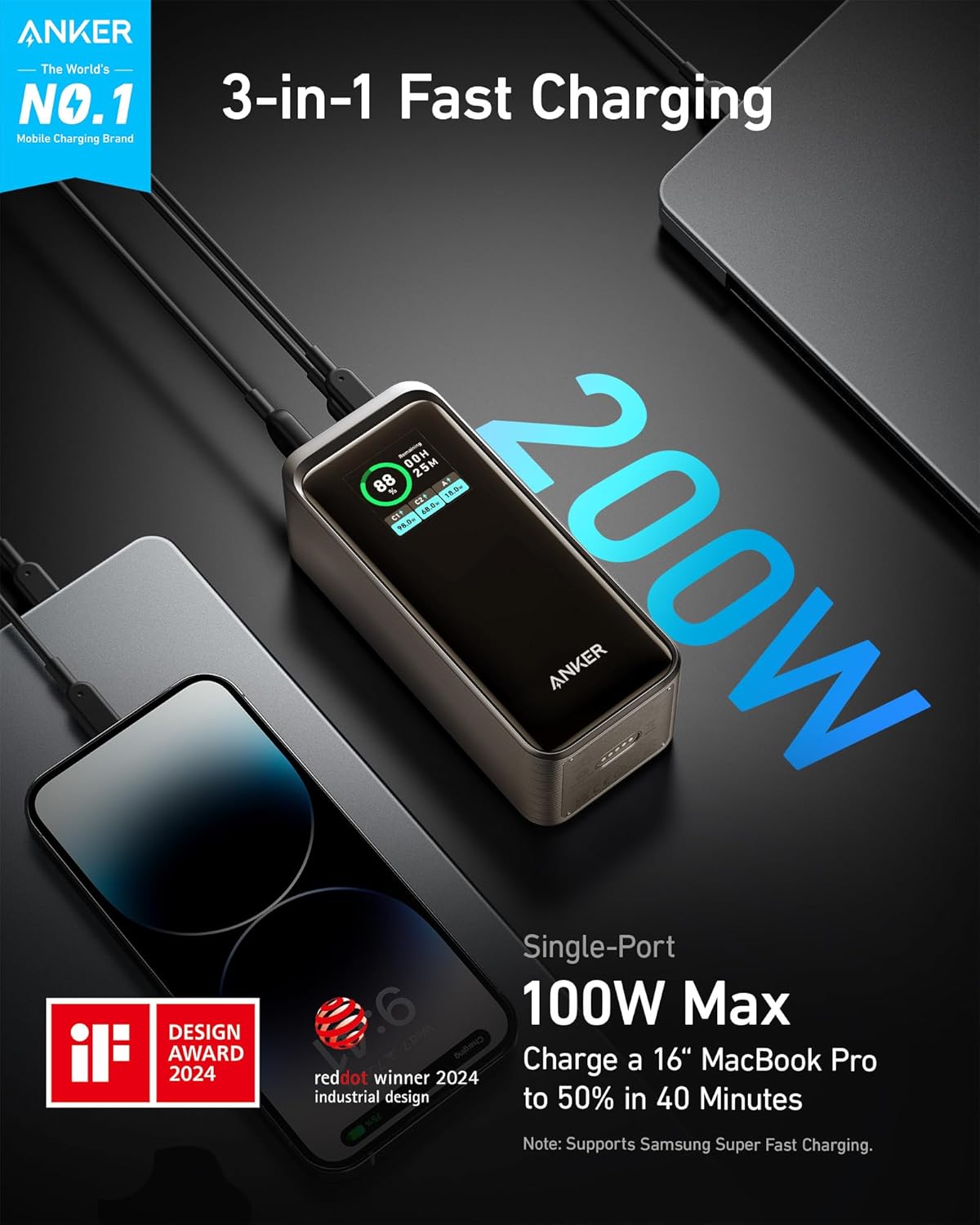
The Anker Prime Power Bank connected to a laptop and a smartphone, demonstrating its capability for 3-in-1 fast charging with a total output of 200W.
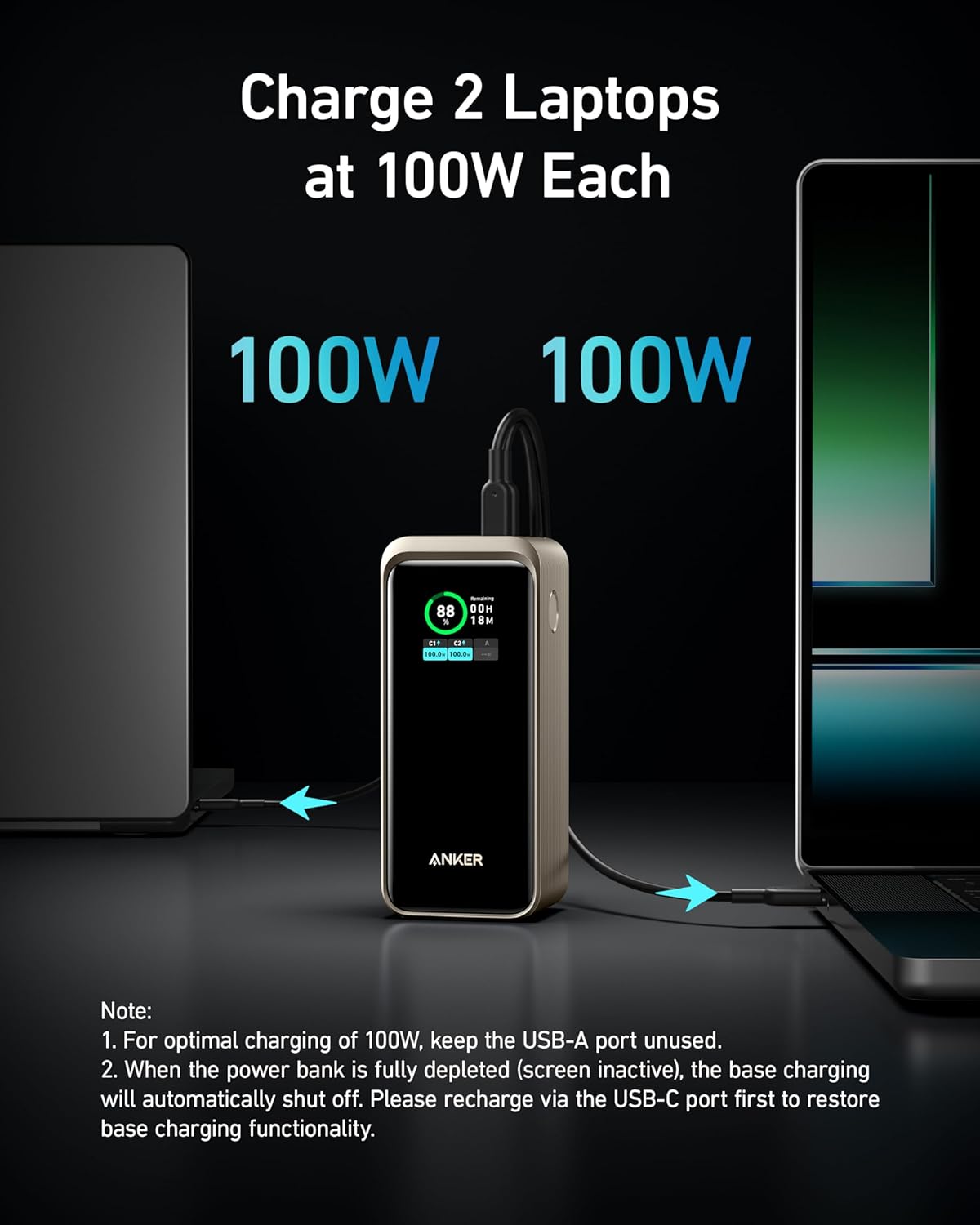
The Anker Prime Power Bank simultaneously charging two laptops at 100W each, demonstrating its high-power output for demanding devices.
4.2 Smart Digital Display
The integrated smart digital display provides real-time information about the power bank's status:
- Kapasitas Batré Sésa: Ditémbongkeun salaku persentage.
- Input kakuatan: Némbongkeun wattage being drawn when recharging the power bank.
- Kaluaran kakuatan: Némbongkeun wattage being delivered by each active port (USB-C1, USB-C2, USB-A).
- Recharging Time / Remaining Battery in Hours and Minutes: Indicates estimated time for full charge or remaining usage time.

A lengkep view of the power bank's smart digital display, showing real-time information such as remaining battery percentage, recharging time, and individual port output (USB-C1, USB-C2, USB-A).
5. Émbaran Kasalametan
The Anker Prime Power Bank is designed with safety in mind and is TSA-approved for travel, making it suitable for carrying on airplanes. Always follow general safety guidelines when using portable electronic devices:
- Ulah nepi ka power bank kakeunaan suhu anu ekstrim (panas atawa tiis).
- Hindarkeun ragrag atanapi ngagentoskeun alat kana tabrakan anu kuat.
- Jauhkeun tina cai sareng cairan sanésna.
- Ulah nyobian ngabongkar atawa ngalereskeun alat sorangan.
- Anggo ngan ukur kabel asli atanapi anu disertifikasi pikeun ngecas power bank sareng alat anjeun.
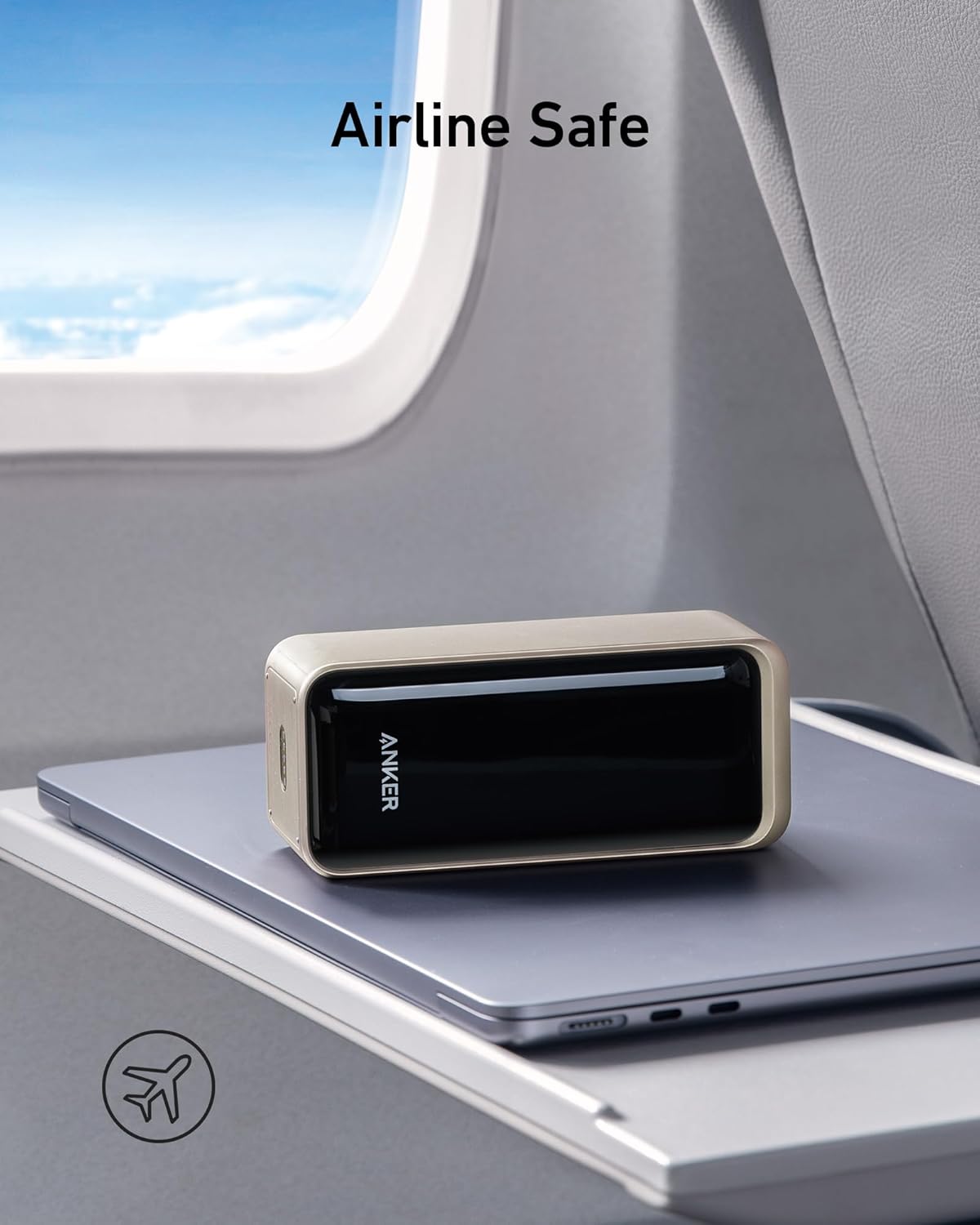
The Anker Prime Power Bank placed on an airplane tray table, indicating its TSA-approved status and suitability for air travel.
6. Pangropéa sarta perawatan
To ensure the longevity and optimal performance of your Anker Prime Power Bank, follow these maintenance guidelines:
- beberesih: Use a soft, dry cloth to clean the exterior of the power bank. Avoid using harsh chemicals or abrasive materials.
- Panyimpenan: Simpen bank daya di tempat anu tiis sareng garing jauh tina sinar panonpoé langsung sareng suhu anu ekstrim.
- Kaséhatan batré: For optimal battery health, avoid fully depleting the power bank frequently. Recharge it when the battery level is low.
7. Cara ngungkulan
- Power Bank Teu Bisa Dicas Deui: If the power bank is fully depleted (screen inactive), the base charging functionality may automatically shut off. Please recharge the power bank via a USB-C port first to restore normal charging functionality. Ensure the charging cable and wall adapter are functioning correctly.
- Slow Charging of Devices: Ensure you are using a high-quality cable compatible with fast charging. Check the power output displayed on the digital screen to confirm the wattage being delivered. Some devices may limit charging speed based on their battery status or temperature.
- Tampilan Digital Teu Jalan: Try pressing the power button briefly. If the issue persists, attempt to recharge the power bank. If the display remains unresponsive, contact customer support.
8. Spésifikasi
| Fitur | Rincian |
|---|---|
| Dimensi produk | 5 x 2.15 x 1.96 inci |
| Item Beurat | 1.19 pon |
| Nomer modél | A1336 |
| Jenis Batré | Logam Litium (1 kalebet) |
| Kapasitas batré | 20,000 Miliamp Jam-jaman |
| Tipe Panyambung | 2x USB-C, 1x USB-A |
| Total Kaluaran | Nepi ka 200W |
| Fast Recharge Input | 100W via USB-C |
| Fitur husus | Digital Display, Fast Charging, TSA-Approved |
9. Garansi sarta Rojongan Palanggan
Anker provides a worry-free 24-garansi sasih for the Anker Prime Power Bank. If you encounter any issues or have questions regarding your product, please contact Anker customer service for assistance.
For the latest support information, FAQs, and contact details, please visit the official Anker website or refer to the welcome guide included in your package.
10. Video Produk Resmi
Henteu aya pidéo produk resmi ti anu ngajual anu sayogi dina data anu disayogikeun pikeun diselapkeun dina manual ieu.