Bubuka
This manual provides detailed instructions for the proper use, setup, and maintenance of your New Bee B45 Mini Handfree Bluetooth Single Ear Wireless Headset. Please read this manual thoroughly before using the product to ensure optimal performance and longevity.

Image: The New Bee B45 Mini Handfree Bluetooth Headset, showcasing its sleek design and compact size, alongside its charging case.
Eusi pakét
Pastikeun sadaya item aya dina bungkusan:
- New Bee B45 Mini Handfree Bluetooth Headset
- Kabel Ngecas USB
- Tips Ceuli (rupa-rupa ukuran)
- Manual pangguna (dokumén ieu)
Disetél
Ngecas Headsét
Sateuacan dianggo anu munggaran, eusian headset pinuh.
- Connect the provided USB charging cable to the headset's charging port.
- Sambungkeun tungtung kabel USB anu sanésna kana sumber daya USB anu cocog (contona, port USB komputer, adaptor témbok).
- The indicator light will show charging status (e.g., red for charging, blue for fully charged). A full charge takes approximately 2 hours.
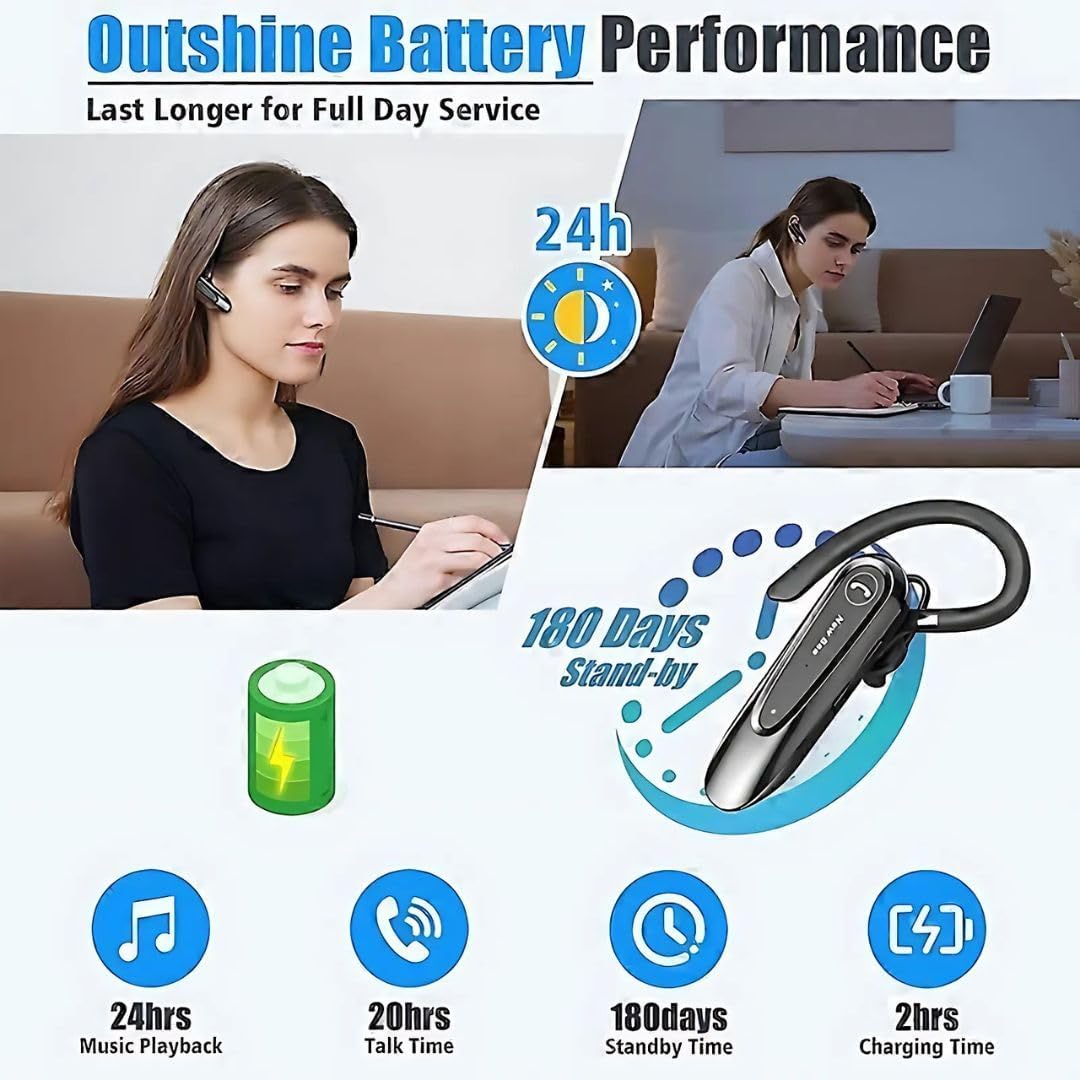
Image: Visual representation of the New Bee B45's battery performance, highlighting 24 hours music playback, 20 hours talk time, 180 days standby, and 2 hours charging time.
Masangkeun sareng Alat
The headset uses Bluetooth 5.0 for stable and efficient connection.
- Pastikeun headset tos dicas pinuh sareng dipareuman.
- Press and hold the Multi-function Button (MFB) until the indicator light flashes red and blue alternately, indicating pairing mode.
- Dina alat anjeun (smartphone, tablet, jsb.), aktipkeun Bluetooth sareng milarian alat anu sayogi.
- Select "New Bee B45" (or similar name) from the list of found devices.
- Once connected, the indicator light will flash blue slowly, and you may hear a voice prompt "Connected".

Image: Diagram illustrating the QCC3020 Bluetooth 5.0 chip, emphasizing its 15-meter barrier-free connection, stable performance, and lower power consumption for the New Bee B45 headset.
Parentah Operasi
Daya Hurung/Pareuman
- Daya Hurung: Pencét jeung tahan MFB salila 3 detik.
- Pareum listrik: Pencét jeung tahan MFB salila 5 detik.
Manajemén Telepon
- Ngajawab Telepon: Pencét pondok MFB.
- Tungtung Telepon: Pencét sakeudeung MFB nalika nelepon.
- Nolak Telepon: Pencét terus tahan MFB salami 2 detik salami aya telepon asup.
- Telepon deui Nomer Panungtungan: Pencét dua kali MFB.
- Mikropon bisu: Press the dedicated mute button during a call. Note: This function is only supported on mobile phones.
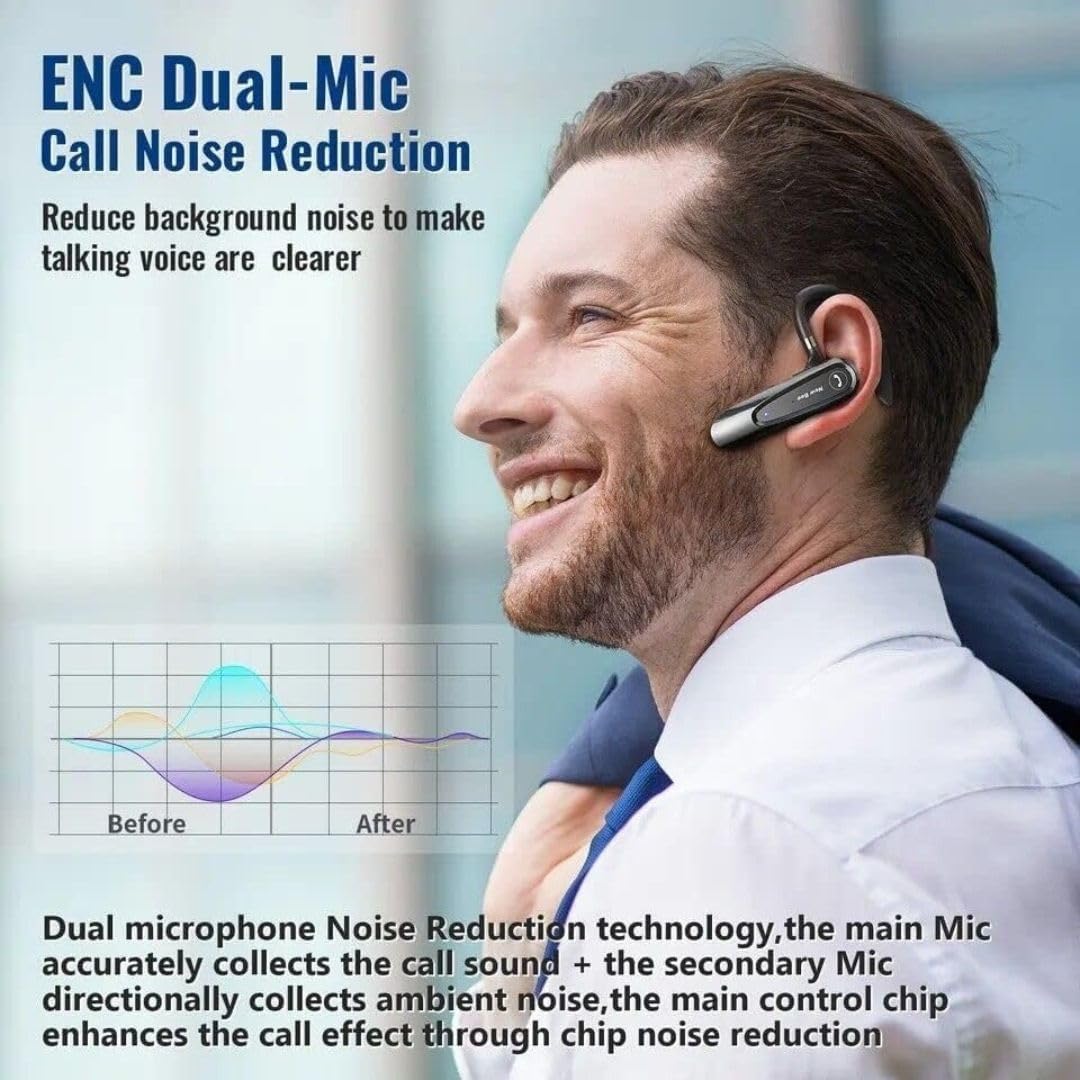
Image: Illustration of the New Bee B45's ENC Dual-Mic Call Noise Reduction technology, showing how it reduces background noise for clearer voice transmission during calls.
Puterkeun Musik
- Puter / Reureuh: Pencét pondok MFB.
- Lagu salajengna: Pencét lila tombol Volume Up.
- Lagu Sateuacanna: Pencét lila tombol Jilid Turun.
Volume Control
- Volume Up: Pencét pondok tombol Volume Up.
- Volume Turun: Pencét pondok tombol Volume Turun.
Pangropéa
Pangropéa anu leres mastikeun umur panjang sareng kinerja optimal tina headset anjeun.
- Jaga headset tetep garing. Ulah kakeunaan ka lembab atanapi suhu anu ekstrim.
- Clean the headset regularly with a soft, dry cloth. Avoid using harsh chemicals or abrasive cleaners.
- Store the headset in a cool, dry place when not in use, preferably in its original case.
- Ulah nepi ka headset murag atawa kakeunaan benturan anu kuat.
- Ulah nyobian ngabongkar atanapi ngarobih headset, sabab ieu bakal ngabatalkeun garansi.
Pamérésan masalah
| Masalah | Mungkin Cukang lantaranana | Solusi |
|---|---|---|
| Headset teu hurung. | batré lemah. | Cas headset nepi ka pinuh. |
| Teu tiasa dipasangkeun sareng alat. | Headset not in pairing mode; Bluetooth off on device; device too far. | Pastikeun headset aya dina modeu pairing (kedip-kedip beureum/biru). Aktipkeun Bluetooth dina alat anjeun. Pindahkeun headset langkung caket kana alat. |
| Taya sora atawa kualitas sora goréng. | Volume too low; headset not connected; interference. | Increase volume on headset and device. Reconnect headset. Move away from sources of interference. |
| Mikropon teu jalan. | Microphone muted; incorrect audio input selected on device. | Ensure microphone is not muted. Check device audio settings to confirm headset is selected for input. |
spésifikasi
| Fitur | Rincian |
|---|---|
| Modél | NB-B45 |
| Vérsi Bluetooth | 5.0 (QCC3020 chip) |
| Téhnologi konektipitas | Nirkabel |
| Kontrol bising | Passive Noise Cancellation, Dual Mic DSP Noise Cancelling |
| Waktu Ngobrol | Nepi ka 20 jam |
| Waktos Puterkeun Musik | Nepi ka 24 jam |
| Waktu sayaga | Nepi ka 180 dinten |
| Waktu Ngecas | Kurang leuwih 2 jam |
| Headphone Jack | USB |
| Bahan | karét |
| Item Beurat | 120 gram |
| Warna | Hideung |
| Mikropon | With microphone (Dual Mic) |
| Panempatan Ceuli | Dina Ceuli |
| Faktor Bentuk | Dina Ceuli |
| Impedansi | 140 ohm |
Garansi sareng Rojongan
Your New Bee B45 Mini Handfree Bluetooth Headset comes with a return policy.
- Kabijakan pamulangan: This product is eligible for a refund or replacement within 30 days of purchase. Please refer to your retailer's specific return policy for detailed terms and conditions.
- For technical support or inquiries, please contact the manufacturer or your point of purchase.
Émbaran Kasalametan
- Do not use the headset at excessively high volumes for prolonged periods, as this may cause hearing damage.
- Do not use the headset while driving or engaging in activities that require awareness of your surroundings.
- Jauhkeun headset tina jangkauan barudak sareng piaraan.
- Dispose of the headset and its components responsibly according to local regulations.


