Bubuka
This manual provides essential information for setting up, operating, maintaining, and troubleshooting your Vodafone 4G Mobile Broadband Hotspot R228t. Please read this manual carefully before using the device to ensure optimal performance and safety.

Gambar: Hareupeun view of the Vodafone 4G Mobile Broadband Hotspot R228t, showing the indicator lights for signal, Wi-Fi, messages, and battery.
Guide Setup
1. Eusi Paket
Sateuacan anjeun ngawitan, pastikeun sadaya item aya dina pakét:
- Vodafone 4G Mobile Broadband Hotspot R228t Device
- Batré Rechargeable
- Kabel Ngecas USB
2. Nyelapkeun Kartu SIM sareng Batré
The device requires a standard SIM card (not included). Follow these steps:
- Carefully remove the back cover of the hotspot.
- Locate the SIM card slot. Insert your activated SIM card into the slot with the gold contacts facing down, ensuring it clicks into place.
- Insert the provided battery into its compartment, aligning the contacts.
- Ganti panutup tukang kalayan aman.
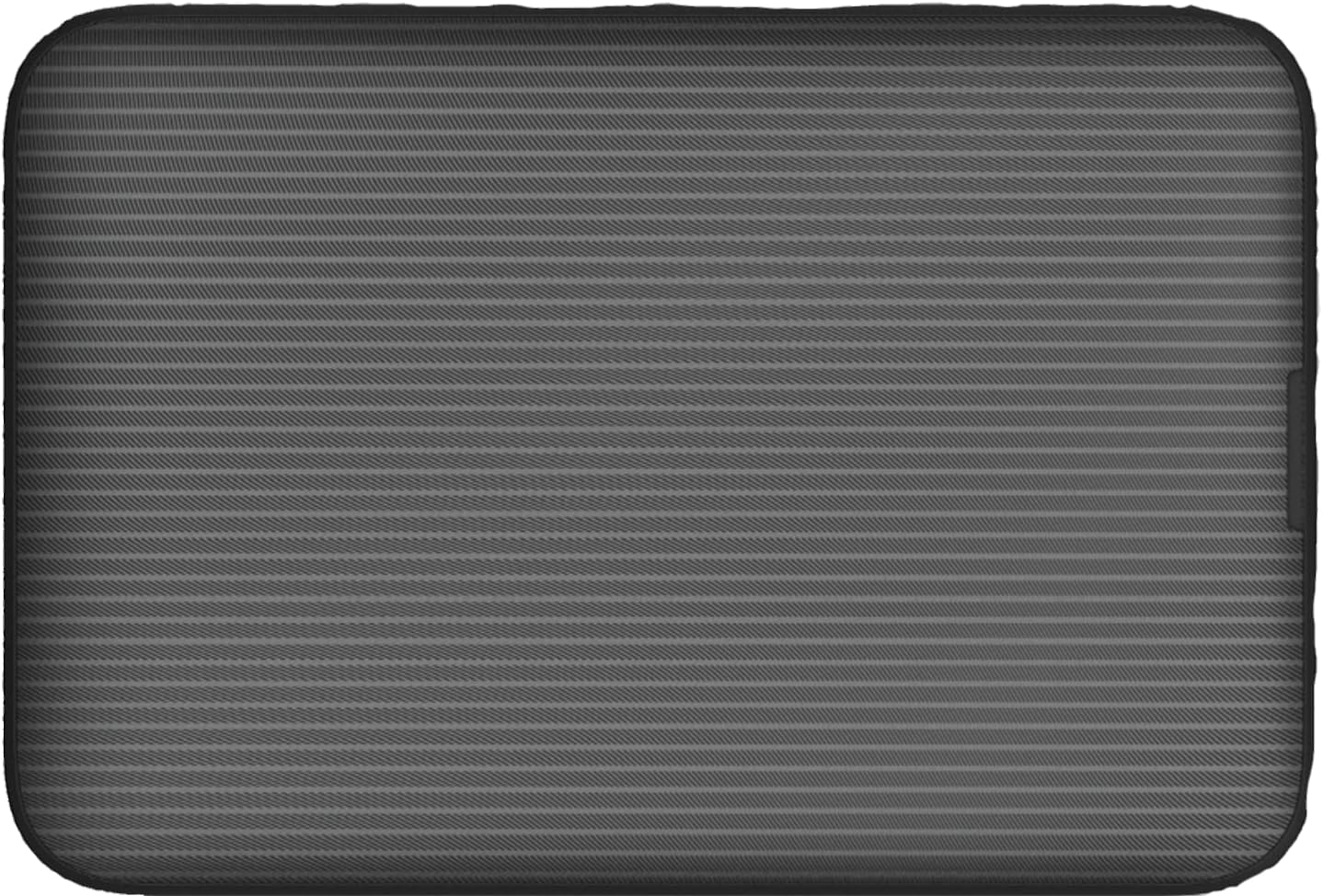
Gambar: Tukangeun view of the Vodafone R228t hotspot with the back cover removed, illustrating the placement of the SIM card and battery.
3. Ngecas Alat
Saméméh dipaké munggaran, eusian pinuh alat.
- Connect the USB charging cable to the hotspot's charging port.
- Sambungkeun tungtung kabel anu sanés ka adaptor kakuatan USB (teu kalebet) atanapi port USB komputer.
- Lampu indikator batré bakal némbongkeun status ngecas. Ngecas pinuh biasana butuh sababaraha jam.

Gambar: Deukeut view of the Vodafone R228t hotspot's charging port, located on the side of the device.
Parentah Operasi
1. Powering on / Pareum
- To power on: Press and hold the power button (located on the side) until the indicator lights illuminate.
- Pikeun mareuman: Pencét terus tahan tombol daya dugi ka lampu indikator pareum.
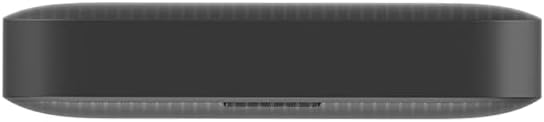
Gambar: Sisi view of the Vodafone R228t hotspot, highlighting the power button.
2. Connecting to the Wi-Fi Network
Once powered on, the hotspot will broadcast a Wi-Fi network. You can connect up to 32 devices simultaneously.
- On your device (laptop, smartphone, tablet), open your Wi-Fi settings.
- Milarian pikeun available networks. The network name (SSID) and password (Wi-Fi Key) are typically found on a sticker inside the battery compartment or on the device packaging.
- Select the hotspot's SSID and enter the Wi-Fi Key when prompted.
- Once connected, you should have internet access.
3. Lampu Indikator
Panel hareup ngagaduhan sababaraha lampu indikator:
- Kakuatan sinyal: Indicates the strength of the 4G mobile signal. More bars mean better signal.
- Status Wi-Fi: Shows if Wi-Fi is active and if devices are connected.
- Pesen: Indicates new SMS messages received on the SIM card.
- Status batré: Displays the current battery level and charging status.
4. Web Manajemén Panganteur
For advanced settings, such as changing Wi-Fi name/password, checking data usage, or managing SMS, access the web panganteur manajemén:
- Sambungkeun alat anjeun ka jaringan Wi-Fi hotspot.
- Buka a web browser sareng lebetkeun alamat IP standar (contona, http://192.168.0.1 or http://vodafonemobile.wifi). Refer to your device's sticker for the exact address.
- Enter the default login password (usually "admin" or found on the device sticker).
Pangropéa
- beberesih: Anggo kaén anu lemes sareng garing pikeun ngabersihan alat. Hindarkeun pembersih cair atanapi bahan abrasive.
- Panyimpenan: Simpen alat dina tempat anu tiis sareng garing jauh tina sinar panonpoé langsung sareng suhu anu ekstrim.
- Perawatan batré: Pikeun manjangkeun umur batré, ulah sering ngosongkeun batréna. Upami disimpen kanggo waktos anu lami, eusian batréna dugi ka sakitar 50% sareng eusian deui unggal sababaraha bulan.
- Apdet parangkat lunak: Pariksa périodik web antarmuka manajemen pikeun apdet firmware anu sayogi pikeun mastikeun kinerja sareng kaamanan anu optimal.
Pamérésan masalah
| Masalah | Solusi anu mungkin |
|---|---|
| Taya sambungan internét |
|
| Teu bisa nyambung ka Wi-Fi |
|
| Laju internét lalaunan |
|
| Alat teu hurung |
|
spésifikasi
| Fitur | Rincian |
|---|---|
| Ngaran modél | R228t (Vodafone MW40) |
| Téhnologi konektipitas | 4G LTE, Wi-Fi |
| Max Download Speed | Nepi ka 300 Mbps |
| Wi-Fi Standar | 802.11a (Single-Band) |
| Kaamanan | WPA + WPA2 |
| Pangguna Wi-Fi Maksimum | Nepi ka 32 |
| Jenis Batré | Litium Ion (1 kaasup) |
| Waktu sayaga | Nepi ka 300 jam |
| Ukuran (L x W x H) | 9.5 x 6.5 x 1.5 cm |
| Beurat | 87 g |
| Komponén Kaasup | Device, Battery, USB charging cable |
Garansi sareng Rojongan
For warranty information and technical support, please refer to the official Vodafone website or contact Vodafone customer service. Keep your purchase receipt as proof of purchase.
Official Vodafone Store: Vodafone Amazon Store

Image: The official Vodafone logo, a red circle with a white teardrop shape and the word "vodafone" in lowercase below it.


