1. Bubuka
This manual provides essential information for setting up, operating, maintaining, and troubleshooting your Acer Aspire 3 A315-24P-R2SC Slim Laptop. Designed for practical multitasking and productivity, this laptop features the AMD Ryzen™ 7000 Series Processor and a 15.6" Full HD IPS display. Please read this manual thoroughly to ensure optimal performance and longevity of your device.

Figure 1: Acer Aspire 3 A315-24P-R2SC Slim Laptop
2. Naon dina Box
Pastikeun yén sadaya item aya dina bungkusan:
- Laptop Acer Aspire
- Adaptor AC
- Kabel listrik
3. Produk Langkungview
3.1. Desain sareng Tampilan
The Aspire 3 features a thin and light design, making it portable for various environments. The 15.6" Full HD IPS display offers sharp details and crisp colors with narrow bezels for an enhanced viewpangalaman.
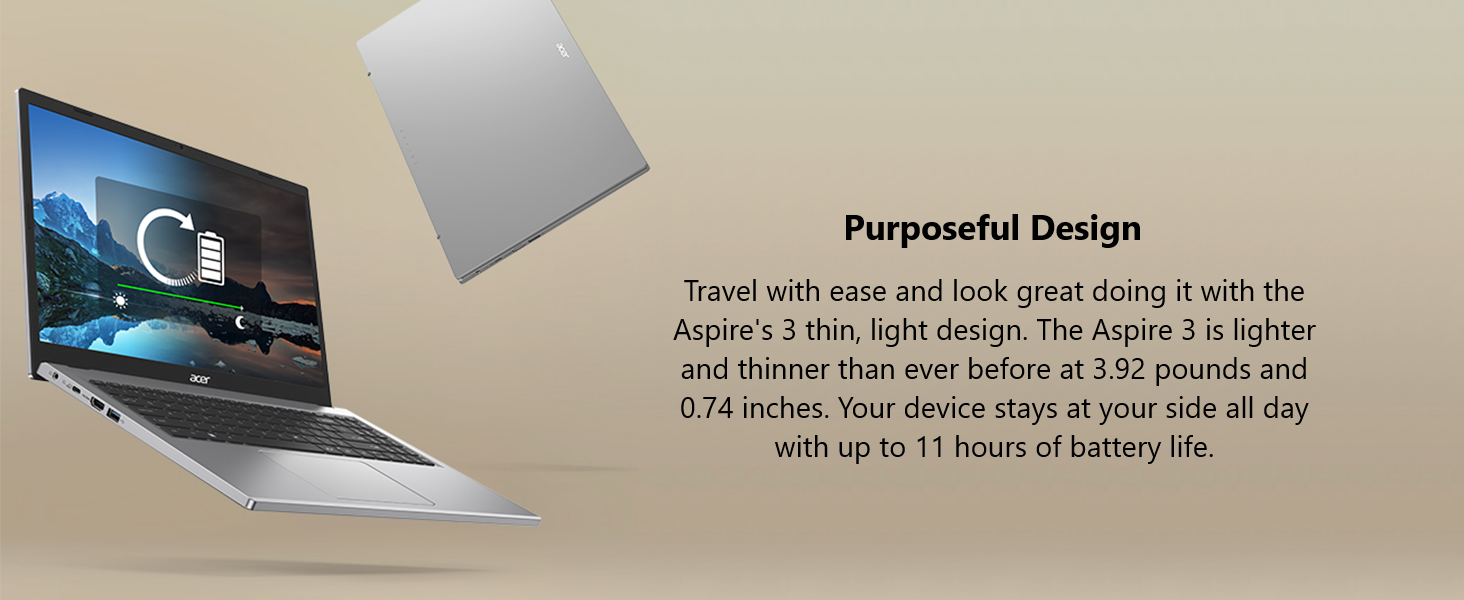
Figure 2: 15.6" Full HD IPS Display
3.2. Palabuhan jeung Konéktipitas
Laptop ieu dilengkepan ku rupa-rupa port pikeun nyambungkeun periferal sareng tampilan éksternal.
- 1 x Port USB Tipe-C (USB 3.2 Gen 2, dugi ka 10 Gbps, DisplayPort ngalangkungan USB Tipe-C & Pangisian Daya USB)
- 2 x USB 3.2 Gen 1 palabuhan
- 1 x Port HDMI 2.1 kalayan dukungan HDCP
- 1 x Headphone / Speaker / Line-Out Jack
- DC-in pikeun adaptor AC

Gambar 3: Port Sisi Kénca

Gambar 4: Port Sisi Katuhu
3.3. Thermal System
The improved thermal system, with a 78% increase in fan surface area, provides an additional 17% thermal capacity. This allows for longer, more efficient work sessions without being plugged in.

Figure 5: Improved Thermal Design
3.4. Webkaméra jeung Audio
The HD front-facing camera utilizes Acer’s TNR (Temporal Noise Reduction) technology for high-quality imagery in low-light conditions. Acer PurifiedVoice technology with AI Noise Reduction filters out background sound for clear communication during online meetings.
4. Setup Awal
- Buka bungkusan laptop: Cabut laptop sareng sadaya asesoris sacara saksama tina bungkusan.
- Sambungkeun Kakuatan: Plug the AC adapter into the laptop's DC-in port and then into a power outlet.
- Daya Hurung: Buka tutup laptop teras pencét tombol daya. Laptop bakal ngamimitian runtuyan boot awalna.
- Setup Windows: Turutan parentah dina-layar pikeun ngarengsekeun setelan Imah Windows 11, kaasup basa, wewengkon, sambungan jaringan, jeung nyieun akun pamaké.
5. Parentah Operasi
5.1. Kinerja sareng seueur tugas
The Acer Aspire 3 is powered by the AMD Ryzen 5 7520U Quad-Core Processor with AMD Radeon Graphics, 8GB LPDDR5 RAM, and a 256GB NVMe SSD. This configuration ensures smooth performance for everyday tasks, productivity applications, and light multimedia use.
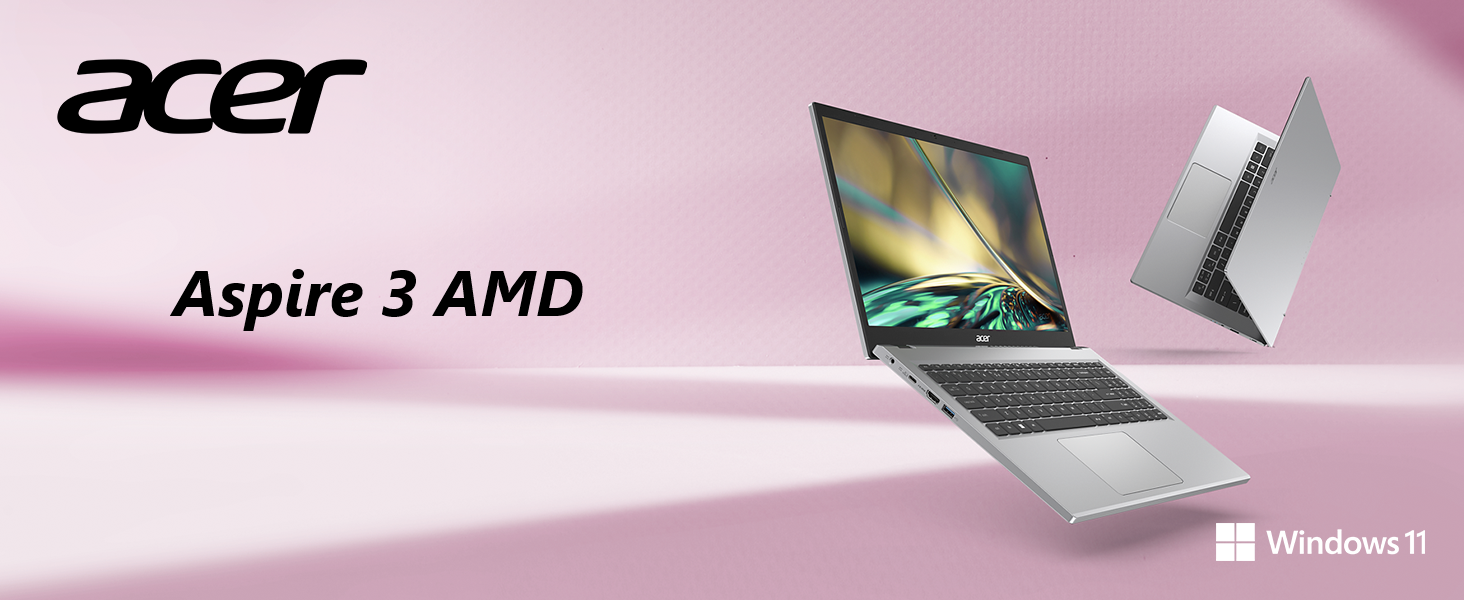
Figure 6: AMD Ryzen Processor and Radeon Graphics
5.2. Konéktipitas Wireless
Enjoy a smooth internet experience with Wireless Wi-Fi 5 (802.11ac), offering connection speeds up to three times faster than previous generations. Bluetooth connectivity is also available for wireless peripherals.

Figure 7: Wireless Wi-Fi 5 Connectivity
5.3. Windows 11 Features
The laptop comes with Windows 11 Home, offering a modern interface and enhanced features for productivity and organization.

Figure 8: Windows 11 Home Interface
5.4. Video Produk Resmi
Acer Aspire 3 A315-24P Product Overview
Acer Aspire 3 A315-24P and A315-24PT 360 Degree View
Microsoft 365 - Powerful Tools
Windows 11 Cloud File Nyadangkeun
Windows 11 Centralized Universal Search
6. Pangropéa
- beberesih: Anggo lawon anu lemes sareng henteu ngaganggu pikeun ngabersihkeun layar sareng bagian luarna. Hindarkeun bahan kimia anu keras.
- Apdet parangkat lunak: Ngapdet sistem operasi Windows sareng supir sacara rutin pikeun mastikeun kinerja sareng kaamanan anu optimal.
- Perawatan batré: Pikeun manjangkeun umur batré, hindari suhu anu ekstrim sareng sering-sering ngecas batréna.
- Manajemén Panyimpenan: Périodik mupus teu perlu files sareng aplikasi pikeun ngajaga laju sistem sareng ngosongkeun rohangan panyimpen.
7. Cara ngungkulan
7.1. Masalah umum
- Laptop teu hurung: Pastikeun adaptor AC disambungkeun kalayan pageuh sareng stop kontakna tiasa dianggo. Cobi stop kontak anu sanés.
- kinerja slow: Close unnecessary applications, check for background processes, and ensure sufficient free storage space. Run system diagnostics.
- Masalah konektipitas Wi-Fi: Restart your router and laptop. Check Wi-Fi settings and ensure drivers are updated.
- Screen display problems: Adjust brightness settings. If the screen remains blank, try connecting to an external monitor to diagnose.
7.2. Kontak Rojongan
Upami masalahna masih aya, mangga tingal dukungan Acer websitus atanapi ngahubungan layanan palanggan pikeun pitulung salajengna.
8. Spésifikasi
| Fitur | Spésifikasi |
|---|---|
| merek | acer |
| Ngaran modél | A315-24P-R2SC |
| Ukuran layar | 15.6 inci |
| Resolusi layar | 1920 x 1080 piksel (Full HD) |
| Prosesor | AMD Ryzen 5 7520U Quad-Core (4.3 GHz max) |
| Ram | 8 GB LPDDR5 |
| Laju mémori | 2400 MHz |
| Hard Drive | 256 GB NVMe SSD |
| Grafik Coprocessor | AMD Radeon™ Graphics (Integrated) |
| Tipe Wireless | 802.11ac (Wi-Fi 5), Bluetooth |
| USB 3.0 palabuhan | 3 (including 1 USB Type-C) |
| Port HDMI | 1 (HDMI 2.1 with HDCP support) |
| Sistem operasi | Windows 11 Imah |
| Item Beurat | 3.92 pon |
| Dimensi produk | 14.29 x 0.74 x 9.35 inci |
| Warna | pérak |
| Batré | 1 batré Litium Ion (kaasup) |
9. Garansi jeung Rojongan
Kanggo inpormasi garansi anu lengkep, mangga tingali kartu garansi anu kalebet dina produk anjeun atanapi kunjungi dukungan resmi Acer. websitus. The website also provides access to drivers, FAQs, and additional support resources.
Dukungan Online: www.acer.com/support