Bubuka
Welcome to the user manual for your boAt Airdopes 408 Wireless Earbuds. This guide provides essential information to help you set up, operate, maintain, and troubleshoot your earbuds, ensuring an optimal audio experience. Please read these instructions carefully before using the product.
Naon dina Box
- BoAt Airdopes 408 Earbuds
- Ngecas Case
- Kabel Ngecas USB
- Tip Ceuli Tambahan (rupa-rupa ukuran)
- Manual pamaké
- Kartu Garansi
Produk Leuwihview
The boAt Airdopes 408 are true wireless stereo (TWS) earbuds designed for a seamless audio experience. They feature a lightweight, in-ear design with advanced touch controls and an integrated microphone for calls and voice assistant activation.

Image: The boAt Airdopes 408 wireless earbuds shown with their charging case.
Disetél
1. Ngecas Earbuds jeung Case
Before first use, fully charge the earbuds and the charging case. Connect the USB charging cable to the charging case and a power source. The indicator lights on the case will show the charging status.

Image: This image illustrates the 20 hours of total playback time and the ASAP Charge technology, providing 40 minutes of playback from a 5-minute charge.
2. Nyapasangkeun sareng Alat
- Buka wadah ngecas. Earbuds bakal otomatis asup kana mode papasangan.
- Dina alat Anjeun (smartphone, tablet, jsb), aktipkeun Bluetooth.
- Milarian pikeun available Bluetooth devices and select "Airdopes 408".
- Saatos nyambung, anjeun bakal ngadangu pesen audio, sareng lampu indikator dina earbud bakal robih.
The earbuds feature Bluetooth V5.0 for instant and stable wireless connectivity.
Parentah Operasi
Toél Kontrol
The Airdopes 408 features advanced capacitive touch controls for easy management of your audio and calls:
- Puter / Reureuh: Ketok tunggal dina boh earbud.
- Lagu salajengna: Ketok dua kali dina earbud katuhu.
- Lagu Sateuacanna: Ketok dua kali dina earbud kénca.
- Ngajawab / mungkas Telepon: Ketok tunggal dina boh earbud nalika aya telepon asup.
- Nolak Telepon: Pencet jeung tahan boh earbud salila 2 detik dina mangsa telepon asup.
- Aktipkeun Asisten Sora: Ketok tilu kali dina boh earbud.
Kualitas Audio
Equipped with premium 10mm audio drivers, the Airdopes 408 delivers an immersive sound experience.
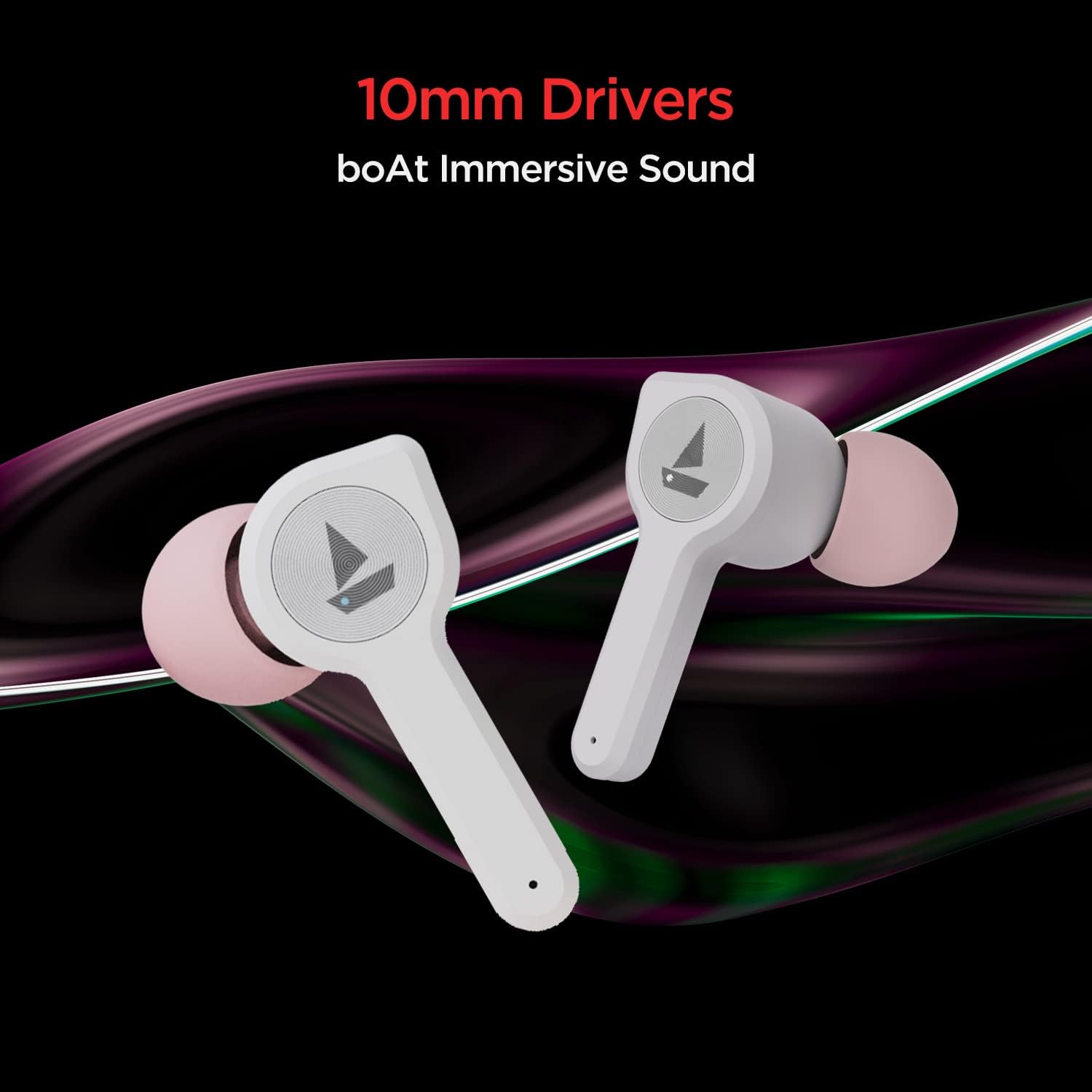
Image: The boAt Airdopes 408 earbuds highlighting the 10mm drivers for immersive sound.
Pangropéa
beberesih
Regularly clean your earbuds and charging case with a soft, dry cloth. Avoid using harsh chemicals or abrasive materials.
Cai jeung Kesang Résistansi
The Airdopes 408 earbuds are IPX4 rated, making them resistant to splashes of water and sweat. This makes them suitable for workouts and outdoor activities. However, they are not designed for submersion in water.

Image: The boAt Airdopes 408 earbuds demonstrating IPX4 water and sweat resistance.
Pamérésan masalah
- Earbuds teu dipasangkeun: Pastikeun duanana earbud tos dicas. Lebetkeun deui kana wadahna, tutup, teras buka deui pikeun lebet deui kana modeu pairing. Pariksa setélan Bluetooth alat anjeun teras cobian sambungkeun deui.
- Ngan hiji earbud jalan: Try resetting the earbuds. Place both earbuds in the charging case, then remove them. If the issue persists, try re-pairing them with your device.
- Volume handap: Adjust the volume on both your connected device and through the earbud controls. Ensure ear tips are properly sealed in your ear canal.
- Masalah ngecas: Ensure the charging cable is securely connected to both the case and the power source. Clean the charging contacts on the earbuds and inside the case.
spésifikasi
| Ngaran modél | Airdope 408 |
| Téhnologi konektipitas | Bluetooth V5.0 |
| Panempatan Ceuli | Dina Ceuli |
| Métode kontrol | Toél |
| Peunteun IP | IPX4 (Tahan Cai & Késang) |
| Playback Time (per charge) | Nepi ka 4 jam |
| Total Waktu Puteran (kalayan kasus) | Nepi ka 20 jam |
| Biaya ASAP | Ngecas 5 menit = Putereun 40 menit |
| Ukuran supir | 10 mm |
| Bahan | palastik |
| Item Beurat | 45 gram |
| Dimensi produk | 7 x 6 x 3 cm |
Garansi sareng Rojongan
Your boAt Airdopes 408 comes with a jaminan hiji taun from the date of purchase. For warranty claims, technical support, or any product-related inquiries, please refer to the contact information provided on your warranty card or visit the official boAt support websitus.
Punten nahan bukti pameseran anjeun pikeun validasi garansi.


