1. Bubuka
The LoraTap SC500W WiFi Shutter Switch is a smart module designed to integrate traditional electric roller shutters, blinds, and awnings into your smart home system. It enables control via a mobile application, voice commands through smart assistants like Alexa and Google Assistant, and retains the functionality of your existing wall switch. This manual provides detailed instructions for installation, setup, operation, and troubleshooting to ensure optimal performance and safety.
2. Émbaran Kasalametan
WARNING: Risk of Electric Shock. Installation must be performed by a qualified electrician or a person with electrical knowledge.
- Salawasna pegatkeun daya dina pemutus sirkuit sateuacan dipasang, diropéa, atanapi dicabut alat.
- Pastikeun catu daya voltage matches the device's specifications (100-250V AC, 50/60Hz).
- Ulah ngaleuwihan kapasitas beban maksimum 300W.
- This device requires a neutral wire for operation. Verify its presence before installation.
- Pastikeun sadaya sambungan kabel aman sareng insulated leres.
- Do not operate the device if it is damaged or has been exposed to moisture.
3. Eusi Paket
- LoraTap SC500W WiFi Shutter Switch Module (x1)
- Pitunjuk pangguna (x1)
- Installation Accessories (e.g., wire connectors, screws)
4. Produk Langkungview
The LoraTap SC500W module is a compact device designed for discreet installation behind your existing wall switch. It features clearly labeled terminals for power input, motor connections, and external switch connections, along with a pairing button for network setup.

Module Terminals:
- N: Input nétral
- L: Live Input (100-250V AC)
- L1: Motor Up Output (Brown Wire)
- L2: Motor Down Output (Black Wire)
- S1: External Switch Input (for 'Up' or 'Down' command)
- S2: External Switch Input (for 'Up' or 'Down' command)
- Tombol pasangan: Used to initiate Wi-Fi pairing mode.
5. Pamasangan
5.1 Cék Pra-instalasi
Before proceeding with installation, ensure the following conditions are met:
- Sarat Kawat Nétral: A neutral wire is essential for the module to function. Verify its presence in your wall switch box.
- Kasaluyuan motor: The module is compatible only with 4-wire AC electric motors (Live, Neutral, Up, Down, and typically Ground). Ensure your motor has these connections. The load power must be ≤300W.
- Wall Switch Compatibility: The module works with lever switches and 3-button stable state switches. It is NOT compatible with 2-gang push buttons or spring-loaded buttons where the motor operates only while the button is pressed and stops when released.
- Wall Box Dimensions: The device must be installed in a wall switch box with a depth of no less than 60 mm to accommodate the module. The module dimensions are approximately 48 x 47 x 22 mm.
- Jaringan Wi-Fi: The device supports only 2.4 GHz Wi-Fi networks. For a stable connection, the installation location should be within 10 meters of your Wi-Fi router.


5.2 Diagram Wiring
Follow the wiring diagram carefully. Incorrect wiring can damage the device or cause electric shock.
- Pegatkeun Daya: Turn off the main power supply at the circuit breaker before starting.
- Sambungkeun Kawat Netral: Connect the Neutral wire from your power supply to the 'N' input terminal on the module. Also, connect the Neutral wire from the motor to the 'N' output (if applicable, or ensure motor neutral is connected to main neutral).
- Sambungkeun Kawat Langsung: Connect the Live wire from your power supply to the 'L' input terminal on the module.
- Sambungkeun Kabel Motor: Connect the motor's 'Up' wire (typically Brown) to the 'L1' terminal on the module. Connect the motor's 'Down' wire (typically Black) to the 'L2' terminal on the module.
- Connect Wall Switch Wires: Connect the 'Up' wire from your existing wall switch to the 'S1' terminal on the module. Connect the 'Down' wire from your existing wall switch to the 'S2' terminal on the module. Ensure the Live wire from the power supply is also connected to the common terminal of your wall switch.
- Kawat taneuh: Ensure the motor's ground wire (Green/Yellow) is properly connected to the building's ground system.

5.3 Instalasi fisik
Once wired, carefully place the LoraTap SC500W module into the wall switch box. Ensure no wires are pinched or exposed. Secure the existing wall switch back into place. Restore power at the circuit breaker.
6. Setélan
6.1 Unduh Aplikasi
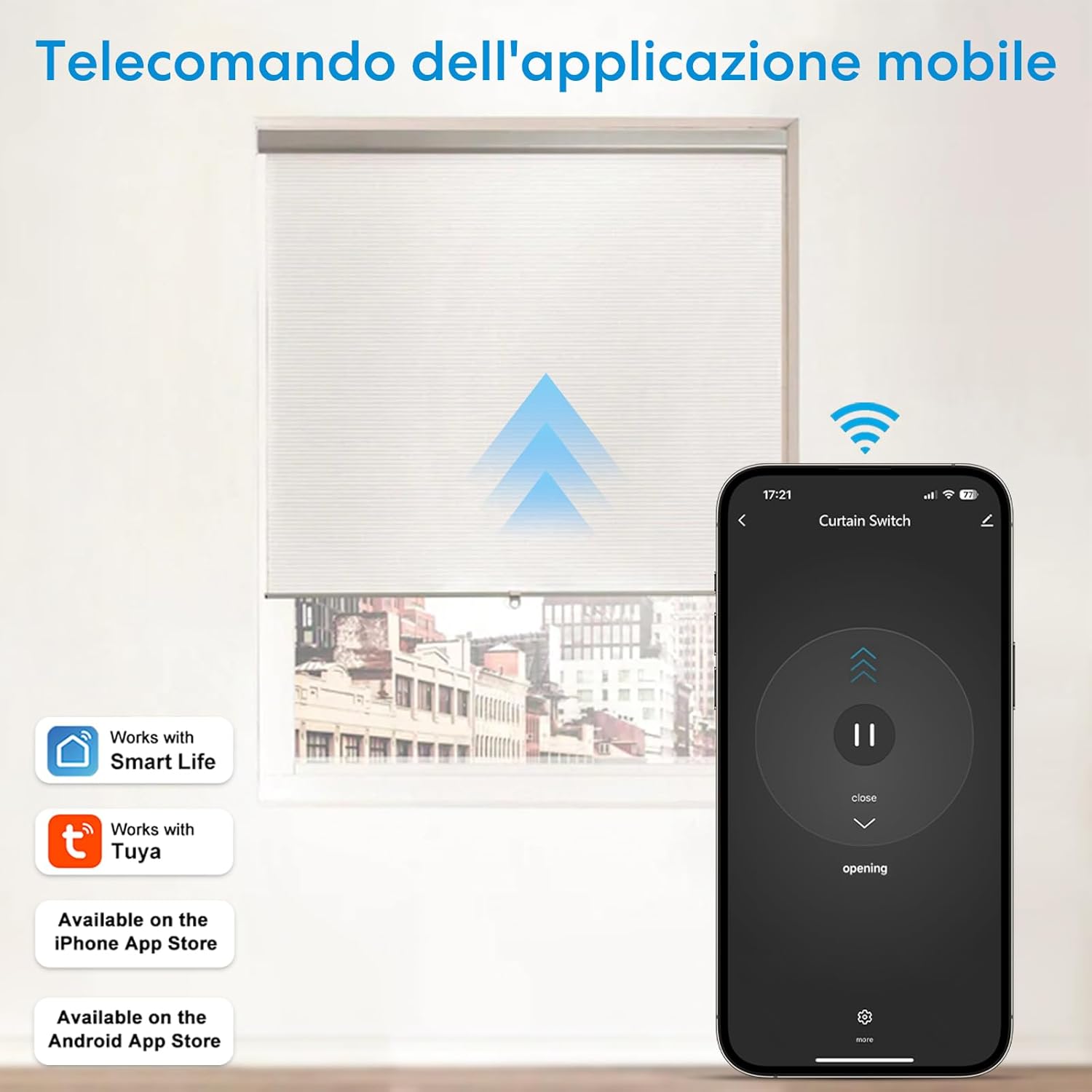
Download the 'Smart Life' or 'Tuya Smart' application from your mobile device's app store. These apps are available on both the Apple App Store and Google Play Store.
6.2 Alat papasangan
- Pastikeun alat sélulér anjeun disambungkeun ka jaringan Wi-Fi 2.4 GHz.
- Open the Smart Life/Tuya Smart app and register or log in to your account.
- Press and hold the 'Pairing Button' on the LoraTap SC500W module for approximately 5-10 seconds until the indicator light starts blinking rapidly. This indicates the device is in pairing mode.
- In the app, tap '+' or 'Add Device'. Select 'Curtain Switch' or 'Shutter Switch' from the device list.
- Follow the on-screen instructions to connect the device to your Wi-Fi network. You will need to enter your Wi-Fi password.
- Once successfully paired, the indicator light on the module will stop blinking and remain solid. You can then rename the device in the app for easier identification.
7. Parentah Operasi
7.1 App Control
The Smart Life/Tuya Smart app allows you to control your roller shutters remotely from anywhere with an internet connection.
- Buka/Tutup: Tap the 'Open' or 'Close' buttons within the device interface in the app.
- Partial Control: Adjust the running time of the motor (between 1s and 120s, default 60s) in the app settings to allow for partial opening or closing of the shutter.
- Kontrol Grup: Create groups within the app to control multiple shutter switches simultaneously (up to 20 devices per group).
7.2 Kontrol sora
Integrate your LoraTap SC500W with Amazon Alexa or Google Assistant for hands-free control.
- Link your Smart Life/Tuya Smart account to Alexa or Google Home through their respective apps.
- Discover new devices or sync your devices.
- Anggo paréntah sora sapertos:
- "Alexa, open the [Shutter Name]."
- "Hey Google, close the [Shutter Name]."
- "Alexa, stop the [Shutter Name]."

7.3 Timer and Schedule Function
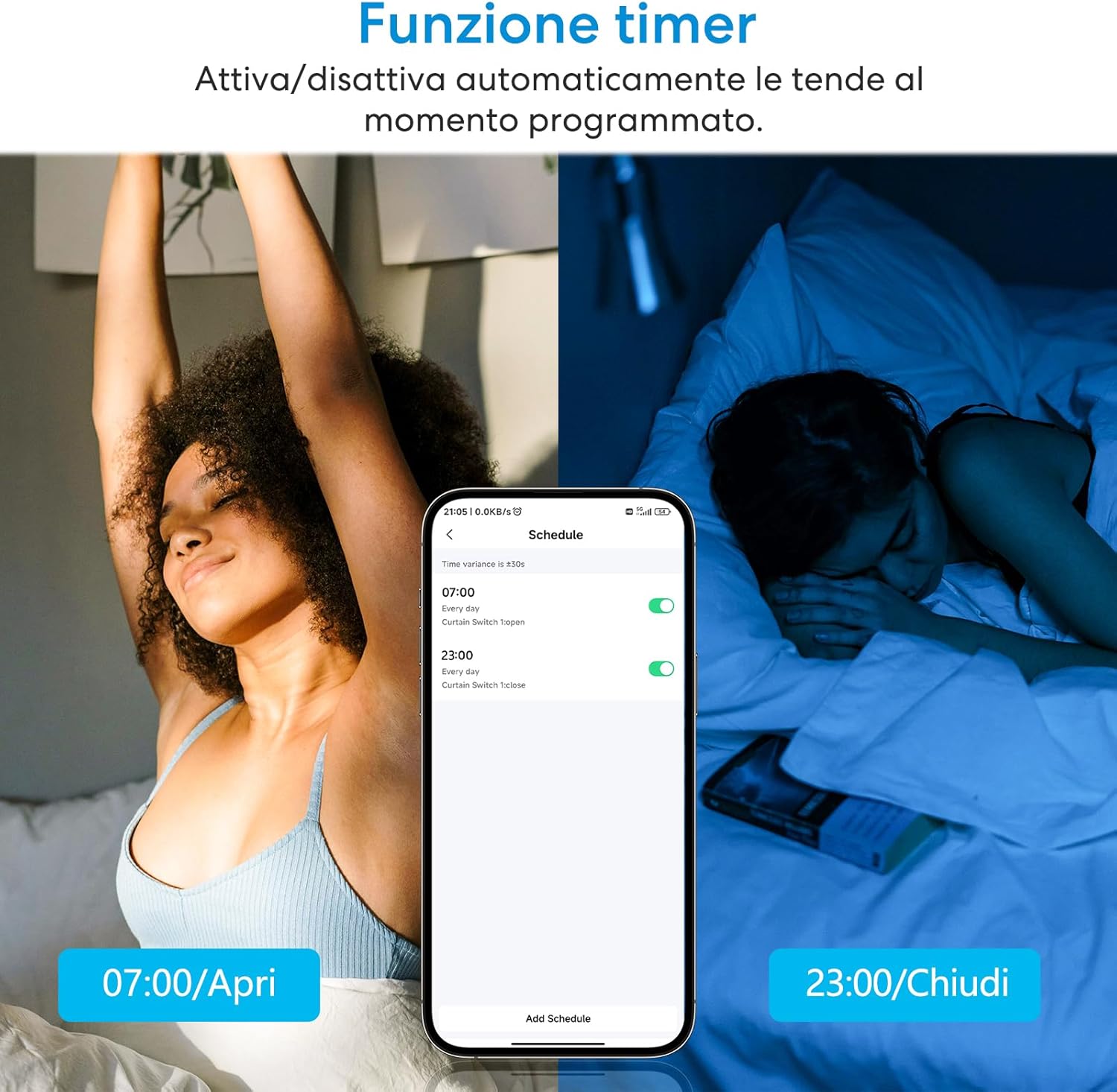
Automate your roller shutters to open or close at specific times or based on daily routines.
- In the Smart Life/Tuya Smart app, navigate to the device settings.
- Select 'Schedule' or 'Timer' to set up automated routines.
- You can set specific times for opening (e.g., 07:00 AM) and closing (e.g., 11:00 PM) daily or on selected days.
- Create scenes to trigger actions based on various conditions (e.g., sunrise/sunset, other smart devices).

7.4 Manual Wall Switch Control
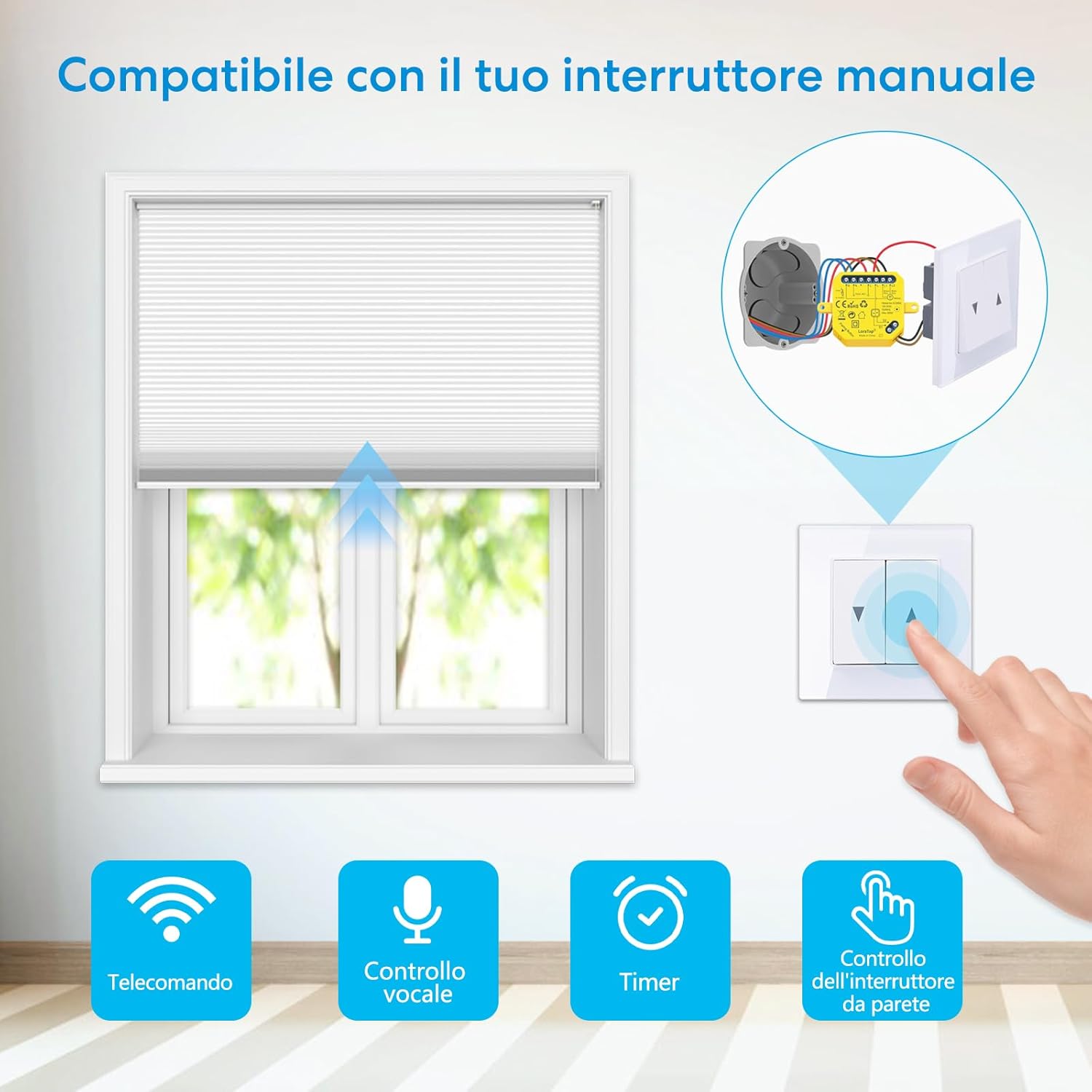
The LoraTap SC500W module is designed to work seamlessly with your existing wall switch, allowing for traditional manual control without losing smart functionality.
- Press the 'Up' button on your wall switch to raise the shutter.
- Press the 'Down' button on your wall switch to lower the shutter.
- The module will synchronize its status with the physical switch.
7.5 Babagi Alat
Share control of your LoraTap SC500W module with family members.
- In the Smart Life/Tuya Smart app, go to the device settings.
- Pilih 'Bagikeun Alat' atanapi 'Babagikeun Alat'.
- Add family members by entering their Smart Life/Tuya Smart account details. They will then be able to control the shutter from their own devices.

8. Cara ngungkulan
- Alat teu nyambung ka Wi-Fi:
- Pastikeun jaringan Wi-Fi anjeun 2.4 GHz. Jaringan 5 GHz teu dirojong.
- Verify the device is within 10 meters of your Wi-Fi router.
- Check if your Wi-Fi password is entered correctly in the app.
- Try resetting the module by pressing the pairing button for 5-10 seconds until it blinks rapidly, then attempt pairing again.
- Balikan deui router Wi-Fi anjeun.
- Motor not responding or moving incorrectly:
- Check all wiring connections according to the diagram (Figure 5). Ensure Live, Neutral, and motor wires are correctly connected.
- Verify that a neutral wire is present and connected.
- Confirm your motor is a 4-wire AC motor and its power does not exceed 300W.
- Adjust the motor's running time in the app settings if the shutter is not fully opening or closing.
- Wall switch not working:
- Ensure the wall switch is compatible (lever or 3-button stable state switch).
- Check the connections of S1 and S2 terminals to the wall switch.
- Kontrol sora teu jalan:
- Ensure your Smart Life/Tuya Smart account is correctly linked to Alexa or Google Home.
- Verify the device name in the app matches the name you are using in voice commands.
- Pariksa sambungan internét anjeun.
9. Spésifikasi
| Fitur | Spésifikasi |
|---|---|
| Nomer modél | SC500W |
| Produsén | LoraTap |
| Ukuran (L x W x H) | 48 x 47 x 22 mm |
| Beurat | 90 g |
| Jinis kakuatan | Kabel Listrik |
| Operasi Voltage | AC 100-250V |
| Frékuénsi | 50/60 Hz |
| Max. Kakuatan | 300 Watt |
| Dipeunteun Ayeuna | 10 Ampenya |
| Pindah Tipe | Toggle (Internal Relay) |
| Jinis Sirkuit | 1-jalan |
| Bahan | ABS |
| Konéktipitas Wireless | Wi-Fi 2.4 GHz (IEEE 802.11 b/g/n) |
| Modeu Operasi | Hurung-hurung |
| Sertifikasi | CE, FCC |
10. Garansi jeung Rojongan
LoraTap offers a garansi 2 taun for the SC500W WiFi Shutter Switch module from the date of purchase. This warranty covers manufacturing defects and malfunctions under normal use. For technical support, troubleshooting assistance, or warranty claims, please contact LoraTap customer service through the official websitus atanapi tempat pameseran anjeun.
11. Émbaran pembuangan
This product is subject to the provisions of the European Directive 2012/19/EU on Waste Electrical and Electronic Equipment (WEEE). Do not dispose of this product with unsorted municipal waste. Please dispose of it at a designated collection point for the recycling of electrical and electronic equipment. Proper disposal helps prevent potential negative consequences for the environment and human health.


