
1. Bubuka
Thank you for choosing the Kisonli LED-909 Portable Wireless Bluetooth Soundbar Speaker. This manual provides essential information for the safe and efficient use of your new device. Please read it thoroughly before operation and retain it for future reference.
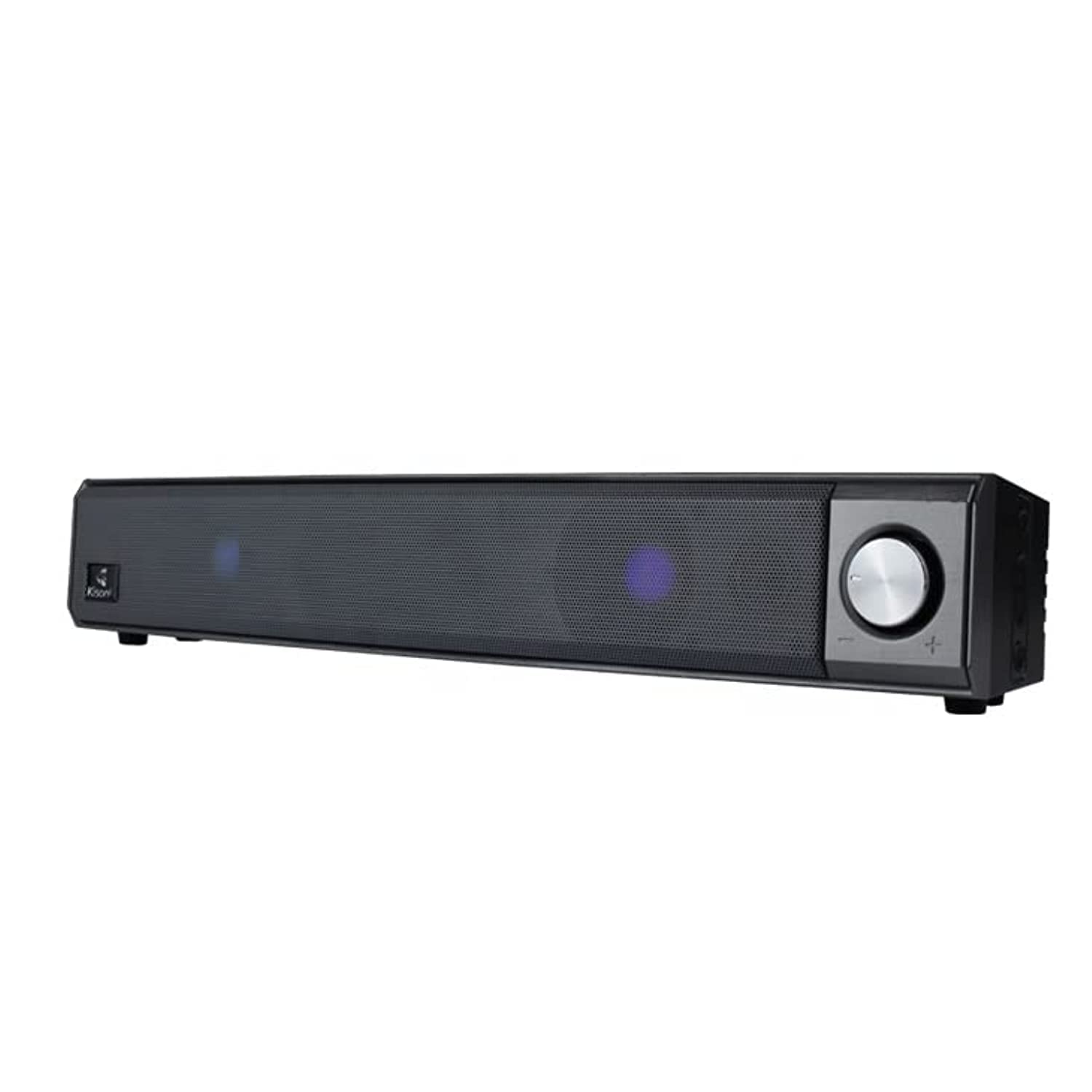
The Kisonli LED-909 Portable Wireless Bluetooth Soundbar Speaker, featuring its design and integrated LED lights.
2. Émbaran Kasalametan
- Entong ngalaan alat ka suhu anu ekstrim, sinar panonpoé langsung, atanapi kalembaban anu luhur.
- Hindarkeun lungsur atanapi nahan panyatur kana tabrakan anu kuat.
- Ulah ngabongkar, ngalereskeun, atanapi ngarobih unitna nyalira. Serahkan sadaya perawatan ka tanaga anu mumpuni.
- Keep the speaker away from water and other liquids, despite its water-resistant feature, to prevent damage.
- Anggo ngan ukur kabel ngecas sareng adaptor daya anu ditangtukeun pikeun nyegah karusakan atanapi kahuruan.
- Bersihkeun alat ku kaen anu lemes sareng garing. Ulah make cleaners abrasive atawa pangleyur.
3. Eusi Paket
Pastikeun yén sadaya item aya dina bungkusan:
- Kisonli LED-909 Soundbar Speaker
- Kadali jauh
- Nangtung Tabletop
- Kabel Ngecas USB (diperkirakeun)
- Manual pamaké

The Kisonli LED-909 Portable Wireless Bluetooth Soundbar Speaker shown in its retail packaging.
4. Produk Langkungview
Biasakeun diri sareng kadali sareng port speaker:

This image displays the side panel of the Kisonli LED-909 soundbar, highlighting its control buttons and rotary volume knob. Labels indicate 'play/pause', 'last song', 'next song/colorful light', and 'power on/off/modes switch'. The main rotary knob is for volume control, rotating left for volume down and right for volume up.
- Power On/Off / Modes Switch Button: Press and hold to power on/off. Short press to cycle through input modes (Bluetooth, AUX, etc.).
- Tombol Puter/Reureuh: Pencét pikeun maénkeun atanapi ngareureuhkeun audio.
- Last Song Button: Pencét pikeun pindah kana lagu anu sateuacanna.
- Next Song / Colorful Light Button: Press to go to the next track. Press and hold to change LED light modes.
- Jilid Kenop: Rotate left to decrease volume, rotate right to increase volume.
5. Setélan
5.1 Ngecas Speaker
Before first use, fully charge the speaker. Connect the USB charging cable to the speaker's charging port and the other end to a compatible USB power source (e.g., computer, USB wall adapter). The LED indicator will show charging status and turn off when fully charged.
5.2 Daya Hurung/Pareuman
Pencét jeung tahan tombol Power On/Off / Modes Switch Button for approximately 3 seconds to turn the speaker on or off.
5.3 Nyapasangkeun Bluetooth
- Ensure the speaker is powered on and in Bluetooth mode (indicated by a flashing LED). If not, short press the Power On/Off / Modes Switch Button pikeun pindah kana modeu Bluetooth.
- Aktipkeun Bluetooth dina smartphone Anjeun, tablet, atawa alat sejenna nu cocog.
- Milarian pikeun available Bluetooth devices and select "LED-909" from the list.
- Once paired, the speaker will emit a confirmation sound, and the LED indicator will stop flashing.
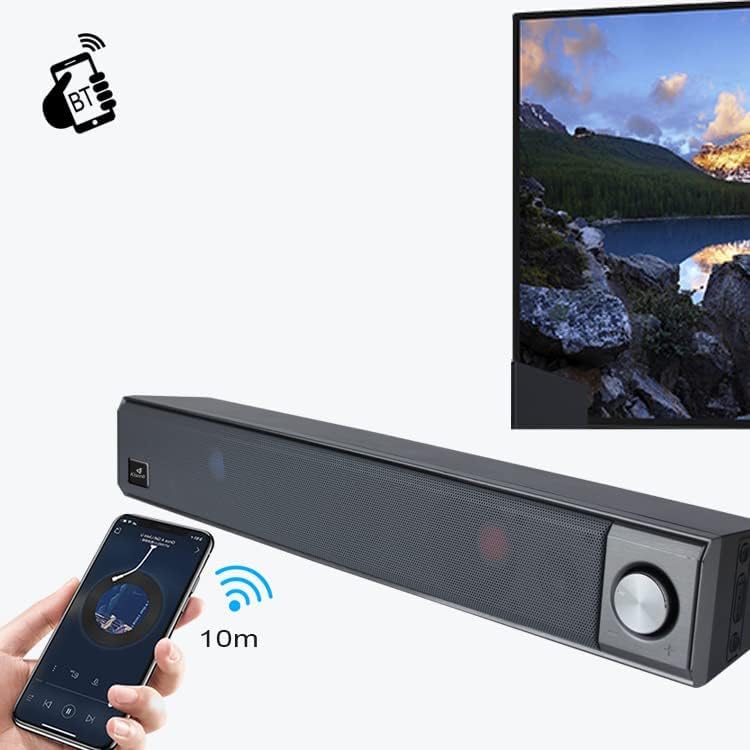
This image illustrates the wireless Bluetooth connection process. A hand holds a smartphone displaying a Bluetooth pairing screen, with a wireless signal icon pointing towards the Kisonli LED-909 soundbar. A television screen is visible in the background, suggesting connectivity to various devices. The image indicates a 10-meter Bluetooth range.
5.4 Other Connections (AUX)
If your device does not support Bluetooth, you can connect it using an AUX cable (not included). Insert one end of a 3.5mm audio cable into the speaker's AUX port and the other end into your device's audio output. Short press the Power On/Off / Modes Switch Button pikeun pindah ka modeu AUX.
6. Parentah Operasi
6.1 Playback audio
- Puter / Reureuh: Pencét éta Puter / Tombol Reureuh to start or pause audio playback.
- Lagu salajengna: Pencét éta Tombol Lagu salajengna pikeun skip ka lagu salajengna.
- Lagu Sateuacanna: Pencét éta Last Song Button pikeun balik deui ka lagu saméméhna.
6.2 Volume Control
Puterkeun Jilid Kenop clockwise to increase the volume and counter-clockwise to decrease it.
6.3 Modeu Lampu LED
Pencét jeung tahan tombol Next Song / Colorful Light Button to cycle through different LED light modes and effects.
7. Pangropéa
- beberesih: Wipe the speaker with a soft, dry, lint-free cloth. Do not use liquid cleaners or sprays.
- Panyimpenan: Upami henteu dianggo salami lami, simpen speaker di tempat anu tiis, garing, sareng jauh tina sinar panonpoé langsung.
- Perawatan batré: Pikeun manjangkeun umur batre, ulah miceun batre pinuh. Ngeusi batre spéker rutin, sanajan teu dipake.
8. Cara ngungkulan
| Masalah | Mungkin Cukang lantaranana | Solusi |
|---|---|---|
| Speaker teu hurung. | Batré lemah atawa béak. | Ngecas spéker pinuh. |
| Taya sora tina speaker. | Volume teuing low; modeu input salah; alat teu disambungkeun bener. | Increase volume; switch to correct input mode (Bluetooth/AUX); ensure device is paired/connected. |
| Papasangan Bluetooth gagal. | Speaker henteu dina mode papasangan; alat Bluetooth pareum; jauh teuing ti speaker. | Ensure speaker is in Bluetooth pairing mode; turn on device Bluetooth; move device closer (within 10m). |
| Lampu LED teu jalan. | Light mode off or stuck. | Press and hold the 'Next Song / Colorful Light' button to cycle through modes. |
9. Spésifikasi
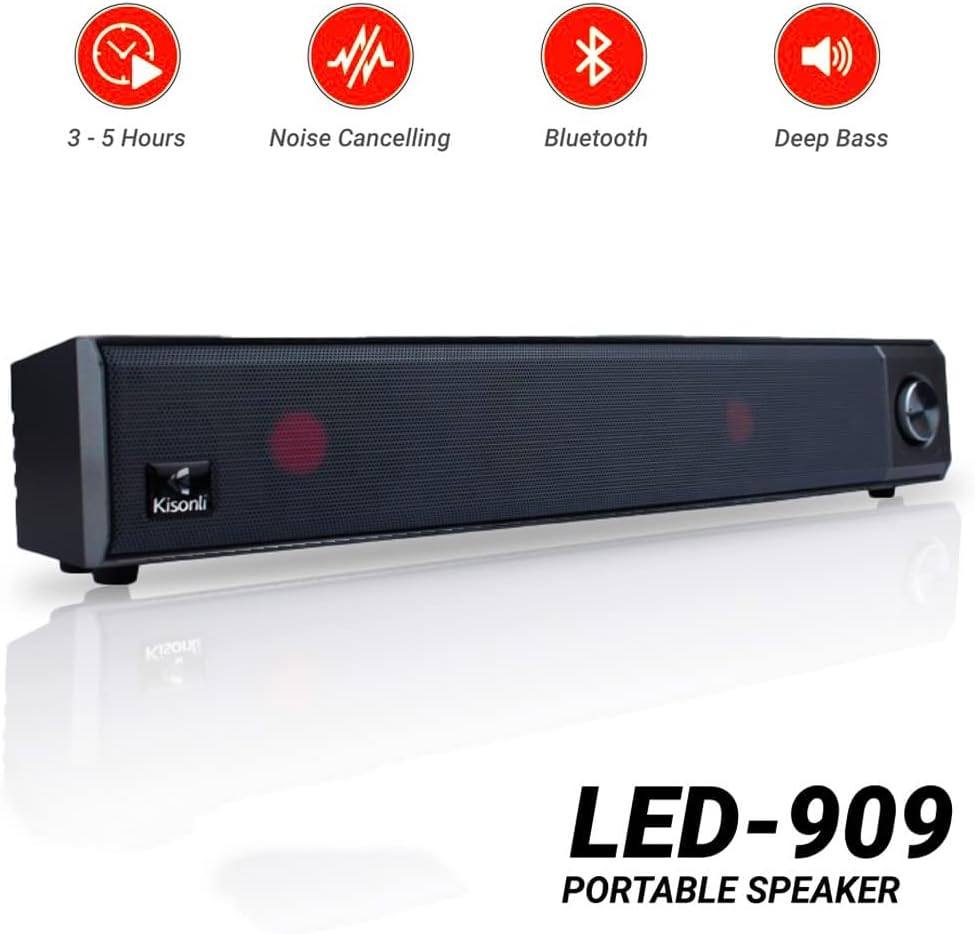
Kisonli LED-909 portable speaker highlighting key features such as 3-5 hours battery life, noise cancelling, Bluetooth connectivity, and deep bass audio.
| Fitur | Rincian |
|---|---|
| Ngaran modél | LED-909 |
| merek | Kisonli |
| Tipe Speaker | Soundbar |
| Téhnologi konektipitas | Bluetooth |
| Téknologi Komunikasi Nirkabel | Bluetooth |
| Mode Kaluaran Audio | Stereo |
| Sumber Daya | Batré Powered |
| Fitur husus | Bluetooth, Wireless, Portable, LED Light |
| Dianjurkeun Mangpaat | Pikeun smartphone atanapi tablet |
| Alat nu cocog | Tablet, Smartphone |
| Item Beurat | 650 gram |
| Tahan cai | Sumuhun |
| Speaker Size (Length) | 41.4 cm |
| Tipe Pamasangan | Tabletop Gunung |
| Bahan | palastik |
| Komponén Kaasup | Remote control, Tabletop stand |
| Warna | Biru |
| Konfigurasi Saluran Sakuliling Sora | 2 |
10. Garansi jeung Rojongan
The Kisonli LED-909 Portable Wireless Bluetooth Soundbar Speaker comes with a standard manufacturer's warranty. Please refer to the warranty card included in your package for specific terms and conditions, including the warranty period and coverage details.
For technical support, troubleshooting assistance, or warranty claims, please contact Kisonli customer service through the contact information provided on the product packaging or the official Kisonli websitus. Simpen resi pameseran anjeun salaku bukti pameseran pikeun layanan garansi.