
Bubuka
Thank you for choosing the Monster GM01 Gaming USB-C Wired Earbuds. These earbuds are designed to provide a clear and immersive audio experience for gaming and daily use, featuring a built-in microphone and convenient in-line controls. This manual will guide you through the setup, operation, and maintenance of your new earbuds.
Disetél
Follow these steps to set up your Monster GM01 earbuds:
- Pilih Ear Tips: The package includes three sizes of ear tips (small, medium, large). Choose the size that provides the most comfortable and secure fit for your ears. A proper fit enhances sound quality and noise isolation.
- Install Ear Tips: Gently push the selected ear tips onto the earbud nozzles until they are securely attached.
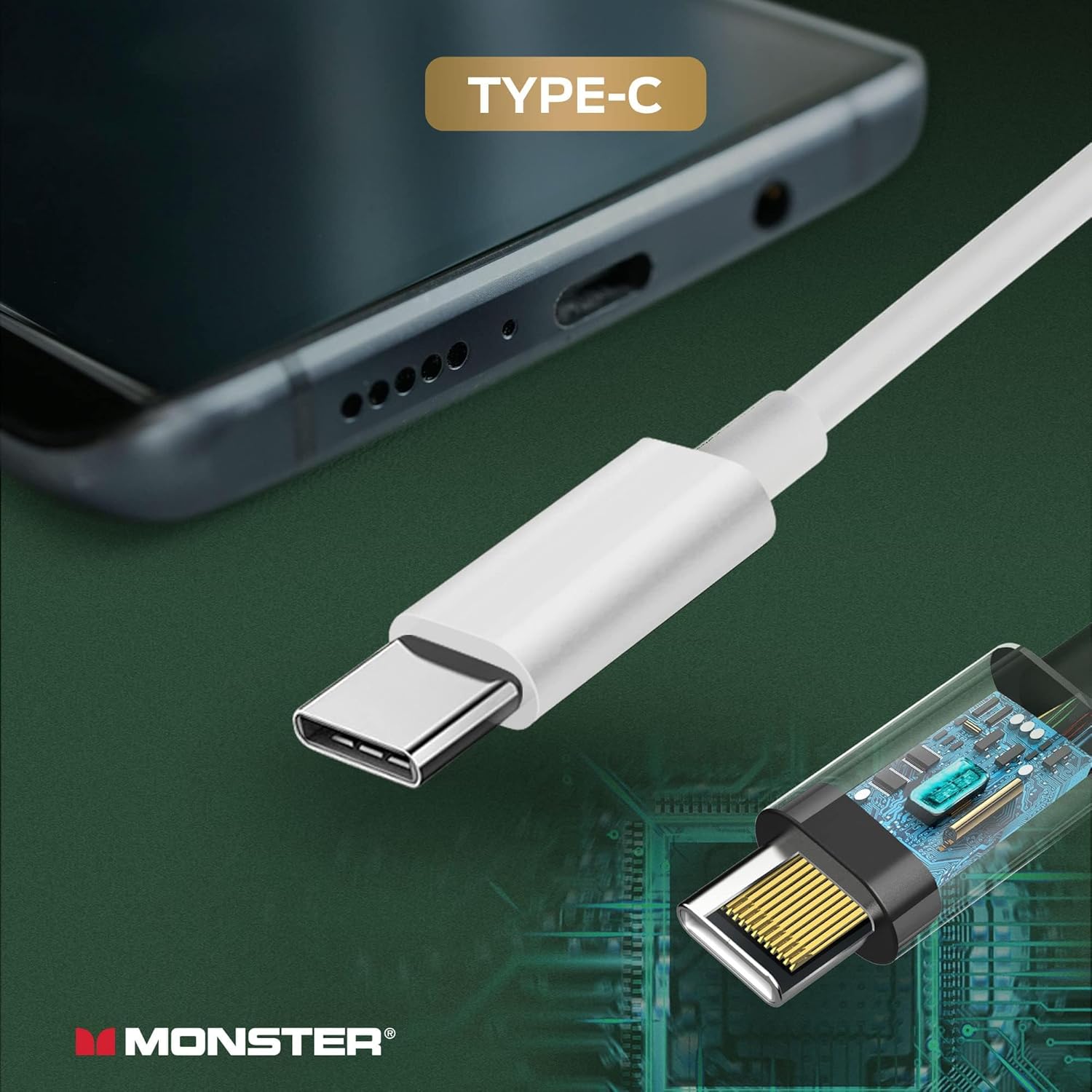
- Nyambung ka Alat: Insert the USB-C connector of the earbuds into the USB Type-C port of your compatible smartphone, tablet, or laptop. The earbuds are designed for plug-and-play functionality.

Parentah Operasi
The Monster GM01 earbuds feature an in-line remote for easy control of audio and calls:
- Kontrol volume: Anggo tombol '+' pikeun ningkatkeun polumeu sareng tombol '-' pikeun ngirangan polumeu.
- Puter / Reureuh: Pencét tombol multi-fungsi sakali pikeun muterkeun atanapi ngareureuhkeun audio.
- Lagu salajengna: Quickly double-click the multi-function button to skip to the next song.
- Lagu saméméhna: Quickly triple-click the multi-function button to go to the previous song.
- Ngajawab / Tutup Telepon: Pencét tombol multi-fungsi sakali pikeun ngajawab telepon asup atawa mungkas telepon nu lumangsung.
- Mikropon internal: The integrated microphone allows for clear communication during calls and in-game chat.
Note: Operation may vary slightly depending on the connected device's operating system and specific applications.


Pangropéa
To ensure the longevity and optimal performance of your earbuds, follow these maintenance guidelines:
- beberesih: Regularly clean the ear tips and the earbud surfaces with a soft, dry cloth. For ear tips, you may use a slightly damp cloth with mild soap, ensuring they are completely dry before reattaching.
- Panyimpenan: When not in use, store the earbuds in a clean, dry place, away from extreme temperatures and direct sunlight. Avoid tangling the cable.
- Hindarkeun Uap: Do not expose the earbuds to water or excessive moisture. If they get wet, dry them thoroughly before use.
- Nanganan kalayan ati-ati: Avoid pulling on the cable to disconnect the earbuds. Always grasp the USB-C connector firmly.
Pamérésan masalah
If you encounter issues with your Monster GM01 earbuds, refer to the following common solutions:
- Henteu aya sora:
- Ensure the earbuds are fully plugged into the USB-C port.
- Check the volume level on your device and on the in-line control.
- Test the earbuds with another compatible device to rule out device-specific issues.
- Verify that the audio output setting on your device is configured to the connected USB-C audio device.
- Mikropon Teu Gawé:
- Pastikeun mikropon teu ngahalangan.
- Check your device's privacy settings to ensure the application has permission to access the microphone.
- Uji mikropon nganggo aplikasi atanapi alat anu béda.
- Kualitas Sora goréng:
- Ensure the ear tips are correctly sized and seated firmly in your ears to create a good seal.
- Clean the ear tips and earbud nozzles to remove any debris.
- Avoid extreme volume levels, which can distort audio.
spésifikasi
| Fitur | Spésifikasi |
|---|---|
| merek | Raksasa |
| Ngaran modél | GM01 |
| Nomer modél | 2MNEB1721W0L2 |
| Warna | BODAS |
| Panempatan Ceuli | Dina Ceuli |
| Faktor Bentuk | Dina Ceuli |
| Impedansi | 32 ohm |
| Rentang Frékuénsi | 20 Hz - 20,000 Hz |
| Tipe Kontrol | Volume Control |
| Téhnologi konektipitas | Kabel (USB-C) |
| Item Beurat | 0.04 Kilogram (1.41 ons) |
| Alat nu cocog | USB-C port devices (smartphones, tablets, laptops) |
| Bahan | palastik |