1. Bubuka jeung Leuwihview
The UNI-T UT204PRO is a portable True RMS AC/DC clamp meter designed for accurate and reliable electrical measurements. This professional digital multimeter features a clear LCD display and offers a wide range of functions, making it suitable for use in laboratories, factories, and homes. It measures AC/DC current up to 600A, AC/DC voltage up to 600V, frequency, duty cycle, resistance, capacitance, and temperature. Additionally, it includes Non-Contact Voltage (NCV) detection, LIVE wire detection, and diode/continuity tests.
fitur konci ngawengku:
- Pangukuran True RMS: Nyayogikeun bacaan anu akurat pikeun bentuk gelombang non-sinusoidal.
- Multi-fungsi: Ngukur arus AC/DC, vol AC/DCtage, frequency, duty cycle, resistance, capacitance, temperature, diode, and continuity.
- NCV and LIVE Detection: Enhances safety and ease of use for identifying live wires.
- Jelas LCD Display: Features a backlight for visibility in low-light conditions.
- Kasalametan minuhan: Meets EN61010-1 CAT II 600V / CAT III 300V safety standards.
- Pareum Otomatis: Ngahemat umur batre ku cara pareum otomatis saatos 15 menit teu aktip.
2. Émbaran Kasalametan
Always adhere to safety precautions when using electrical testing equipment. Failure to do so may result in electric shock, injury, or damage to the meter. This device complies with EN61010-1 CAT II 600V / CAT III 300V safety standards. Ensure you understand and follow all instructions.
- Ulah dianggo méter upami katingalina ruksak atanapi upami kabel tésna rusak.
- Always ensure the function switch is set to the correct range before making measurements.
- Ulah nerapkeun voltage atanapi arus anu ngaleuwihan nilai maksimum anu dipeunteun pikeun méter.
- Laksanakeun ati-ati pisan nalika damel sareng voltagdi luhur 30V AC RMS, puncak 42V, atanapi 60V DC, sabab ieu nyababkeun bahaya sengatan listrik.
- When measuring current, ensure the circuit is de-energized before connecting or disconnecting the clamp méter.
- Ganti batréna gancang-gancang nalika indikator batré lemah némbongan.
- Wear appropriate personal protective equipment (PPE), such as safety glasses and insulated gloves, when performing electrical measurements.
3. Komponén produk
The UNI-T UT204PRO Clamp Meter is designed with user-friendly components for efficient operation.
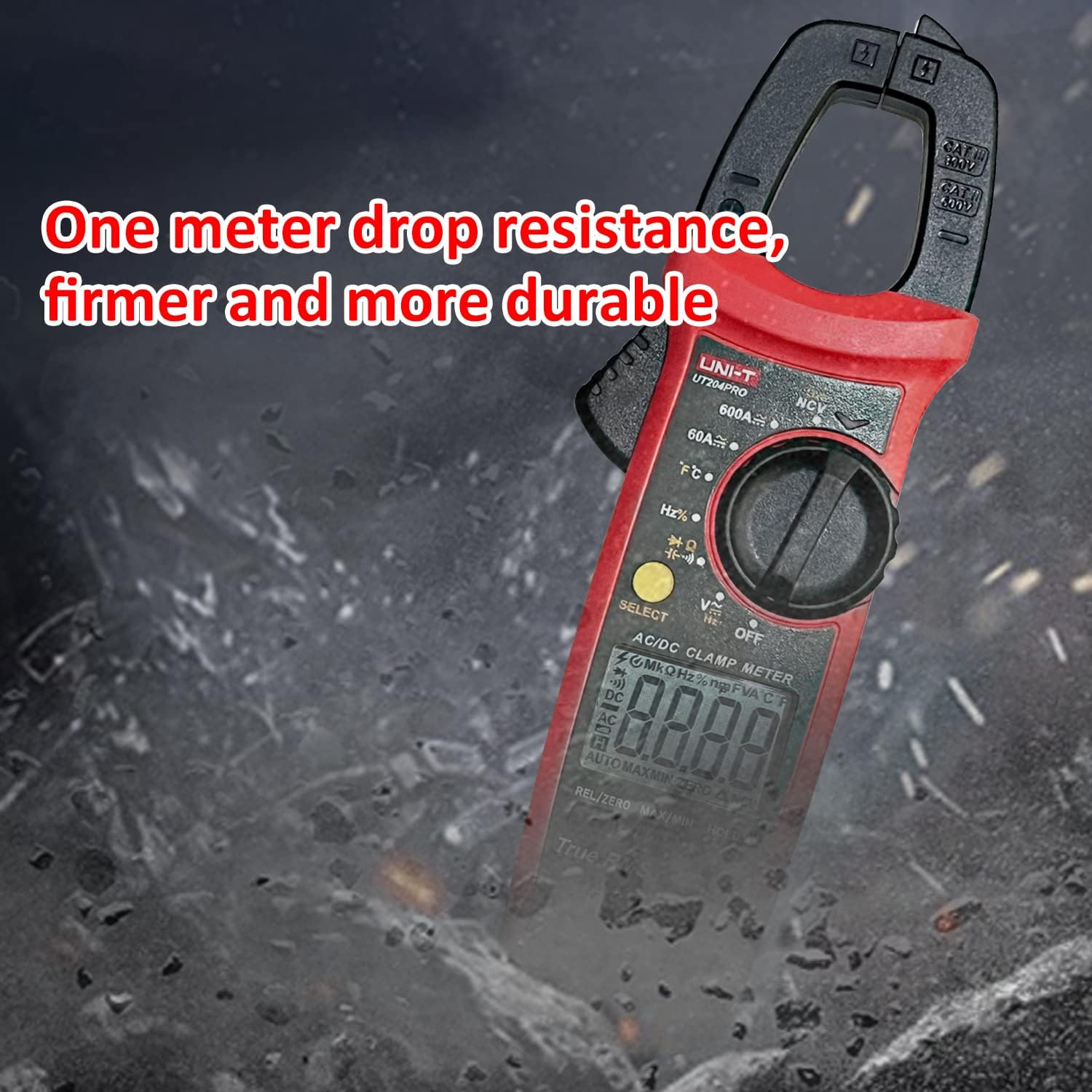
Figure 3.1: Detailed diagram of the UNI-T UT204PRO Clamp Meter, highlighting its jaws, hand guard, LED indicator, function scale knob, function buttons, LCD display, COM input jack, and Signal input jack.
Komponén konci kalebet:
- Clamp Rahang: Dianggo pikeun ngukur arus AC/DC non-kontak.
- Jaw Opening Trigger: Activates the clamp rahang.
- Hansip leungeun: Nyadiakeun panyalindungan salila operasi.
- Indikator LED: For NCV and LIVE detection.
- Function Scale Knob: Milih fungsi pangukuran anu dipikahoyong.
- Tombol Fungsi: Include SELECT, HOLD/LIGHT, MAX/MIN, REL/ZERO.
- Layar LCD: Shows measurement readings and function indicators.
- COM Input Jack (Black): Common terminal for test leads.
- Signal Input Jack (Red): Positive terminal for test leads.
- NCV Sensing End: Pikeun non-kontak voltage deteksi.
4. Setélan
4.1 Pamasangan batré
The UNI-T UT204PRO requires two AAA batteries for operation. To install or replace batteries:
- Pastikeun méterna dipareuman.
- Teangan tempat panutup kompartemen batré dina tonggong méter.
- Paké obeng pikeun loosen screw dina panutup batré.
- Remove the cover and insert two AAA batteries, observing the correct polarity (+/-).
- Ganti panutup batré jeung tighten screw nu aman.

Figure 4.1: The UNI-T UT204PRO Clamp Meter in use, demonstrating its NCV multi-segment display with sound and light alarm prompts, and LED backlight function for clear readings in low light.
4.2 Sambungan Kabel Uji
Pikeun voltage, resistance, capacitance, continuity, and diode measurements, connect the test leads as follows:
- Selapkeun lead test hideung kana jack input COM.
- Insert the red test lead into the VΩHz+ input jack.
5. Parentah Operasi
Familiarize yourself with the function switch and buttons to perform various measurements.
5.1 AC/DC Current Measurement (600A)
Pikeun ngukur arus AC atanapi DC nganggo clamp rahang:
- Set the function switch to the '600A~' or '600A=' position.
- Press the jaw opening trigger to open the clamp rahang.
- Enclose a single conductor (not a power cord with multiple wires) with the clamp rahang.
- Baca nilai ayeuna dina tampilan LCD.

Figure 5.1: The UNI-T UT204PRO Clamp Meter in use, demonstrating AC/DC current measurement by clampdi sabudeureun hiji konduktor tunggal.
5.2 AC/DC VoltagPangukuran e (600V)
Pikeun ngukur AC atanapi DC voltage:
- Sambungkeun kabel tés sakumaha anu dijelaskeun dina Bagian 4.2.
- Set the function switch to the 'V~' for AC voltage atanapi 'V=' kanggo vol DCtagposisi e.
- Toélkeun probe tés kana titik sirkuit dimana anjeun hoyong ngukur voltasetage.
- Baca voltage nilai dina tampilan LCD.
Video 5.1: Demonstration of AC/DC voltage measurement using a UNI-T multimeter (UT890C model, similar operation).
5.3 Résistansi Ukur
Pikeun ngukur résistansi:
- Sambungkeun kabel tés sakumaha anu dijelaskeun dina Bagian 4.2.
- Set the function switch to the 'Ω' position.
- Touch the test probes across the component or circuit where you want to measure resistance.
- Baca nilai lalawanan dina tampilan LCD.
5.4 Pangukuran Kamampuh
Pikeun ngukur kapasitansi:
- Sambungkeun kabel tés sakumaha anu dijelaskeun dina Bagian 4.2.
- Set the function switch to the 'F' position.
- Touch the test probes across the capacitor. Ensure the capacitor is discharged before testing.
- Baca nilai kapasitansi dina tampilan LCD.
5.5 Pangukuran Suhu
Pikeun ngukur suhu:
- Connect the K-type thermocouple to the input jacks (red to VΩHz+, black to COM).
- Set the function switch to the '°C/°F' position.
- Place the thermocouple probe on or in the object whose temperature you wish to measure.
- Read the temperature value on the LCD display. Use the SELECT button to switch between Celsius and Fahrenheit.

Figure 5.2: The UNI-T UT204PRO Clamp Meter measuring temperature using the included K-type thermocouple.
5.6 Tés Continuity
Pikeun nguji kontinuitas sirkuit:
- Sambungkeun kabel tés sakumaha anu dijelaskeun dina Bagian 4.2.
- Set the function switch to the 'Continuity' position (often shared with resistance or diode).
- Touch the test probes to the two points of the circuit you want to test.
- If there is continuity (low resistance), the meter will emit an audible beep.
5.7 Tés Dioda
Pikeun nguji dioda:
- Sambungkeun kabel tés sakumaha anu dijelaskeun dina Bagian 4.2.
- Set the function switch to the 'Diode' position (often shared with resistance or continuity).
- Touch the red test probe to the anode of the diode and the black test probe to the cathode.
- Layar bakal némbongkeun voltase majutage drop. Reverse the probes; the display should show 'OL' (open loop) for a good diode.
Video 5.2: Demonstration of resistance, continuity, and capacitance measurements using a UNI-T multimeter (UT890C model, similar operation).
5.8 NCV (Vol. Non-Kontaktage) Pangwanoh
Pikeun ngadeteksi voltase ACtage tanpa kontak:
- Set the function switch to the 'NCV' position.
- Bring the NCV sensing end of the meter close to the conductor or outlet.
- Méterna bakal nunjukkeun ayana voltase ACtage through audible beeps and visual alerts on the LCD.
Video 5.3: Demonstration of DC current measurement using a clamp meter (related product, similar operation).
5.9 LIVE Wire Detection
To identify live wires:
- Set the function switch to the 'LIVE' position.
- Touch the red test probe to the conductor.
- The meter will indicate a live wire with an audible alarm and visual display.

Figure 5.3: The UNI-T UT204PRO Clamp Meter performing Live/Neutral Wire Measurement, indicating the presence of a live conductor.
5.10 True RMS Function
The True RMS (Root Mean Square) function ensures accurate measurement of AC voltage and current, especially for non-sinusoidal waveforms often found in modern electronic devices. This provides a more precise reading compared to average-responding meters.

Figure 5.4: Comparison illustrating the accuracy of True RMS measurement for various current waveforms against ordinary measurement methods.
5.11 Fungsi tambahan
- HOLD/Light Button: Press briefly to hold the current reading on the display. Long press to activate/deactivate the backlight.
- Tombol MAX/MIN: Press to display the maximum or minimum measured value.
- Tombol REL/ZERO: Used for relative measurement or to zero out the display for DC current measurements.
- Pareuman-otomatis: The meter automatically turns off after approximately 15 minutes of inactivity to save battery life.
6. Pangropéa
Proper maintenance ensures the longevity and accuracy of your UNI-T UT204PRO Clamp Méter.
- beberesih: Wipe the meter with a soft, damp lawon. Ulah make abrasives atawa pangleyur.
- Ngagantian batré: Replace batteries as soon as the low battery indicator appears to ensure accurate readings. Refer to Section 4.1 for instructions.
- Panyimpenan: Upami méteran henteu dianggo kanggo waktos anu lami, cabut batréna pikeun nyegah bocor. Simpen di tempat anu tiis sareng garing.
- Uji Lead: Regularly inspect test leads for any damage to insulation or connectors. Replace immediately if damaged.
7. Cara ngungkulan
If you encounter issues with your UNI-T UT204PRO, refer to the following common troubleshooting steps:
- Teu Aya Layar/Nyala: Pariksa pamasangan batré sareng pastikeun batréna henteu béak. Ganti upami diperyogikeun.
- Bacaan anu salah: Verify that the function switch is set to the correct measurement type and range. Ensure test leads are properly connected and not damaged.
- 'OL' dina Tampilan: This usually indicates an over-range condition (measurement exceeds the meter's maximum range) or an open circuit (for resistance/continuity).
- Taya Continuity Bip: Check if the circuit is truly continuous and if the resistance is within the audible range (typically below 50Ω).
For persistent issues, contact Uni-T customer support.
8. Spésifikasi
Below are the technical specifications for the UNI-T UT204PRO Clamp Méter:
| Spésifikasi | Nilai |
|---|---|
| merek | Uni-T |
| Nomer modél | UT204PRO |
| AC Range Ayeuna | 600A |
| DC Range Ayeuna | 600A |
| AC Voltage Rentang | 600V |
| DC Voltage Rentang | 600V |
| Résistansi Ukur | Sumuhun |
| Pangukuran Kapasitansi | Nepi ka 60 mF |
| Pangukuran Suhu | Yes (K-type thermocouple included) |
| Deteksi NCV | Sumuhun |
| LIVE Wire Detection | Sumuhun |
| RMS leres | Sumuhun |
| Jumlah tampilan | 6000 |
| Sumber Daya | 2x Batré AAA (kaasup) |
| Otomatis Pareum | Sanggeus 15 menit |
| Standar Kasalametan | EN61010-1 CAT II 600V / CAT III 300V |
| Diménsi | 24.9 x 9.1 x 5.6 cm |
| Beurat | 410 g |
9. Garansi jeung Rojongan
For warranty information, technical support, or service inquiries, please refer to the contact details provided in the product packaging or visit the official Uni-T websitus. Simpen resi pameseran anjeun salaku bukti pameseran pikeun klaim garansi.


