
1. Bubuka
Thank you for choosing the SENZER SG500 Surround Sound Pro Gaming Headset. This manual provides detailed instructions for setting up, operating, and maintaining your new headset to ensure optimal performance and longevity. The SG500 is designed for an immersive gaming experience across multiple platforms, featuring comfortable memory foam padding, a noise-cancelling microphone, and versatile connectivity.
2. Fitur konci
- Kamampuhan Sora Sakuliling: Experience crystal clear audio and precise sound positioning for an immersive gaming experience.
- Mikropon Pangurang Sora: A bendable, anti-static microphone ensures clear voice pick-up by filtering environmental noise and eliminating static.
- Comfortable Lightweight Design: Weighing only 0.66lb, the headset features soft memory foam ear cushions and a padded headband for extended wear without discomfort.
- Desain anu tiasa dilipat: Flexible headphones with telescopic arms fold for easy storage and portability.
- Kasaluyuan Multi-Platform: Plug & Play functionality with a 3.5mm jack for PC, PS4, PS5, Xbox One (older versions may require an adapter), Nintendo Switch, Apple Mac, Laptops, and Mobile devices.
3. Eusi Paket
The SENZER SG500 package includes:
- SENZER SG500 Gaming Headset
- 3.5mm Audio Cable with In-line Controls
- PC Adapter (1-to-2 splitter cable)
- Manual pamaké
4. Setup Guide
4.1 Connecting to Consoles (PS4, PS5, Xbox One, Nintendo Switch)
- Locate the 3.5mm audio jack on your console controller (or console, if applicable).
- Plug the 3.5mm cable from the headset directly into the controller's audio jack.
- For Xbox One: Older versions of the Xbox One controller may require a separate adapter (not included) to utilize both audio and microphone functions. Newer controllers with a 3.5mm jack support direct connection.
- Adjust volume and microphone settings via the in-line controls on the headset cable and/or your console's system settings.
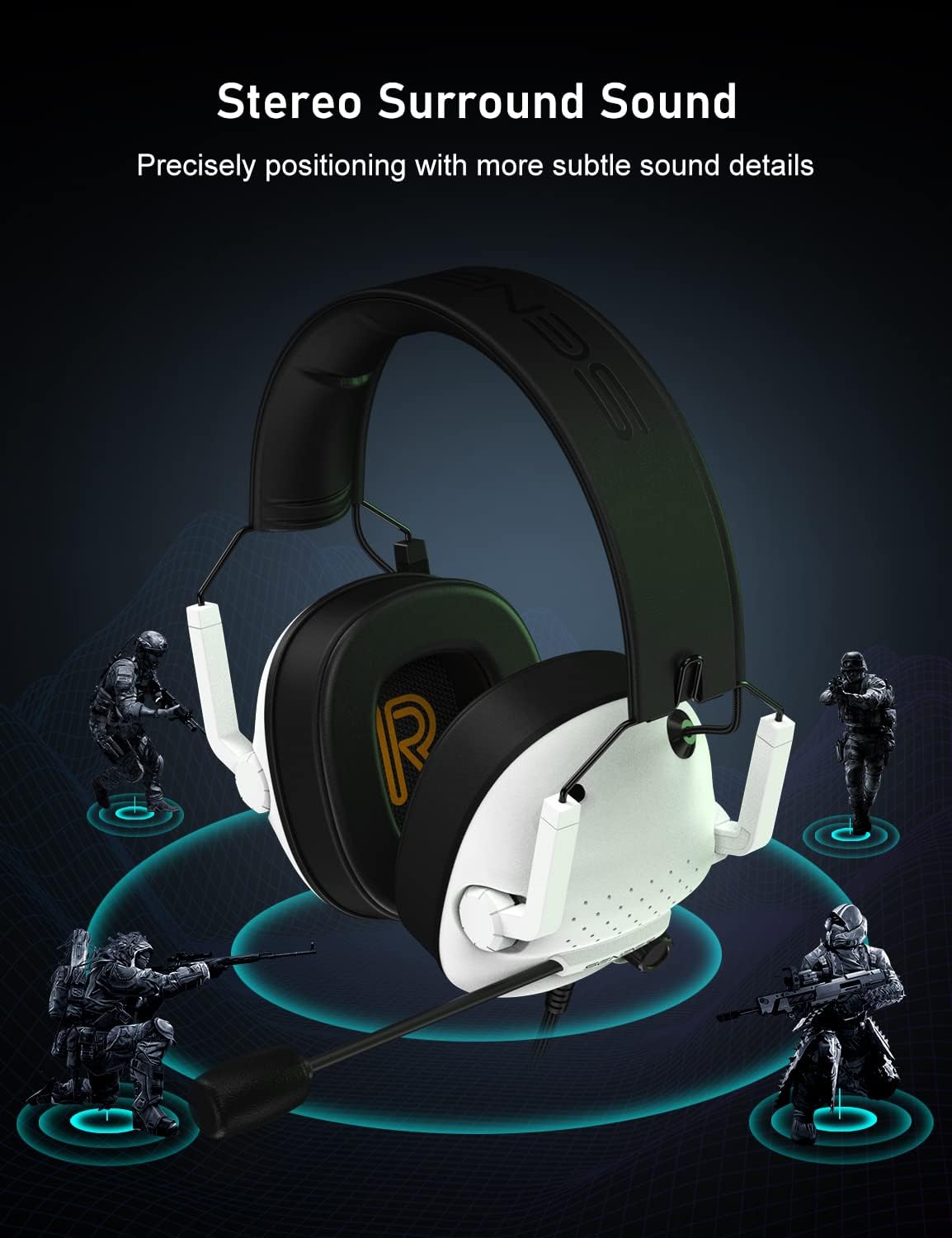
Image: SENZER SG500 Headset connected to an Xbox controller, demonstrating multi-platform compatibility.
4.2 Connecting to PC/Laptop
- If your PC/laptop has a single 3.5mm combined audio/microphone jack, plug the headset's 3.5mm cable directly into it.
- If your PC/laptop has separate audio (green) and microphone (pink) jacks, use the included 1-to-2 splitter cable. Connect the headset's 3.5mm cable to the splitter, then plug the green and pink ends of the splitter into the corresponding ports on your computer.
- No drivers or additional software are typically required for basic functionality.
- Adjust audio input/output settings in your operating system's sound control panel.

Image: The SENZER SG500 Headset displayed with a PC, PS5, and Nintendo Switch, highlighting its broad compatibility.
5. Parentah Operasi
5.1 Kontrol Headsét
The SENZER SG500 features convenient in-line controls on the cable for quick adjustments:
- Volume Roller: Scroll up or down to increase or decrease the audio volume.
- Saklar Bisu Mikropon: Slide the switch to mute or unmute your microphone.

Gambar: A lengkep view of the in-line volume roller and microphone mute switch on the headset cable.
5.2 Pamakéan Mikropon
The flexible, noise-cancelling microphone can be adjusted to your preferred position for optimal voice clarity. Bend the arm to bring the microphone closer to or further from your mouth. When not in use, the microphone can be positioned out of the way.

Image: A close-up of the flexible noise-cancelling microphone, demonstrating its adjustability.
5.3 Maké Headsét
Adjust the telescopic arms to ensure a comfortable fit on your head. The soft memory foam ear cushions are designed to sit comfortably over your ears, providing passive noise isolation and comfort during long gaming sessions.

Image: A diagram illustrating the breathable memory foam ear pads, emphasizing comfort and airflow.
6. Pangropéa sarta perawatan
- beberesih: Anggo kaén anu lembut sareng garing pikeun ngabersihan headset. Ulah make bahan kimia kasar atawa bahan abrasive.
- Panyimpenan: When not in use, fold the headset for compact storage to prevent damage. Store in a cool, dry place away from direct sunlight and extreme temperatures.
- Perawatan kabel: Ulah tikungan anu seukeut atanapi narik kabel kaleuleuwihi pikeun nyegah karusakan kawat internal.
- Perawatan Mikropon: Handle the flexible microphone arm gently. Do not force it beyond its natural range of motion.

Image: The SENZER SG500 headset shown in its folded configuration, demonstrating its compact design for storage and travel.
7. Cara ngungkulan
| Masalah | Mungkin Cukang lantaranana | Solusi |
|---|---|---|
| Henteu aya audio tina headset. | Incorrect connection, low volume, or muted. | Ensure the 3.5mm jack is fully inserted. Check the in-line volume roller and system volume settings. Verify the headset is selected as the audio output device. |
| Mikropon teu jalan. | Microphone muted, incorrect input device, or connection issue. | Check the in-line microphone mute switch. Ensure the headset microphone is selected as the input device in your system settings. If using a PC, confirm the splitter cable is correctly connected. |
| Kualitas sora goréng atawa menyimpang. | Loose connection, incorrect audio settings, or damaged cable. | Ensure all connections are secure. Adjust audio settings on your device. Test with another device to rule out a faulty cable. |
| Headset is uncomfortable after prolonged use. | Improper adjustment or extended wear. | Adjust the telescopic arms for a better fit. Take short breaks during long gaming sessions. |
8. Spésifikasi
| Fitur | Rincian |
|---|---|
| merek | SENZER |
| Ngaran modél | SG500 |
| Warna | Bodas |
| Panempatan Ceuli | Leuwih Ceuli |
| Faktor Bentuk | Dina Ceuli |
| Impedansi | 16 ohm |
| Jack headphone | 3.5 mm Jack |
| Téhnologi konektipitas | Dikabel |
| Rentang Frékuénsi | 20Hz ~ 20KHz |
| Kontrol bising | Pangurangan Bising Aktif (Mikrofon) |
| Fitur tambahan | Foldable, Lightweight, Microphone Included, Noise Cancellation, Volume Control |
| Item Beurat | 0.66 pon |
| Alat nu cocog | PS4/PS5, Nintendo Switch, PC, Laptop Computers, Macbook Air/Pro |
9. Garansi jeung Rojongan
For warranty information, technical support, or customer service inquiries, please refer to the contact details provided on the official SENZER websitus atanapi dokuméntasi pameseran anjeun. Simpen bukti pameseran anjeun pikeun klaim garansi naon waé.
You can visit the official SENZER store for more information: SENZER Store
10. Video Produk Resmi
SENZER SG500 Stereo Sound Gaming Headset Overview
Pidéo: Pajabat parantos réngséview of the SENZER SG500 Stereo Sound Gaming Headset, showcasing its features and design. This video is provided by the seller, Senzer Direct.