Produk Leuwihview
The PDP Wired Xbox Gaming Controller is designed for an enhanced gaming experience across multiple platforms. This controller features a durable wired connection, customizable controls, and integrated audio features, making it a versatile choice for serious gamers.
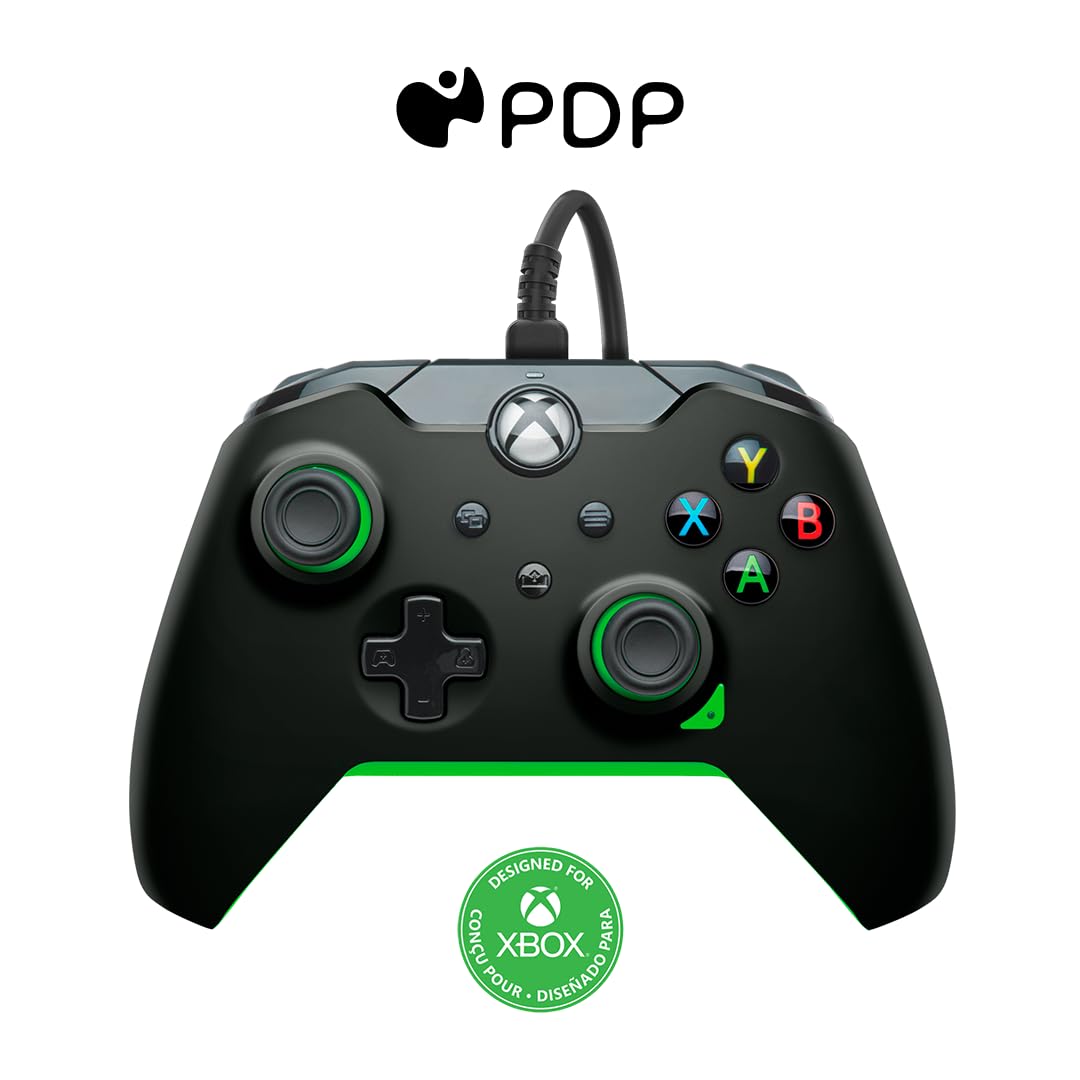
Gambar: Hareupeun view of the PDP Wired Xbox Gaming Controller in Neon Black.
This controller is officially licensed for Xbox Series X|S, Xbox One, and is also compatible with Windows 10/11 PCs. Its wired design ensures a stable connection without the need for batteries, providing uninterrupted gameplay.
Fitur konci
- Kontrol anu tiasa disaluyukeun: Utilize the free PDP Control Hub App to remap buttons, reconfigure triggers, and adjust dead zones to personalize your gameplay.

Image: Screenshot showing the PDP Control Hub App interface for controller customization.
- Kontrol Audio Terpadu: Adjust game and chat audio volume directly using the controls located on the D-pad. The built-in 3.5mm audio jack allows for communication with teammates, and the mic can be muted by double-tapping the "Function" button.
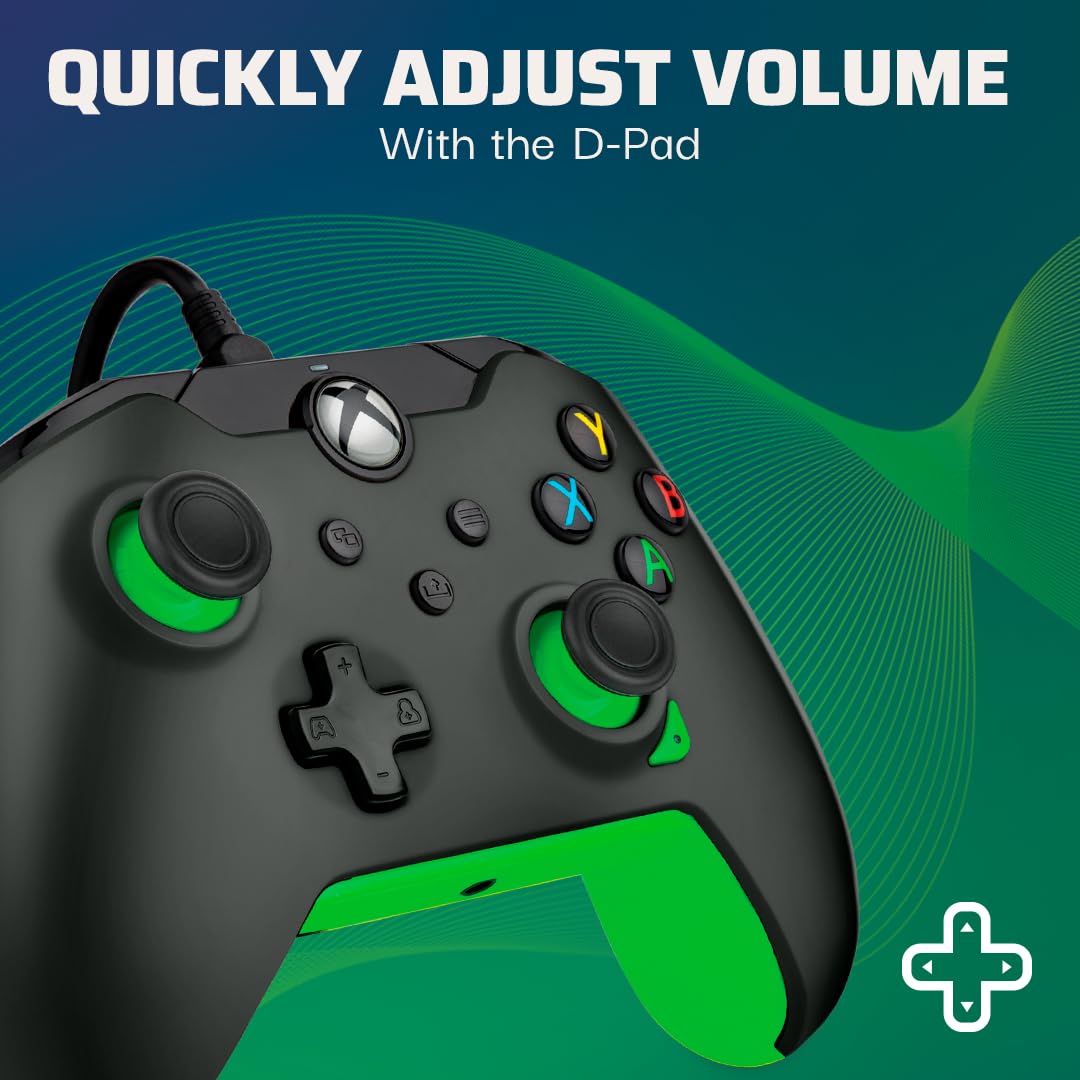
Image: Close-up of the controller's D-pad, highlighting the integrated audio controls.
- Tombol Bagikeun Khusus: Easily capture and share your in-game images and videos with a dedicated share button.

Gambar: Detil view of the controller, showing the dedicated share button for capturing content.
- 8-Foot Detachable Cable: Nyadiakeun ample room for comfortable gameplay and easy storage.
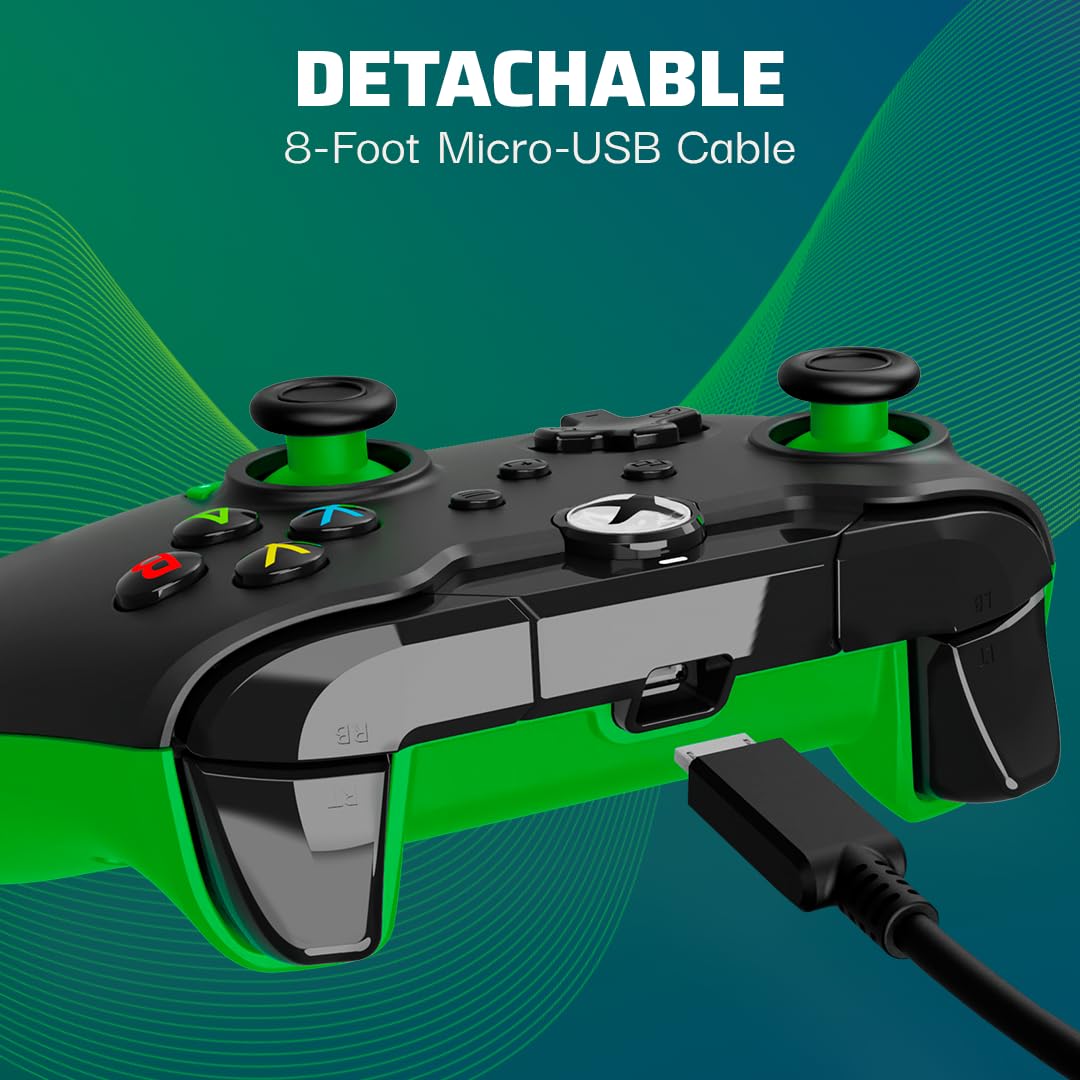
Image: The controller with its detachable 8-foot USB cable connected.
- Lisensi resmi: Guaranteed compatibility and quality as an officially licensed Xbox product.

Image: The controller prominently displaying the "Officially Licensed by Xbox" branding.
Guide Setup
- Sambungkeun kabel: Insert the detachable 8-foot USB cable into the port on the top of the controller.
- Nyambungkeun ka Konsol/PC: Plug the other end of the USB cable into an available USB port on your Xbox console (Xbox Series X|S, Xbox One) or Windows 10/11 PC.
- Daya Hurung: Kontroler bakal otomatis hurung sareng nyambung ka alat anjeun. Tombol Xbox dina kontroler bakal hurung pikeun nunjukkeun sambungan anu suksés.
- Install PDP Control Hub App (Optional): For advanced customization, download and install the free PDP Control Hub App from the Microsoft Store on your Xbox or PC.
Parentah Operasi
Kontrol dasar:
- Tombol Xbox: Powers on the console/PC, opens the guide, and indicates connection status.
- Tombol A, B, X, Y: Tombol aksi standar pikeun paréntah dina kaulinan.
- D-Pad: Directional input, also used for audio controls (see below).
- Tongkat Analog Kénca/Katuhu: Pikeun gerakan sareng kontrol kaméra.
- Pemicu Kénca/Katuhu (LT/RT): Analog input for actions like acceleration or firing.
- Bemper Kénca/Katuhu (LB/RB): Digital input for various actions.
- View Tombol: Mukakeun view menu or displays additional information.
- Tombol Menu: Opens the menu or pauses the game.
- Tombol Bagikeun: Captures screenshots or records game clips.
Kadali Audio:
The D-pad on the controller features integrated audio controls for quick adjustments:
- Volume Kaluhur/Turun: Press the Function button (located below the Xbox button) and then press Up/Down on the D-pad to adjust game volume.
- Chat Mix: Press the Function button and then press Left/Right on the D-pad to adjust the balance between game audio and chat audio.
- Mic Bisukan: Double-tap the Function button to mute or unmute your microphone. The LED indicator on the controller will change to show mic status.
Using the PDP Control Hub App:
The PDP Control Hub App allows for advanced customization of your controller. Connect your controller to your Xbox or PC and launch the app to:
- Remap any button to a different function.
- Adjust trigger dead zones for precise input.
- Calibrate analog sticks and triggers.
- Nyetél inténsitas geter.
- Create and save custom profiles pikeun kaulinan béda.
Pangropéa
- beberesih: Paké kaen lemes, garing pikeun ngusap handap controller. Keur kokotor bandel, rada dampen lawon jeung cai. Ulah make bahan kimia kasar atawa bahan abrasive.
- Panyimpenan: When not in use, store the controller in a clean, dry place away from direct sunlight and extreme temperatures. The detachable cable can be removed for easier storage.
- Perawatan kabel: Avoid sharp bends or kinks in the cable. Do not pull on the cable to disconnect it from the controller or console/PC; always grasp the connector.
Pamérésan masalah
| Masalah | Solusi |
|---|---|
| Controller teu ngabales / nyambungkeun. |
|
| Audio issues (no sound, mic not working). |
|
| Buttons/sticks not working correctly. |
|
spésifikasi
| Fitur | Rincian |
|---|---|
| Nomer modél | 049-012-GG |
| Kasaluyuan | Xbox Series X|S, Xbox One, Windows 10/11 PC |
| Tipe Sambungan | Kabel (Kabel USB anu tiasa dicabut) |
| Panjang kabel | 8 suku (kira-kira 2.4 méter) |
| Audio Jack | 3.5 mm |
| Ukuran (L x W x H) | 3.23 x 6.89 x 6.89 inci |
| Beurat | 12.17 ons (kira-kira 345 gram) |
| Produsén | PDP |
| Negara asal | Cina |
Garansi sareng Rojongan
Kanggo inpormasi garansi sareng dukungan téknis, mangga tingal PDP resmi websitus atanapi ngahubungan layanan palanggan maranéhanana langsung. Simpen bukti pameseran anjeun pikeun klaim garansi.
Sumberdaya Online:
- Visit the Official PDP Store on Amazon
- For the latest drivers and the PDP Control Hub App, visit the Microsoft Store or the official PDP support page.
Catetan: Spésifikasi produk sareng fitur tiasa robih tanpa aya bewara.


