1. Produk Langkungview
The LEGRAND 694511 is a rotative 4-outlet power strip designed for flexible device connection and installation. It features patented 45-degree angled outlets for dust protection and a modern aesthetic, with one outlet specifically angled at 90 degrees to accommodate larger power adapters. The power strip includes integrated surge protection with an LED indicator and a manual on/off switch. This manual provides essential information for the safe and efficient use of your power strip.
- Rotary Design: The flexible body allows for convenient positioning and connection of devices.
- Angled Outlets: Four outlets, three angled at 45 degrees and one at 90 degrees, optimize space and protect against dust.
- Integrated Surge Protection: Protects connected devices from power surges and lightning strikes, indicated by an LED.
- Saklar Hurung/Pareuman Manual: For easy control of power to all connected devices.
- Pamasangan Gampang: Can be mounted using screws or adhesive tape.
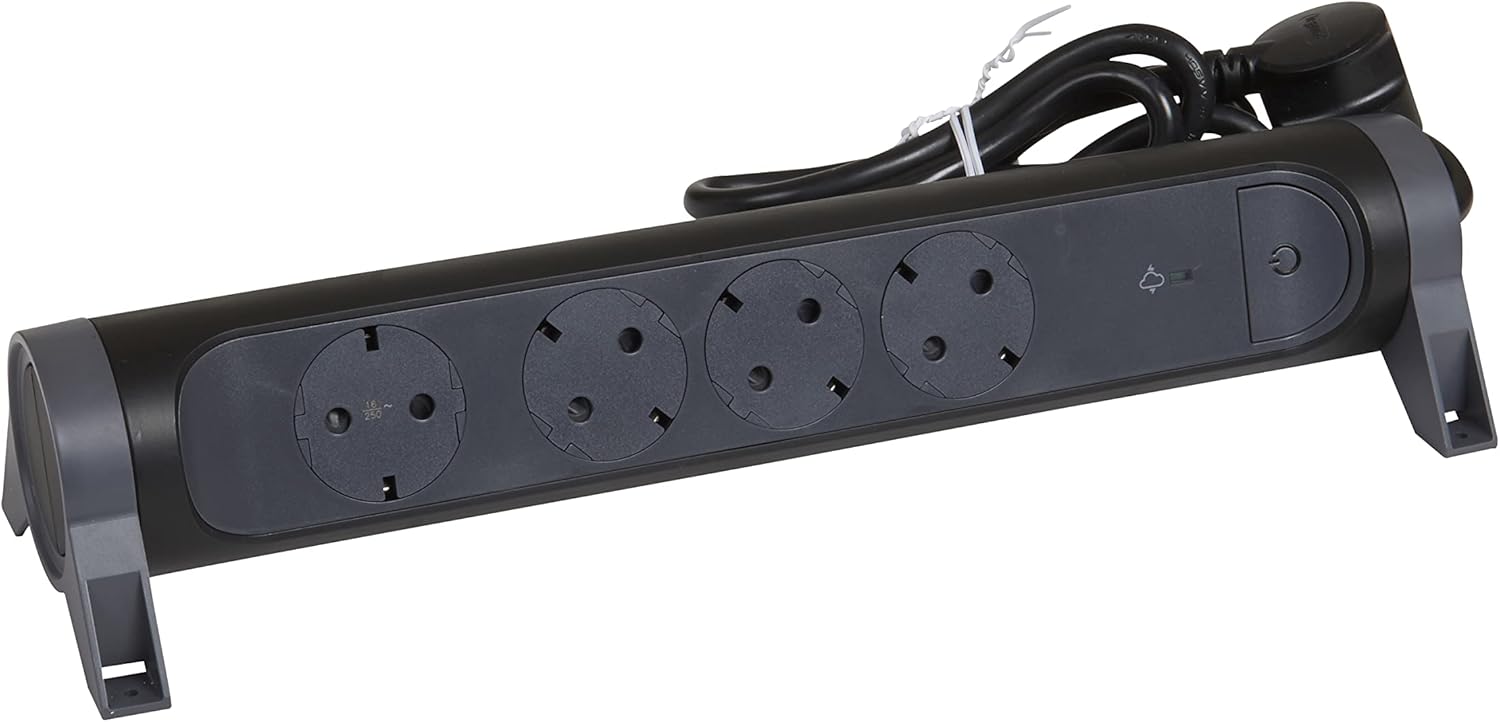
Gambar 1: Hareupeun view of the LEGRAND 694511 Rotative 4-Outlet Power Strip, showing the four outlets, on/off switch, and surge protection indicator.
2. Émbaran Kasalametan
Mangga baca sareng ngartos sadaya parentah kaamanan sateuacan nganggo produk ieu. Gagalna nuturkeun parentah ieu bisa ngakibatkeun shock listrik, seuneu, atawa tatu serius.
- Do not exceed the maximum load capacity of 3680 W (16 A, 230 V).
- Ulah nyambungkeun sababaraha strips kakuatan babarengan.
- Ulah make dina baseuh atawa damp conditions. This product is for indoor use only.
- Jauhkeun tina jangkauan barudak.
- Do not open or modify the power strip. There are no user-serviceable parts inside.
- Ensure the power plug is fully inserted into a grounded wall outlet.
- If the surge protection LED is off, the surge protection function is no longer active. The power strip will still function as a standard extension cord, but without surge protection.
3. Setup jeung Instalasi
The LEGRAND 694511 power strip offers flexible placement options.
3.1 Panempatan Awal
- Unpack the power strip and inspect it for any damage. Do not use if damaged.
- Choose a dry, indoor location away from heat sources and direct sunlight.
- Ensure the 1.5-meter cable can reach the wall outlet without being stretched or obstructed.

Figure 2: The power strip with its 1.5-meter power cable and plug.
3.2 Pilihan pamasangan
The power strip can be mounted for a more permanent setup:
- Pamasangan screw: Use appropriate screws (not included) through the designated mounting holes on the base of the power strip. Ensure the mounting surface is suitable.
- Adhesive Tape Mounting: Apply strong double-sided adhesive tape (not included) to the base of the power strip and press firmly onto a clean, dry surface.
4. Parentah Operasi
4.1 Nyambung kana Kakuatan
- Plug the power strip's main plug into a grounded 230V wall outlet.
- Pencét éta Saklar on/off (marked with a power symbol) to turn on the power strip. A blue LED indicator will illuminate when the power strip is active.
- Titénan Surge Protection LED (marked with a lightning bolt symbol). A green light indicates that the surge protection is active and functioning.
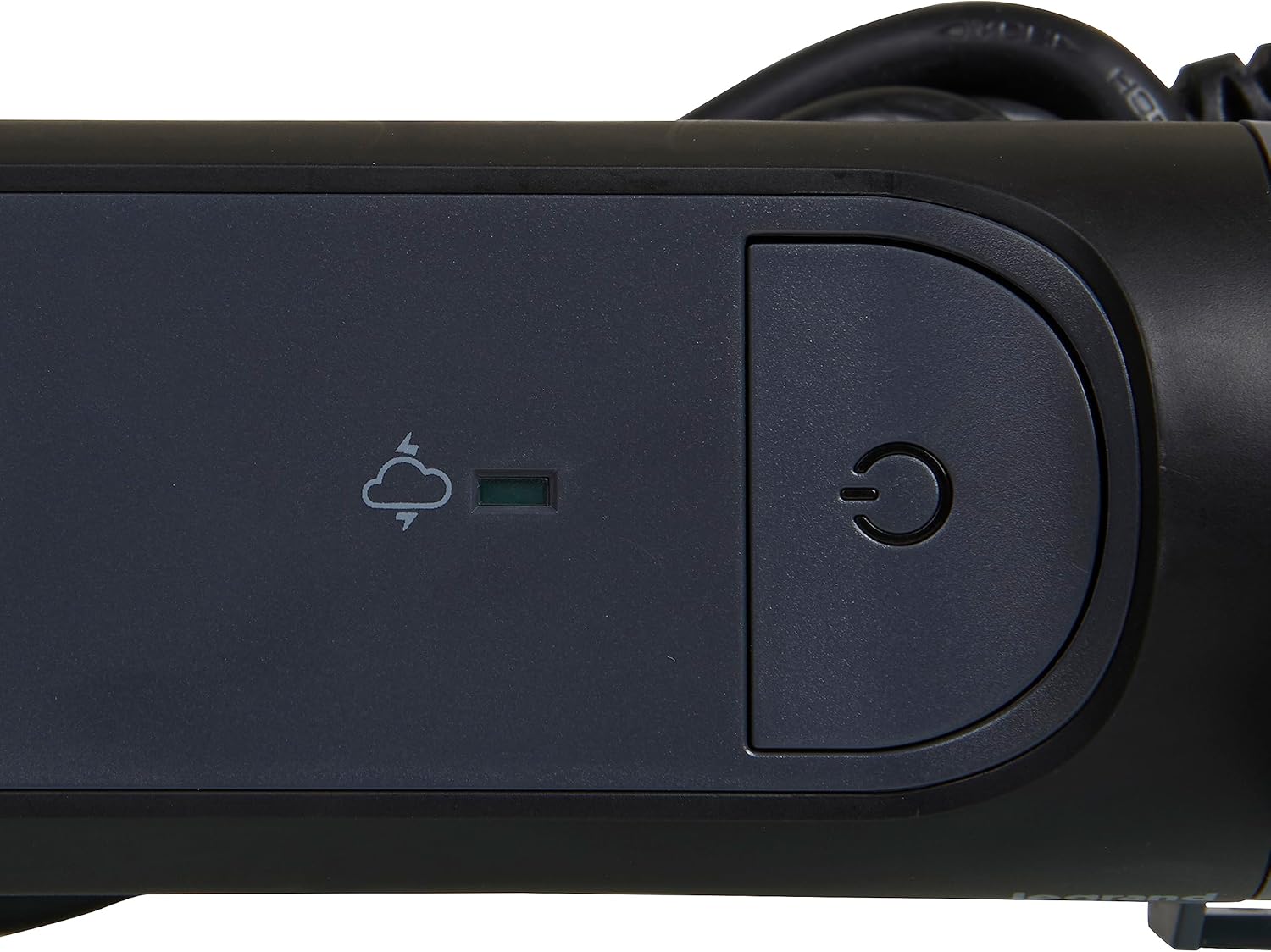
Figure 3: Detail of the On/Off switch and the green surge protection indicator LED.
4.2 Nyambungkeun Alat
- Plug your electronic devices into the available outlets. The rotative design allows you to adjust the orientation of the power strip for optimal access.
- Utilize the 90-degree angled outlet for larger power adapters to prevent blocking adjacent outlets.
- Ensure that the total power consumption of all connected devices does not exceed 3680 W.
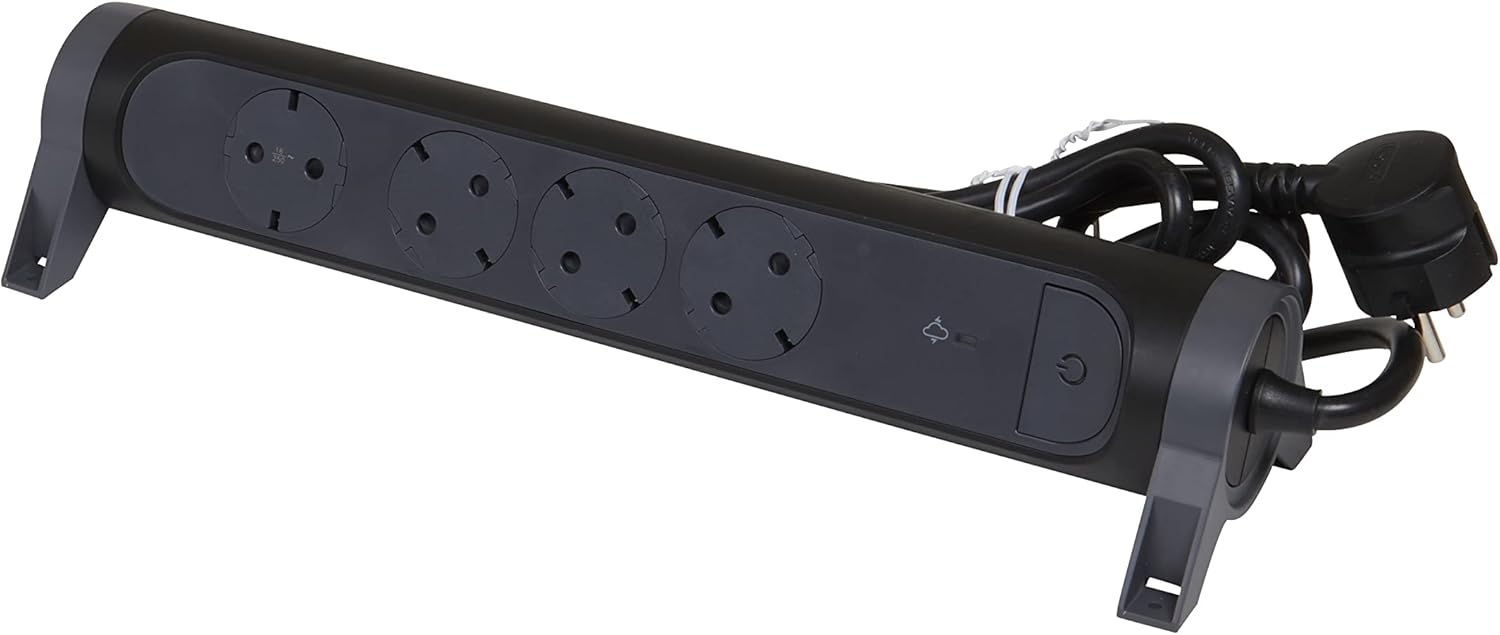
Figure 4: The power strip demonstrating the angled outlets, designed to accommodate various plug sizes efficiently.
4.3 Powering Pareum
To turn off power to all connected devices, press the Saklar on/off again. The blue LED indicator will turn off.
5. Pangropéa
- Always unplug the power strip from the wall outlet before cleaning.
- Ngusap bagian luar ku kaén anu lembut sareng garing. Ulah make cleaners cair atawa bahan abrasive.
- Regularly check the power cord and plug for any signs of damage. If damaged, discontinue use and replace the unit.
- Ensure outlets are free from dust and debris to maintain optimal contact and prevent overheating.
6. Cara ngungkulan
| Masalah | Mungkin Cukang lantaranana | Solusi |
|---|---|---|
| Power strip does not turn on (blue LED off). | Not plugged into wall outlet; wall outlet has no power; On/Off switch is off. | Ensure power strip is fully plugged in. Check wall outlet with another device. Press the On/Off switch. |
| Surge protection LED is off (green LED off). | Surge protection has been activated due to a power surge and is no longer functional. | The power strip will continue to function as a standard extension cord, but without surge protection. For continued surge protection, the unit must be replaced. |
| Devices plugged in are not receiving power. | Power strip is off; device is off; device is faulty; total load exceeds maximum capacity. | Ensure power strip is on. Check device's power switch. Test device in another outlet. Reduce the number of connected devices or their total power consumption. |
7. Spésifikasi
| Fitur | Rincian |
|---|---|
| merek | Legrand |
| Nomer modél | 694511 |
| Warna | Hideung/Kulawu Poék |
| Total outlet | 4 (Schuko Type F) |
| Voltage | 230 volt |
| Max Wayah | 16 A |
| Daya Max | 3680 W |
| Panjang kabel | 1.5 méter |
| Fitur husus | On/Off Switch, Surge Protection (SPD) with LED Indicator, Rotative Design, 45°/90° Angled Outlets |
| Ukuran produk (L x W x H) | 33.8 cm x 10 cm |
| Item Beurat | 550 gram |
| Dianjurkeun Paké | General Use (Indoor) |
| Negara asal | Cina |
8. Garansi jeung Rojongan
For warranty information and customer support, please refer to the documentation included with your purchase or visit the official Legrand websitus. Simpen bukti pameseran anjeun pikeun klaim garansi.
Pabrikan: Legrand
Websitus: www.legrand.com


