
Andoer NDB7090303116798WD
Andoer Portable Digital Camera User Manual
Model: NDB7090303116798WD | Brand: Andoer
Bubuka
Thank you for choosing the Andoer Portable Digital Camera. This compact and lightweight camera is designed for ease of use, allowing you to capture high-quality photos and videos. Featuring a CMOS image sensor, it supports up to 1080P video resolution and 16MP (interpolation) image resolution, along with 16X digital zoom and a 2.7-inch rotatable LCD screen. It includes functions such as digital anti-shake, white balance adjustment, exposure control, and built-in speaker and microphone for a versatile shooting experience.

The Andoer Digital Camera offers a range of features including 48 Megapixel photos, 2.7K video recording, 16X powerful zoom, anti-shaking technology, self-timer options, a 2.88-inch IPS screen, 128GB extended memory support, and face detection.
Naon dina Box
Mangga parios eusi pakét pikeun mastikeun yén sadaya barang aya:
- Kaméra Digital
- Kabel USB
- Tali Leungeun
- Mawa Kantong
- 2 x Batre
- Manual pamaké
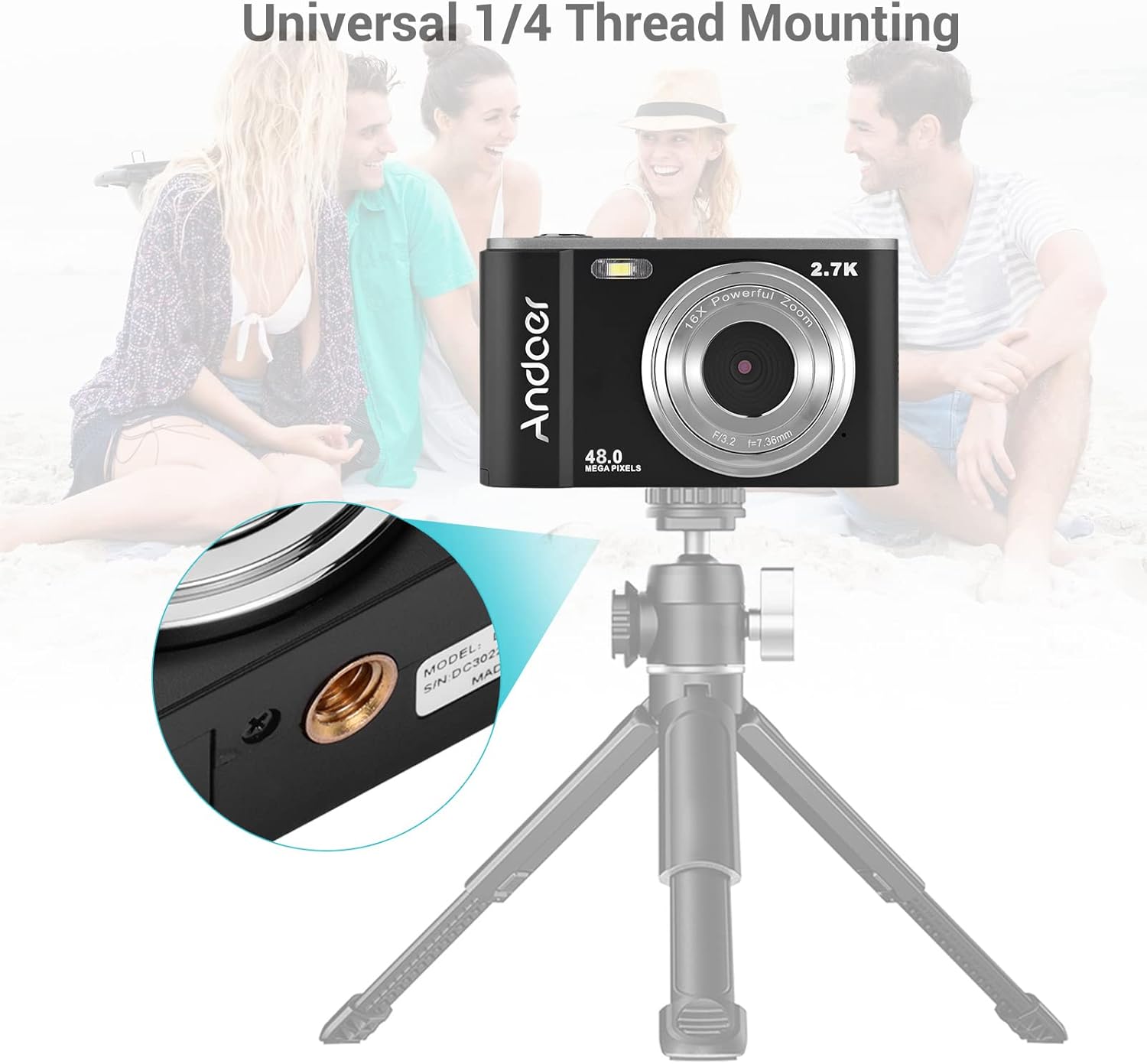
The complete package includes the digital camera, USB cable, hand strap, carry pouch, two rechargeable batteries, and the user manual.
Disetél
1. Pamasangan batré
The camera uses a BL-5C Li-ion Battery. Ensure the battery is charged before first use.
- Buka panutup kompartemen batré anu aya di handapeun kaméra.
- Insert the BL-5C battery into the compartment, ensuring the correct polarity.
- Tutup panutup kompartemen batré aman.

The camera uses a 700 mAh rechargeable lithium battery. Insert it into the designated compartment at the bottom of the camera.
2. Pamasangan Kartu Mémori
The camera supports memory cards up to 32GB. A Class 10 or higher memory card is highly recommended for optimal performance.
- Pilari slot kartu SD, biasana di gigireun kompartemen batré.
- Insert the memory card into the slot with the metal contacts facing the correct direction until it clicks into place.
- Pikeun nyabut, dorong kartu ka jero dugi ka kaluar.
3. Ngecas Batré
Ngecas batré nganggo kabel USB nu disadiakeun.
- Connect one end of the USB cable to the camera's USB port.
- Connect the other end to a USB power adapter (not included) or a computer's USB port.
- Lampu indikator ngecas bakal hurung. Bakal pareum atanapi robih warna saatos ngecas parantos réngsé.
Ngoperasikeun kaméra
1. Powering on / Pareum
Press and hold the power button (usually marked with a circle and a vertical line) to turn the camera on or off.
2. Kadali dasar
Familiarize yourself with the camera's buttons and their functions:
- Tombol jepret: Press halfway to focus, fully to take a photo or start/stop video recording.
- Tombol Mode (M): Pindah antara poto, video, sareng modeu playback.
- Lever zum (W/T): Adjusts the digital zoom (Wide/Telephoto).
- Directional Pad/OK Button: Navigates ménu jeung confirms selections.
- Tombol Menu: Ngaksés setélan kaméra.
- Tombol Pupus: Deletes selected files dina modeu playback.
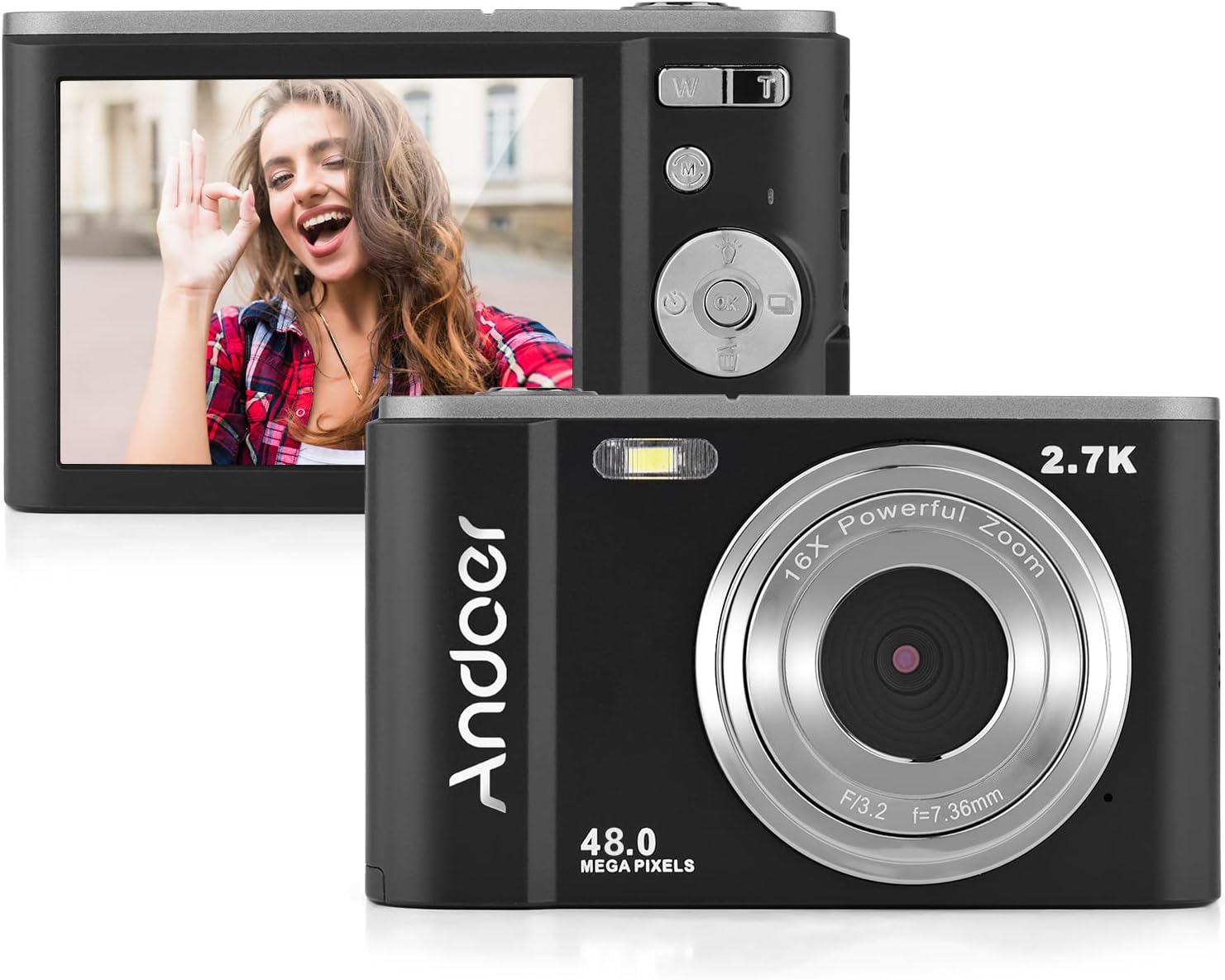
The camera features a 2.7-inch IPS screen and intuitive controls on the back for easy operation.
3. Nyokot Poto
In photo mode, frame your shot using the LCD screen. Press the shutter button halfway to focus, then fully to capture the image. Photos are saved in JPEG format with resolutions up to 16MP (interpolation).
4. Ngarékam Pidéo
Switch to video mode using the Mode button. Press the shutter button to start recording, and press it again to stop. Videos are saved in AVI format with resolutions including 1080P, 720P, and VGA.

The camera supports both 2.7K video recording and 48 Megapixel photo capture for high-quality media.
5. Fungsi zum
Use the W/T lever to adjust the 16X digital zoom. 'T' (Telephoto) zooms in, and 'W' (Wide) zooms out.

The 16X powerful zoom allows for detailed close-up shots.
6. Timer otomatis
Access the self-timer option in the camera's menu. Available settings include off, 2 seconds, 5 seconds, and 10 seconds.
7. Smart Detection (Face Detection, Smile Capture)
The camera features smart detection capabilities, including face detection and smile capture, to assist in taking better portraits.
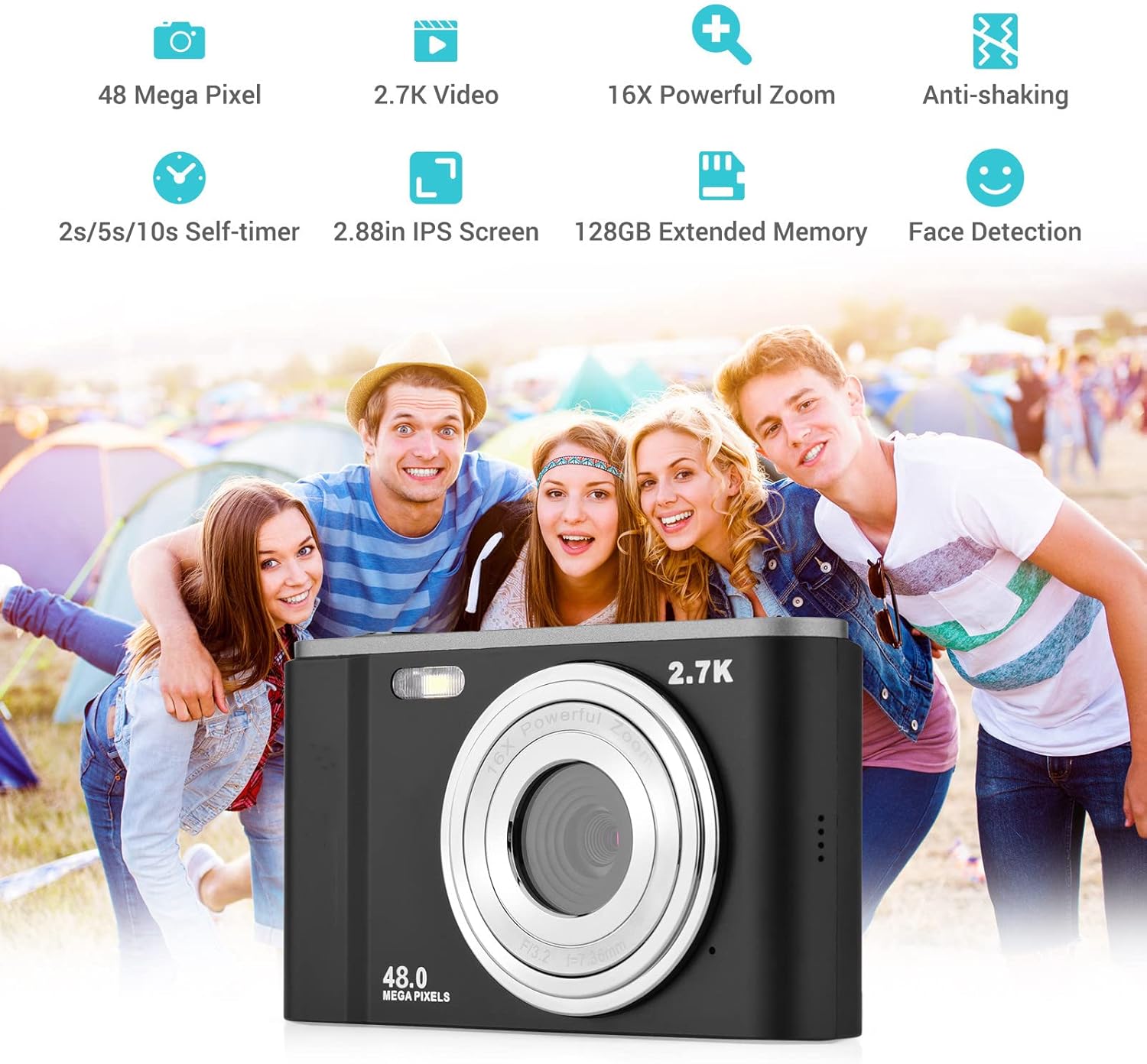
Smart detection features like face detection and smile capture enhance portrait photography.
8. Anti Goyang
The digital anti-shake function helps reduce blur caused by camera movement, resulting in clearer images and videos.
9. Nyambungkeun ka Komputer
Use the provided USB cable to connect the camera to a computer for transferring photos and videos.
- Sambungkeun kaméra kana komputer nganggo kabel USB.
- The camera will appear as a removable disk drive on your computer.
- You can then access and transfer your files.
Pangropéa
1. Ngabersihan Kaméra
- Anggo kaén anu garing sareng lemes pikeun ngabersihan awak kaméra.
- Pikeun lénsa, paké lawon beberesih lénsa khusus sareng solusi. Hindarkeun noel lensa ku ramo anjeun.
- Entong nganggo bahan kimia kasar atanapi beberesih kasar.
2. Kaperawatan batré
- Simpen batré di tempat anu tiis sareng garing upami henteu dianggo.
- Hindarkeun sering-sering ngecas batré pikeun manjangkeun umurna.
- Upami kaméra henteu dianggo kanggo waktos anu panjang, cabut batréna.
3. Panyimpenan
- Store the camera in its carry pouch or a protective case to prevent scratches and dust accumulation.
- Jauhkeun kaméra tina suhu anu ekstrim, kalembaban anu luhur, sareng sinar panonpoé langsung.
Pamérésan masalah
Upami anjeun mendakan masalah sareng kaméra anjeun, mangga tingal masalah sareng solusi umum ieu:
| Masalah | Mungkin Cukang lantaranana | Solusi |
|---|---|---|
| Kaméra teu tiasa dihurungkeun | Batré pareum atawa salah dipasang. | Ngecas batré pinuh. Pastikeun batréna diselapkeun kalayan polaritasna anu leres. |
| umur batre goréng | Degradasi batré atanapi sering nganggo fitur anu boros daya. | Ensure battery is fully charged. Reduce use of flash or prolonged video recording. Consider replacing the battery if it's old. |
| Gambar blur | Camera shake, dirty lens, or incorrect focus. | Hold the camera steady. Clean the lens. Ensure the camera has focused before taking the shot. |
| Kasalahan kartu mémori | Kartu henteu leres diselapkeun, kartu teu cocog, atanapi kartu rusak. | Reinsert the card. Ensure it's a compatible SD card (up to 32GB, Class 10 recommended). Try formatting the card (this will erase all data). |
spésifikasi
Detailed technical specifications for the Andoer Portable Digital Camera:
| Fitur | Spésifikasi |
|---|---|
| Sénsor | Sénsor CMOS |
| Max. Resolusi gambar | 16MP (interpolation) |
| Resolusi Video | 1080P / 720P / VGA |
| layar | 2.7 inch LCD (rotatable) |
| Zum | 16X Digital Zoom |
| Jarak Fokus | 1.2m ka takterhingga |
| Kapasitas Kartu Mémori | Max. 32GB (Not included, Class 10 or above recommended) |
| Format Poto | JPEG |
| Format pidéo | AVI |
| Kakeunaan | ± 2.0EV |
| Timer otomatis | Pareum, 2s, 5s, 10s |
| Port USB | USB2.0 |
| Sasayogian tanaga | 1 * BL-5C Li-ion Battery |
| Dimensi produk | 0.98 x 3.78 x 2.2 inci |
| Item Beurat | 3.28 ons |

Physical dimensions of the camera for reference.
Garansi sareng Rojongan
For warranty information and customer support, please refer to the documentation provided with your purchase or contact Andoer customer service through their official websitus. Simpen bukti pameseran anjeun pikeun klaim garansi.
Ask a question about this manual
Ask about setup, troubleshooting, compatibility, parts, safety, or missing instructions. Manuals+ will review the question and use this page’s manual context to help answer it.