Bubuka
This manual provides detailed instructions for setting up, operating, maintaining, and troubleshooting your ASUS ROG Strix XG27AQ-W 27-inch 1440P HDR Gaming Monitor. Please read this manual thoroughly before using the product to ensure proper and safe operation.
Eusi pakét
Pastikeun yén sadaya item anu didaptarkeun di handap aya dina pakét produk anjeun:
- XG27AQ-W Monitor
- Kabel DisplayPort
- kabel HDMI
- kabel USB
- Kabel listrik & Adaptor
- Gancang Mimitian Guide
- Kartu Garansi
- Laporan Kalibrasi Warna
- Stiker ROG

Parentah Setup
1. Ngarakit Stand
Carefully place the monitor face down on a soft, clean surface to prevent scratches. Attach the stand base to the stand arm, securing it with the provided screw. Then, align the stand assembly with the mounting slot on the back of the monitor and push until it clicks into place. No screws are necessary for attaching the stand to the monitor panel.

2. Nyambungkeun Kabel
Connect the DisplayPort or HDMI cable from your computer's graphics card to the corresponding input port on the monitor. For USB functionality, connect the upstream USB cable from your computer to the monitor's USB upstream port. Finally, connect the power adapter to the monitor and then to a power outlet.

Fitur konci
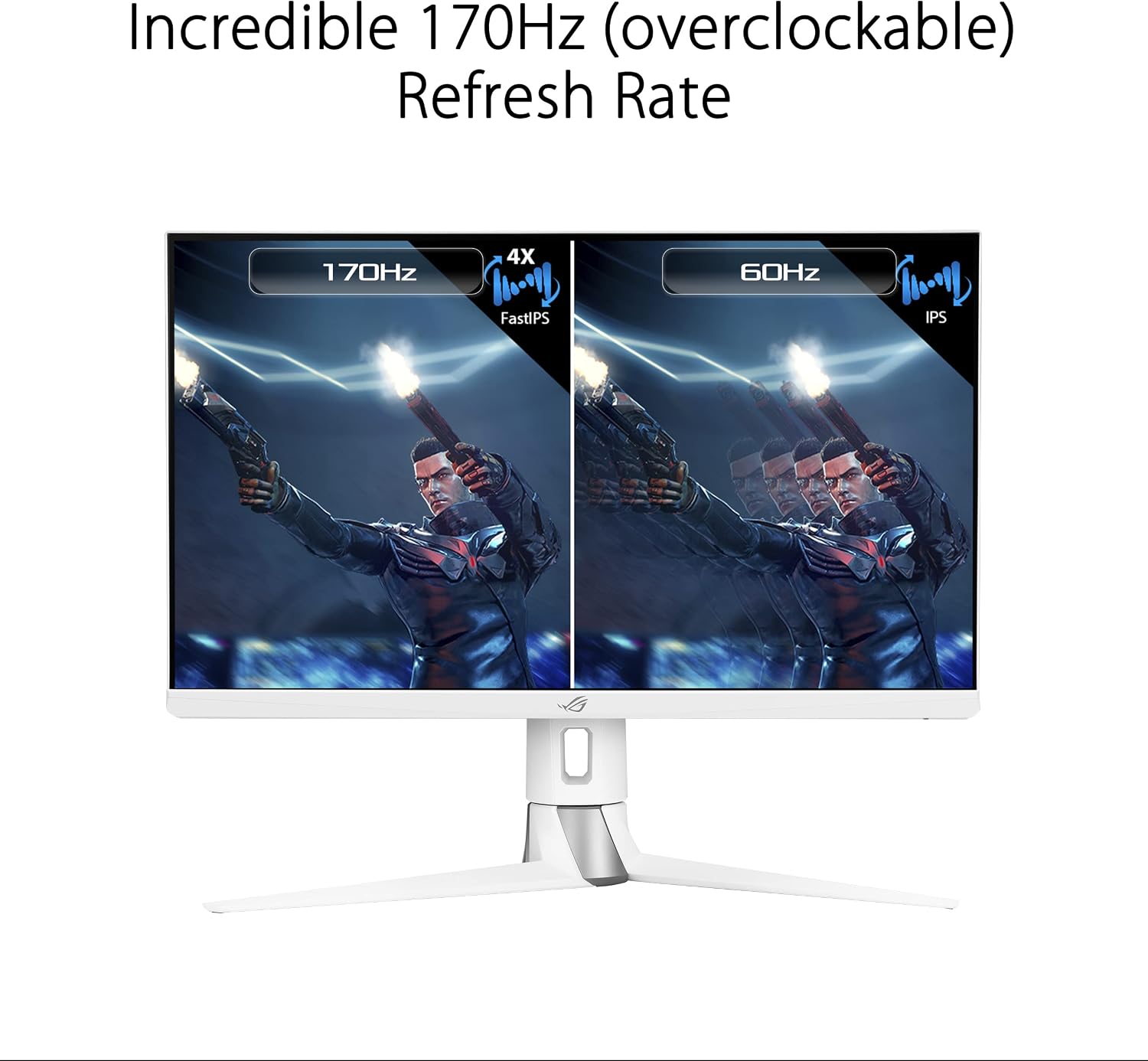
- 27-inch QHD (2560 x 1440) FastIPS Display: Offers an ultrafast 170Hz (overclocked) refresh rate, ideal for professional gamers and immersive gameplay.
- Waktos Réspon 1ms (GTG): ASUS FastIPS technology ensures sharp gaming visuals with high frame rates and minimal motion blur.
- G-SYNC Cocog: Delivers a seamless, tear-free gaming experience by enabling Variable Refresh Rate (VRR) by default.
- Sinkronisasi Blur Gerakan Leutik Ekstrim (SINKRONISASI ELMB): This technology works with G-SYNC Compatible to eliminate ghosting and tearing, providing sharp visuals at high frame rates.
- Téknologi High Dynamic Range (HDR): Features a professional color gamut that meets DCI-P3 95% and DisplayHDR 400 certification for superior contrast and color performance.
- Desain ergonomis: The monitor stand offers extensive adjustments including height (0-100mm), swivel (+25°~-25°), pivot (0°~90°), and tilt (+20°~-5°).



Parentah Operasi
Menu dina layar (OSD).
The monitor features a 5-way OSD navigation joystick located on the rear right side for easy menu control. Press the joystick to access the main OSD menu. Use the joystick to navigate through options and adjust settings such as display modes, color settings, and gaming features.

Téhnologi perawatan panon
The monitor incorporates ASUS Eye Care technology, including Blue Light Filter and Flicker-Free technology, to reduce eye strain during prolonged use. These features can be adjusted or enabled through the OSD menu.
Video: An official ASUS video demonstrating the benefits of ASUS EyeCare technology, including anti-glare screen, blue light filter, flicker-free technology, and ergonomic design for improved user comfort and eye health.
spésifikasi
| Fitur | Spésifikasi |
|---|---|
| Ukuran layar | 27 inci |
| Resolusi layar | 2560 x 1440 (QHD) |
| Resolusi layar Max | 2560 x 1440 piksel |
| Tipe Panel | IPS gancang |
| Refresh Laju | 170Hz (overclocked) |
| Waktu Tanggapan | 1 ms (GTG) |
| Téhnologi Sync adaptif | G-SYNC Cocog |
| Rojongan HDR | TémbongkeunHDR 400 |
| Warna Gamut | 3% DCI-P95 |
| Konektipitas | 2x HDMI (v2.0), 1x DisplayPort (v1.2), 1x USB 2.0 (upstream), 2x USB 3.0 (downstream), Earphone Jack |
| Érgonomi | Height, Swivel, Pivot, Tilt adjustable |
| Ukuran (L x W x H) | 24 x 16 x 10 inci |
| Item Beurat | 19 pon |
| Warna | BODAS |
Pangropéa
- Ngabersihan layar: Anggo kaén anu lemes sareng teu aya serat anu hampang dampened with water or a non-ammonia, non-alcohol based screen cleaner. Do not spray cleaner directly onto the screen.
- Ngabersihan Casing: Make kaen nu lemes tur garing pikeun ngusap monitor casing. Ngahindarkeun cleaners abrasive.
- Ventilasi: Pastikeun bukaan ventilasi monitor teu diblokir pikeun nyegah overheating.
- Pareum listrik: Salawasna pareumkeun monitor sareng cabut colokan tina stop kontak sateuacan beberesih atanapi upami teu dianggo kanggo waktos anu panjang.
Pamérésan masalah
| Masalah | Solusi |
|---|---|
| Taya kakuatan | Ensure the power cord is securely connected to the monitor and a working power outlet. Check the power adapter. |
| Henteu aya gambar dina layar | Verify the video cable (DisplayPort/HDMI) is correctly connected to both the monitor and your computer. Ensure the correct input source is selected via the OSD menu. |
| Gambar buram atanapi menyimpang | Check the display resolution settings on your computer and ensure they match the monitor's native resolution (2560x1440). Adjust OSD settings like sharpness or aspect ratio. |
| Layar kedip-kedip | Ensure the video cable is properly connected. Try a different video cable. Enable or disable Flicker-Free technology in the OSD menu if available. |
| No sound from earphone jack | Check the audio output settings on your computer. Ensure the volume on the monitor (via OSD) and your connected device is not muted or too low. |
Garansi sareng Rojongan
Your ASUS ROG Strix XG27AQ-W monitor comes with a manufacturer's warranty. Please refer to the included Warranty Card for specific terms, conditions, and duration of coverage. For technical support, driver downloads, or further assistance, please visit the official ASUS support websitus atanapi ngahubungan layanan palanggan maranéhna.
Dukungan Online: www.asus.com/support/


