1. Produk Langkungview
The Walimex pro Set of 3 Tripod Wheels with Brake is designed to transform standard light stands and video tripods into mobile rolling stands. These wheels offer enhanced flexibility for both indoor and outdoor photo and video shoots. Each wheel features a 75 mm diameter and is compatible with tripod legs ranging from 22 mm to 25 mm in diameter. Constructed from sturdy aluminum, the wheels are ball-bearing for smooth movement and can support a load capacity of up to 30 kg.
- Kapasitas Nahan Beban anu Kuat: Suitable for large, solid tripods, supporting up to 30 kg.
- Versatile Surface Use: Rubberized, abrasion-resistant material allows use on smooth or uneven surfaces.
- Pamasangan Gampang: Simple attachment to lamp or light stands for increased mobility.
- Integrated Brakes: Step-lock brakes provide secure positioning and easy release.
2. Setup jeung Instalasi
Follow these steps to correctly attach the tripod wheels to your light stand or video tripod.
- Prepare Tripod Leg: Ensure your tripod leg has a diameter between 22 mm and 25 mm. The wheels are not compatible with C-stands due to steep leg angles.
- Pasangkeun Roda: Loosen the adjustment knob on the wheel's clamp mechanism. Slide the tripod leg into the opening of the wheel's clamp.
- Aman Clamp: Tighten the adjustment knob firmly until the wheel is securely fastened to the tripod leg. Do not overtighten.
- Ulang pikeun sakabéh suku: Attach a wheel to each leg of your tripod. For optimal stability and mobility, all three wheels should be installed.
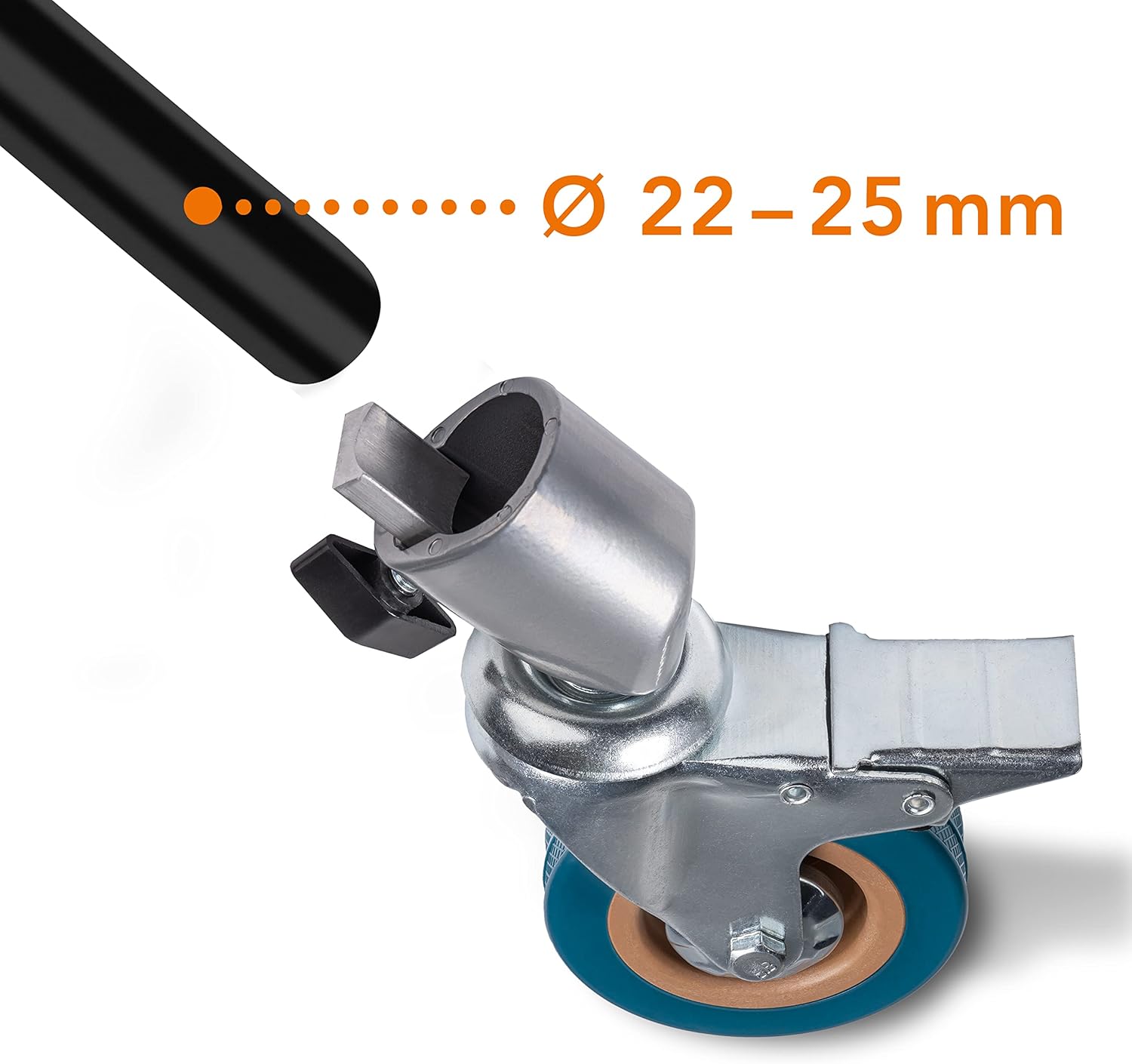
Gambar 2.1: Illustration of a tripod leg being inserted into the wheel's clamp, indicating compatibility with 22-25 mm diameter legs.
3. Parentah Operasi
Once installed, the tripod wheels provide easy mobility and secure positioning.
3.1 Moving the Tripod
Ensure all step-lock brakes are disengaged before attempting to move the tripod. The ball-bearing wheels allow for smooth 360-degree rotation, enabling easy repositioning of your lighting or video equipment.
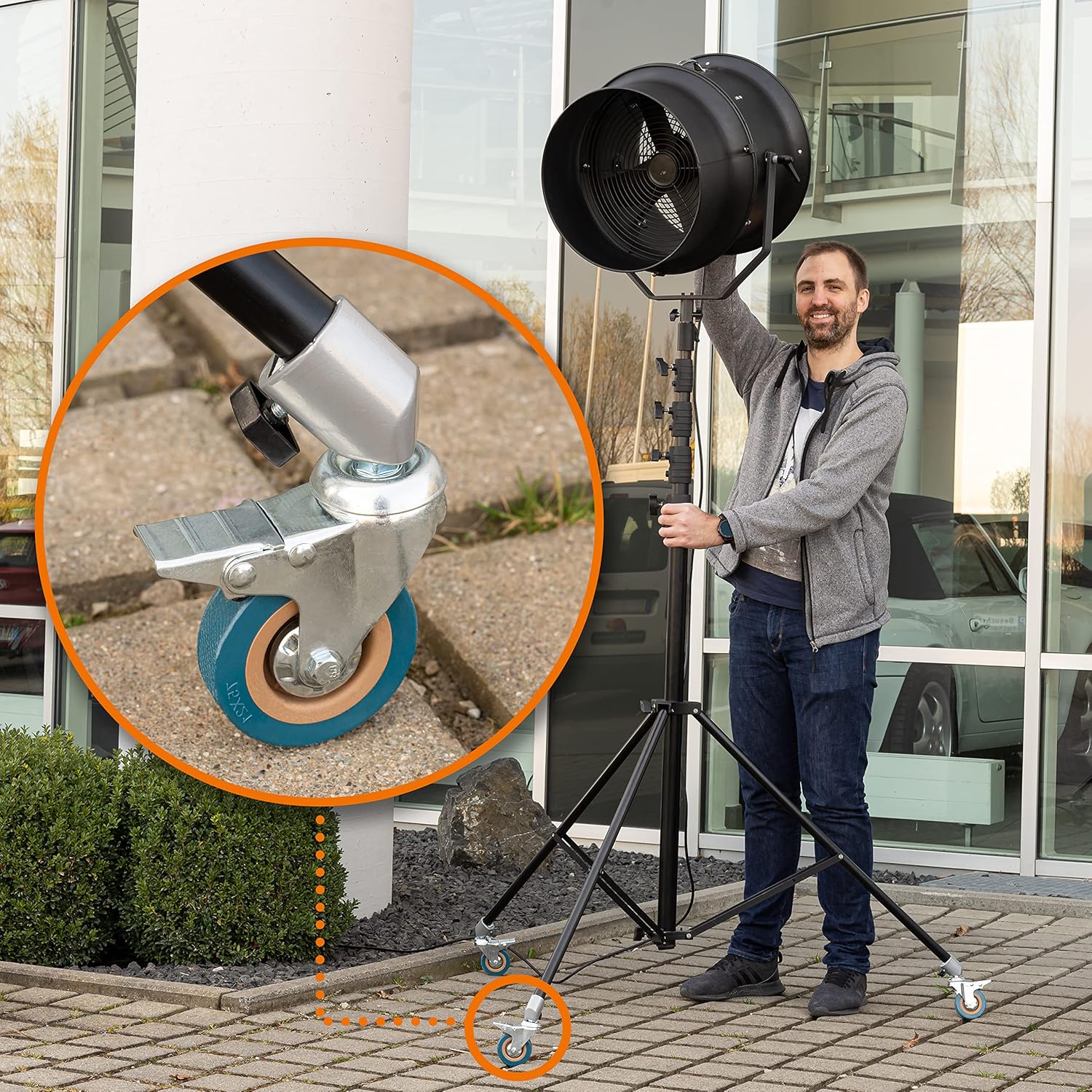
Gambar 3.1: A light stand equipped with Walimex pro tripod wheels being used outdoors, demonstrating flexible movement.

Gambar 3.2: A lengkep view of a tripod wheel illustrating its 360-degree swivel capability for versatile movement.
3.2 Engaging and Disengaging Brakes
Each wheel is equipped with a step-lock brake for secure positioning. To engage the brake, press down firmly on the brake lever with your foot until it locks into place. To disengage, lift the lever with your foot. Always ensure all three brakes are engaged when the tripod is stationary to prevent accidental movement.
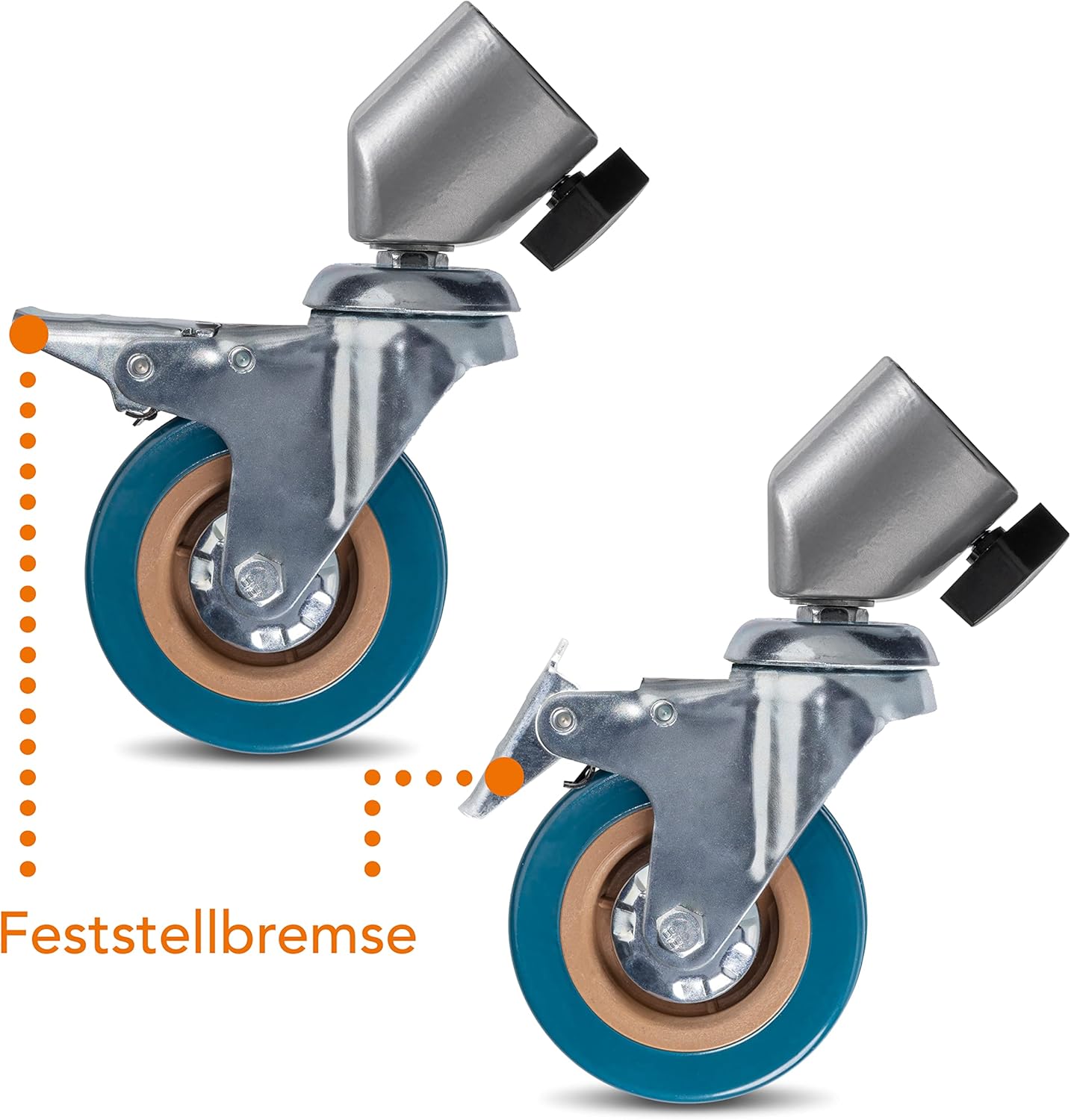
Gambar 3.3: Two tripod wheels, one with the brake engaged and one disengaged, highlighting the step-lock brake feature.
4. Pangropéa
Proper maintenance ensures the longevity and optimal performance of your Walimex pro tripod wheels.
- beberesih: Wipe the wheels and aluminum parts with a damp cloth to remove dust and dirt. Avoid harsh chemicals that may damage the rubber or metal finish.
- Pamariksaan: Regularly check the wheels for any signs of wear, damage, or loose components. Ensure the clamp mechanism and brake levers are functioning correctly.
- Panyimpenan: Store the wheels in a clean, dry environment when not in use to prevent corrosion or material degradation.
5. Cara ngungkulan
If you encounter issues with your tripod wheels, refer to the following common problems and solutions.
| Masalah | Mungkin Cukang lantaranana | Solusi |
|---|---|---|
| Wheels do not attach securely to tripod leg. | Tripod leg diameter is outside the 22-25 mm range. Clamp teu dikencangkeun cekap. | Verify tripod leg diameter. Ensure the adjustment knob is tightened firmly. Note: Not compatible with C-stands. |
| Roda teu gulung mulus. | Brakes are partially engaged. Debris in wheel mechanism. | Check that all step-lock brakes are fully disengaged. Clean any visible debris from the wheel and axle area. |
| Brake does not engage or disengage properly. | Mékanismena kahalangan atawa ruksak. | Inspect the brake lever for obstructions. If damaged, contact customer support. |
6. Spésifikasi
| Fitur | Rincian |
|---|---|
| Nomer modél | 23094 |
| merek | Walimex Pro |
| Bahan | alumunium |
| Diaméter kabayang | 75 mm |
| Tripod Leg Diameter Compatibility | 22 - 25 mm |
| Kapasitas beban maksimum | 30 kg |
| Beurat Barang (Sét 3) | 1.18 Kilogram (2.6 pon) |
| Ukuran produk (L x W x H) | 6.3 x 10.04 x 2.36 inci |
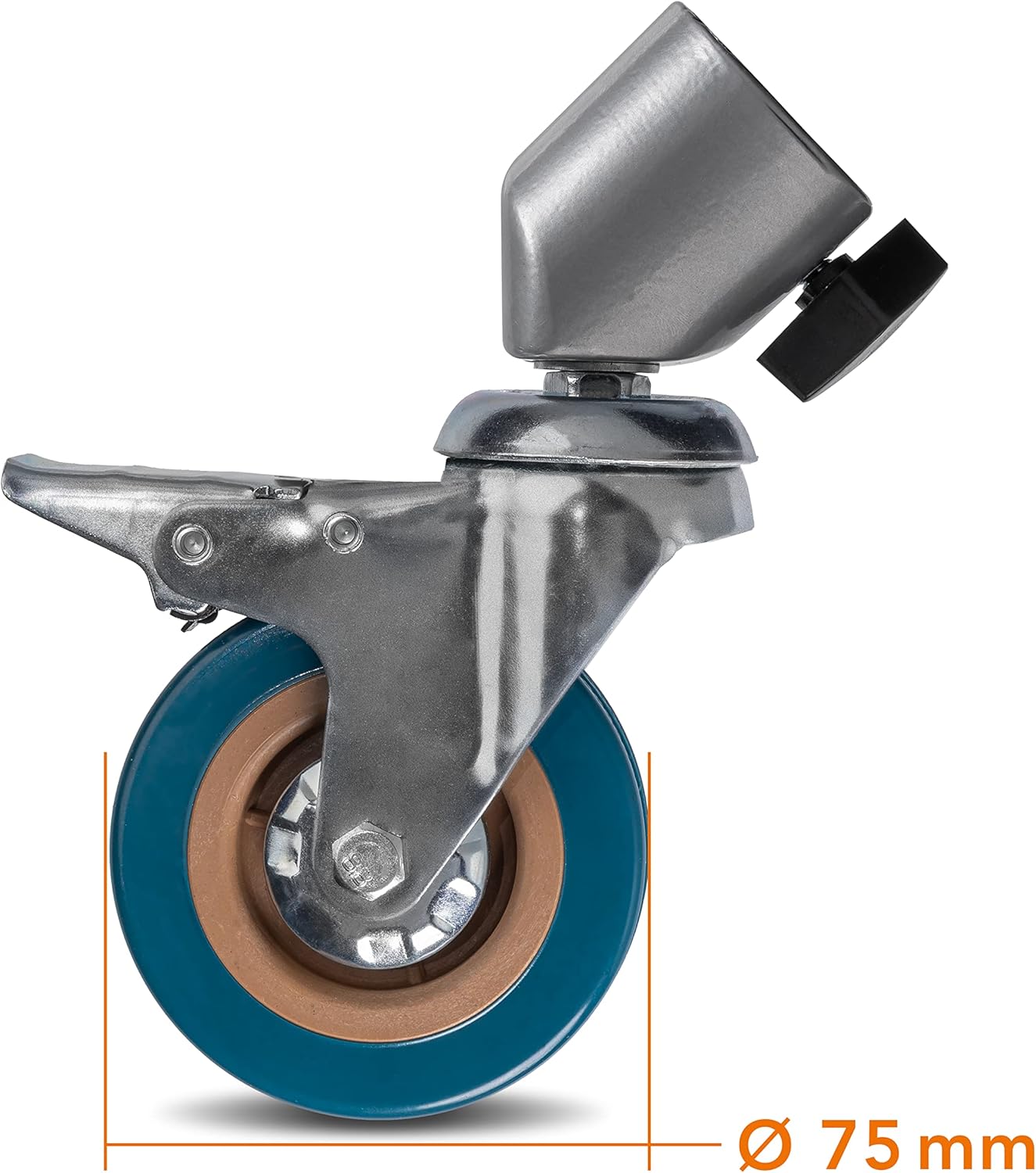
Gambar 6.1: Sisi profile of a Walimex pro tripod wheel, showing its 75 mm diameter.
7. Garansi jeung Rojongan
For warranty information or technical support, please refer to the documentation included with your purchase or visit the official Walimex Pro websitus. Simpen resi pameseran anjeun salaku bukti pameseran.


